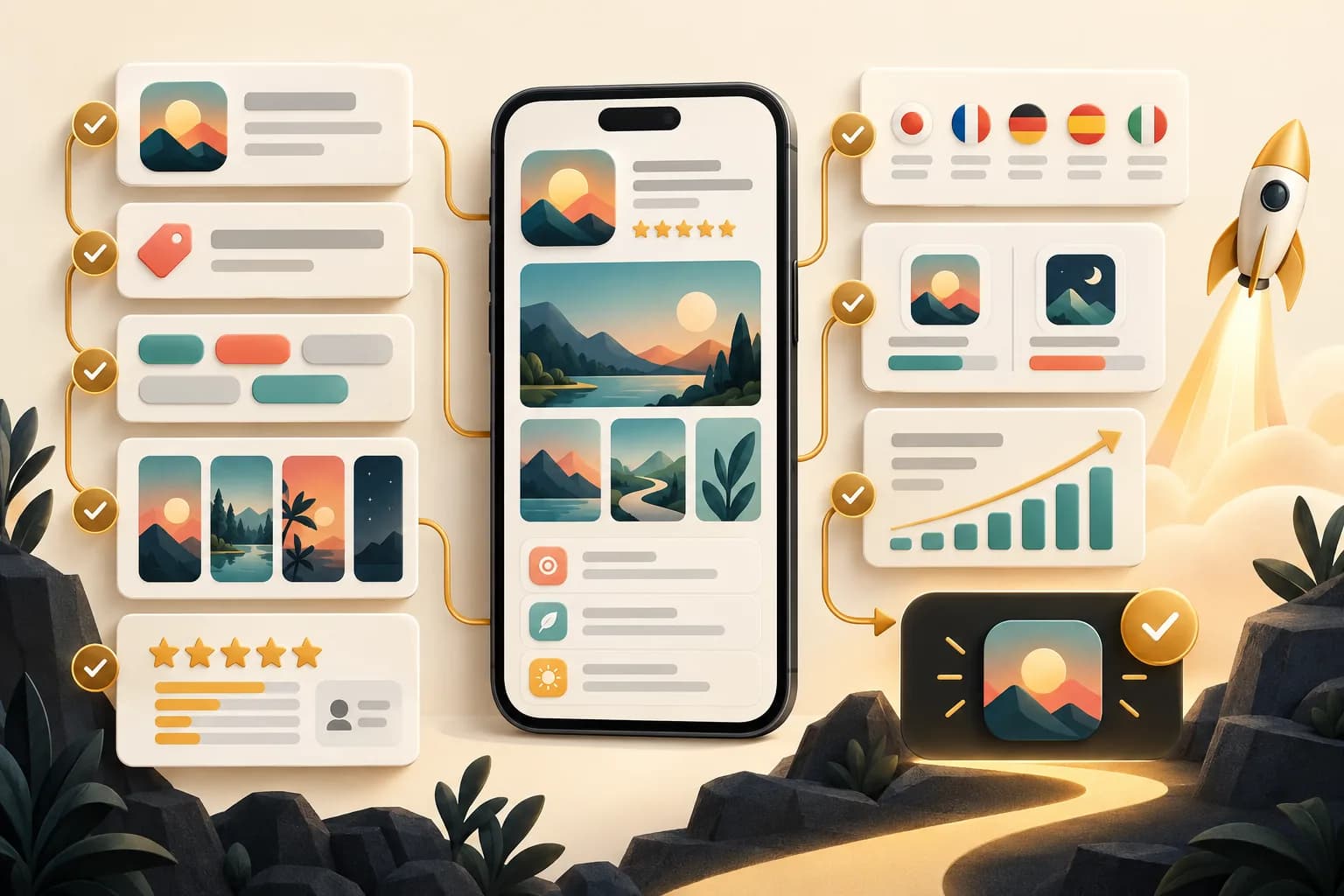
How to Create New App Store Screenshots for Your iOS App (Step-by-Step)
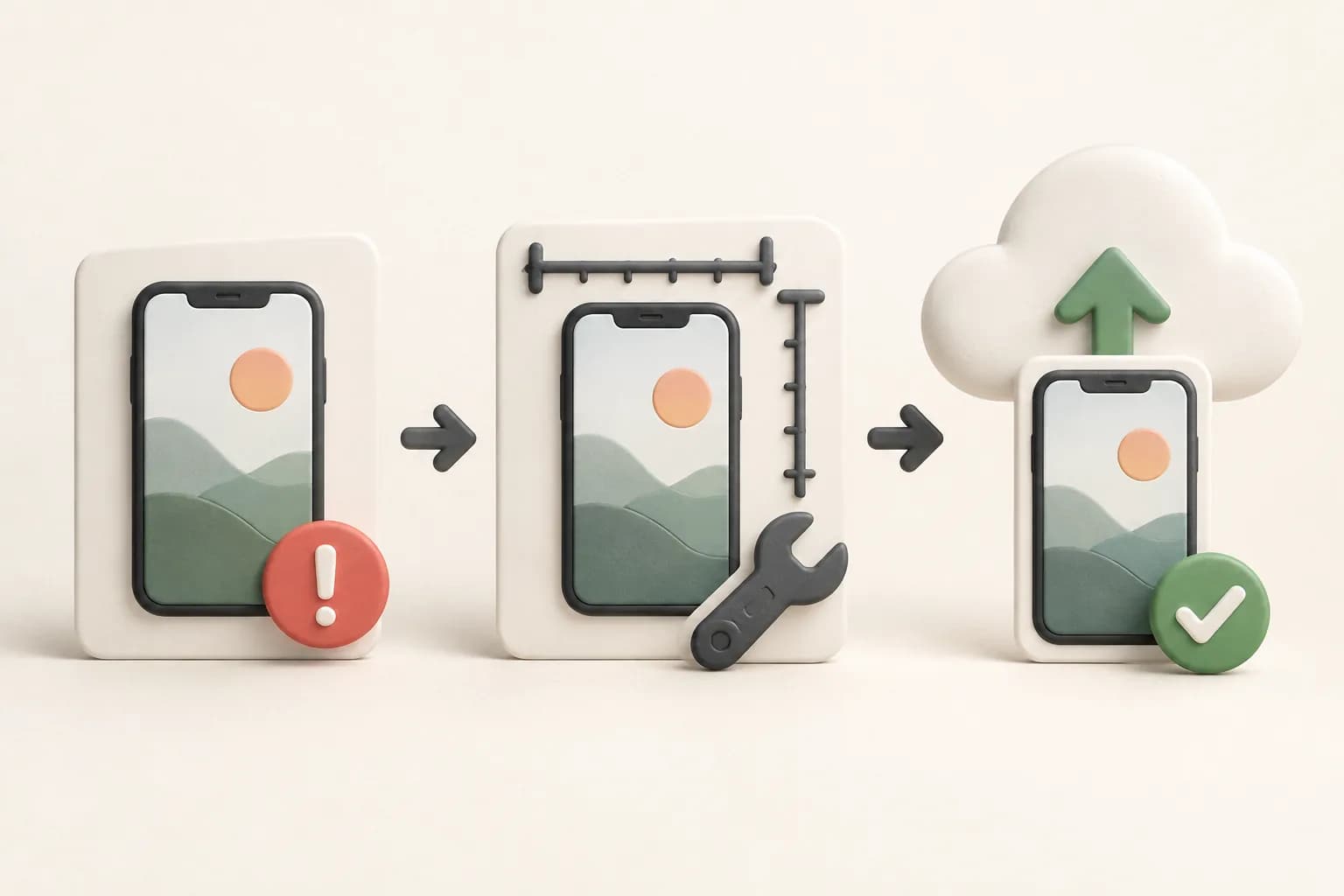
A step-by-step guide to generate, crop, retouch, and export high-converting App Store screenshots for your iOS app using ScreenFast.
Actionable strategies, expert tips, and in-depth guides to help your app stand out.


A step-by-step guide to generate, crop, retouch, and export high-converting App Store screenshots for your iOS app using ScreenFast.

Choose Figma or Canva for App Store screenshots by testing frames, custom dimensions, text edits, localization and PNG exports with the same app captures.

Compare AppLaunchpad and Previewed for readable store screenshots, 3D mockups, export credits and commercial use. Current prices and a practical buying test.

Screenhance vs AppScreens for app launches: compare image passes, recurring plans, localization, store workflows and client licensing before choosing a tool.

Compare AppScreenStudio and AppScreens for a first free listing, repeated releases, localization and client work. Current plan limits and a fair export test.

Is AppLaunchpad worth paying for? Compare its free plan, $29 monthly Pro plan, annual commitment, localization workflow and checks before your first launch.

AppScreenStudio review: what its free two-project plan includes, where credits and Pro gates begin, and how to test a complete store listing before paying.

Screenhance review for app launches: compare the $6 Launch Pass, free watermarked exports and Pro plans, with a practical checklist before you pay.

Use a tested, canvas-relative type scale for App Store screenshots, with 1290x2796 examples, thumbnail checks, font licensing, contrast, and localization.
Launch Shots or AppScreens? Compare free limits, pricing, templates, localization, direct publishing, project scale, and the best fit for your workflow.
Is Launch Shots right for your app? See its free-plan limits, credit pricing, editor, localization, direct publishing, drawbacks, and alternatives.
Compare Previewed vs Rotato for 3D device mockups, App Store screenshots, video, browser vs Mac workflow, privacy, pricing, and best use case.
An honest Previewed app review covering 2D and 3D mockups, App Store screenshots, video, current pricing, free limits, tradeoffs, and alternatives.
An honest AppScreens vs AppLaunchpad comparison covering templates, platforms, localization, pricing, exports, workflow, and the best fit for each team.
An honest AppScreens review covering current pricing, free-plan limits, templates, localization, uploads, tradeoffs, and alternatives.

Rotato review for 2026: current one-time Mac pricing model, 3D mockup strengths, limitations, Web-vs-Mac differences, and the best alternatives by use case.

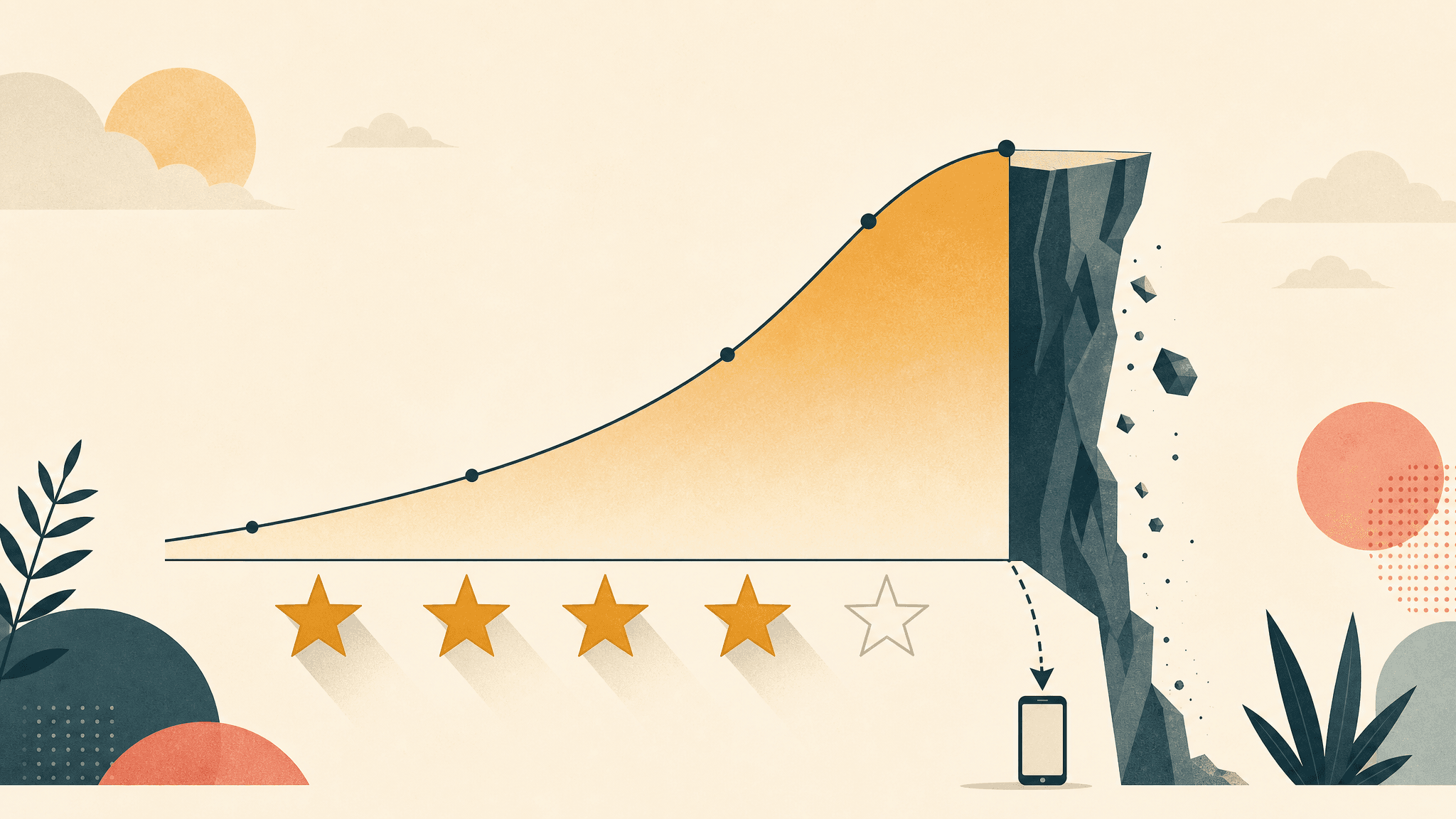
Real 2026 data on how app rating affects downloads: the 4.0-star cliff, per-star install movement, volume vs average, prompt timing, and how to raise it ethically.

The 2026 Product Hunt playbook for iOS devs: 12:01am PT timing, the dead hunter myth, assets, how ranking really works, and honest install vs signup outcomes.

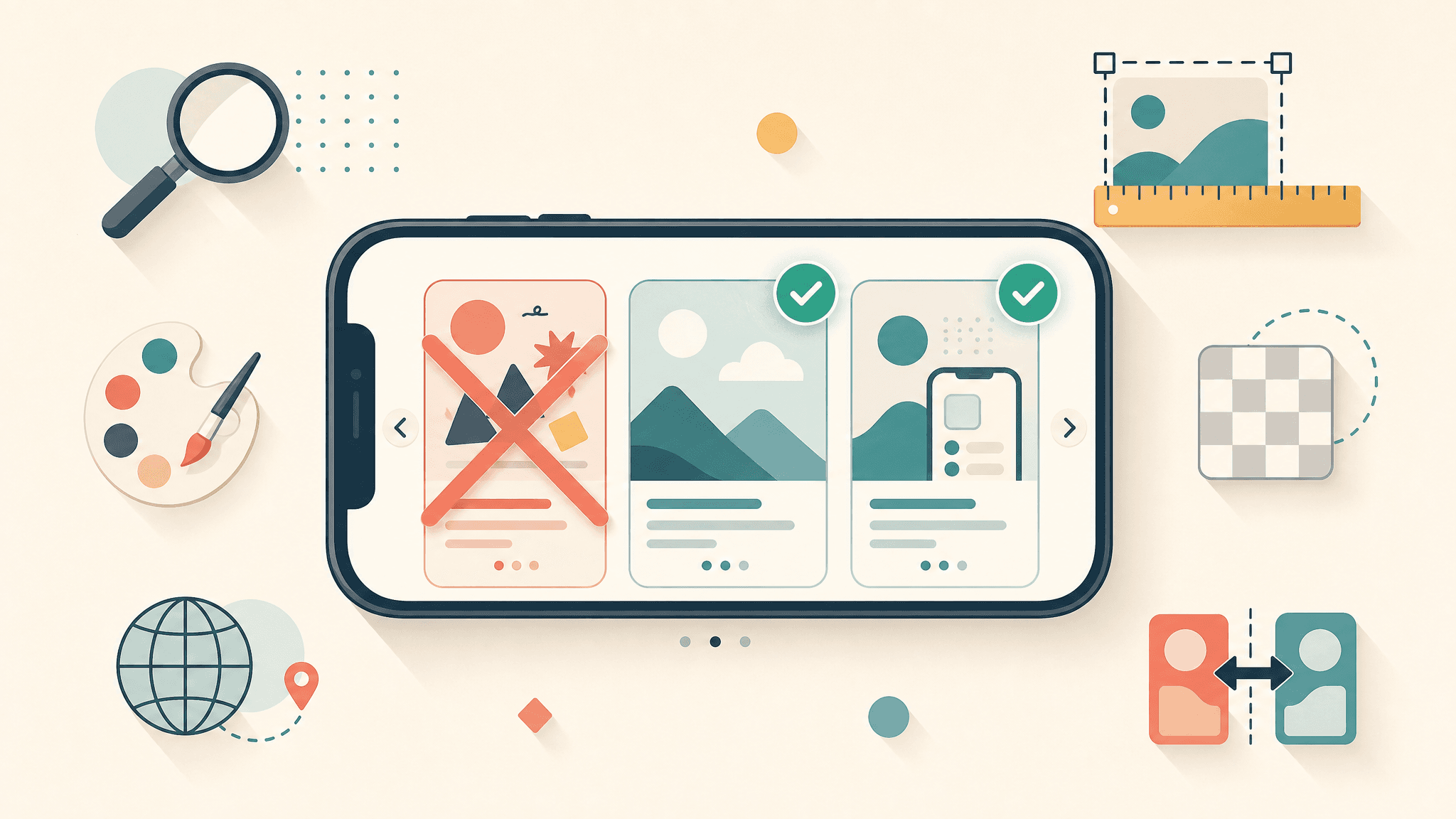
12 App Store screenshot mistakes to avoid in 2026, from logo-only first frames and alpha-channel rejections to skipping A/B tests. Each with a concrete fix.

The honest 2026 playbook for promoting your indie iOS app on Reddit: which subreddits allow it, the retired 90/10 rule, karma gates, and why it rarely converts.

Capture App Store screenshots in iOS Simulator with Cmd+S, simctl status bars, accepted iPhone sizes, framing, and repeatable export steps.

20 annotated App Store screenshot caption examples, 5 reusable verb-plus-benefit formulas, word counts per language, and what Apple actually allows.
An honest, ROI-ranked indie iOS app marketing strategy for 2026: the channels that actually move installs on a near-zero budget, in priority order, with sources.

Compare App Preview video and App Store screenshots using current conversion evidence, Apple specs, costs, poster-frame risks, and when to skip video.
Most 'app icon generators' only resize one image. We compare 8 AI generators vs resizers for iOS, plus Apple's 1024 single-size spec and Icon Composer.

Use 3 verified free Figma App Store screenshot templates, with current Apple sizes, export settings, alpha-channel fixes, and a practical setup checklist.

Hotpot.ai App Screenshot Generator review: free workflow, device-frame limits, export constraints, pricing, and stronger alternatives for 2026.

Compare 9 App Store screenshot generators by use case: AI from URL, templates, localization, 3D mockups, free tools, pricing, and API automation.

Previewed vs AppScreens for App Store screenshots in 2026: pricing, features, localization, output quality, plus real indie-dev Reddit reviews.

First screenshot vs second screenshot App Store: which position wins, what to put in slot 1 vs slot 2, scroll-rate data, and how to A/B test position swaps.

Compare App Store conversion benchmarks by category and funnel stage, then use Apple's peer-group data to judge your own app correctly.

Compare iOS App Store screenshot CTR and conversion benchmarks, learn which metric you are reading, and diagnose leaks in the first three screenshots.

21-step iOS app prelaunch checklist: Apple Developer, code signing, metadata, screenshots, TestFlight, submission. Avoid the 4 most common rejections.

Current App Store screenshot sizes for iPhone and iPad: every accepted 6.9-inch dimension, the one-set scaling rule, formats, and upload checklist.

How to A/B test iOS App Store screenshots using Apple Product Page Optimization (PPO). Complete guide to statistical significance, test duration, and what to test.

Complete guide to localizing App Store screenshots: which languages matter, right-to-left considerations, manual vs automated workflows. Reach non-English markets that ship English-only apps miss.

ASO keyword research guide built for indie developers. 6 steps, ~4 hours, finds 15-25 keywords your app can actually rank on. Works even with zero ASO budget.

10 App Store screenshot design patterns used by Top-100 apps. Match the right pattern to your category (finance, games, productivity, media) and lift conversion.
Start with a free screenshot audit, then unlock 10 app-specific design directions for $9.99.