App Store Screenshots for Games: Gameplay, Order and Testing
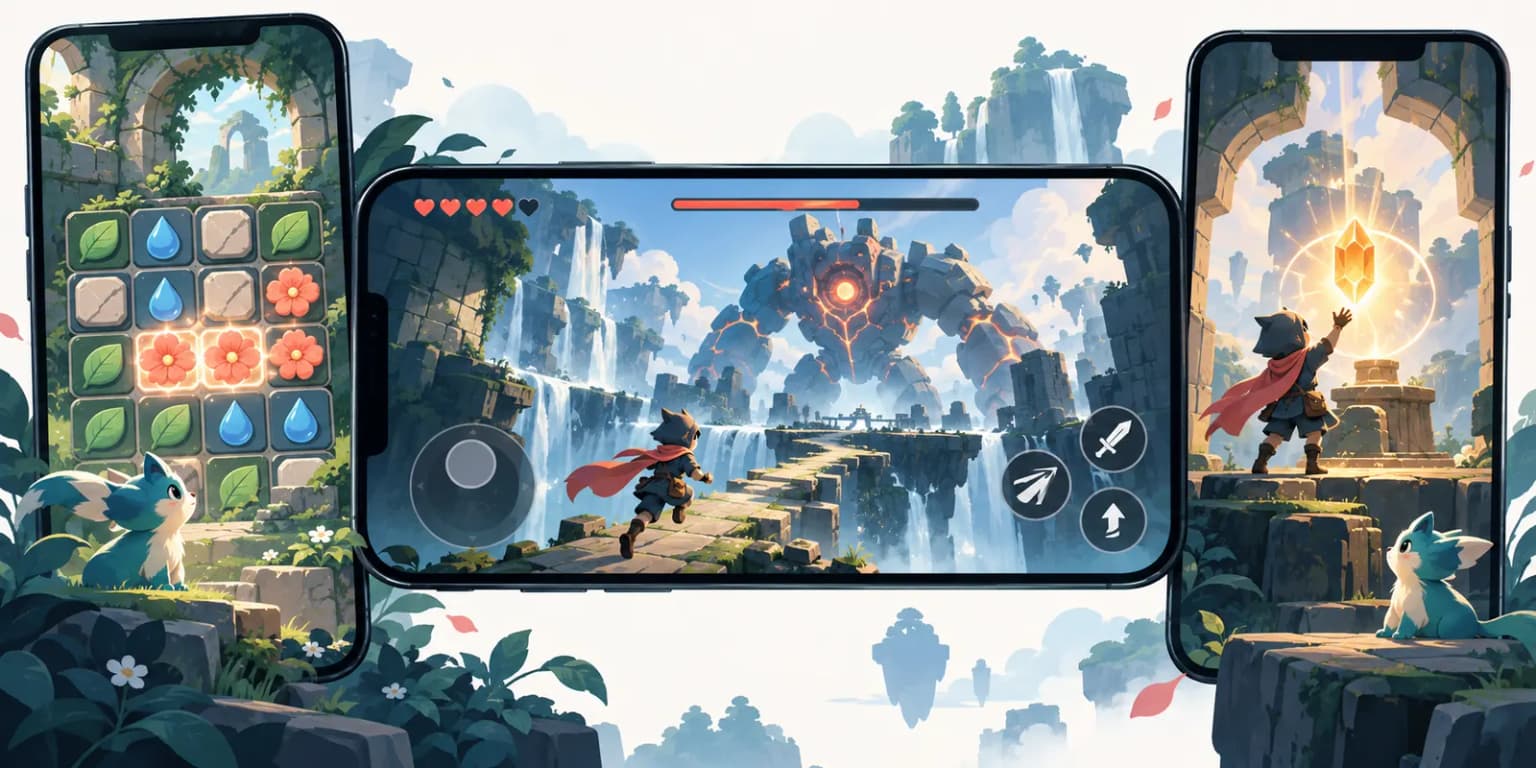
TL;DR. Good app store screenshots for games show the game people will actually play. Lead with a readable gameplay moment, explain the player's goal, then show progression and variety. Match the game's real orientation, export for an accepted device size, and test one clear change at a time. A preview video can help explain motion, but it is optional and should earn its place through a test.
Last updated: 2026-09-24.
The cover is a fictional illustration made for this guide. Your own listing should use images from your actual game.
Start with gameplay, not a cinematic promise
A game listing has a simple job: help someone understand what they will do after installing. A polished character render may set a mood, but it cannot explain the play loop on its own. Pick a frame where the player's action, goal, and feedback are visible. That might be a puzzle before the final move, a boss encounter with readable controls, or a building game just before an upgrade.
Apple says screenshots should depict the app or game in use. Its product page guidance recommends that the first one to three screenshots highlight the essence of the experience. Its asset guidance also says the artwork should set accurate expectations. Treat those as the guardrails for game app store screenshots. Use overlays to clarify real gameplay, not to replace it with scenes players cannot reach.
Choose three candidate captures before you design anything. Ask someone unfamiliar with the game to look at each at phone size for a few seconds. Can they tell what the player controls? Can they tell what progress looks like? If the answers are vague, capture another moment. This is an editorial check, not a measured conversion claim.
Make the first game screenshot legible in search
When there is no app preview video, Apple may show the first one to three screenshots in search results, depending on orientation. The first game screenshot therefore needs to work at thumbnail size. Give it one visual focal point. Keep the player, main action, and immediate goal visible. If you add a caption, use a short phrase that adds meaning, such as "Build a city together" or "Solve the maze before dawn." The caption should describe a real feature.
The familiar mistake is to open with a logo, a menu, or a beautiful world with no clue how the game plays. Another is to shrink an action scene to make room for a long headline. Apple recommends short, legible text and a clear focal point, especially because assets appear in different placements. Preview the result in App Store Connect before submitting it.
For an action game, show the player's character and the challenge in the same frame. For a puzzle, show a recognizable board state and a meaningful move. For a narrative game, show a real choice or interaction rather than only key art. These are starting hypotheses. Your game's audience may respond differently, which is why the first frame deserves a test.
Match the proof frame to the game genre
The first useful screenshot is not the same for every game. A puzzle needs a visible board and a move the viewer can infer. An action game needs the player, the immediate hazard, and enough controls to read the encounter. A strategy game needs the decision space: what can be placed, moved, defended, or upgraded. All three should show a reachable state from the current game rather than a cinematic that cannot happen during play.
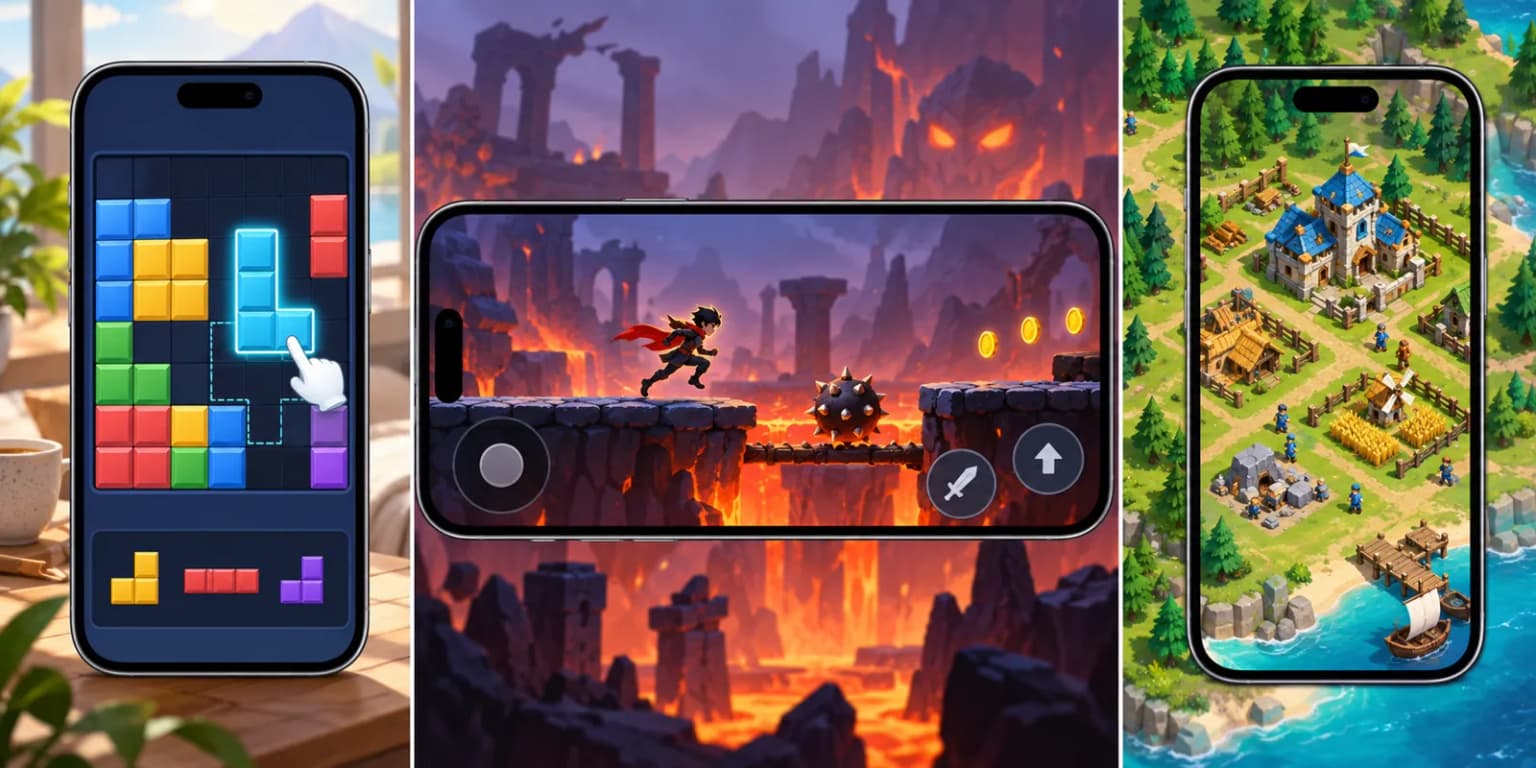
The three games in this illustration do not exist. Use them to critique the type of proof, not as assets to upload. For your own candidate frames, write a one-line caption explaining the player's action. If the caption has to explain every object in the picture, the capture is doing too little work. Try another state before adding more overlay text.
| Genre | Show in the actual capture | Avoid in frame one |
|---|---|---|
| Puzzle | Board, move and immediate feedback | A title screen with no playable state |
| Action | Player, threat and legible controls | An effect-heavy scene that hides the action |
| Strategy | Choice, resources and visible consequence | A wide world shot with no decision to make |
After choosing a frame, reduce the final exported image to the size you expect a searcher to see. Ask whether the player action still stands out. This is a practical design review, not evidence that one genre or layout has a universal conversion advantage.
Sequence the gallery around the player's journey
Do not use ten near-identical battle scenes just because Apple permits up to ten screenshots. Each additional image should answer a new question. A practical sequence is action, goal, payoff, then depth. If your game is small, fewer distinct frames are better than padding the gallery.
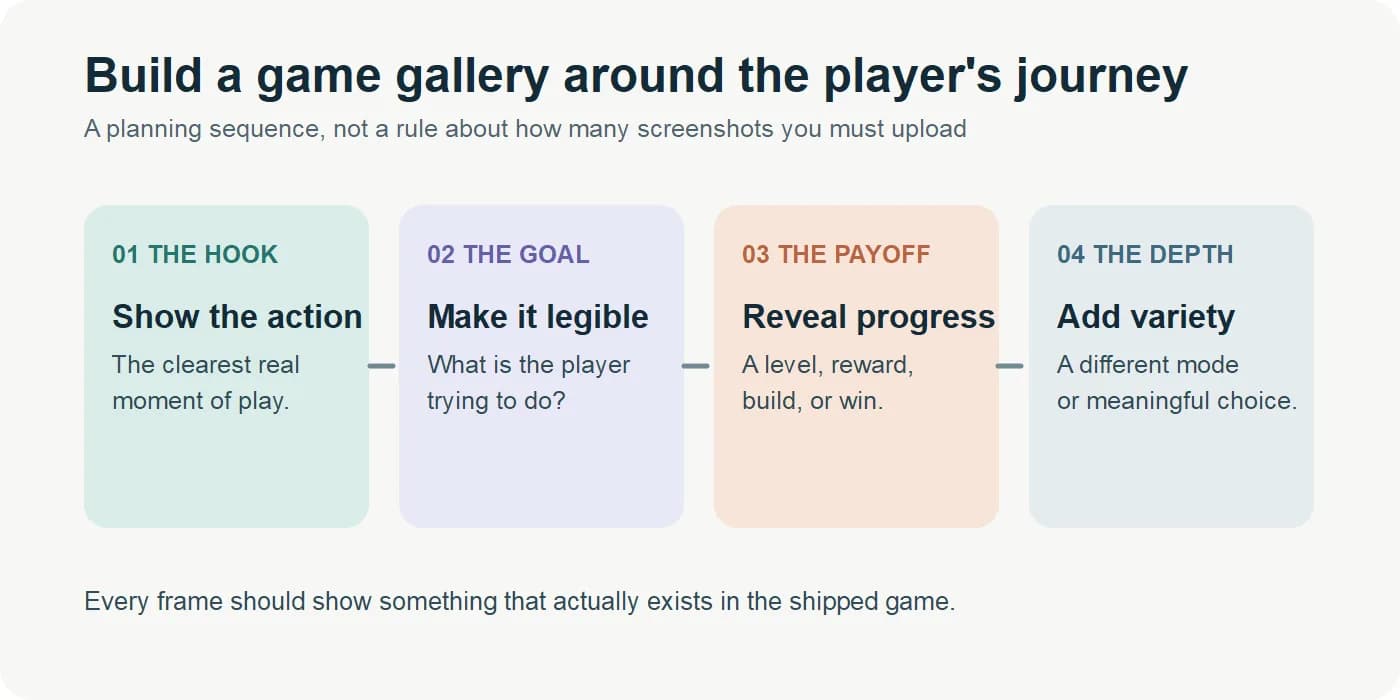
| Gallery role | What to show | Question it answers |
|---|---|---|
| Opening | A genuine core gameplay moment | What will I do? |
| Goal | The obstacle, target, or choice | What am I trying to achieve? |
| Payoff | An upgrade, result, level change, or reward | Why keep playing? |
| Depth | A second mode, location, or mechanic | Is there more to explore? |
This order is an editorial framework, not an Apple requirement. A calm story game might lead with a choice and atmosphere. A competitive game might lead with a match moment. Keep the sequence honest and use the remaining frames only when they add a distinct reason to play. For cross-category layouts, see our screenshot design patterns guide.
Portrait or landscape: follow the playable view
The most useful orientation rule is to respect how the game actually runs. Portrait game screenshots should keep the board, controls, and text readable without placing gameplay in a tiny strip. Landscape game screenshots should preserve the field of view, especially when the player needs to see enemies, movement, or a wide environment. Do not crop away the mechanic to force a trend that fits another game.
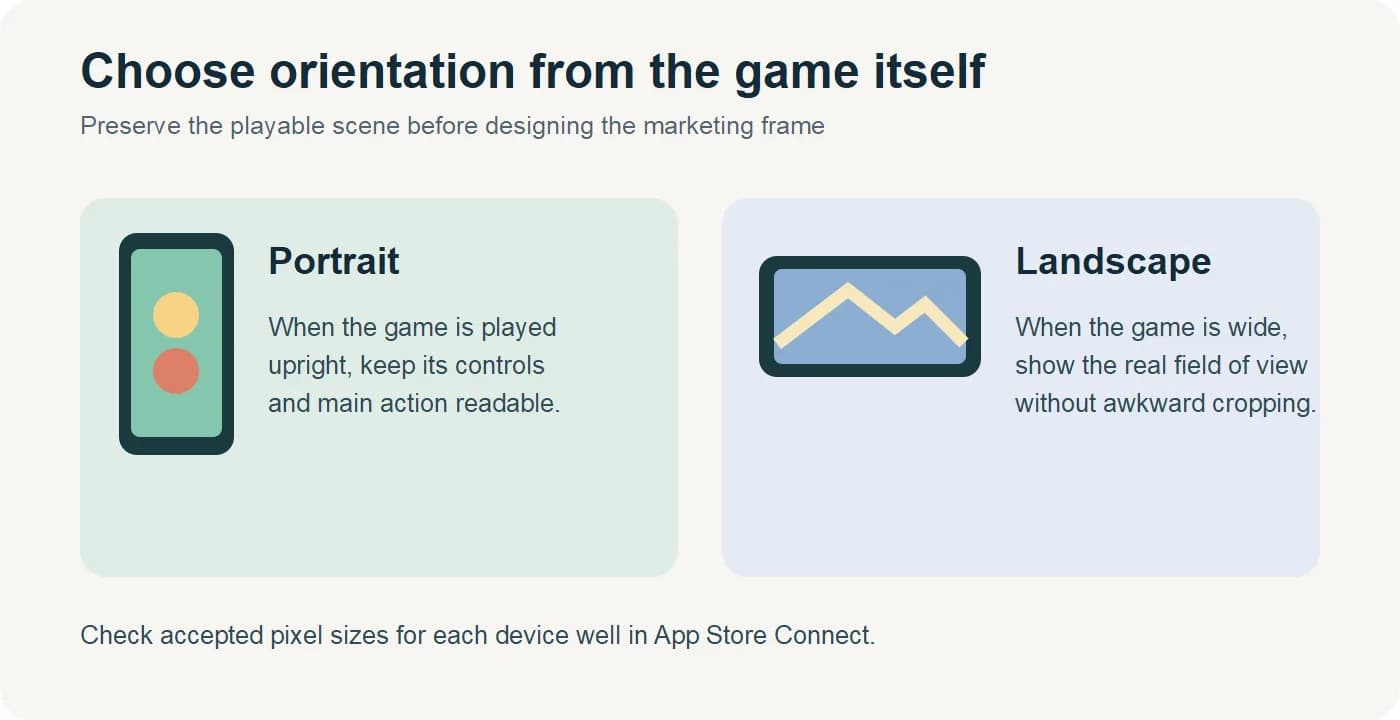
Apple accepts portrait and landscape pixel dimensions for supported iPhone display groups. Its current screenshot specifications list the exact sizes. Check that page for the device well you are uploading to. A blanket "every game needs landscape" rule is unreliable. A portrait puzzle can look natural upright; a wide racing game may need the full horizontal view. If your game genuinely supports both, design and test each candidate before deciding what to publish.
Do a quick thumbnail check at the size a visitor will see. The player, objective, and caption should survive the reduction. If the gameplay becomes illegible, recapture or simplify the layout. Our screenshot sizes guide covers the device wells; the upload troubleshooting guide covers rejected files and processing failures.
Capture real frames and export them cleanly
Capture from a build that represents the current game. Set up a level or state that a player can reach, remove personal data, and choose a moment that reveals the mechanic. It is fine to add a short caption or visual callout around an authentic frame. It is not fine to invent a level, prize, multiplayer mode, or quality of graphics that the product does not deliver. Apple's review guidance says screenshots must accurately communicate functionality and match the corresponding device type.
If you build with Unity or Unreal, compare the captured frame with a physical device before publishing. The goal is to catch UI, color, shader, and performance differences that matter to the player's expectation. A simulator capture can be useful for iteration, but do not assume it is identical to the shipping experience without checking. This is a quality-control recommendation, not a claim that Apple forbids simulator captures.
For upload, Apple currently accepts one to ten screenshots in JPEG or PNG. The files cannot contain an alpha channel or transparency. Match the accepted pixel dimensions and orientation for the target device group in the official specification. App Store Connect can scale a high-resolution set to some smaller sizes when the interface is the same. Check the result in Media Manager instead of assuming every crop will work.
Decide whether an app preview video earns the first slot
An app preview video can show motion, timing, and feedback that a still cannot. It is particularly useful when the best part of a game is hard to explain in one frame. Apple allows up to three app previews per supported language, each 15 to 30 seconds under the technical specification. Previews use device footage and can autoplay with sound muted. The poster frame matters when autoplay is off. See Apple's app preview guide for capture and poster-frame details.
Video is optional. It takes prominent space in the gallery, so a slow logo intro can hide your strongest gameplay. Start with an actual playable moment, choose a strong poster frame, and make the story understandable without sound. If video production would delay a clear screenshot set, publish the stills first. Apple has documented a product page test where a version without a video performed better than the treatment with one. That single case is a reason to test, not a prediction for your game.
Test one idea, then read the result
Product Page Optimization lets eligible iOS and iPadOS apps compare the original page with up to three alternate versions. You can test screenshots, app previews, and icons, then review conversion estimates and confidence in App Analytics. Apple's overview explains eligibility and the limits.
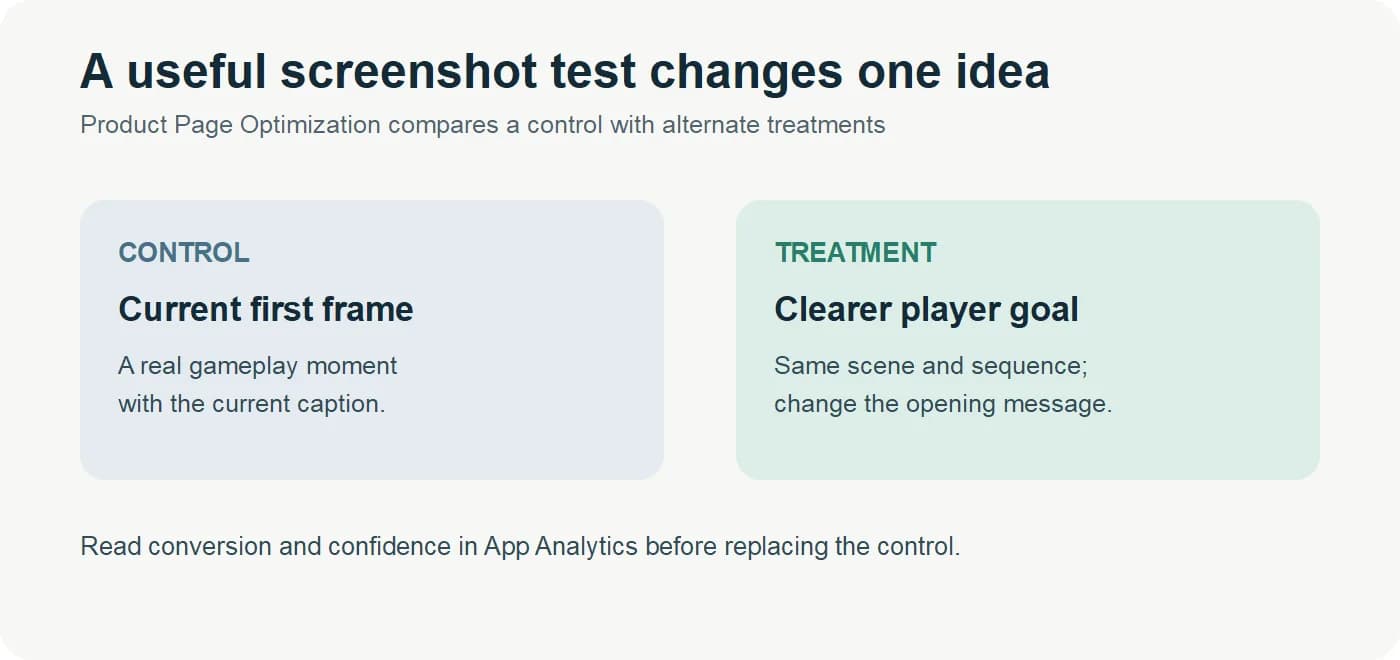
Start with a decision you can act on. For example, keep the gameplay capture and the rest of the gallery fixed, but change the first caption so the player's goal is clearer. If you change the art, order, caption, and video at once, you may learn which whole treatment won, but you will not know which element caused the difference. Keep localization and device group in view when reading the result. A small test may stay inconclusive; do not declare a winner from a few installs.
Where ScreenFast fits
ScreenFast creates static App Store screenshot designs. You can provide an App Store URL or your own source screenshots, see a free audit, and review locked design directions before checkout. Generation starts after payment. For a game, supply authentic gameplay captures and review every output against the real experience. ScreenFast does not record an app preview video, and a design generated from a store URL cannot invent gameplay your source material does not contain. Check the App Store screenshot generator workflow if your game needs a new static gallery.
How we tested
We reviewed Apple's product-page, asset, screenshot, preview, review, and Product Page Optimization documentation again on 2026-09-24. We checked the current public ScreenFast flow and the older draft for unsupported claims. This article presents a planning framework and hypothetical examples, including the three new fictional genre frames. We did not run a game listing experiment or measure a game-specific conversion lift, so no uplift percentage is claimed.
FAQ
How many App Store screenshots should a game use?
Apple permits one to ten. Use enough to show the core action and meaningful variety. There is no universal best number for every game.
What should the first game screenshot show?
Show an authentic gameplay moment with one clear focal point and an understandable goal. Check that it still reads at search-result size.
Should game screenshots be portrait or landscape?
Use the orientation that shows your real game clearly. Check accepted device dimensions and test alternative layouts if your game supports both.
Can I use illustrated character art instead of gameplay?
Character art can support a real capture. It should not conceal how the game works or promise a scene players cannot experience.
Does a mobile game need an app preview video?
No. A video can explain movement and feedback, but its production cost and first-slot placement make testing worthwhile. Strong stills are a valid starting point.
Can I upload WebP game screenshots to App Store Connect?
No. Apple's screenshot upload formats are JPEG and PNG. The WebP images in this article are for fast web delivery, not for submission to App Store Connect.
Can I test a new first screenshot without changing the whole gallery?
Yes. Product Page Optimization can compare alternate screenshot treatments for eligible iOS and iPadOS apps. Keep the test focused and read conversion and confidence in App Analytics.