Screenhance vs AppScreens: Launch Kit or Store Workflow?
October 17, 2026 update: Current official pricing and plan details were rechecked for this revision. Earlier public-page captures and historical methodology retain their original dates. New scenarios are editorial evaluation methods, not paid hands-on results.
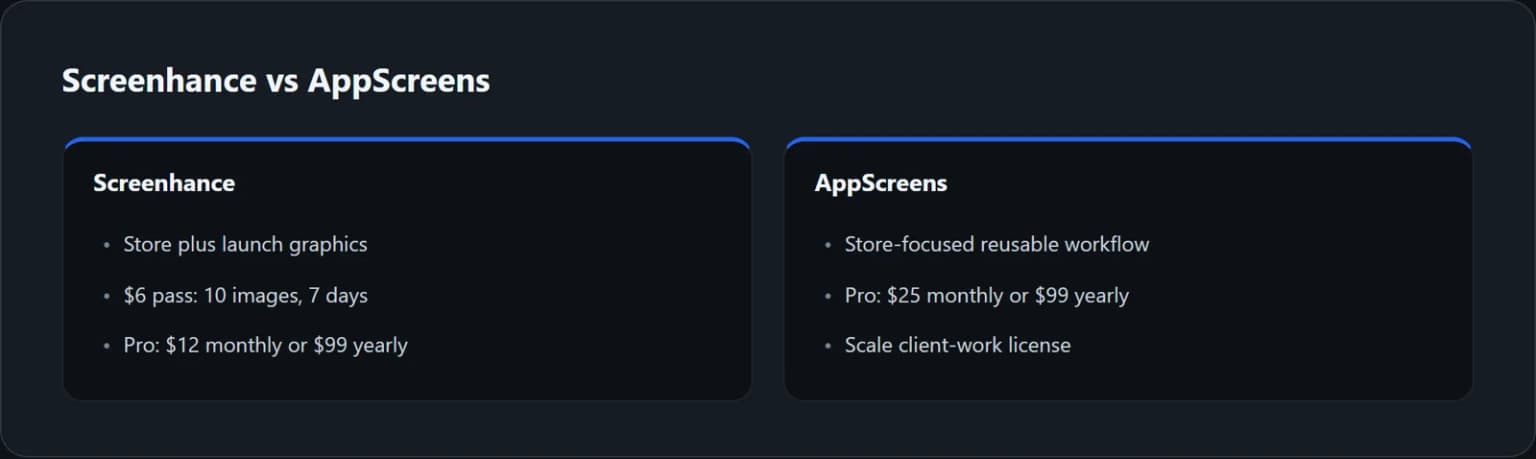
TL;DR: Choose Screenhance's route when you need a mixed launch kit: store images, mockups and promotional graphics. Choose AppScreens' route when repeated store production and localization dominate the work. Screenhance has a $6 short image pass; AppScreens Pro is $25 monthly or $99 yearly. Compare the job each price covers, not just the smallest number.
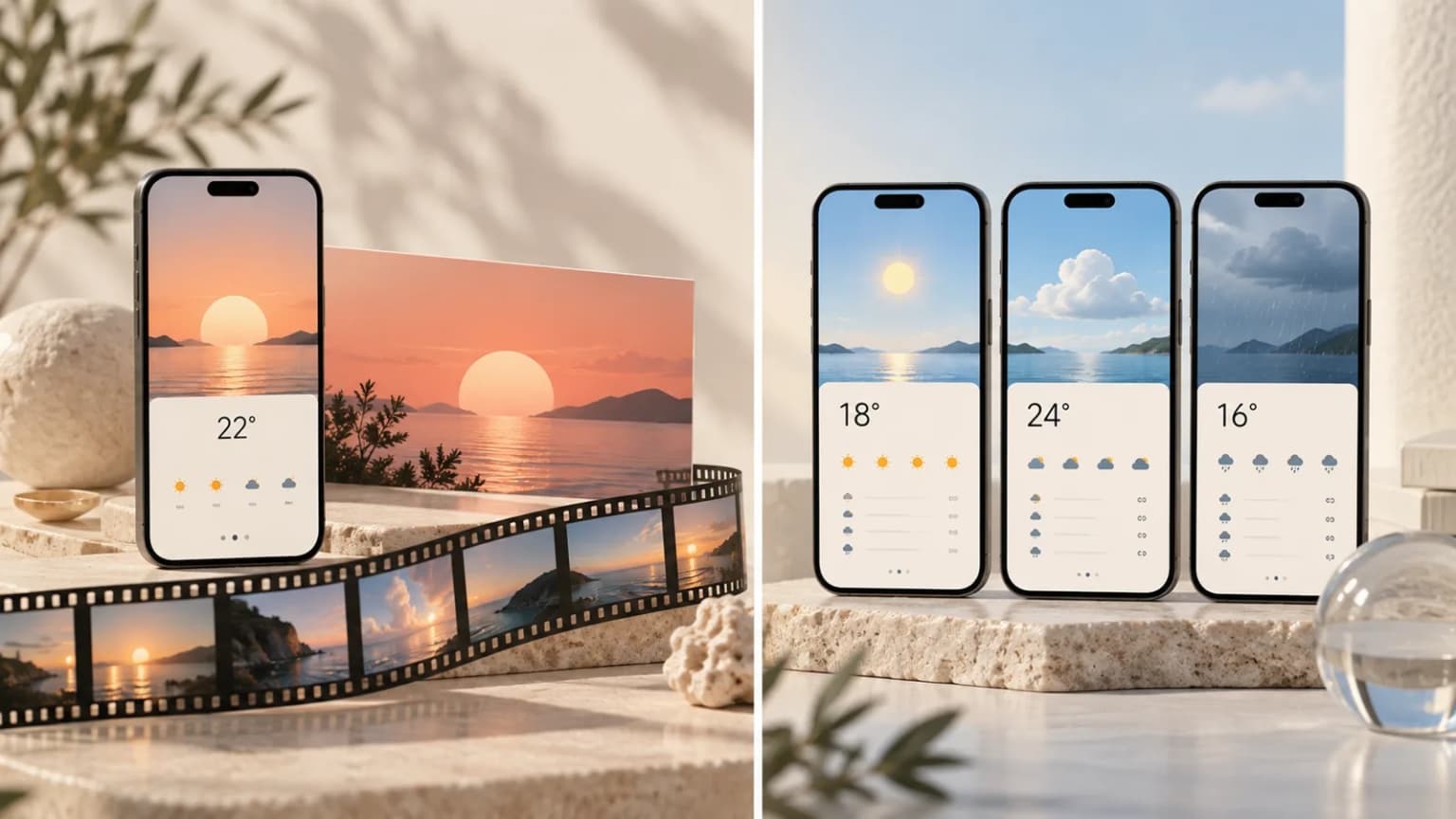
Screenhance vs AppScreens is less about which product has more features and more about where your release gets stuck. A solo developer preparing a launch post may need a different tool from a team updating store assets in ten languages.
AppScreens plan update, 2026-10-17: Rechecked current project, app and locale limits against the official pricing page. This targeted correction does not re-date the other vendor checks below.
Both can be relevant to an app launch. The mistake is to compare a limited image pass with a recurring production plan as though they buy the same thing. This guide separates the deliverables, billing and review work so you can make a fair choice.
ScreenFast publishes this comparison and sells an AI-led screenshot workflow. We state that relationship up front. Our alternative is included only where its narrower strengths fit the problem.
Start by separating the two jobs
App Store screenshots explain why someone should install an app. They need clear benefits, readable UI and a useful order. A launch kit promotes the product across channels. It may need a landscape hero, a social portrait, a device mockup and a short demo.
Those assets can share a message and a visual style. They still have different dimensions and viewing conditions. A dramatic tilted phone that works in a launch post may make the interface too small in a store panel.
Screenhance presents a broad screenshot and launch-visual workspace. AppScreens emphasizes store assets and the process around repeated production. This is a difference in focus, not a claim that either product can do only one thing.
Write a deliverable list before browsing templates. Put each item under store, social, website or video. Then mark which ones repeat next month. The column with the most repeated work should carry the most weight in your purchase.
Pricing at a glance, with the commitment visible
We checked Screenhance pricing and AppScreens pricing again on October 17, 2026. AppScreens annual pricing and the monthly USD browser view were checked. The September public screenshot below remains dated.
| Option | Public price | What not to confuse it with |
|---|---|---|
| Screenhance Launch Pass | $6 one-time | Not a lifetime plan; ten clean image exports over seven days |
| Screenhance Pro | $12 monthly or $99 yearly | Not a guarantee that every media file meets store rules |
| AppScreens Pro | $25 monthly or $99 yearly | Annual price is a full-year charge, not one cheap month |
| AppScreens Scale | $50 monthly or $180 yearly | Includes a different client-work license and greater scope |
Screenhance's free plan lists three monthly watermarked image exports. Its pass does not remove video watermarks. AppScreens has a free project with basic access, but premium preview access is not the same as a clean free export of every feature.
At annual billing, the two Pro plans in this snapshot have the same $99 upfront price. That does not make them equivalent. One may cover the work you actually do better. Compare the exact features and output path before calling either cheaper.
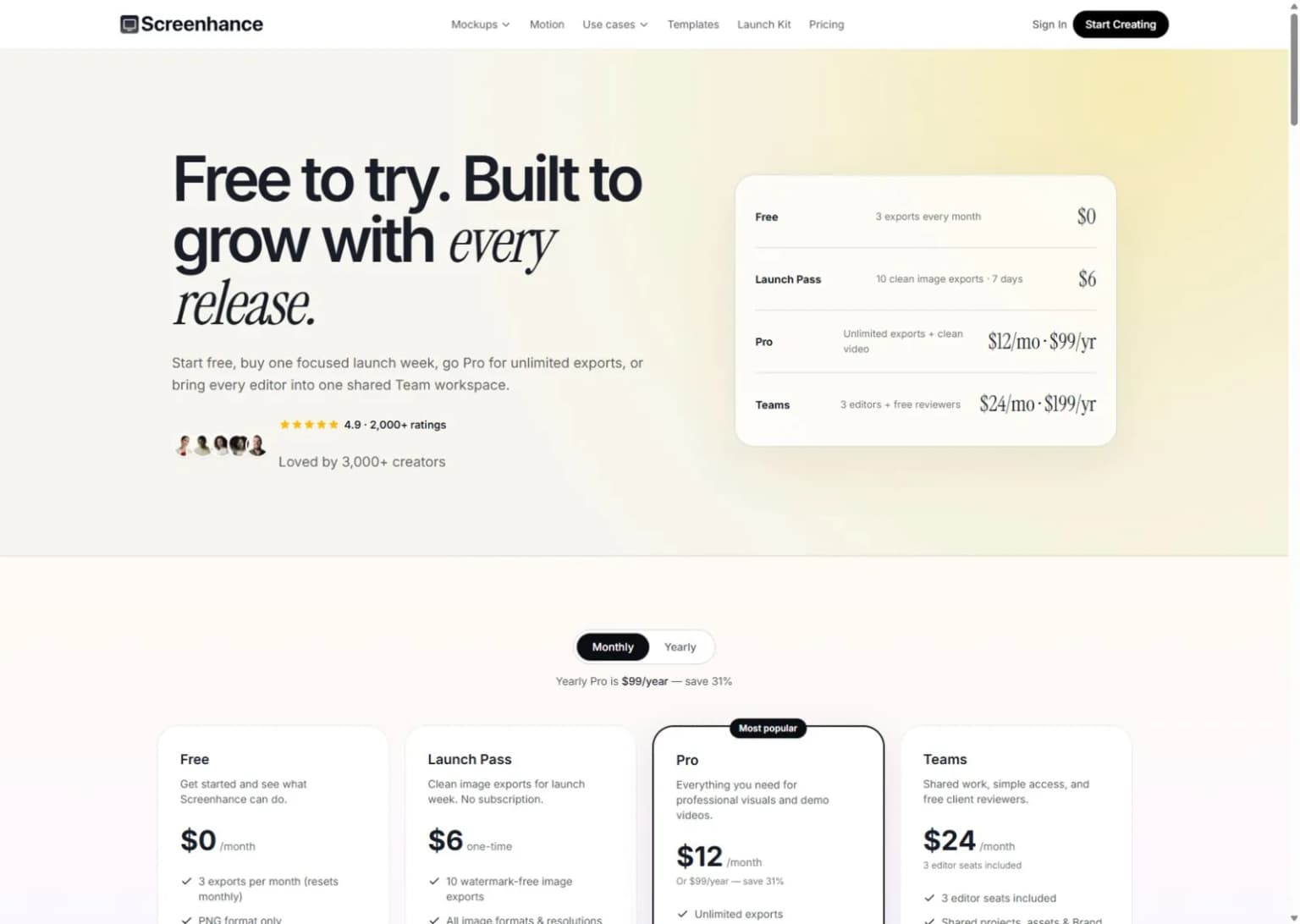
Public website capture, not a paid account test. Editorial artwork in this article is conceptual and does not show generated output from either vendor.
When a short launch pass makes sense
The Launch Pass has a clear use case: a small batch of images with ready copy and captures. You know what you want, you can finish inside the access period, and the included export count covers the likely revisions.
It is a weaker choice when the app build is still changing or a client has not approved the message. The price can be low while the timing is wrong. A seven-day window is not much help if five days disappear while you wait for a new capture.
Count revisions before buying. Five final graphics with one later download each can consume a small allowance quickly, depending on the live export rules. Confirm how the product counts downloads and other actions instead of assuming a saved canvas is the unit of payment.
If you expect repeated promotional work, compare Pro with the pass. The goal is not to avoid every subscription at any cost. It is to choose a payment model that matches the cadence of useful work.
When AppScreens' store focus matters more
AppScreens Pro now lists 50 saved projects, 10 apps and all 80+ locales. Its public feature set includes reusable store work and direct upload features. Scale adds greater capacity and an extended license for client work.
Those features become more relevant when the same app needs regular updates. The next release may change one screen, one product term and several localized headlines. A good store workflow should help you find every affected variant and avoid exporting stale content.
Do not treat the feature list as proof of a smooth integration. We did not test paid store uploads. If that feature is your buying reason, confirm supported destinations, access requirements and the plan before connecting a production account.
A practical trial is to build three panels, then revise them as though a new app version had shipped. Count manual edits and check the exported files. The second pass often reveals more about a production tool than the first attractive layout.
For deeper context, read the AppScreens review. Keep that review separate from this head-to-head decision: this page asks whether a broader launch kit or store-focused production is the better fit.
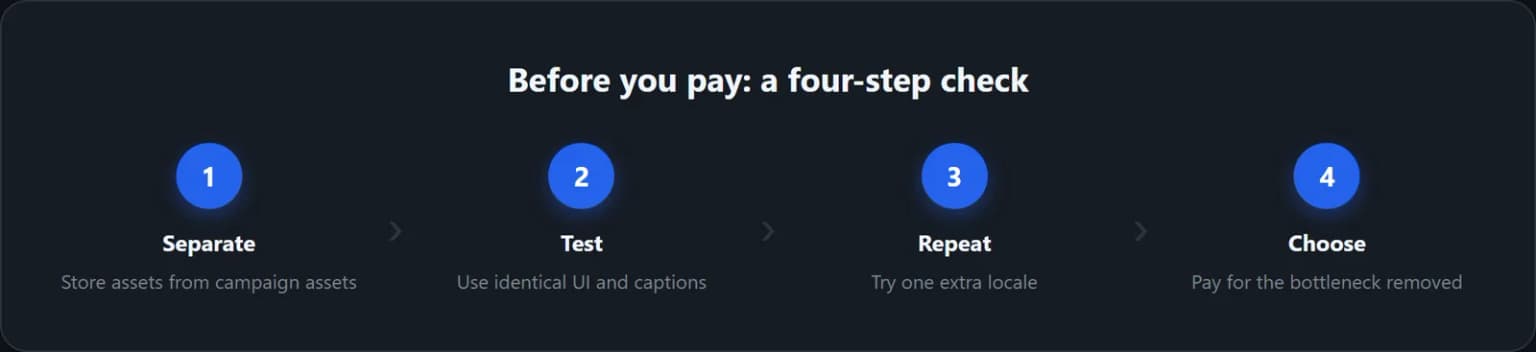
A fair design test uses the same source material
Pick one app benefit and three captures that prove it. Write the captions before opening either tool. If you let one gallery inspire better copy than the other, you are testing different creative work rather than the tools themselves.
Create one portrait store panel and one landscape launch image where the workflow supports your needs. Check whether the important text survives at a realistic viewing size. Notice how much space the phone frame takes from the actual interface.
Then change the longest headline. This reveals whether the composition adapts or needs a chain of manual fixes. Replace one capture with a denser screen too. A template that looks good only with a sparse demo is not a reliable fit for every app.
Export an allowed sample and inspect it outside the editor. Check pixels, crop, format, watermark and ordering. Keep the results in a small scorecard so a polished gallery does not outweigh a real production problem.
Localization can change the winner
If you only publish English assets, a language workflow may not matter today. If you ship several locales, it can dominate the work. Do not assign equal weight to a feature you use every release and one you might use someday.
Start with approved English copy and a small glossary. Keep product names and paid feature terms consistent with the app. Try one longer translation early, since text expansion can change the whole composition.
Review the final images in each language. Translation quality, text inside the UI and line breaks are separate checks. A translated caption above an English interface may be intentional, but it should not be mistaken for a fully localized app experience.
AppScreens' public plans make language capacity explicit. For any Screenhance workflow you plan to use, verify the exact localization steps in the current product rather than assuming broad design features equal a synchronized locale system.
Our screenshot localization guide explains the source and review process. It applies regardless of which tool you choose. The human review effort belongs in your cost comparison too.
Video support is not App Store preview approval
Screenhance's broader media features may be useful for a launch campaign. That is not the same as producing an App Store preview that meets every technical and content rule. The destination sets the requirements.
A promotional clip can include framing, motion or claims that do not fit a store preview. Before paying mainly for video, check the expected file format, dimensions, duration and content. Use Apple's current guidance for an Apple submission.
If the store listing does not need video, do not let a video feature decide a static screenshot purchase. Conversely, if motion is the main deliverable, compare a dedicated mockup or video workflow rather than forcing a store editor to win a different job.
This is a common source of misleading comparisons. A longer feature list sounds better until half the list is irrelevant to the next release. Rank the features by actual deliverables, not by how impressive their names sound.
Client work and team access deserve their own check
An agency should verify licensing before comparing the cheapest plan. AppScreens places an extended client-work license in Scale. Screenhance has a Teams tier with editor capacity. These are different concepts: permission to edit and rights to use the output are not interchangeable.
Check the current terms for your specific assets and client arrangement. Keep the source captures, approved copy and final files in a folder the client can access. Record any third-party fonts or assets that have separate restrictions.
Also decide who can approve the work. More editors do not automatically create a better review process. A simple rule about final copy and version naming can save more confusion than adding another seat.
Do not hand over only flattened images if the contract calls for editable source files. Confirm what the tool can export and what you are allowed to share before promising that deliverable.
A short decision scorecard
| Give more weight to... | If this is your situation |
|---|---|
| A ready-to-finish image pass | One launch, approved copy, small export batch |
| Broad promotional formats | Store assets plus regular social or website graphics |
| Repeated store production | Several releases, devices and locales |
| License and handoff terms | Assets made for clients |
| Exact manual control | Frequent detailed text and layout changes |
For more candidates, use the best screenshot generators guide. For Apple output, verify the current screenshot specifications before submission.
A shared campaign needs an asset impact list
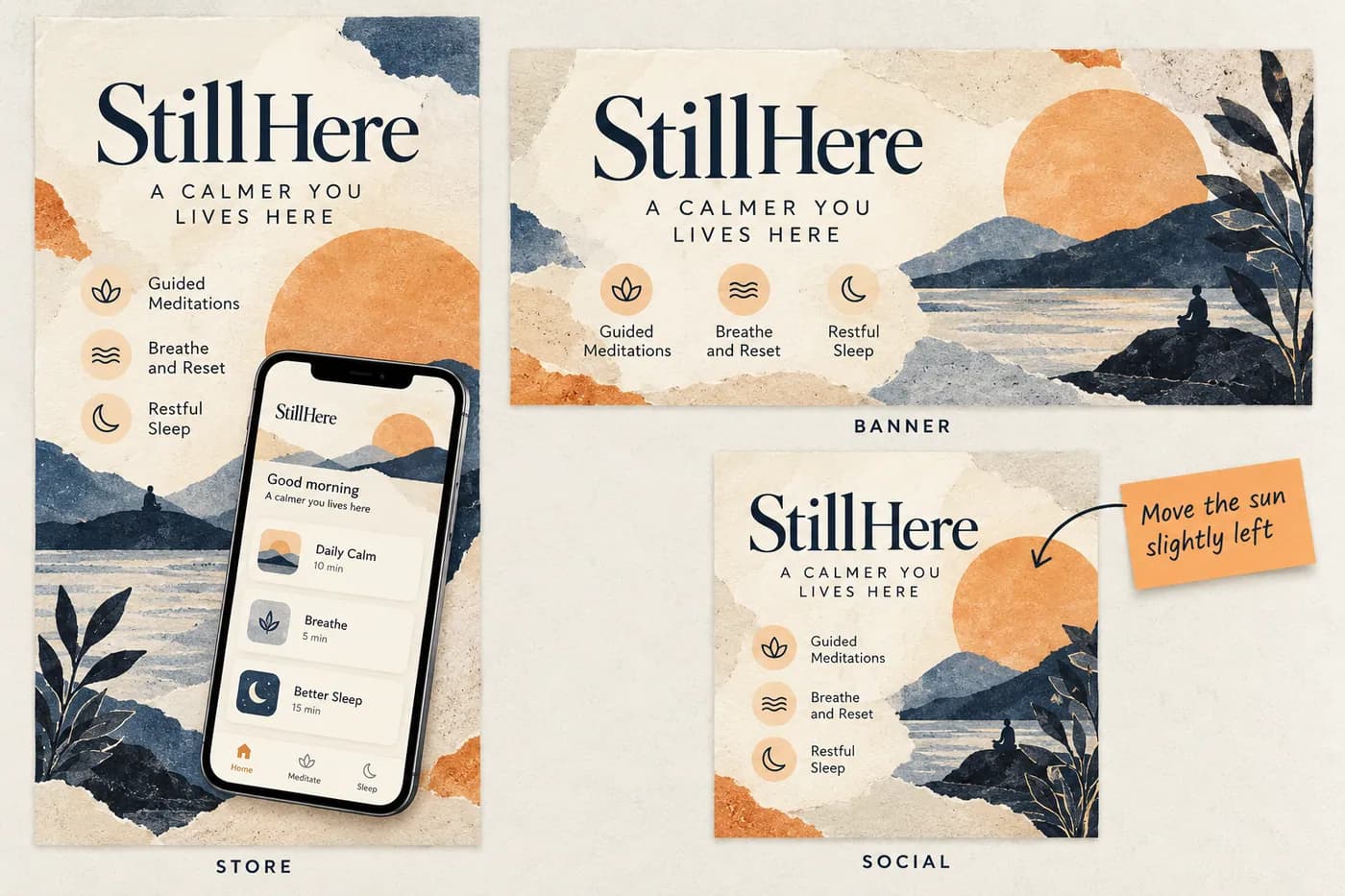
A launch kit and a store set often reuse the same idea, but they do not fail in the same places. A headline can be clear on a wide website banner and become unreadable on a square social card. A store panel may need to show more real interface than a decorative launch image.
Consider a fictional meditation app that changes a session from a paid feature to a free one. The change affects every graphic that describes access. It may also change a screenshot containing a lock icon. Replacing the caption on the website banner alone leaves the campaign inconsistent.
Keep a simple record of where a claim appears:
| Claim or source | Store set | Website | Social |
|---|---|---|---|
| Session access | Caption and app capture | Hero and adjacent copy | Standalone headline |
| Supported language | Locale-specific files | Page language | Campaign audience |
| Trial or price | Only where relevant and accurate | Current offer text | Date-sensitive creative |
| New interface | Every affected proof frame | Demo image | Selected announcement cards |
This is an illustrative audit, not a requirement to include pricing in every screenshot. The point is to find all assets affected by a real product change.
Judge each output in its destination
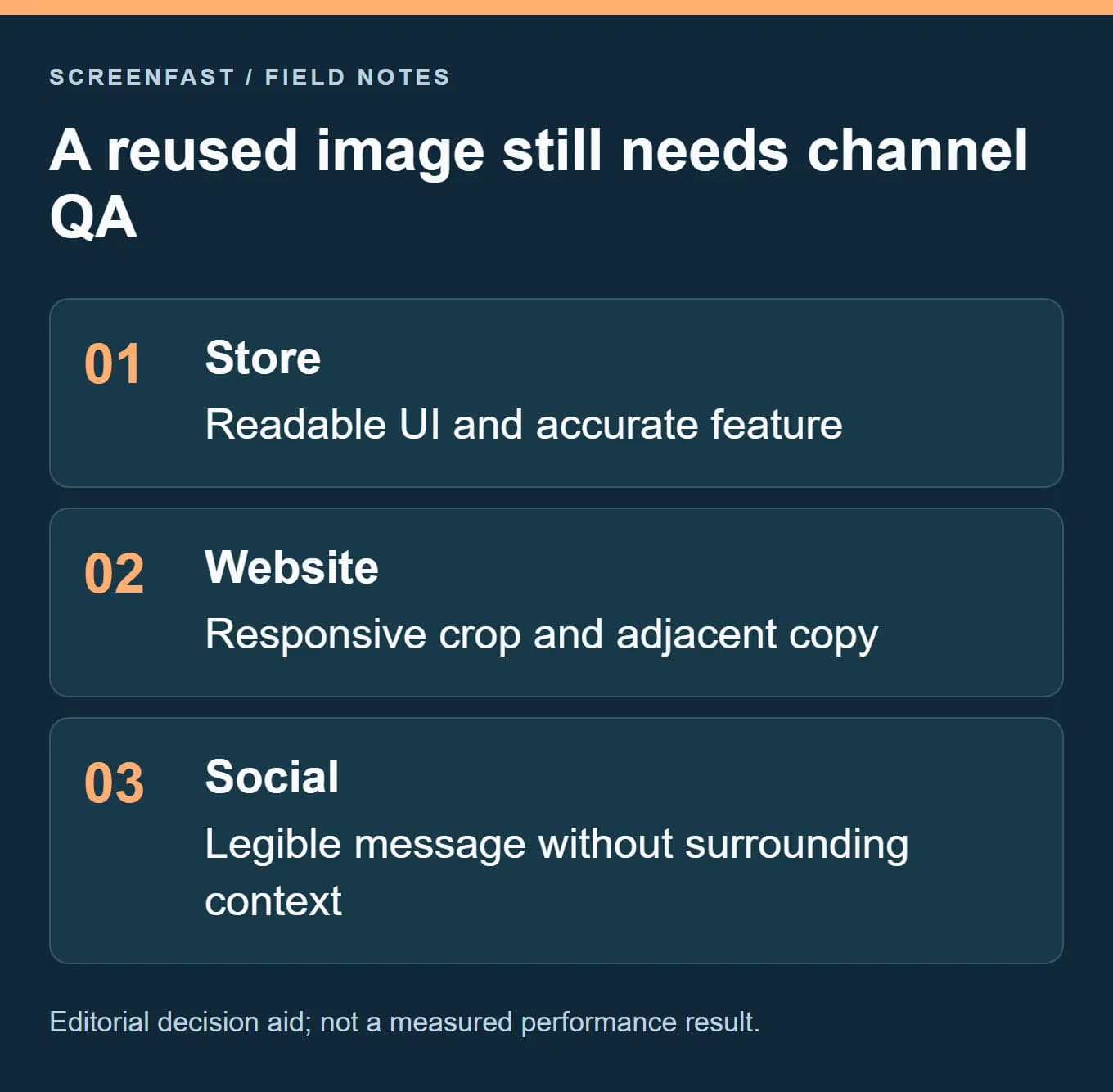
For the store image, inspect the visible app action and caption at phone size. For the website, review the responsive crop and nearby page copy. For social, check whether the image makes sense without a long explanatory caption. A resized export may preserve the pixels while losing the message.
Screenhance's broader image workflow may fit teams making those channel variants. AppScreens may fit teams whose repeated work is mostly store sizes and locales. Neither focus proves the finished creative is accurate. The release owner still needs a destination-specific review.
A short pass is easiest to evaluate after that review scope is known. Count the approved outputs and likely corrections, then check how the live plan counts downloads. Do not buy a pass while the source capture, product terms and headline are still unresolved.
Save a reusable source package
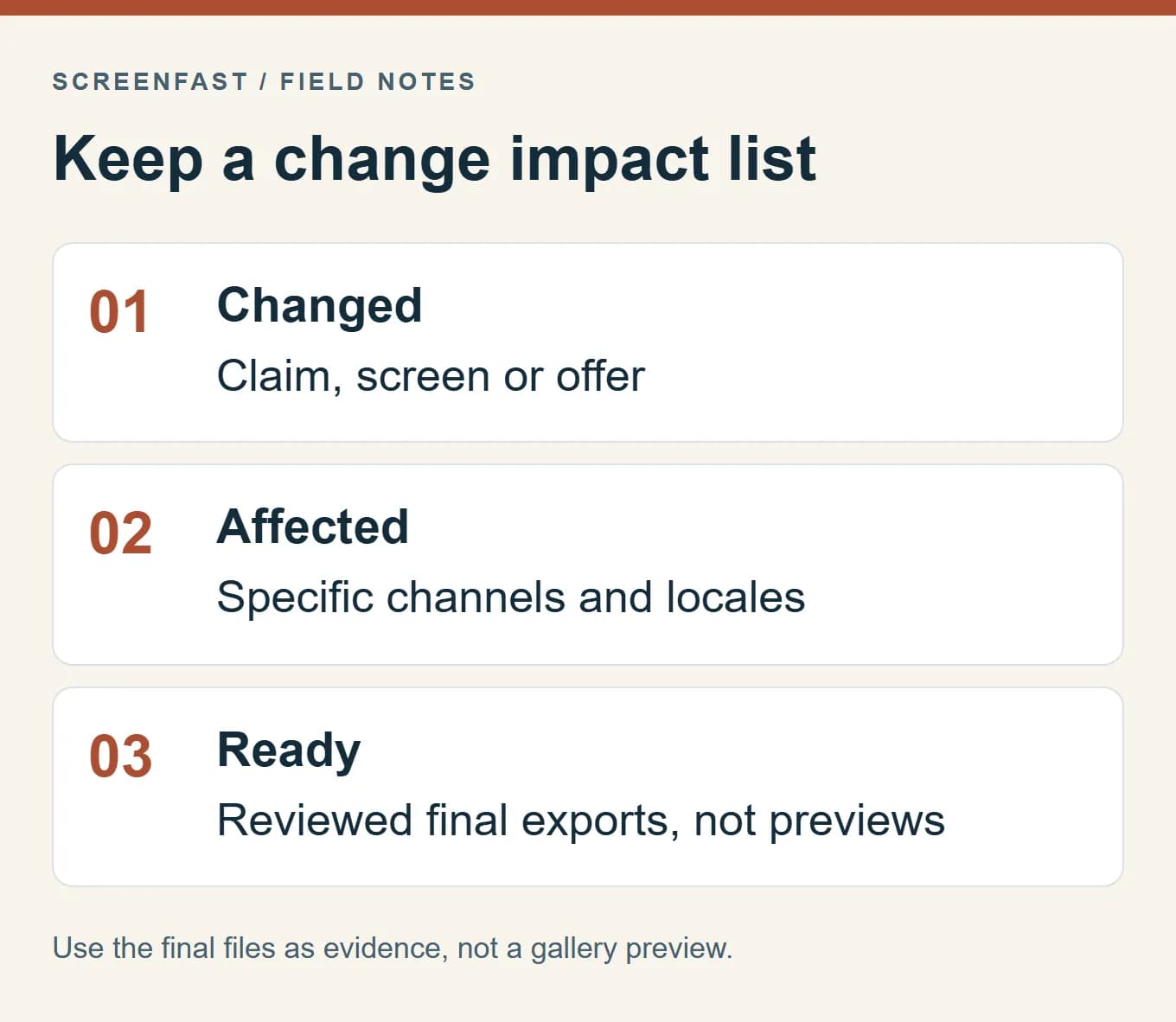
Keep clean app captures, approved captions, required formats and the final file list together. Record the app build and the date-sensitive offers. If another person has to update the campaign, they should not need to reverse-engineer a flattened promotional image.
This also makes the next buying decision easier. You can see whether the recurring burden was channel adaptation, store localization, revisions or coordination. Pay for the workflow that addresses the repeated burden rather than selecting a tool from one attractive hero image.
The illustration uses fictional app content and does not demonstrate either vendor's paid export quality.
Where ScreenFast fits instead
ScreenFast addresses the early visual-direction problem. You start with a free audit, then payment unlocks ten AI design directions. There is a $9.99 one-time option per app and optional subscriptions on our pricing page.
The native output is iPhone-focused at 1290x2796. It is not a native iPad, Android or video workflow, and it does not directly upload to the stores. It also does not offer the same object-by-object editing model as a template workspace.
Consider the AI screenshot generator when you need a direction to start from. Choose a template-led production tool when you already know the design and need precise repeated edits. Review all generated text and UI before using it in a listing.
How we tested
We checked the vendors' public sites and plan pages on September 8, 2026, including AppScreens' USD billing modes. We reviewed current search results and built the comparison around distinct launch jobs.
We did not purchase plans, test paid exports or measure conversion. The acceptance test is a proposed evaluation method, not a paid hands-on result. Feature claims are sourced to the public pages; the choice criteria are our analysis.
FAQ
Is Screenhance cheaper than AppScreens?
For a small, ready image batch, the $6 pass has a lower upfront cost. It has time and export limits. At the review date, both Pro annual plans showed $99, but they covered different workflows.
Does the Launch Pass include clean video?
No. Its listed clean allowance is for images, while video remains watermarked. Check the relevant paid plan if clean video is required.
Which is better for many locales?
AppScreens makes project and language capacity explicit and is worth testing for repeated store production. Verify your exact locale workflow in either tool and include human review in the cost.
Can I cancel AppScreens after one month?
The public FAQ describes a monthly subscription that can be canceled. Check your account's renewal date and terms. A monthly subscription is not the same as a one-time lifetime purchase.
Which should an agency buy?
Start with license, project capacity and handoff needs. AppScreens lists client-work licensing in Scale. For Screenhance, check both output terms and editor access for the work you plan to deliver.
Does either choice guarantee more installs?
No. Choose the tool that helps you produce a clear, accurate message, then test that message with relevant traffic. Better production and better conversion are related goals, not the same result.
Last updated: 2026-10-17. Public pricing rechecked; the earlier website capture remains dated.