Rotato App Review: Mac vs Web, Pricing & Store Exports

TL;DR. Rotato is useful when you already have an app screen and want a 3D device image or motion asset. Rotato for Mac and Rotato Web have different purchase models. Neither automatically writes captions, plans a screenshot sequence, or guarantees better App Store conversion than a flat design. Choose the output first, then check Apple's file requirements.
Last updated: 2026-10-17. Disclosure: We make ScreenFast, an App Store screenshot design tool. This is a documented comparison, not a hands-on speed or conversion experiment. We did not install Rotato for this review.
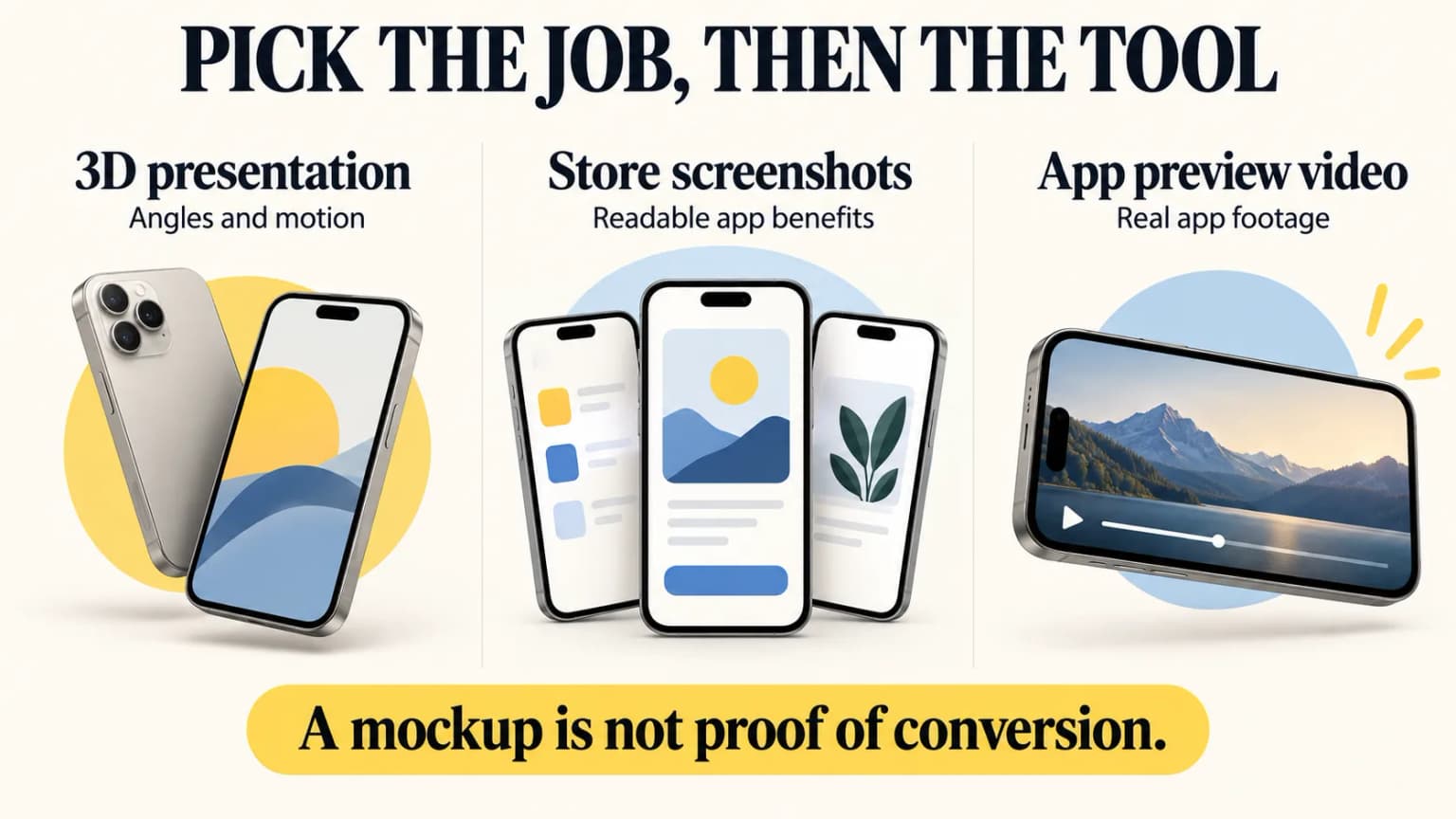
Rotato app for Mac or Rotato Web
Choose the product before comparing a price. The native Mac app handles local 3D production. Rotato Web is the separate browser option for Windows and other desktops. A Mac licence does not include a Web account. Rotato's official product information documents that split.
| Your starting point | Check before buying |
|---|---|
| Mac with a need for local rendering | Native app requirements and the included update period |
| Windows desktop | Rotato Web, not a native Windows installer |
| Captioned App Store listing | Whether you need device imagery or a complete screenshot sequence |
| Promotional animation | Export format and the rules of the destination |
If you only need the official app, go to Rotato. This review addresses the next decision: whether 3D presentation solves your launch task or adds a separate design step.
What Rotato does
Rotato takes an existing screen and presents it inside a three-dimensional device scene. Its export guide covers still images and video. The video-import guide explains how to use a screen recording. The useful distinction is that Rotato presents an interface; it does not invent the product message or the app screen itself.
This makes it a strong candidate for a website hero, launch post, product demo, or promotional video. A dramatic perspective can show a device as an object. For an App Store listing, though, a tiny tilted interface may hide the feature you need a user to understand. Keep a straight-on and an angled version, then judge each at actual phone size.
One screen, three destinations
Suppose your app has a calendar view that makes a weekly plan easy to understand. For the App Store's first static screenshot, show the real calendar large enough to read and use a short claim that the shipped app can support. A strong tilt may make the dates and controls too small. For a website hero, a 3D Rotato device can add depth because the layout has more room. For a social promo, a short animation can show the device entering the scene and then settle on a readable screen. These are production choices, not evidence that one version will convert better.
An App Preview is a fourth, stricter destination. It should demonstrate actual app use and meet Apple's video rules. Before spending time on camera moves, plan the on-screen action and check the accepted duration and resolution for the target device. This avoids making a polished promo that cannot be uploaded as a store preview.
We do not claim that Rotato is faster than a specific competitor. We also found no controlled study showing that 3D screenshots convert better than flat screenshots across categories. Either style is a testable creative hypothesis, not a universal rule.
Start with the real app. Pick one key task to show. Keep the text short. View the image on a phone. Can you read the UI? Can you tell what the app does? If not, use a less steep angle. The mockup should serve the message, not hide it.
Rotato pricing: Mac and Web are separate
Pricing models checked: October 17, 2026. Confirm the amount, tax, and update entitlement at checkout.
The official Rotato for Mac pricing page presents one-time payment tiers. It separates permanent use from the period of included updates. The exact amount may vary by tier, region, tax, or checkout display, so check the current checkout rather than an older review.
The separate Rotato Web pricing page offers monthly and yearly subscriptions for browser templates, devices, and exports. A "lifetime" statement about Mac and a "subscription" statement about Web can both describe Rotato, but not the same product. Rotato's own product explanation distinguishes the two. Before paying, confirm the device models, export resolution, watermark rules, and team needs for the version you intend to use.
For a buyer, the hidden cost is often rework. Ask whether a changed app screen can be swapped into the same scene, whether you can export each required size, and whether the chosen plan allows the video or still you need. Make a sample output from your own app before committing to a recurring plan. A one-time Mac purchase and a Web subscription should be compared over the number of campaigns you expect to make, not only their first invoice.
| Need | Rotato for Mac | Rotato Web | Screenshot layout tool |
|---|---|---|---|
| 3D device presentation | Core use | Browser option | Usually secondary or absent |
| Motion or promo output | Check plan and format | Check plan and format | Varies |
| Captioned store sequence | Requires separate design work | Requires separate design work | Core use |
| Purchase model | One-time tiers | Subscription | Varies |
| Best fit | Repeated 3D production on a Mac | Browser-based 3D workflow | Readable, repeatable listing sets |
Pros, limitations, and the real alternative
Where Rotato fits: You already have polished app screens and want a product shot or motion treatment. You need control over a device presentation that a flat frame cannot convey. You can verify the resulting file for your destination.
Where it does not replace design: It does not decide which user problem each frame solves, write claims, localize captions, or ensure the first screenshot remains readable in a search result. You still need to choose a clear narrative and export the correct sizes. Mac and Web plans are not interchangeable.
The alternative depends on the job. For a captioned 2D set, use a template editor or design generator. For a website hero or rotating device promo, Rotato is a reasonable candidate. For an App Preview, start with a genuine app demonstration and Apple's video rules. One launch may use more than one tool without duplicating the work.
ScreenFast, disclosed as ours, is upstream of the 3D step: it helps create screenshot design directions from an App Store URL or uploaded screens. Rotato can then present a selected screen in a device scene. See the ScreenFast generator, our Rotato comparison, and the generator roundup. Check current ScreenFast output and price on the product page rather than relying on a review's dated amount.
Check App Store assets before export
Apple's screenshot specifications allow one to ten JPEG or PNG screenshots without transparency. For the large Dynamic Island iPhone display class, accepted portrait sizes include 1260 x 2736, 1290 x 2796, and 1320 x 2868. If the app runs on iPad, Apple requires a 13-inch iPad set. Its accepted portrait sizes include 2064 x 2752 and 2048 x 2732. Apple's current required-size summary names medium Dynamic Island screenshots. Other classes may inherit scaled images, so check the actual required wells instead of treating one large image as a complete submission.
Rotato can render the visual, but you are responsible for the final dimensions, file type, locale, and legibility. Open each export at phone size. Check that the UI is genuine and current, labels are readable, and important text does not sit too close to the edge. Use our screenshot size reference and upload mistake checklist for the rest of the set.
For video, Apple's App Preview specifications impose duration, format, frame-rate, resolution, and device-capture rules. A generic Rotato promo video is not automatically a valid App Preview. Apple's listing may show a preview in place of the first screenshot, so inspect that first impression as carefully as the static image. A website or social promo has different constraints.
Compare perspective at the size of the destination
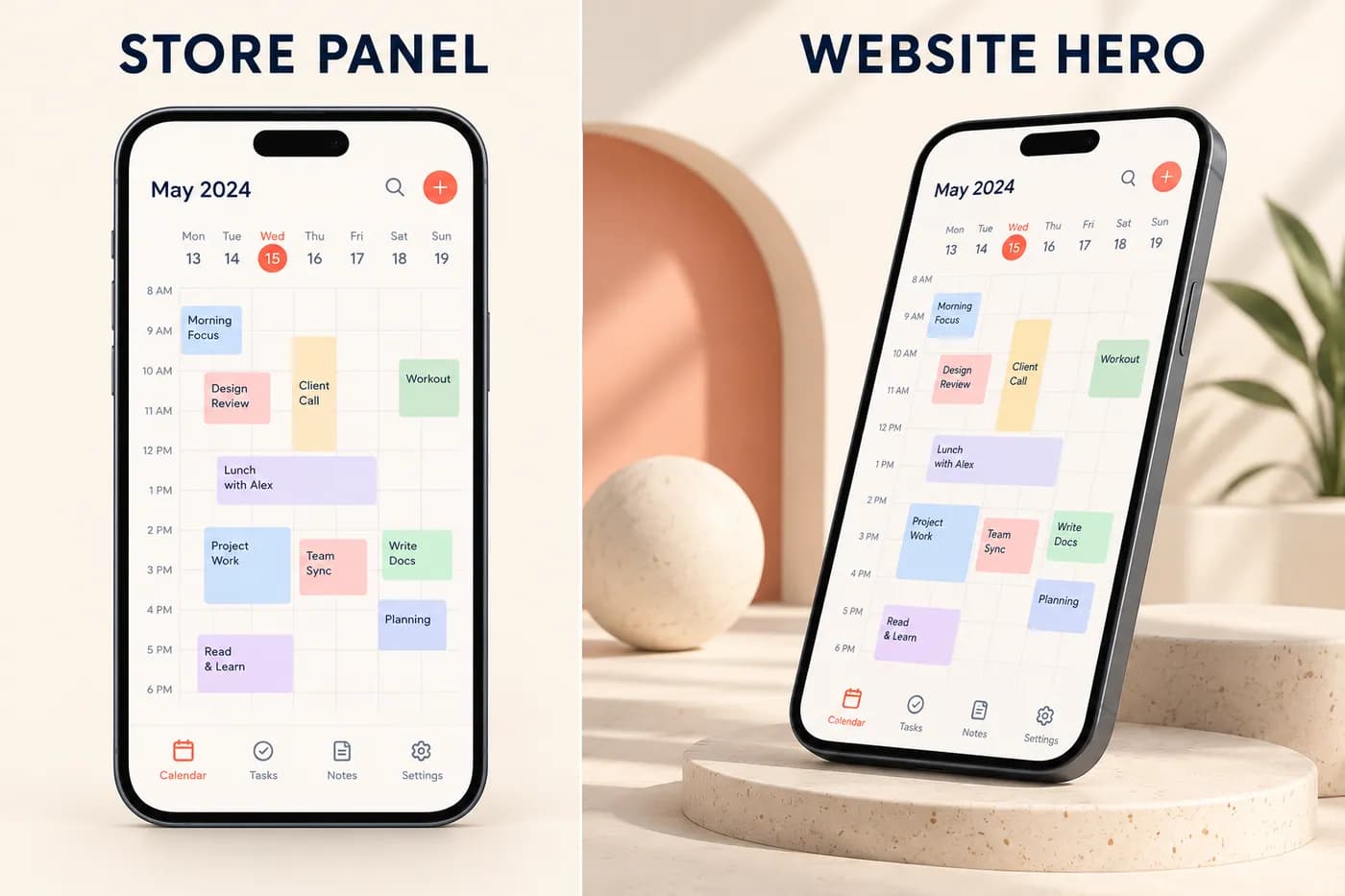
Fictional calendar-app concepts, not Rotato output. Neither composition is a measured conversion winner.
Use the same source screen in a straight-on and an angled composition. Keep the message fixed. Then inspect each at the size it will occupy in the store or on the website. A perspective that looks striking in a large hero can shrink the far edge of the interface until the important control is hard to recognize.
For a calendar app, check whether the viewer can still distinguish the week, selected event and action. For a music app, check the player controls. If the feature disappears, reduce the angle or enlarge the screen before adding more decoration. This is a comprehension review, not evidence that flat designs always win.
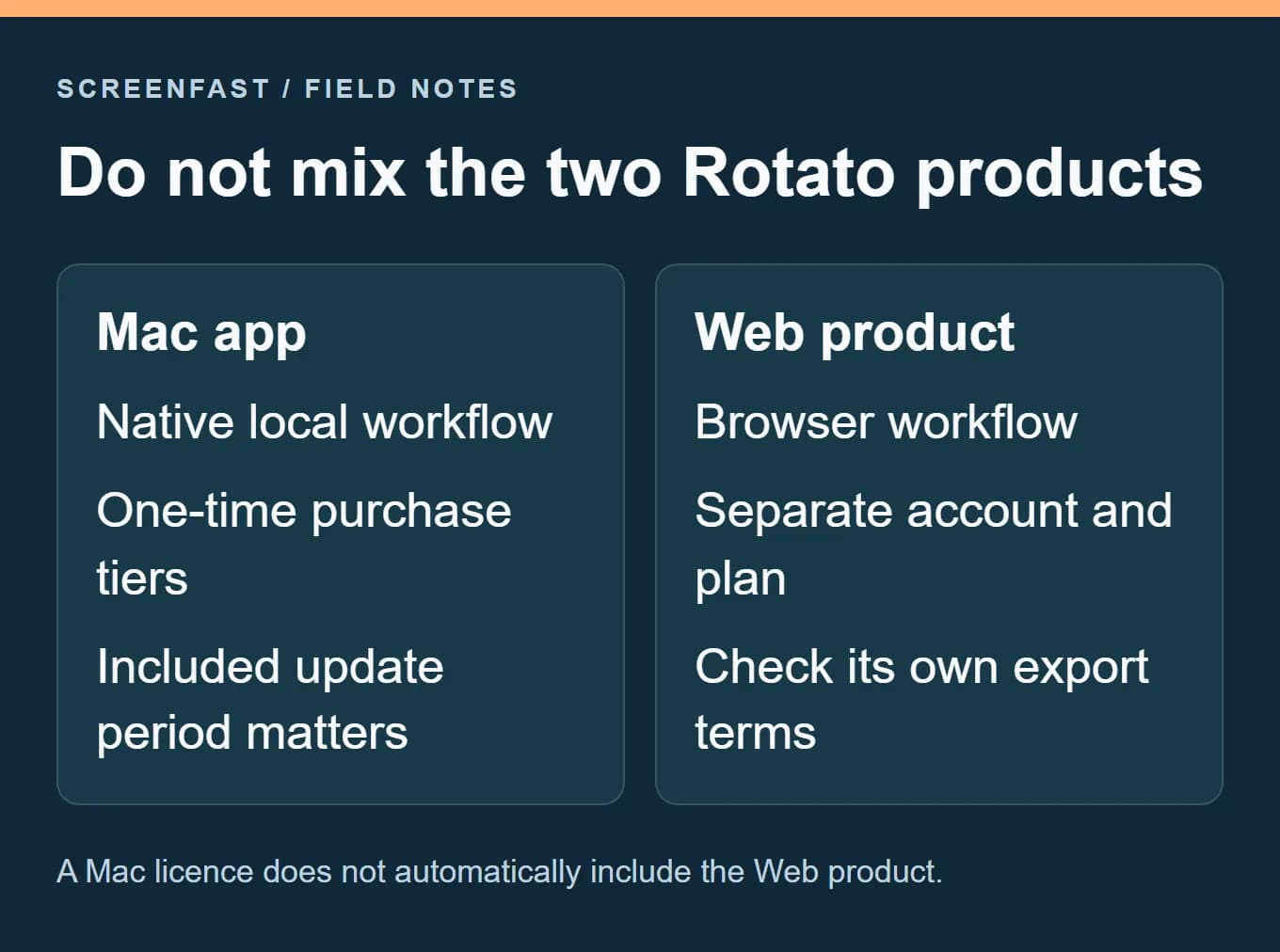
The Mac-versus-Web decision belongs before scene production. Confirm which product you will use, which machine runs it and what the purchased entitlement includes. An update period can matter when a later release needs a newer device model. Do not assume a Mac purchase also creates paid Web access.
Keep a reproducible source-to-render record
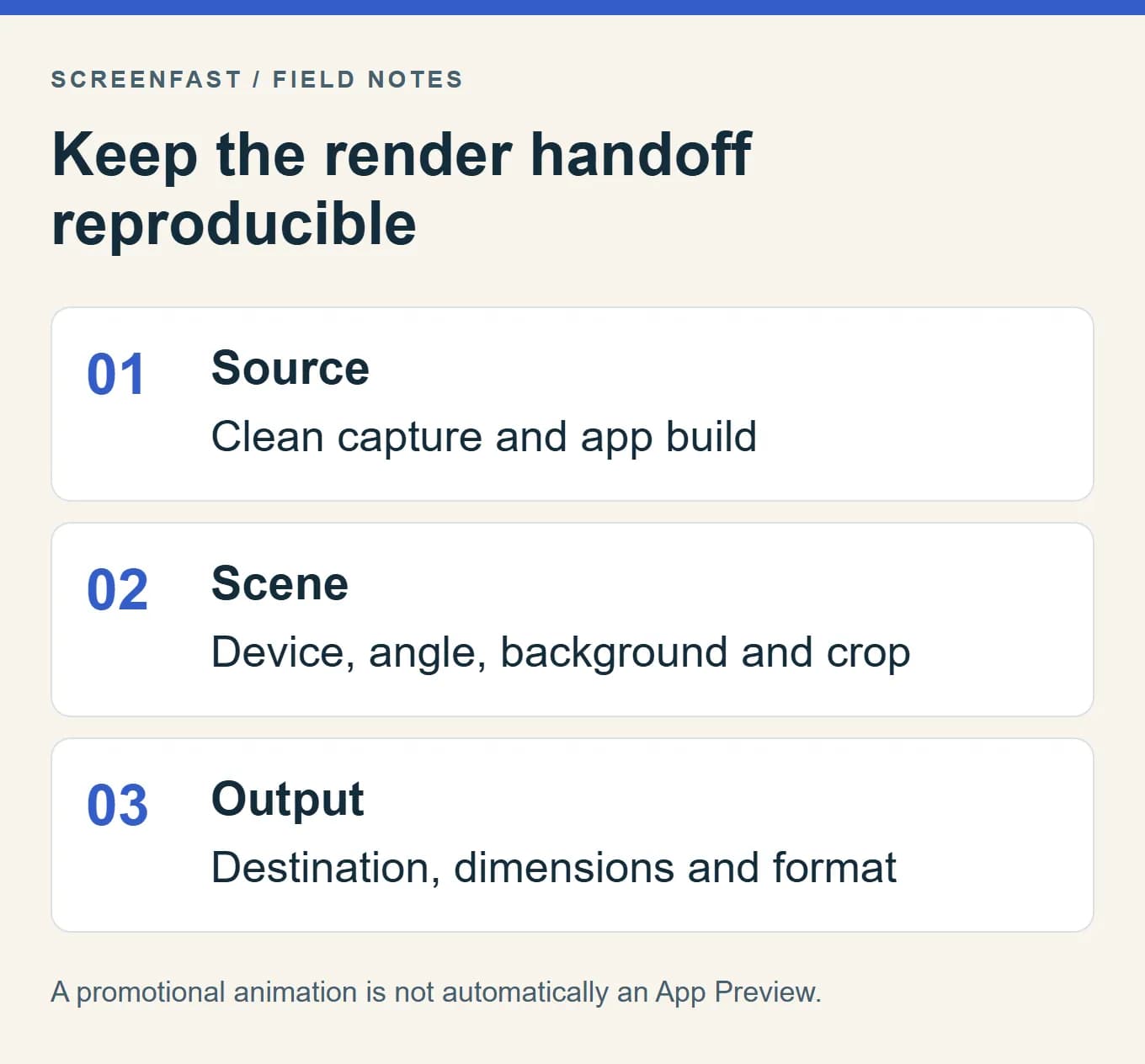
Save the original capture, app build, scene file, device model, angle, background and final export settings. If a caption is added in another tool, keep that editable source as well. A later correction should not require painting over text in the final raster.
For motion, record the destination before choosing a codec. A transparent website animation and an App Store preview are different deliverables. Apple's preview rules concern actual app demonstration and technical specifications, not simply whether a tool can render video. Review the final clip, poster frame and file properties for the intended destination.
This handoff record also makes collaboration easier. A designer can replace the app capture without guessing which source image produced the current render. It does not guarantee that every scene survives a tool update unchanged; inspect the new output rather than assuming the saved settings are enough.
A practical Rotato-to-listing workflow
- Pick the destination. Is this a store screenshot, App Preview, site hero, or social video? Write down its required size and format.
- Prepare the real app screen. Remove test data, personal information, debug overlays, and UI that will be obsolete at launch.
- Make two compositions. Keep one straight-on and readable. Use the angled version only when perspective adds meaning.
- Export and inspect. Verify pixel dimensions, alpha, file type, language, safe margins, and phone-size readability. For video, check Apple's distinct preview rules.
- Test a hypothesis. If the asset is for the App Store, compare a meaningful variant through Product Page Optimization when eligible. Watch the defined conversion metric and downstream user quality, not just style preference.
Keep one clean source file for each app screen. Name each export by locale and device. Save the final image, not just the editor project. Check it on a phone. Ask one new user what the first tile promises. If the answer is vague, fix the message before adding motion.
If you do not have enough traffic for a reliable controlled result, avoid announcing a percentage uplift. Review qualitative feedback, keep consistent acquisition cohorts, and treat the result as directional. Our conversion benchmark guide explains why store metrics can be misread.
Methodology
This review is based on Rotato's current official pricing, product, and export pages plus Apple's current screenshot and preview specifications, with pricing models, platform support, and screenshot requirements rechecked October 17, 2026. We did not benchmark render time, install the app, or run an App Store A/B test. Features and checkout prices may change. We have removed unsupported claims about universal conversion gains, exact speed advantages, and a supposed flat-versus-3D winner.
Frequently asked questions
Is Rotato worth it in 2026?
It can be if you repeatedly need 3D device scenes or motion and its Mac or Web plan fits your production workflow. For a simple captioned App Store set, first compare a layout tool. Neither look is proven to win for every listing.
How much does Rotato cost?
Rotato for Mac offers one-time tiers. Rotato Web offers monthly or yearly subscriptions. Check the linked official checkout for today's amount and terms; the products are separate.
Can Rotato make App Store screenshots?
It can render a still that you adapt for the listing. You must still meet Apple's pixel dimensions and format rules, avoid transparency, and make the actual app UI and captions readable.
Can I upload a Rotato animation as an App Preview?
Only if the final video meets Apple's App Preview requirements and accurately demonstrates the app. A promotional animation is not automatically eligible. Check format, length, resolution, and device-capture rules before submission.
What are the best Rotato alternatives?
For flat store sets, compare a template editor or a screenshot generator. For 3D device scenes, compare the actual export and pricing terms of the 3D tools you shortlist. For an App Preview, prioritize a clear demonstration of the app over a decorative device spin.