Launch Shots Review (2026): Free Plan, Pricing & Limits
TL;DR
This Launch Shots review compares its current AI workflow and purchase options. Launch Shots now combines AI-generated editable screenshot directions with an editor, localization, listing management and direct store publishing. Its official homepage describes three directions from your app screens. It is no longer accurate to describe it as only a manual template editor. Choose it for the connected design-to-store workflow; verify the credit rules before running a whole release.
Disclosure: ScreenFast is our product. We compare documented workflows, not a paid hands-on benchmark. ScreenFast's ten-direction iOS workflow is an alternative, not the only product that generates concepts.
Last updated: 2026-10-08
What Launch Shots is
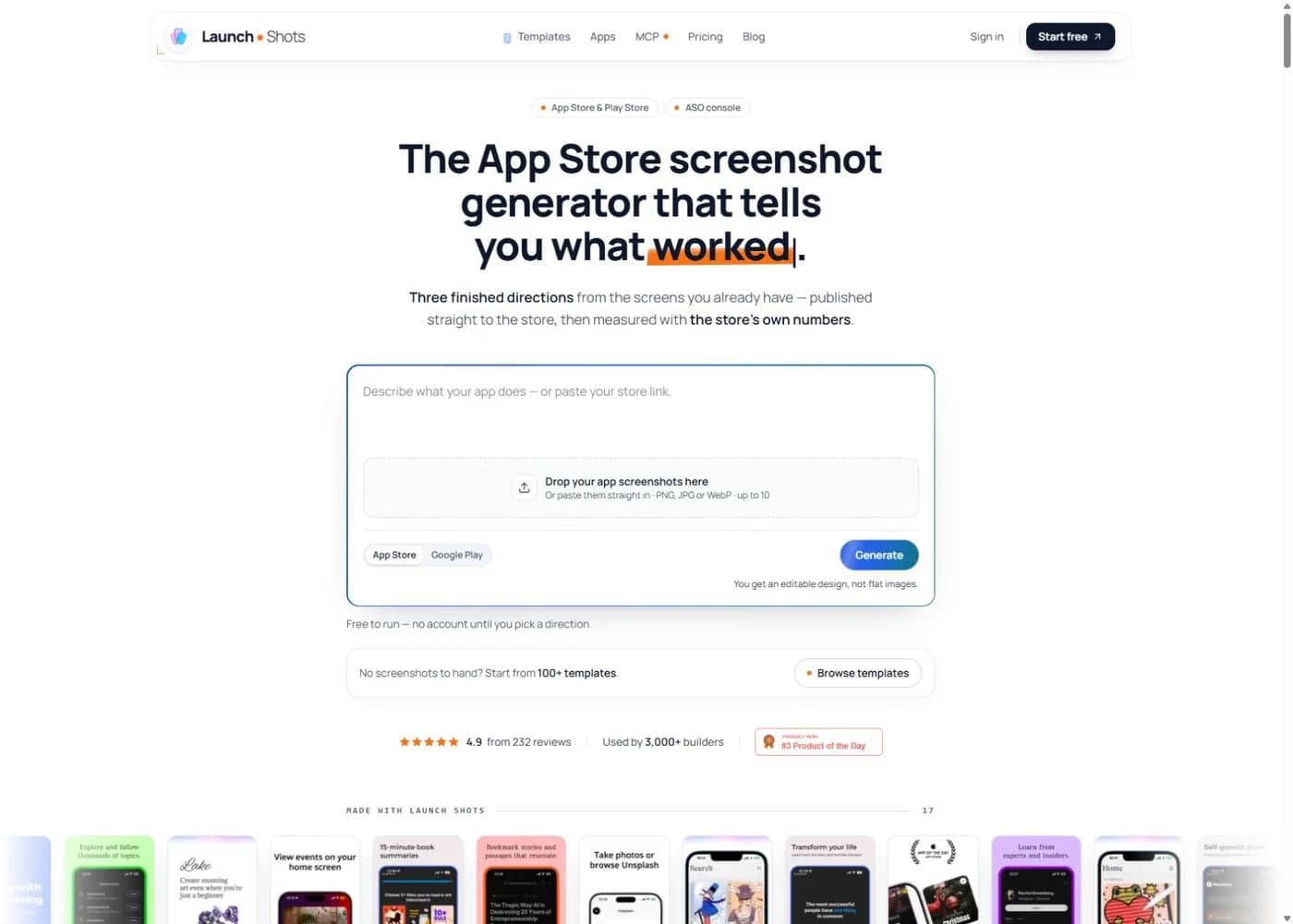
Launch Shots is an app store screenshot editor and listing-production tool. It supports Apple App Store and Google Play assets. A user can start with AI generation, a template or a blank project, then edit and prepare the resulting set. The generated result stays editable; it is not just a flat preview image.
The product now goes beyond image export. Its current site advertises direct screenshot publishing to App Store Connect and Google Play. It also describes a listing workspace for names, subtitles, descriptions, keywords, promotional text, and release notes across locales.
That scope makes Launch Shots different from a simple mockup generator. It covers much of the downstream launch workflow:
- Build an editable screenshot set.
- Adapt it to required device sizes.
- Translate screenshots and listing copy.
- Review locale changes.
- Export or publish to the stores.
The official homepage advertises 100+ templates, 220+ device frames, 150+ 3D iPhone mockups, custom fonts, stock media, icons, and high-resolution exports. These are vendor claims. They describe product breadth, but they do not prove that a particular template will improve conversion.
Launch Shots pricing in 2026
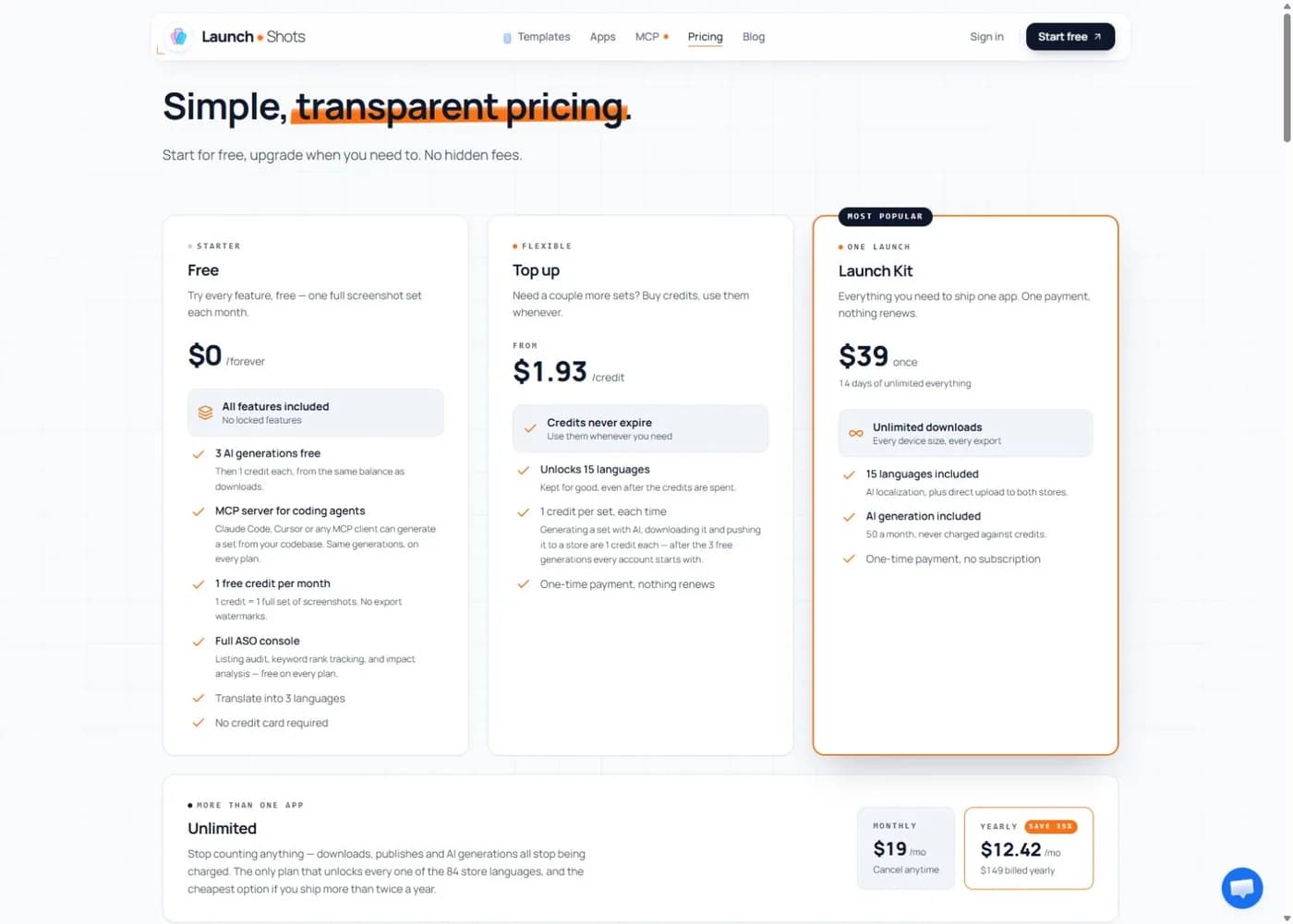
The official pricing page, checked October 8, 2026, shows:
| Option | Published USD offer | Key boundary |
|---|---|---|
| Free | $0 | One download credit monthly; three initial AI generations |
| Top up | From $1.93 per credit | One-time purchase; credits do not expire |
| Launch Kit | $39 once | 14 days of unlimited downloads; AI has its own allowance |
| Unlimited | $19/month or $149/year | Annual equivalent $12.42/month; not a monthly checkout price |
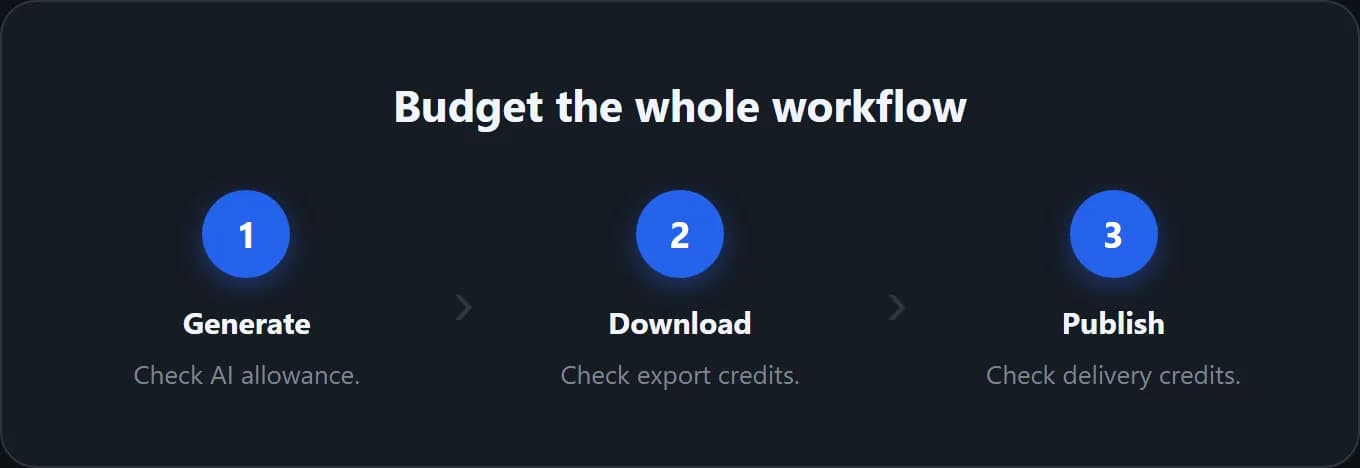
After the free generation allowance, AI generation, downloading and store pushing are separate credit events on credit-based plans. One screenshot set means every frame on a page for one device type. A generation is not a promise of all subsequent downloads and publishes at no further credit cost.
Is Launch Shots free?
There is a useful free entry, but budget the complete workflow. Making several directions, downloading your choice and publishing it are different actions. Inspect the live allowance before experimenting with multiple exports.
Do not compare a single credit with a whole paid release pack. Write down the device types and deliverables you need, then check the current plan table. The paid plan's name is not proof that every AI action is unlimited. Confirm the billing cycle, generation quota and renewal terms in checkout.
Our free screenshot generator guide compares additional no-cost workflows and the file checks that matter before release.
What Launch Shots does well
It joins design and store operations
Many screenshot tools stop after export. Launch Shots advertises direct publishing and automatic mapping to device sizes and locales. It also lets a user pull existing listing copy, edit it with store character limits in view, translate it, and write it back.
That can remove a tedious chain of folders, zip files, browser tabs, and repeated uploads. The benefit increases with every locale and every release. A team that already has a strong design direction may save more time here than it would save with another image generator.
The free plan produces a real deliverable
The free allowance is not described as a watermarked preview. It includes one full set per month and access to the editor. That gives a solo developer a credible path from project to store-ready files without an immediate subscription.
Always verify the final dimensions against the current App Store screenshot size guide. Automation reduces repetitive work, but the publisher remains responsible for current store requirements.
Localization stays inside the project
Launch Shots advertises AI translation for screenshot captions and listing copy across App Store and Play Store languages. It says the layout, fonts, and design remain intact, including right-to-left and non-Latin scripts.
The practical value is project continuity. A caption change should not require rebuilding a new file for every market. Even with automation, a native speaker or qualified reviewer should check high-value locales. Translation quality and conversion quality are separate problems.
ScreenFast also has an App Store screenshot localization workflow, but its product starts with generated iOS creative. Launch Shots is a stronger fit when the team wants editable multi-store production first.
Generated directions remain editable
Templates, layers, backgrounds, fonts, device frames, magnifiers, and cross-frame elements let a user shape the final set. This matters when the brand already has exact copy and a visual system.
Manual control is not automatically better. It is better when someone on the team can make good hierarchy and messaging decisions. Otherwise, a capable editor can still leave the hardest question unanswered: what should the first three screenshots communicate?
Where Launch Shots can fall short
Generated ideas still need a product decision
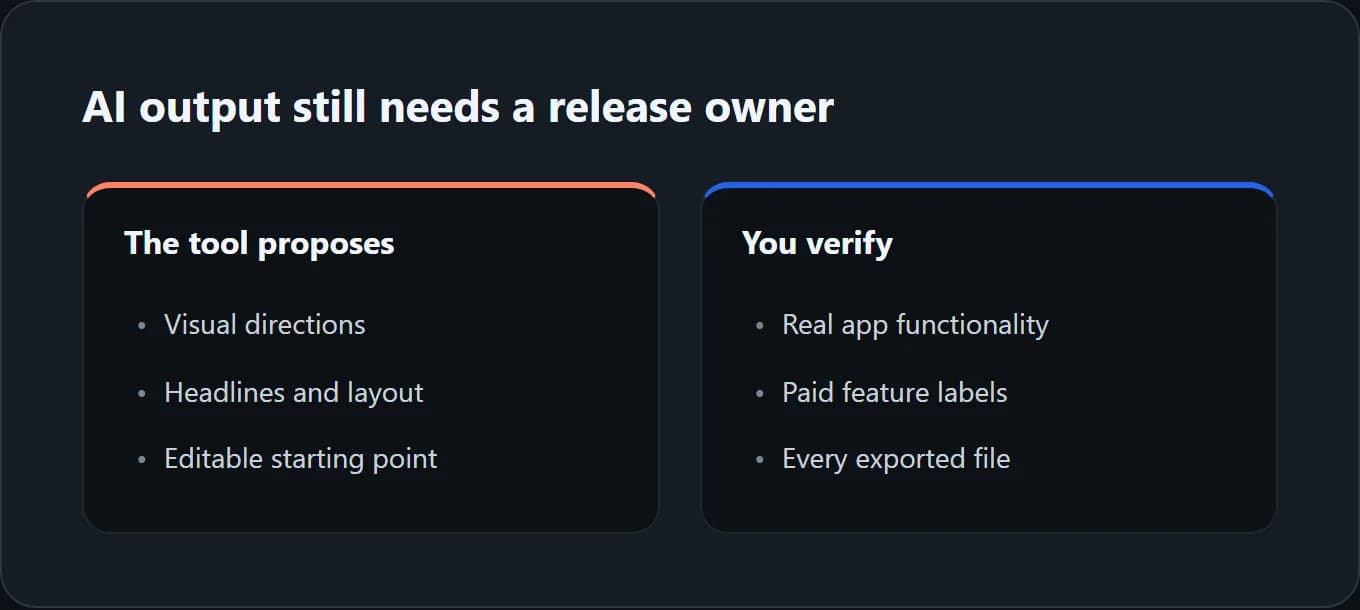
Launch Shots can now propose directions, not just provide a template. You still need to choose the strongest message and check that the layout shows the real app. An AI-written headline may sound persuasive while promising something the product does not do.
ScreenFast offers a different concept workflow. The AI screenshot generator accepts an App Store URL or uploaded screens, audits the material, and can generate 10 complete directions after purchase. The free step shows the audit, not a generated design sample. The paid result is the concept range.
Neither approach is universally better. Choose the product that removes the expensive part of your process.
Feature breadth creates a larger workflow
Store connections, listing fields, locales, credits, templates, and publishing controls are useful. They also create more setup than a one-off export tool. A developer who only needs one fast iOS concept may not use most of the system.
Do not buy a broad production workflow because the feature list is long. Count the steps you perform on every release. Pay for the steps that repeat.
A template can look finished before the message is finished
Polished device frames and gradients can make weak positioning feel complete. The first screenshot still needs one clear promise. The next frames should support it with evidence, product context, or a concrete benefit.
Use the first screenshot decision guide before treating the first attractive template as the final sequence. Visual quality and message quality must work together.
Direct publishing increases permission sensitivity
A direct store connection is convenient, but it touches production accounts. Review the vendor's current privacy terms, requested permissions, team-access model, conflict handling, and rollback process before connecting App Store Connect or Google Play.
Launch Shots says it shows listing conflicts before publishing so newer store changes are not silently overwritten. That is a useful safeguard. A production owner should still review the exact diff before every write.
Launch Shots vs ScreenFast
The difference is the full workflow, not AI versus no AI.
| Decision | Launch Shots | ScreenFast |
|---|---|---|
| Main job | Generate editable directions, then edit and publish | Generate 10 iOS-first creative directions |
| Input | Your app screens and description, or an editor project | App Store URL or prelaunch screens |
| Platforms | App Store and Google Play | iOS-first |
| Free entry | One watermark-free set per month | Free audit before paid generation |
| Paid entry | Credits, Launch Kit or subscription; see pricing above | $9.99 one-time generation |
| Store publishing | Direct publishing advertised | Export for submission |
| Best fit | Editable AI-to-store production | An iOS concept sprint with export for submission |
Evaluate Launch Shots when you want editable generation and connected store operations. Evaluate ScreenFast when its ten-direction iOS flow and one-time entry fit your job. Neither product guarantees conversion gains. Review generated UI, text and final files before submission.
For the operational comparison, read Launch Shots vs AppScreens. Check ScreenFast pricing for current generation and subscription allowances.
Launch Shots alternatives
No alternative wins every workflow.
- ScreenFast: Best when you need AI-generated iOS directions from the app itself.
- AppScreens: Best when you need reusable template production, many locales, Android support, and direct uploads. See Launch Shots vs AppScreens.
- Previewed: Best when the deliverable is a polished 3D scene or motion asset.
- Rotato: Best for precise 3D device mockups, camera control, and app videos.
- Figma: Best for pixel-level control and a reusable design system.
The full screenshot generator alternatives guide compares these jobs without pretending that one tool replaces the others.
Methodology
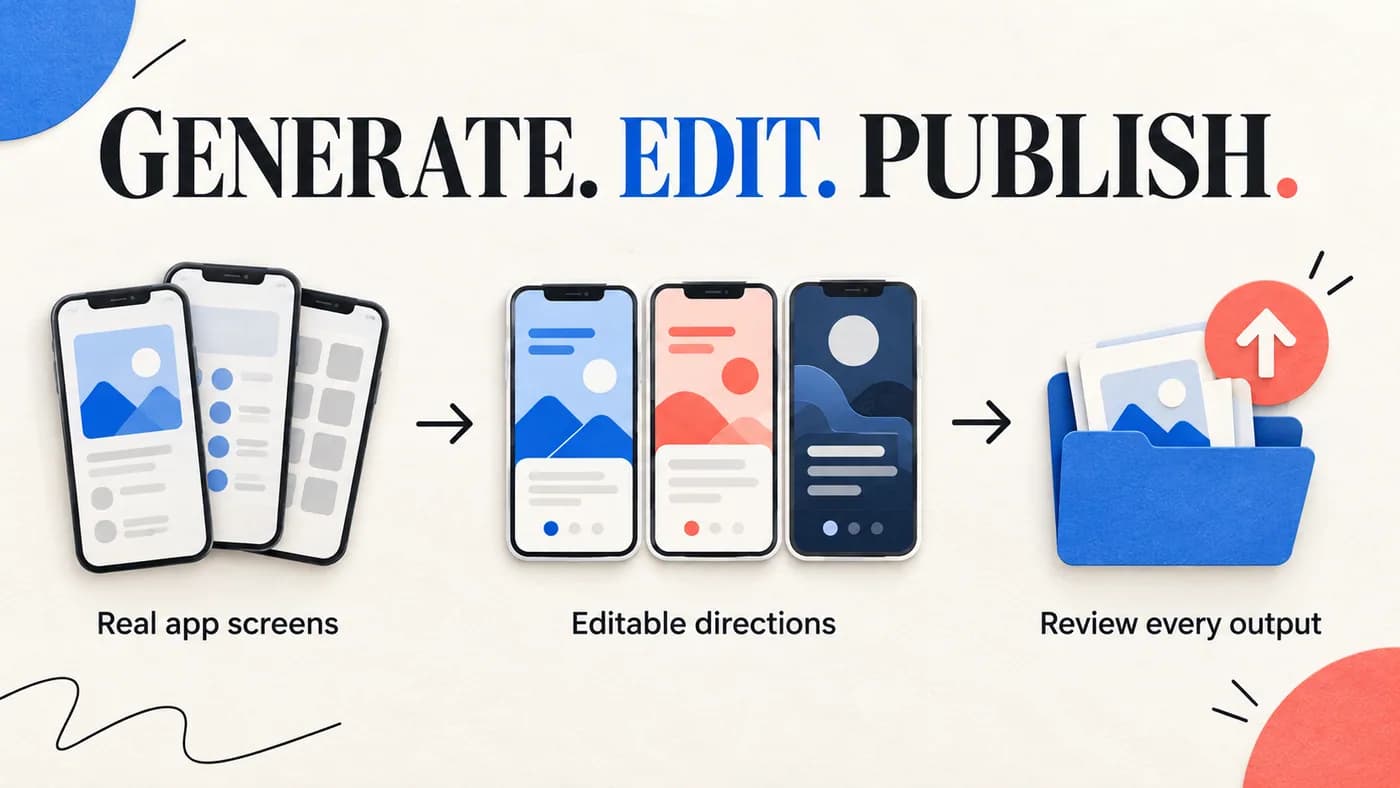
We reviewed the public Launch Shots homepage and pricing page on October 8, 2026. This update replaces the earlier manual-only positioning and old credit/pass prices. The new hero is an editorial illustration, not a screenshot of a generated result. We recorded visible plan wording, allowances, workflow claims, localization features, publishing features, template counts, and device counts. We compared those public facts with ScreenFast's current live product and pricing.
We did not purchase a paid Launch Shots plan, connect a store account, benchmark export speed, or measure conversion lift. We therefore do not claim hands-on performance or revenue results. Vendor usage totals and testimonials were not used to rank the product.
Product details can change. Verify the official Launch Shots product page and pricing page before making a purchase or granting store access.
Frequently asked questions
Is Launch Shots safe to use?
The public product pages describe a browser workflow and direct store connections, but this review is not a security audit. Read the current privacy policy, inspect requested account permissions, use least-privilege credentials, and review every production write before connecting a store.
Does Launch Shots add a watermark?
The official pricing page said the free monthly screenshot set has no watermark when checked on October 8, 2026. Confirm the final export terms in the live editor because plans can change.
Does Launch Shots support Android?
Yes. The product advertises App Store and Google Play sizes, localization, listing management, and direct publishing.
Is Launch Shots better than AppScreens?
Launch Shots has a compelling free monthly set and combines editing with listing management. AppScreens is designed around reusable template production and paid tiers for project, locale, and upload scale. The better choice depends on release frequency and how many apps and locales you manage.
Is Launch Shots better than ScreenFast?
It is better for a hands-on multi-store editing and publishing workflow. ScreenFast offers a ten-direction iOS concept workflow, but Launch Shots also generates directions. Compare editable output, supported devices, delivery steps and the work you still need to do. We have not measured which tool produces better designs.