Custom Product Pages vs Product Page Optimization: Which Should You Use?
TL;DR
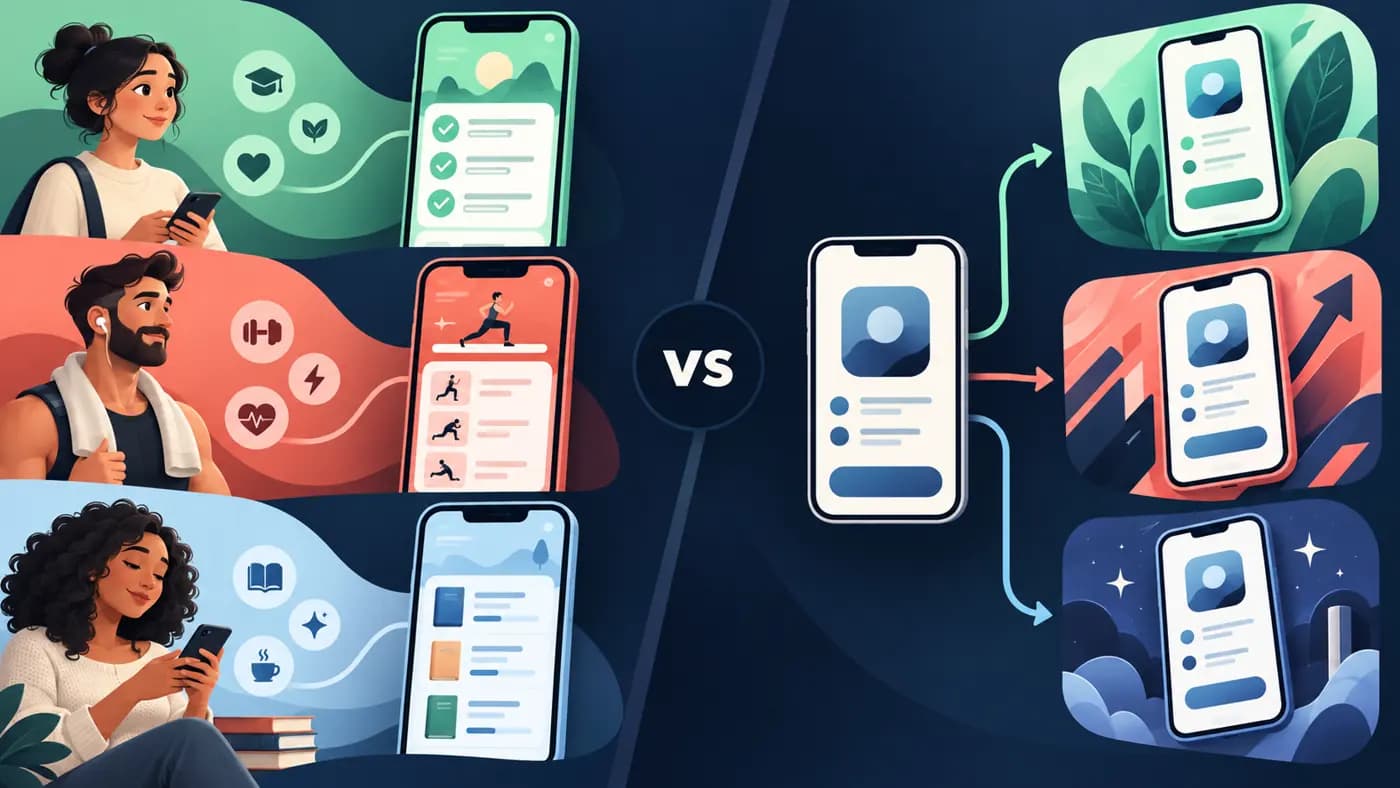
Use Custom Product Pages (CPP) when different audiences need different messages. Use Product Page Optimization (PPO) when you want to test a change to your default App Store page against a control. CPP gives each page its own link and can also show a page in relevant search results when you assign keywords. PPO randomly shows up to three creative treatments to eligible visitors. Apple does not let you run a PPO test on a custom page. If you have little traffic, start with one clear default page and one question you can measure, not 70 variations.
This Custom Product Pages vs Product Page Optimization guide separates two Apple tools for what looks like the same problem: better App Store screenshots. The distinction is not about which one makes nicer art. It is about who sees the page and what question you want to answer. The official CPP overview and PPO help describe different distribution and measurement paths.
The difference in one table
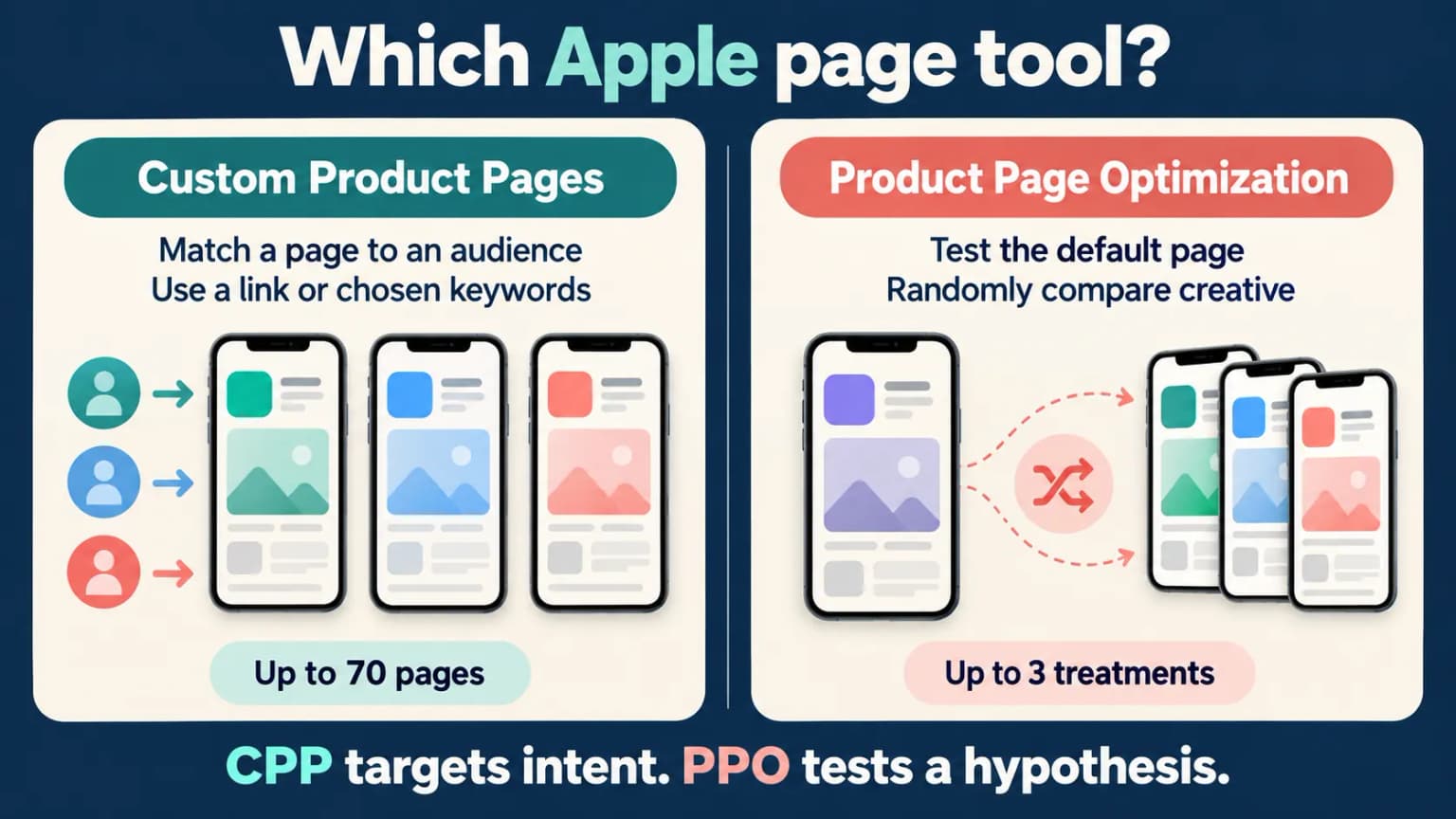
| Decision | Custom Product Pages | Product Page Optimization |
|---|---|---|
| Main job | Match a page to a specific audience, feature, campaign, or query intent. | Compare creative variants of the default page under a randomized test. |
| Who sees it? | People following its unique URL; a page can also appear for selected search keywords when configured. | A randomly selected share of eligible visitors to the default page. |
| What can change? | Screenshots, app previews, promotional text, and page-specific keywords. | Alternate screenshots, app previews, and app icons in test treatments. |
| How many? | Up to 70 additional pages per app. | Up to three treatments against the original page; one active test at a time. |
| Built-in randomized control? | No. Audience and source differences can bias a manual comparison. | Yes, for the configured test traffic. |
| Can PPO test this page? | No. Apple excludes custom pages from PPO. | PPO tests the default product page. |
| Best first use | One page for a genuinely different user need. | One important hypothesis about the default listing. |
The counts and eligibility come from Apple's CPP documentation and PPO setup guidance, checked on 2026-09-24. They are limits, not a recommendation to fill every slot.
Map each audience to a truthful page
Use a one-row brief for every proposed custom page: audience, the job they came to do, the source or selected keyword, the first app screen that proves the promise, and the outcome you will review. Two segments deserve separate pages when those rows differ meaningfully. A mere background-color change for the same audience is not a new intent.
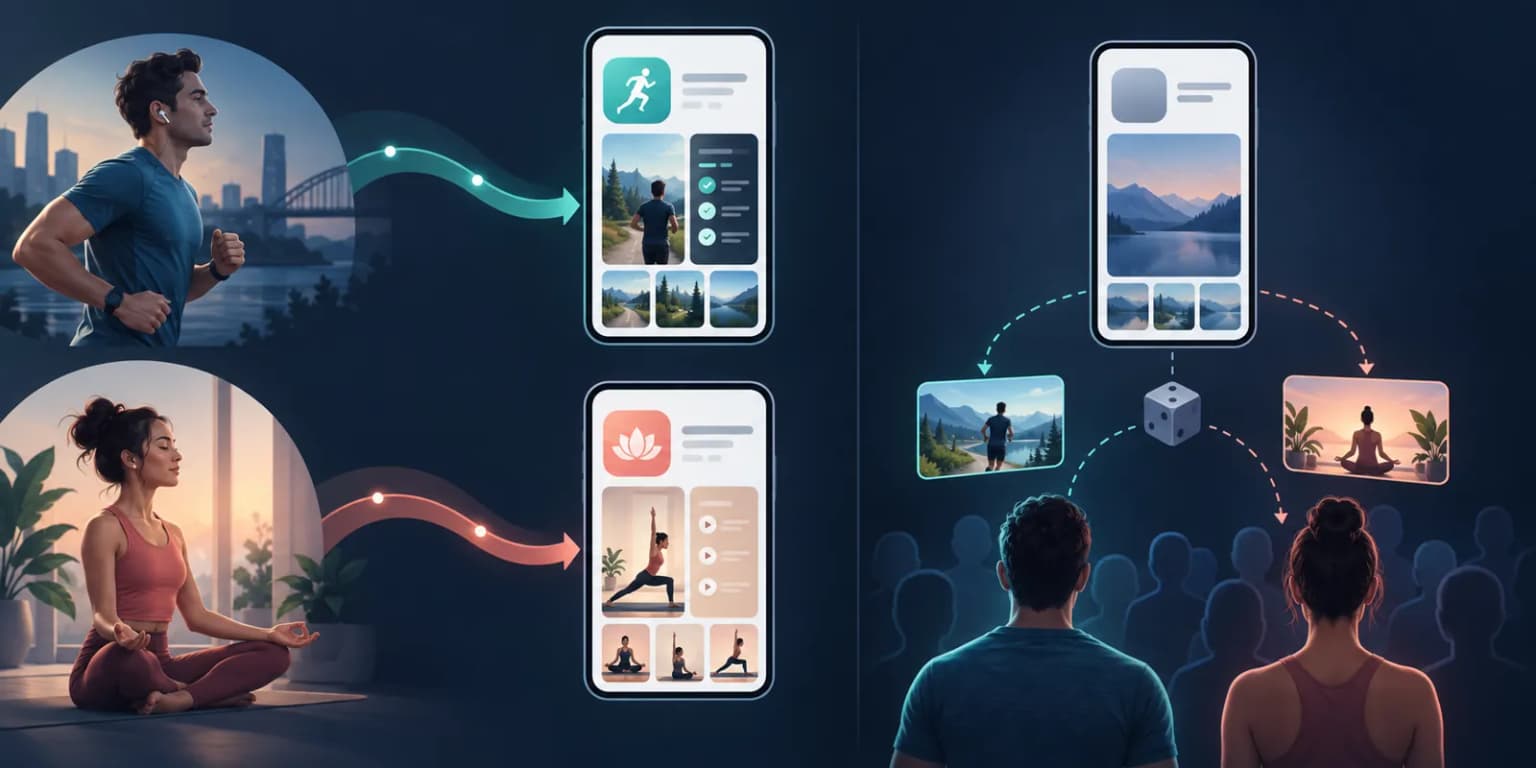
The illustration is a planning example, not an Apple Ads report. For a training app, a running campaign can lead to a page that opens with the actual running-plan UI; a yoga campaign can lead with a real session screen. Check that each target feature is available in the app and that the page's language matches the destination. If both campaigns show the same generic page, first ask whether one stronger default page would serve them better.
Keep the page identifiers and their screenshot sets in a small register. When the app interface changes, you need to know which custom page still shows old UI. Apple's CPP configuration guidance describes how the pages are created and made visible; the register is our operational recommendation.
Choose CPP when the audience changes the promise
Imagine a training app with strength, running, and yoga programs. The same generic screenshot set might be too broad for someone who came from a marathon newsletter. A running-focused custom page can show the training plan first, with an honest UI capture from that feature. A yoga audience can see a different first frame. Each page should still describe what the app actually offers.
Apple lets you start from a blank page or a copy of the default. You can change screenshots, app previews, and promotional text for its supported localizations. Each page has a unique URL for a campaign, email, or partner. Apple also allows keywords to be assigned so a custom page can appear in relevant search results; the old claim that CPPs are only reachable by link is outdated. See Apple's configuration guide.
Ask three questions before you make a page:
- Is this a distinct reader task, or just a new ad color?
- Does the app have a real screen that proves the tailored message?
- Can you identify the traffic source and a downstream outcome for this audience?
If the answer to any of these is no, a new page may create work without learning. One page for a clear segment is more useful than a folder of vague variants.
Choose PPO when the creative hypothesis changes
Suppose visitors to the default page see a feature-led first screenshot. You want to know if a benefit-led version converts better. PPO is the right tool because the treatment and original can be shown to randomly selected users during the same period. Apple's PPO overview supports up to three treatments with alternate icon, screenshot, or preview assets.
Change one coherent thing at a time. If you replace the first screenshot, icon, preview video, and offer together, a winner does not tell you which part helped. Name the hypothesis before creating the test, keep the treatment assets, and record the target audience and locale. Read the result in App Store Connect rather than calling a variant a winner after a few downloads.
Apple says a test can run for up to 90 days. It can also be inconclusive. There is no universal rule that every app needs exactly 30 days or a fixed number of page views. Apple's Analytics guide explains that its dashboard reports confidence and labels treatments when enough evidence exists. Our screenshot A/B testing walkthrough covers the hands-on setup.
Make one creative test interpretable
A Product Page Optimization treatment can change the opening message while keeping the rest of the page stable. For example, the original first frame might name a feature; the challenger might lead with the outcome that same feature enables. Both must show true UI. Write the difference down before launch, including the screenshot order, locale, and the action you will take if the test is inconclusive.
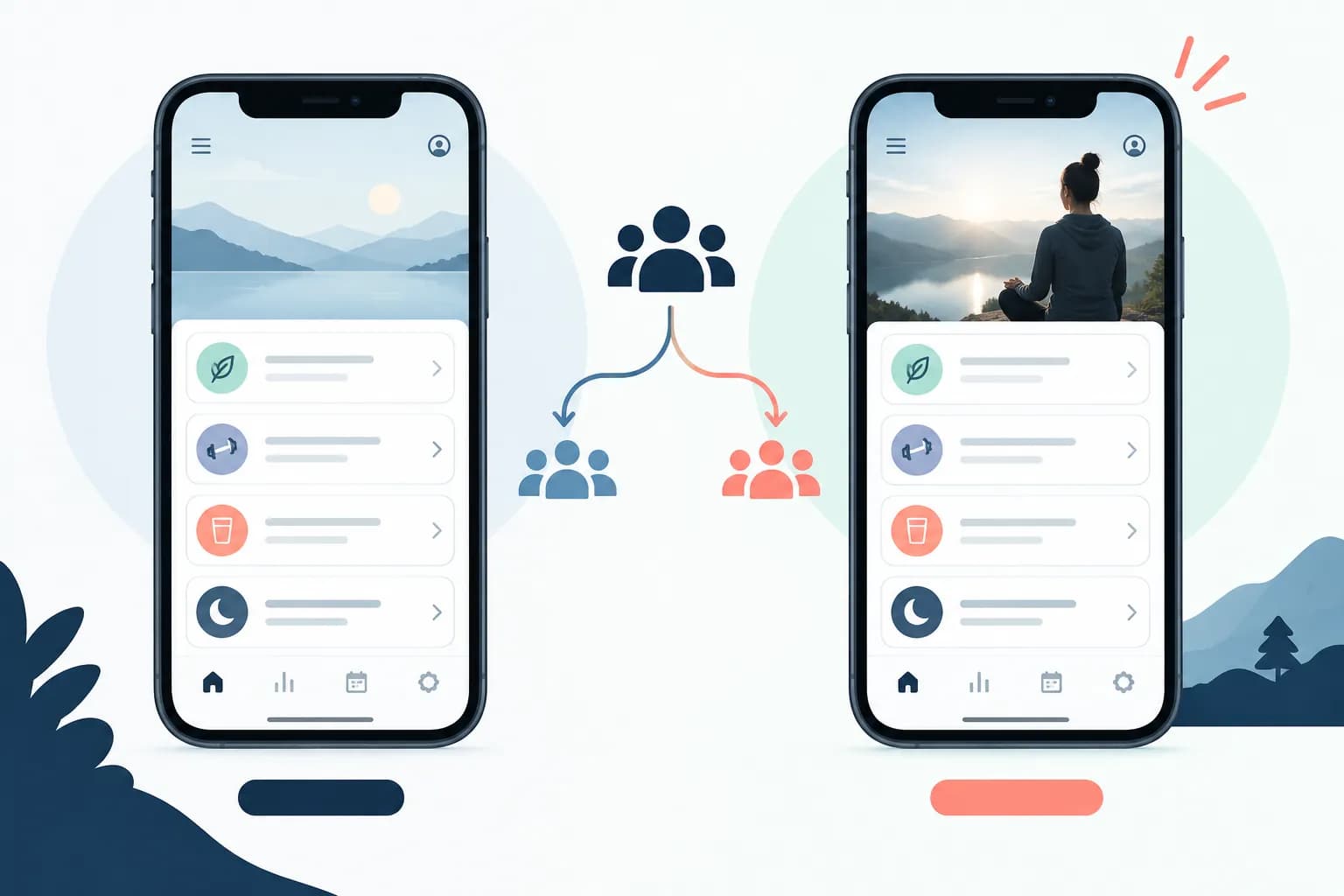
The picture is not a real App Store test and contains no result. Apple's randomized allocation helps compare eligible default-page treatments, but it does not repair a vague hypothesis. If you change the icon, first screenshot, and video together, you can assess the bundle, not isolate the effect of the first screenshot. Keep the original exports and note the live dates so a later team member can interpret the comparison.
Why CPP performance is not automatically an A/B test
If the running newsletter sends people to CPP A and a broad social post sends people to the default page, those visitors differ before they even see the screenshots. A higher rate on CPP A may reflect intent, audience, source, or the page itself. Comparing the two raw rates is useful for channel operations, but it does not isolate the creative effect.
For a fair operational view, keep the same date range and break out territory, source, device, and new versus returning users where available. Look at downloads and retained users as well as page conversion. Apple's Analytics metric definitions distinguish impressions, page views, first-time downloads, total downloads, and Conversion Rate. Do not put a third-party page-view-to-install rate beside Apple's native conversion rate without naming the denominators.
Apple reports an average lift for referrals to custom pages on its marketing page. That aggregate is not a forecast for your app. A small, highly targeted campaign can behave very differently. Treat your own cohort data as the decision point, not an industry promise.
A practical order for an indie team
Step 1: make the default page true and clear. If a new visitor cannot understand the main result from the icon, title, and first screenshot, fix that first. Apple's asset guidance recommends showing the app experience and a clear story. Our screenshot copy examples offer benefit-led alternatives.
Step 2: record a baseline. Save the default page's impressions, page views, first-time downloads, conversion rate, and activation by source. A screenshot design is only one part of this funnel. The conversion benchmark guide explains why denominator choice matters.
Step 3: test the broad promise with PPO. Use a single treatment if traffic is limited. If Apple marks the result inconclusive, do not invent a winner. Improve the hypothesis or wait for more traffic.
Step 4: create a CPP only for a real segment. Write down the audience, intent, link or keywords, creative difference, and success metric. Keep the UI honest. Review localizations separately. The localization guide covers caption and screen checks.
Step 5: keep an asset inventory. Record which screenshots belong to the default, each CPP, each PPO treatment, and each locale. Otherwise a feature update can leave old UI or outdated copy live on a page no one remembers.
ScreenFast is our product. It can help generate several screenshot directions from an app URL or prelaunch screens, but it does not configure CPP or PPO for you and cannot predict the winning treatment. Use the screenshot generator to develop candidates, then check every image against the actual app before upload.
Methodology
We read Apple's live CPP overview, CPP configuration help, PPO overview, PPO Analytics help, asset guidance, and metric definitions on 2026-09-24. The fitness-app scenario above is illustrative, not a customer case study. We have not claimed a conversion lift or a minimum test sample from ScreenFast data. We separated Apple's documented features from our editorial order of work. ScreenFast ownership is disclosed above.
The two added page and test visuals are fictional editorial diagrams, not screenshots from a real campaign or evidence of a measured lift.
FAQ
Are Custom Product Pages the same as A/B tests?
No. A CPP tailors a page to an audience or intent. PPO is Apple's randomized test of treatments on the default page. You can compare CPP metrics, but different traffic sources do not form a randomized control.
Can a Custom Product Page appear in App Store search?
Yes, Apple now allows you to assign page-specific keywords that can make a CPP appear in relevant search results. It also has a unique URL for direct traffic. Neither route guarantees a ranking.
Can I run Product Page Optimization on a CPP?
No. Apple's PPO help explicitly excludes custom pages. Use PPO for the default page and evaluate CPPs through their own Analytics data.
How many versions can I create?
Apple permits up to 70 CPPs and up to three PPO treatments. Those are maxima. Start with fewer, stronger pages or treatments that answer distinct questions.
Which one should a small app use first?
If the default page is unclear, improve it first. If you have enough traffic and one creative hypothesis, use PPO. If you have two distinct audiences and a tailored message, consider one CPP even before running a large test.
Can I put different screenshots on a CPP?
Yes. Apple permits different screenshots, app previews, and promotional text, subject to review and the current asset specifications. Keep featured UI and paid features accurate.
Does a CPP increase conversion by a fixed amount?
No reliable fixed lift applies to every app. Apple's published aggregate is context, not a promise. Compare your own source and user cohorts, and check whether new users activate after download.
Last updated: 2026-09-24.