AppLaunchpad Review: Pricing, Exports and Who It Fits
TL;DR: AppLaunchpad is a strong fit when you want to build App Store screenshots from templates and reuse them across releases. Pro currently costs $15 on a monthly plan, or $10 per month billed annually. Start with a free export test. Pay when repeated resizing, language work or project reuse becomes the real bottleneck.
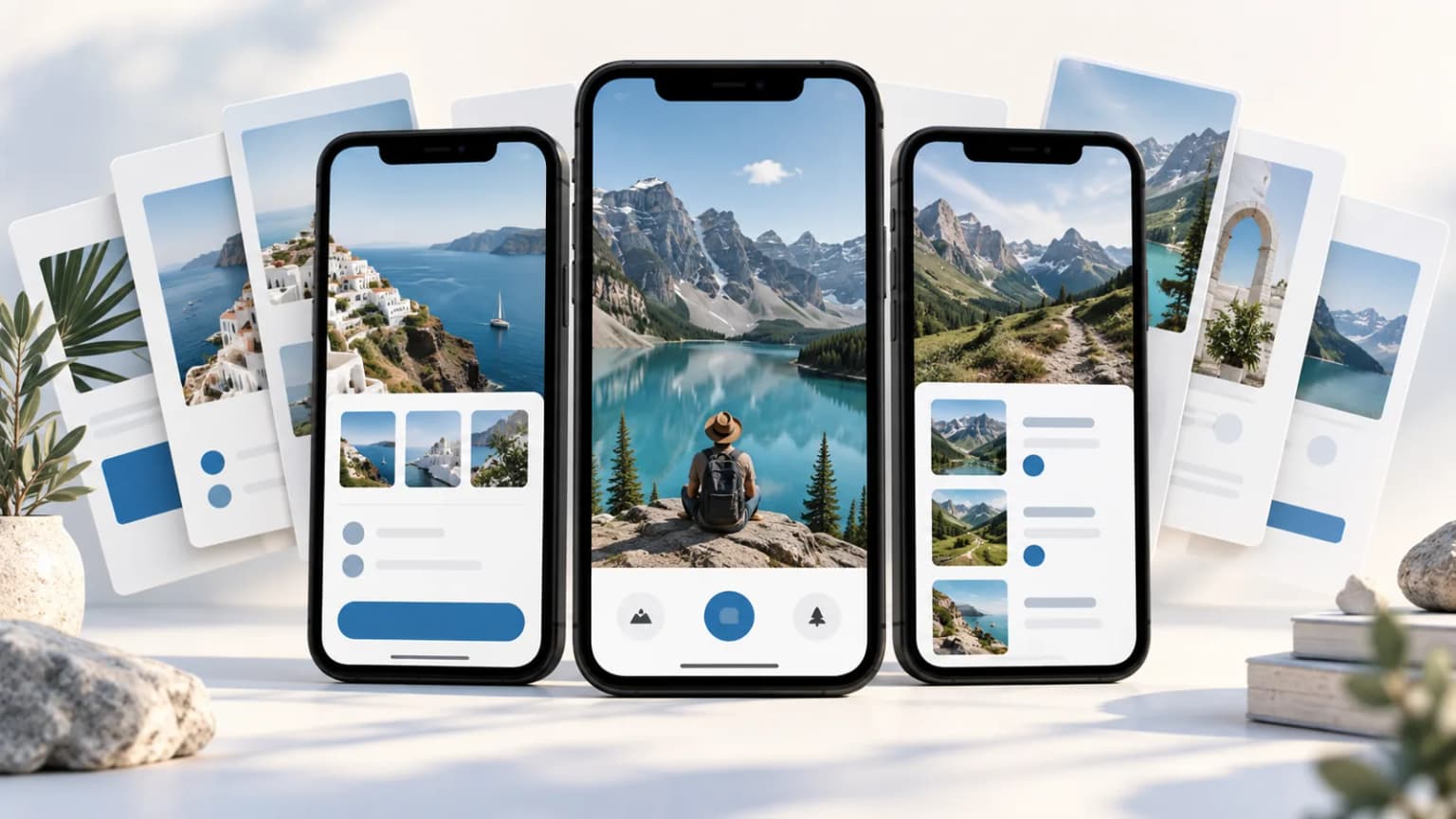
An AppLaunchpad review should answer a practical question: will this tool remove enough work from your next release to justify the bill? A large template gallery is useful. It is not the same as a finished set of screenshots that tells a clear story.
This review focuses on that gap. It covers current public pricing, what to check in an export, and three buying scenarios. It does not claim a measured increase in downloads. ScreenFast publishes this review and sells a different, AI-led screenshot workflow. That ownership matters when you weigh the alternatives below.
What AppLaunchpad is built to do
AppLaunchpad is a browser-based tool for creating store screenshots. Its public pages emphasize screenshot templates, device frames, layouts and assets for the App Store and Google Play. The paid workflow adds tools for repeated production, including project cloning, brand assets and AI translation.
Think of it as a store-focused design workspace. You bring app captures and decide what each panel should say. The tool helps package that material. It does not remove the need to show real product behavior or choose the right benefit for the first screenshot.
That distinction makes it appealing to a developer who already has a clear brief. A template can turn a rough plan into a consistent series. If your main problem is that you do not know which promise to lead with, more templates may simply give you more options to sort through.
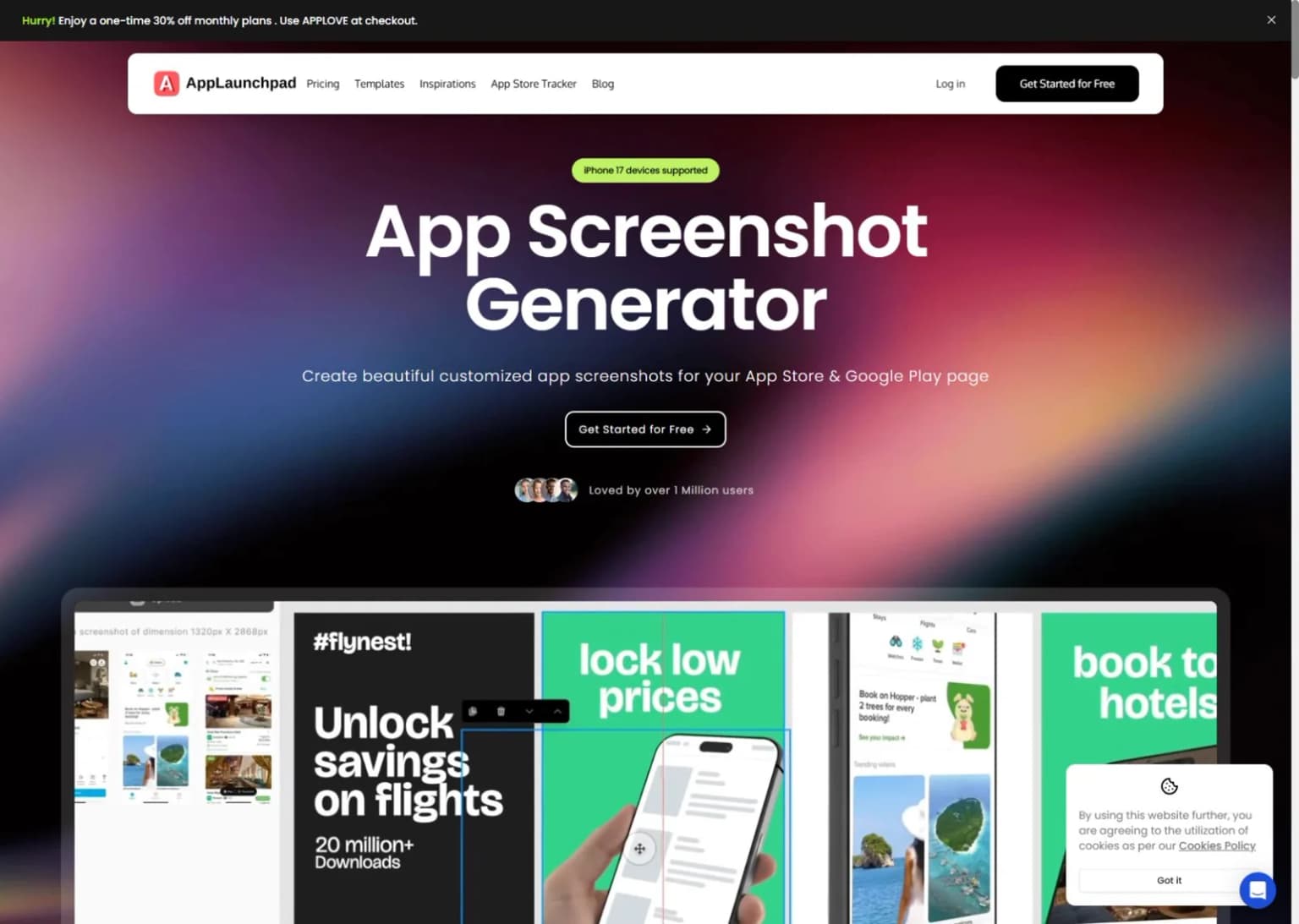
Public marketing page, not a capture of a paid editor session. Template examples and user-count claims on the page belong to the vendor.
AppLaunchpad pricing: the billing period changes the decision
The official pricing page showed the following USD prices when checked on October 17, 2026. We switched between annual and monthly billing. Temporary coupon banners are not included in the comparison.
| Option | Displayed price | How to read it |
|---|---|---|
| Free | $0 | Test the basic workflow and its export limits |
| Pro, monthly | $15 per month | A recurring monthly commitment |
| Pro, annual | $10 per month, billed annually | $120 for a year, not a $15 one-off purchase |
The AppLaunchpad free plan lists ten templates, layouts, fonts and limited exports. AppLaunchpad Pro lists unlimited exports, a larger template library, localization and reuse features. Check the live plan before paying, since limits and offers can change.
The annual plan is cheaper only if you will use it enough. Eight monthly payments at the current $15 rate total $120, equal to the annual base. Nine monthly payments total $135. This is arithmetic, not a promise about the value you will get.
For one release, compare the actual upfront amounts. A monthly plan may cost more per month yet less in total than a year you do not need. Also check renewal and cancellation terms in your account. Do not assume that finishing your export cancels the plan.
Where the template workflow earns its keep
The useful part of a template is not the gradient. It is the set of decisions you no longer have to repeat: spacing, headline placement, device scale and the relation between one panel and the next.
Suppose a small travel app has three core jobs: save places, build a day plan and share the route. A sensible screenshot set gives each job one clear panel. You can reuse the same type scale and margin while changing the proof shown inside the phone. That creates a coherent story without making every image identical.
The next release is where reuse can matter more. If the app changes one feature, you should not need to rebuild the whole visual system. A saved project and stable brand assets can make that revision easier. Check whether the template still behaves well after you replace a short headline with a longer one.
This is also why the largest gallery is not always the best fit. A small number of layouts that suit your app can be more useful than hundreds of styles you would never ship. Select for legibility and structure before visual novelty.
A free-plan test worth doing before you pay
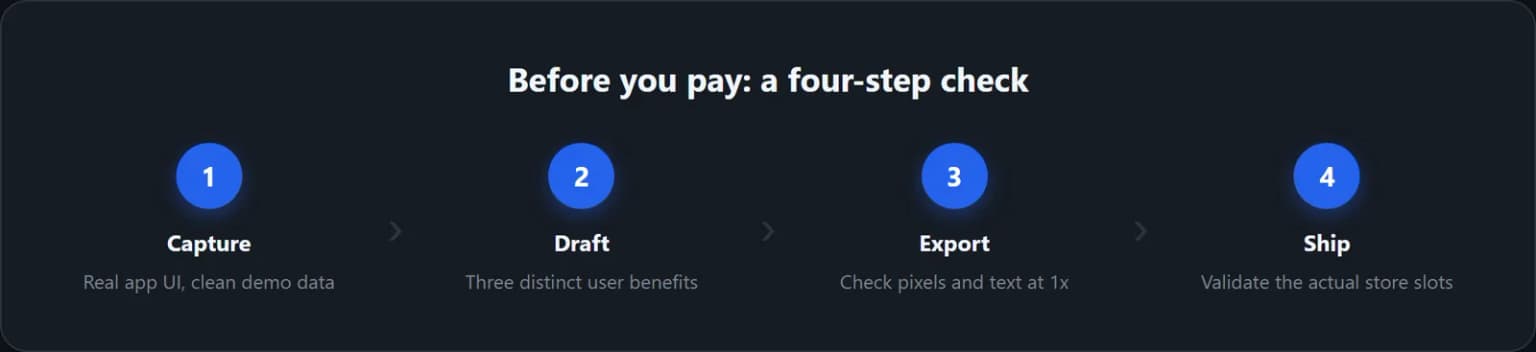
Use three real captures from your app, not a single attractive home screen. Choose one main benefit, one supporting feature and one proof point. Keep the copy identical if you test another tool later.
Build those three panels in the AppLaunchpad free plan. Then change the second headline to a longer sentence. Replace one screenshot with a capture from a different screen. This is a small stress test for the work you will do after the first draft.
Export whatever the plan allows and inspect the file outside the browser. Check its pixel dimensions, visible branding, crop and text. A design can look sharp at editor zoom and fail when reduced to the size a visitor sees in a store listing.
Record what stopped you. Was it an export limit, a paid template, the time spent writing captions, or a layout you could not adjust? Those are different problems. Only the first two clearly point toward buying the paid tier of the same tool.
Localization and multiple stores need a source plan
AppLaunchpad advertises AI translation and scaling for iOS and Android sizes. Treat those as production aids, not a replacement for review. A translated headline can be accurate yet too long for its frame. A resized phone can fit the canvas while making the interface too small to read.
Start with an approved source language. Keep a short glossary for product names, paid features and words that must not change. If your app uses a specific term in its UI, the screenshot headline should not invent a different label for the same function.
Then test one demanding locale before expanding the batch. Look for line breaks, clipped letters and a benefit that sounds unnatural. Have a fluent reader check the result when that language matters to revenue. AI translation is a draft, not evidence of local market fit.
For several device classes, keep a simple export map. Note the platform, device slot, locale and screenshot order. Use the current Apple screenshot specifications as the source for Apple requirements. A vendor's device label is not the final authority.
Our screenshot localization guide explains how to keep the message stable across languages. That is a separate decision from which editor you use.
Three buying scenarios
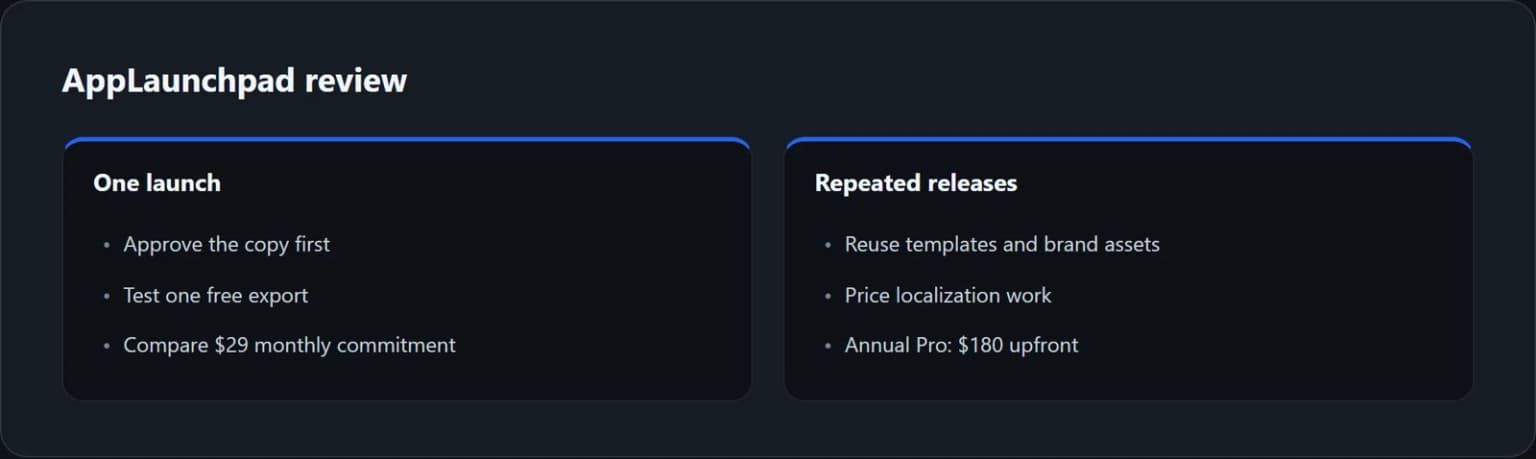
One app, one launch, one language. Finish the copy before starting a paid month. Test the free export first. If a paid template or export cap is the only blocker, the monthly commitment is easier to compare with the value of this one release.
One app with regular releases. Reuse matters more here. Try a realistic update: change a feature capture, revise two captions and export again. Judge the tool on that second pass, not just the first polished result. The annual plan deserves a look if this work is genuinely recurring.
Several apps or many locales. Count projects, language variants and revisions before selecting a plan. Confirm the live limits and terms for the work you do, especially if assets are for clients. A low monthly equivalent does not tell you whether the license or workflow fits an agency.
None of these scenarios requires predicting an install lift. The first purchase decision is about production cost and control. Store performance comes later, when you have enough relevant traffic to compare variants fairly.
AppLaunchpad versus the other routes
| Your main need | Route to consider | Main tradeoff |
|---|---|---|
| Reusable store templates | AppLaunchpad | You still write the story and review each export |
| Detailed design-system control | Figma | More manual setup and maintenance |
| 3D promotional mockups | Previewed or Rotato | A dramatic mockup may not suit a readable store panel |
| AI-led visual directions from app context | ScreenFast | Different control model from a full template editor |
For a wider shortlist, use our best App Store screenshot generators guide. If AppScreens is the other option on your list, the AppScreens review covers that workflow in more depth.
ScreenFast starts with a free audit of your app context. Payment then unlocks ten AI design directions. The one-time option is $9.99 per app; optional subscriptions are separate. The native image output is iPhone-focused at 1290x2796. It is not a native iPad, Android or video generator, and it does not provide the same editable-template control as AppLaunchpad.
Choose that route when deciding on a visual direction is the hard part. Choose a template editor when exact manual control and repeated edits matter more. See ScreenFast pricing and the AI screenshot generator before deciding.
Test the next release, not only the first template
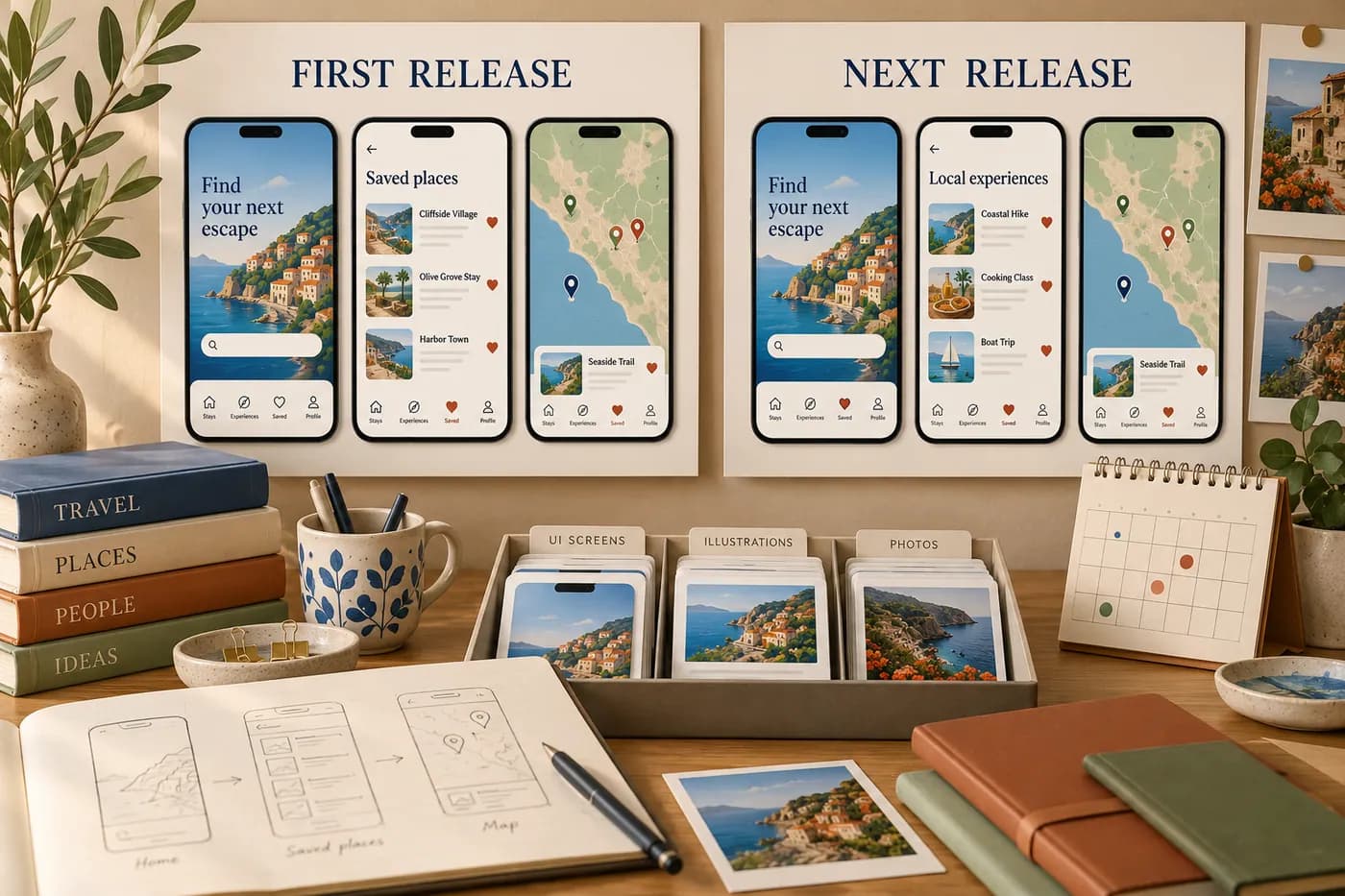
Fictional travel-app revision, not an AppLaunchpad editor capture or a measured time-saving result.
Use a small travel-app brief to test reuse: saved places, a day plan and a shared route. After the first set is complete, replace the day-plan capture and lengthen its headline. Keep the brand style fixed. The useful observation is how many adjustments the change creates, not whether the first template looked attractive.
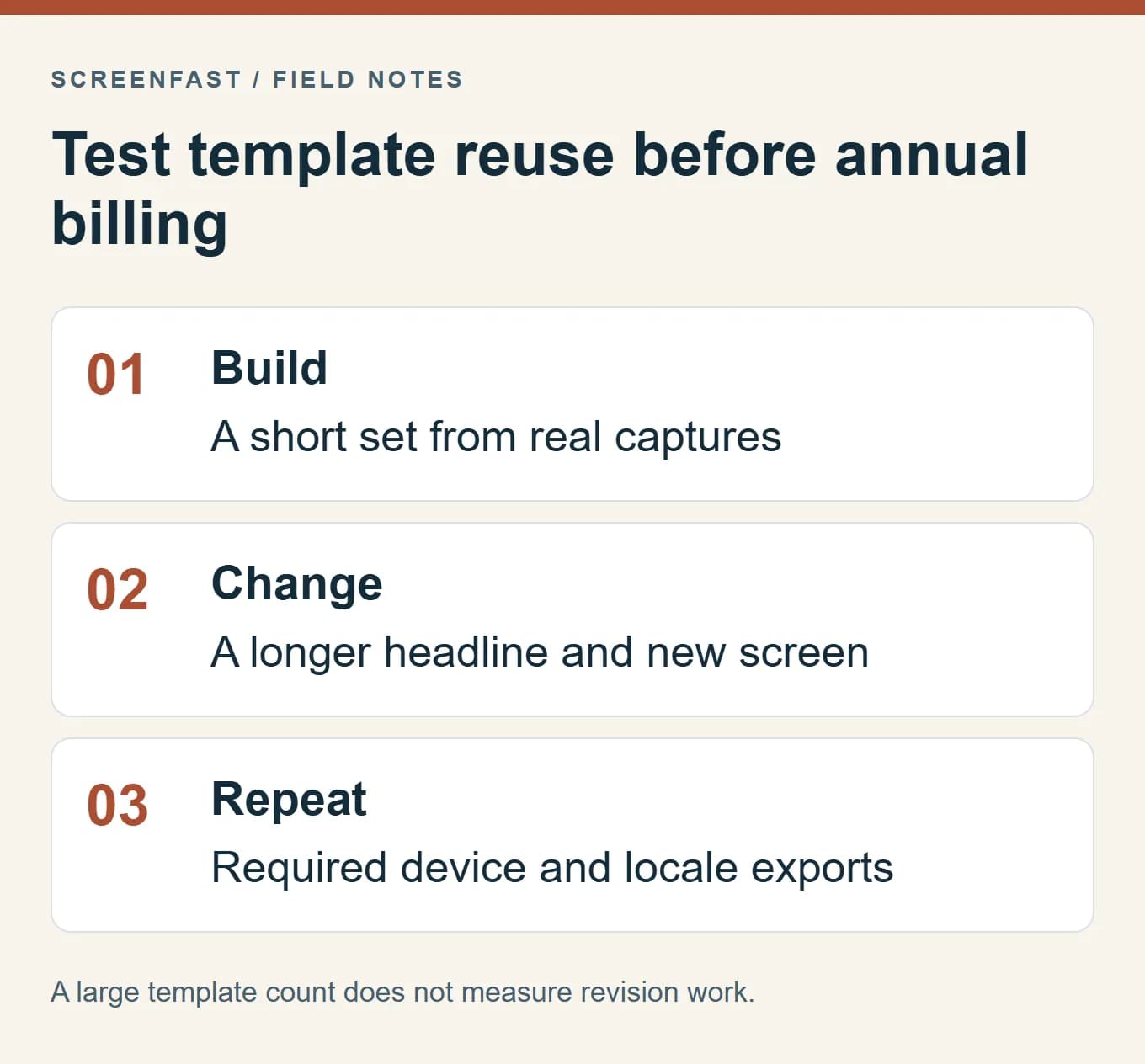
Then prepare the required device outputs. A resized frame may need a new crop or different caption placement. If a locale is part of the real release, use reviewed copy and inspect line breaks in the final file. Do not buy an annual plan on the assumption that every future edit will be automatic.
Record the time and blockers only if you actually perform the exercise. Separate design decisions from tool limitations. Spending an hour debating the headline is not evidence that the export system is slow. Hitting a paid-template gate is not evidence that the entire free workflow is unusable.
Compare the bill with the production calendar
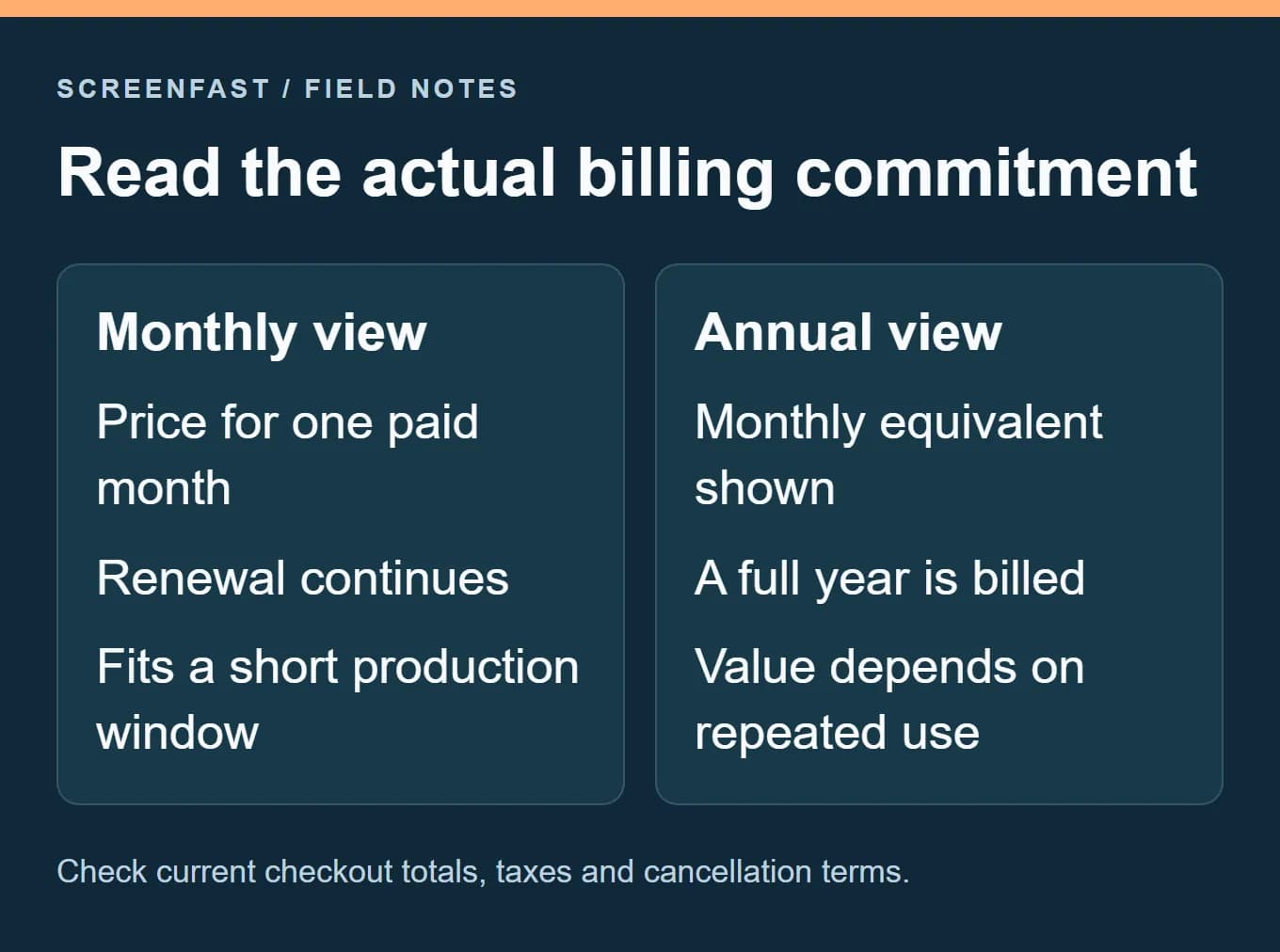
At the October 17 public prices, eight monthly payments of $15 total $120, equal to twelve months at the displayed annual equivalent of $10 per month. Nine monthly payments total $135. These calculations exclude tax and promotions and do not replace the checkout total.
The relevant question is how many months you expect to need paid access, including revisions. A team may use the tool every month, or only during two release sprints. The lower monthly equivalent is not automatically the lower total commitment. Save the chosen billing terms and renewal date with the project budget so completing the export is not confused with cancelling renewal.
What could make this a poor purchase
Do not pay for a template library to avoid writing the brief. If all ten panels repeat the same vague claim, a nicer frame will not fix the sequence. Write one plain sentence for the job of each screenshot first.
Do not buy annual billing because the monthly equivalent looks small. The right comparison is the total commitment against the number of releases you expect to produce. A tool can be good and still be the wrong purchase this month.
Do not assume an exported file is submission-ready because its name contains a device model. Confirm the pixels and destination slot. Keep an untouched copy of the source capture so that later corrections do not rely on editing a flattened image.
Finally, do not read a template vendor's conversion claim as a result for your app. Different traffic sources, countries and product categories can produce very different outcomes. Make one clear hypothesis for your new screenshot set and measure it after release.
How we tested
We rechecked the public pricing page in Chrome on October 17, 2026, including both billing modes. The earlier homepage capture remains explicitly dated September 8. We compared documented features with an indie release brief; we did not repeat a paid editor test or claim new search-demand data.
We did not buy Pro, test paid exports, measure render times or run an App Store conversion experiment. The free-plan test above is a proposed acceptance test for your app, not a claim that we completed it inside a paid account. Illustrations are conceptual; the labeled public-page capture is the only vendor screenshot.
FAQ
Is AppLaunchpad free?
It has a free plan with a smaller template set and limited exports. Use it to test your actual captures and export needs. Do not assume every paid template or production feature is included.
How much does AppLaunchpad Pro cost?
On October 17, 2026, the public USD price was $15 monthly or $10 per month billed annually. The latter means $120 for a year. Check the live checkout for the current total.
Is the annual plan better for one launch?
Not automatically. One monthly payment has a lower initial cost than a year. Annual billing makes more sense when the work repeats often enough to justify the full commitment.
Does AppLaunchpad support Google Play screenshots?
Its public pages advertise both App Store and Google Play workflows. Verify the exact export sizes you need with a sample file and the current store rules.
Will it write my screenshot story for me?
The documented workflow includes templates and AI translation. You should still choose the main benefit, verify claims and review the sequence. Translation does not decide which message deserves the first panel.
Should I choose it over an AI screenshot generator?
Choose AppLaunchpad when you want template-based control and reuse. Consider an AI-led tool when exploring a visual direction is the main task. Neither route guarantees better conversion without a sound message and a fair test.
Last updated: 2026-10-17. Public pricing rechecked in both billing modes.