Reddit Promotion for Indie iOS Apps: Rules, Posts and Measurement
Quick answer: Reddit promotion for indie iOS apps starts with a relevant, disclosed conversation and a clear next step. Read the community's current rules, explain your role, show the actual product and ask a question its members can usefully answer. Do not mass-post the same pitch, manufacture engagement or treat a fixed karma score as permission to advertise.
Last updated: 2026-10-17. This is a practical planning guide, not a promise of installs or a report of a new Reddit campaign. The examples use fictional apps and do not quote real customers.
Disclosure: We make ScreenFast, a tool for paid iOS screenshot design directions. It does not post to Reddit, acquire users or guarantee app sales.
Start with the problem, not a list of large subreddits
A community can have many members and still be a poor place for your app. A developer forum may discuss implementation details, while the people who would use the product gather around a hobby or task. Decide whether you need technical feedback, usability feedback, beta testers or paying customers before choosing where to participate.
For a fictional plant-care app, "I want more downloads" is not a useful discussion brief. "I want to learn whether people record care by plant or by room" is a specific question. You may learn from that conversation without sharing an app link at all. If the product is relevant and promotion is allowed, the link can support the discussion rather than replace it.
Read recent conversations as well as the rules. Notice which problems recur, what members already use and which promises they distrust. Do not copy personal stories into marketing material without considering their context and permission. Use the research to understand a task, not to impersonate a member's experience.

Fictional community board and plant app. Any notes in the illustration are invented examples, not real Reddit rules or customer testimonials.
Separate Reddit-wide rules from community rules
Reddit's current spam policy prohibits repeated or unsolicited mass engagement. It covers manual activity as well as automation, including repetitive promotional posting and unwanted mass messages. Authentic participation does not make an unrelated sales pitch relevant.
The moderator guide says promotional content is not inherently spam, but communities can prohibit it. Some use a 10% self-promotion rule; that is not a universal Reddit-wide allowance. Nine unrelated comments do not buy permission for a tenth promotional post. Follow the actual rules of the community you are entering.
When a rule is unclear, ask moderators before posting. Describe the proposed content and your relationship to the product. Do not present a concealed advertisement as a neutral user question. A moderator's permission for one post also does not automatically cover future posts, other communities or unsolicited messages to members.
Create a small community research record
Use a record you can keep current rather than a directory of "best places to promote." A static directory can become misleading as rules, moderation and discussion norms change. Keep the community URL, the date checked, the relevant rule, the allowed format and the reason your topic belongs there.
| Field | A useful entry | A weak entry |
|---|---|---|
| Audience | People comparing ways to record plant care | Anyone with an iPhone |
| Purpose | Feedback on a specific task | Get traffic |
| Permission | Rule link or moderator clarification | Other people posted apps |
| Format | Approved feedback thread or relevant discussion | Same pitch everywhere |
| Offer | Released app or clearly labeled beta | Ambiguous early access |
| Follow-up | Named person answers questions | Link dropped and forgotten |
Record account requirements only when the community actually states them. Do not invent a safe minimum of 30, 100 or 1,000 karma. If a post is filtered, investigate the notice and rules instead of assuming that one numerical threshold explains every moderation decision.
This record should stay short. If maintaining dozens of communities becomes a production job, narrow the scope to those where you can contribute meaningfully. More destinations do not automatically create better research or more relevant users.
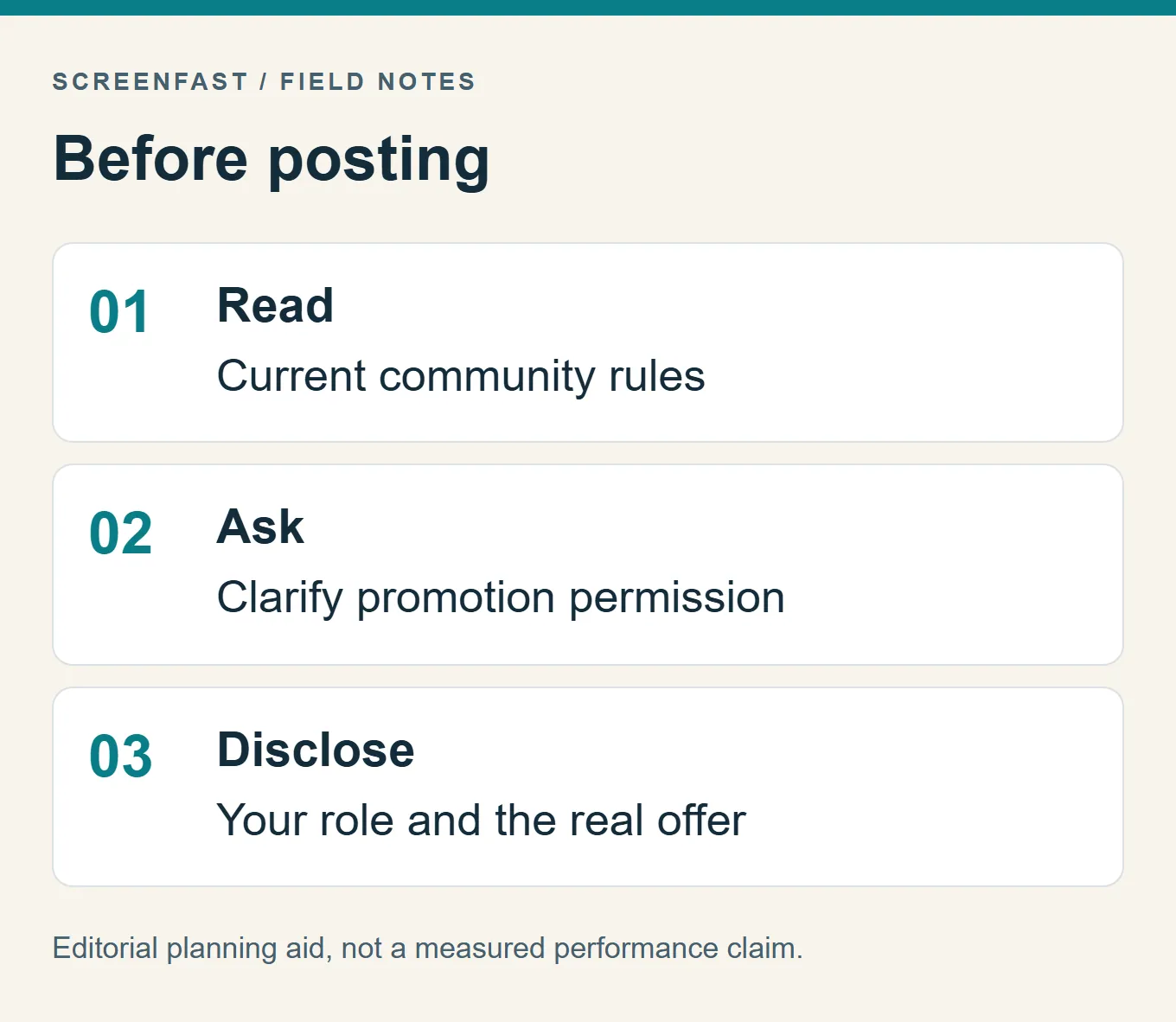
Write a post that still helps without a click
Begin with the task or observation. Explain what you tried, what the product currently does and what remains uncertain. Show a real screen or a short demonstration when the permitted format allows it. Then ask a question with a concrete answer.
Here is an editorial example for the fictional plant app, not a ready-to-copy post for an unchecked community:
I built an iPhone app for recording plant care. I currently group plants by room, but moving a plant changes the way I find its history. If you track care already, do you organize it by plant, location or date? I can share the current screen if that is allowed here.
The example discloses the maker's role and asks about a real design choice. It does not pretend to be a satisfied customer recommending someone else's product. It also does not force readers to install the app before they can understand the question.
If a community allows a launch post, state the access conditions beside the link. Explain whether the app is released, in beta, free to download or paid. If a feature in the demo requires a subscription, say so. A vague "free app" claim can create disappointment even when the download itself costs nothing.
Avoid fictional popularity. Do not add customer counts, ratings or quoted praise unless you have evidence and the right to use it. A clear limitation often answers a reader's question better than another superlative.
Prepare the destination before sending people there
Open the exact link on an iPhone and inspect the page as a new visitor. Does the first screenshot explain the task discussed in the post? Does the pricing match? Is the app available to the intended audience? A strong discussion can still lead to a confusing store page.
Keep the transition specific. If the post is about finding a plant's care history, lead with that use case rather than a generic dashboard of unrelated features. The reader should recognize why the app link appeared in the conversation. Our screenshot design patterns guide explains how to connect a claim with visible interface proof.
For a beta, explain access and support separately from a public release. Verify the invitation route and avoid implying that every reader can immediately install. Do not ask people to share private account data in a public comment to obtain access. Give them an appropriate support channel if individual troubleshooting is needed.
Use an honest visual. A generated concept can help you explore a layout, but it is not evidence of a working feature. Review every caption and interface detail before publishing a store asset. The App Store listing checklist is a useful final check for the destination, not a substitute for the community's rules.
Make your feedback request answerable
"What do you think?" often produces opinions that are hard to act on. A narrower request can reveal a specific problem: "Which button would you use to record watering?" or "What would you expect this reminder to do?" Do not lead the person toward praise by asking whether they like the feature you most want to validate.
Distinguish preference from a task failure. A member may dislike a color but still understand the workflow. Another may like the design but misunderstand whether data is saved locally. Those responses lead to different changes. Keep the original wording in a private research note only as needed, and avoid storing unnecessary personal details.
If you offer a demonstration, use a clean sample account. Hide notifications, private names and unrelated content. A real screen should show the actual product state, including limitations that affect the claim. Do not edit a paid step out of a supposedly free workflow.
After changing the app, return to the original question where a follow-up is appropriate and allowed. Explain what changed and what did not. Do not turn every small revision into another promotional post. The useful unit is the resolved problem, not a weekly link quota.
Respond without becoming defensive
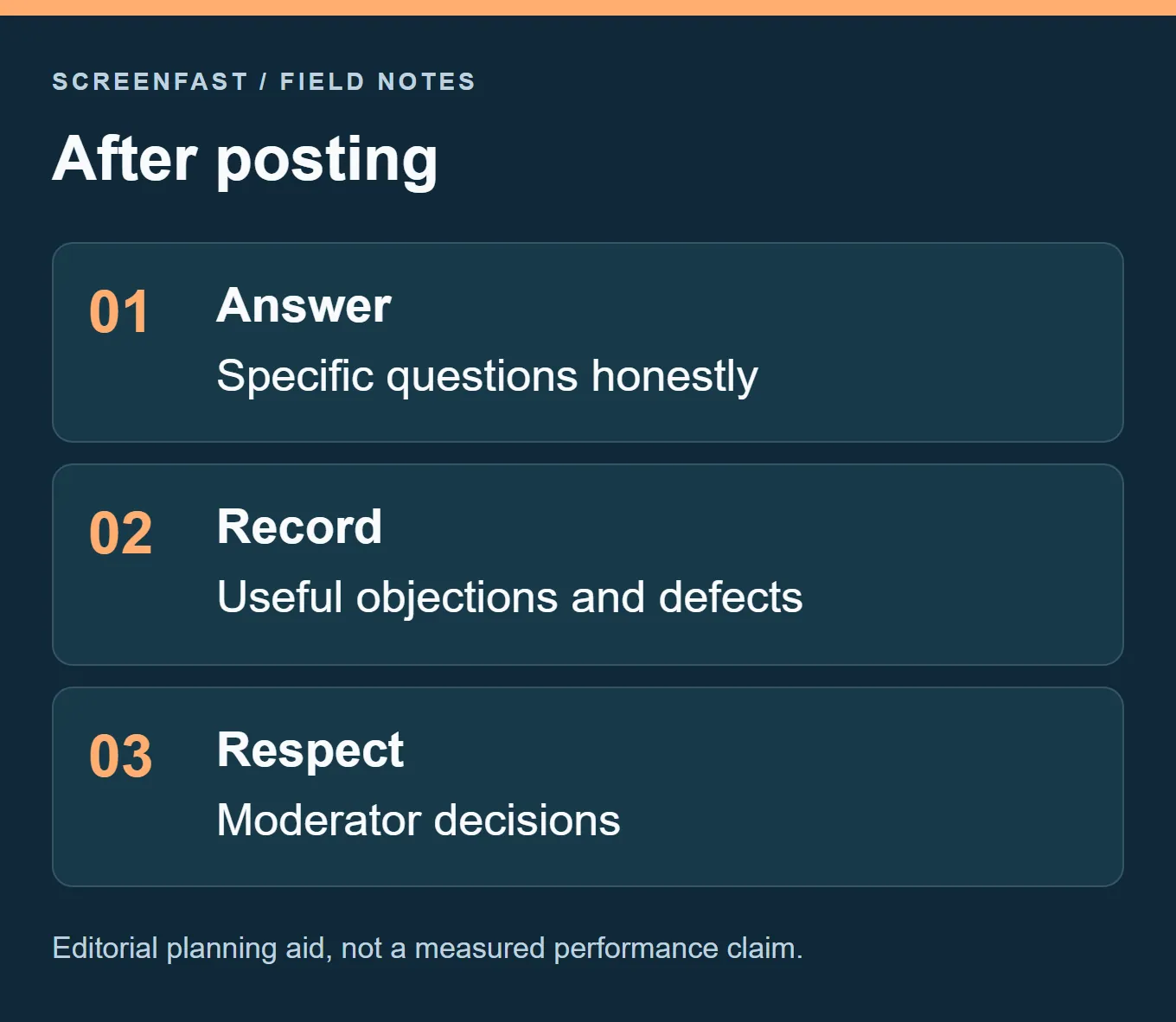
A critical comment may identify a genuine issue, a different use case or a misunderstanding. Read it before deciding which. If someone says the app already exists elsewhere, ask what they currently use and what works well. Do not invent an advantage or attack a competing developer to keep the conversation favorable.
When a person finds a defect, acknowledge the observable problem and request only the details required to reproduce it. Keep sensitive information out of the public thread. If you fix the issue, state the version or change clearly rather than announcing that the entire product is now perfect.
When a moderator removes a post, read the explanation and check the rules. Ask for clarification through the appropriate channel if needed. Do not evade the decision with another account, a disguised link or repeated reposts. A removal is not a reason to automate a larger posting campaign.
Measure the path you can actually observe
Keep discussion activity, outbound visits, App Store reporting and product events separate. An upvote is not an install. A comment is not a sale. A useful objection can still be valuable even when it does not generate a measurable download.
For each planned post, record the date, destination, permitted format, main question and available measurement method. If you use an App Store campaign link, follow Apple's current campaign measurement guidance. Reporting has eligibility and privacy constraints; an absent row is not proof that no one installed.
Use the same time window when comparing reports, and state when their definitions differ. Do not turn a set of aggregate totals into a claimed person-level funnel. A person can discover the app in one place and later install through another route. Your data may not resolve that journey.
Review product use only where the measurement is implemented and appropriate. A download spike with no corresponding task completion may signal poor fit or onboarding friction, but it does not identify the cause on its own. Read the qualitative feedback alongside the numbers instead of forcing one report to explain everything.
Decide whether to continue with a bounded review
After a small, relevant effort, ask what you learned and what it cost. Include time spent understanding the community, preparing the post, replying and fixing issues. Do not count only the few minutes needed to paste a link.
Continue when the discussion brings useful questions from the intended audience and you can respond responsibly. Change the approach when readers misunderstand the basic offer or when the chosen community mostly contains people who will never use the product. Stop posting when promotion is unwelcome or when you have no new, relevant contribution.
Do not compensate for weak results by increasing volume across unrelated communities. First inspect the audience, the question and the destination. If the app solves a real problem but the current community does not discuss it, another research route may be more useful than another version of the same pitch.
Keep a short decision note: evidence, interpretation and next action. "Three people could not find the history button" supports a usability change. "The post had few votes" does not establish that the market is too small. This distinction prevents an attention metric from becoming an unsupported product verdict.
Where ScreenFast fits, and where it does not
ScreenFast can help explore the App Store visual directions a visitor sees after leaving a discussion. Its free step is an audit. Image generation comes after the current one-time $9.99 checkout and produces ten iOS design directions, not ten guaranteed final sequence panels.
Review generated text and product details, and adapt files to the required upload classes. ScreenFast does not create permission to promote in a community, replace real app footage or prove a conversion lift. If the product page is already clear, spend the next hour answering the actual user question rather than redesigning it again.
FAQ
Does the 90/10 rule apply everywhere?
No. Some communities use a self-promotion ratio, while others prohibit promotion or allow it only in specific formats. Check the current rules. Helpful participation should be genuine, not a transaction designed to unlock an advertisement.
How much karma do I need to promote an app?
There is no universal number in this guide. Community requirements and moderation differ. Follow stated rules and do not use karma farming or purchased accounts as a shortcut to trust.
Should I post in developer communities or user communities?
Choose by the question. Developer communities may suit technical feedback; a task-focused community may better explain user needs. Neither is automatically a sales channel, and both can restrict promotion.
What should I do when a post is removed?
Read the notice, inspect the relevant rules and seek clarification if appropriate. Do not repeatedly repost or disguise the destination. Respect the decision while you work out whether the content belongs there at all.
Can I predict installs from the number of upvotes?
Not reliably from a universal formula. Votes, visits, downloads and purchases are different actions. Use your actual reporting limits and product data, and label uncertainty instead of borrowing a conversion rate from an unrelated anecdote.
Methodology
We checked Reddit's official spam and community-moderation guidance on October 17, 2026. The workflow and plant-app examples are editorial recommendations. We did not run a new campaign, audit every subreddit or measure an install benchmark. This update removes unsupported karma thresholds, universal promotion ratios and anecdotal conversion claims from the earlier article. Community-specific permissions still need checking immediately before use.