Best App Store Screenshot Generators (2026): 9 Compared
TL;DR: pick the workflow, not a winner
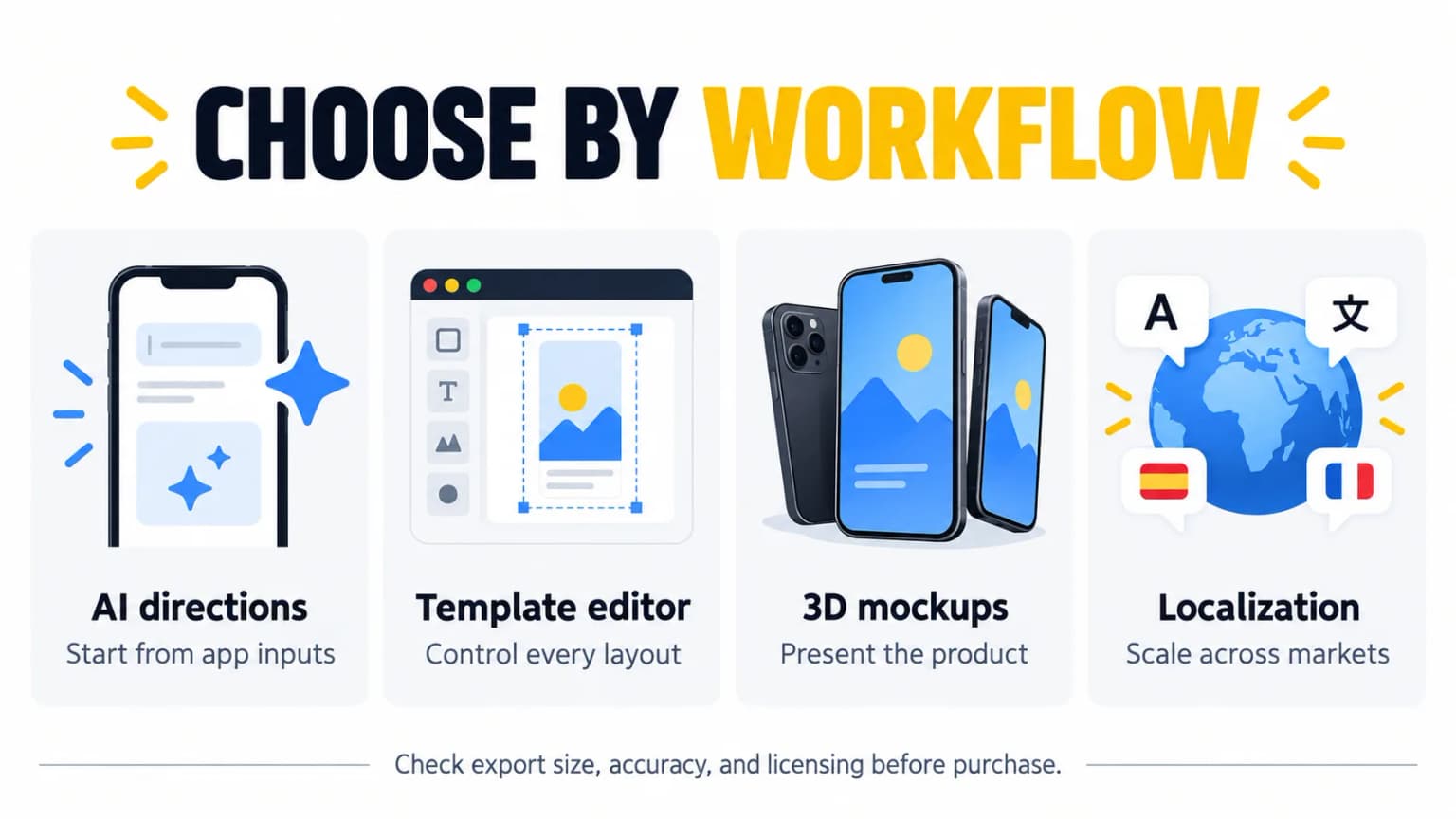
The best App Store screenshot generator in 2026 depends on the production job. ScreenFast (ours) offers app-specific AI design directions from a URL or uploaded screens. AppScreens is built for repeatable localization and store upload. AppLaunchpad and AppMockUp offer template-led editing. Previewed and Rotato focus on 3D presentation and motion. Screenshots Pro has a developer API. Hotpot offers a broad graphics editor, while Placeit is a general mockup library. We have not run a paid head-to-head test. This is a review of documented features and prices.
AppScreens plan update, 2026-10-17: Rechecked current project, app and locale limits against the official pricing page. This targeted correction does not re-date the other vendor checks below.
| If you need | Shortlist | Why |
|---|---|---|
| Design directions from an app URL, without a blank canvas | ScreenFast (ours) | Free audit first; paid generation, then concept selection and refinement. |
| Many languages and device sizes | AppScreens | A responsive project, localization, and paid direct store upload. |
| Manual template control | AppLaunchpad or AppMockUp | Choose the layout and edit the details yourself. |
| 3D scenes or promo motion | Previewed or Rotato | Device presentation is their main job. |
| A wider marketing mockup library | Placeit | Reuse the subscription beyond store screenshots. |
| Low-cost, broad graphic creation | Hotpot | Screenshot layouts alongside other image tools. |
| Release-pipeline generation | Screenshots Pro | Its Extended plan lists API access. |
Disclosure: ScreenFast is our product. It is included for its URL-to-design workflow, not ranked first. Neither our product nor any other tool is a substitute for checking that every screenshot reflects the real app.
What developers are actually deciding
Start with time, cost and control. Decide which one is the real constraint. In a tool discussion, a developer said "previewed.app is also very good but not free" and noted its video mockups. In a separate workflow thread, another wrote, "I paid someone on Fiverr like $60 and it was good enough!" These are individual experiences, not a price survey or a product benchmark. They make a useful point: a free editor, a paid tool, or a designer can all be sensible for different release schedules.
If your budget is zero, use our free App Store screenshot generator shortlist. It separates free editing from usable exports, device limits and asset rights. If your choice is between a general design canvas and a store-focused editor, see AppScreens vs Canva.
Methodology: how we compared the tools
We grouped tools by workflow rather than assigning a false numerical score. On September 23, 2026, we checked the accessible official product, help, and pricing pages for load-bearing claims. We did not buy nine paid plans or measure task completion times. Where a checkout was not accessible or a price was dynamic, we say check current pricing instead of repeating a stale figure. Vendor feature claims are not independent proof of output quality.
On October 8, 2026, we rechecked the AppScreens free-project wording against its official pricing and help pages: five screens per project is not a five-download lifetime allowance. We also clarified the ScreenFast sequence: the free audit precedes payment, and design generation starts after checkout. Other vendor pricing below retains its stated September 23 check date.
The comparison uses five questions: Does the tool invent a design direction or only frame an existing screen? Can one project scale across devices and languages? Does it export a still, video, or both? Is commercial use allowed on the chosen plan? What manual review is required before App Store Connect accepts the files?
Make a small test set first. Use the same app screens in each tool. Make five tiles. Time the work. Export one phone size. Then edit a line of text. See how much work it takes to ship the set again. This shows the real cost of the tool.
ScreenFast: AI directions from a URL or uploaded screens
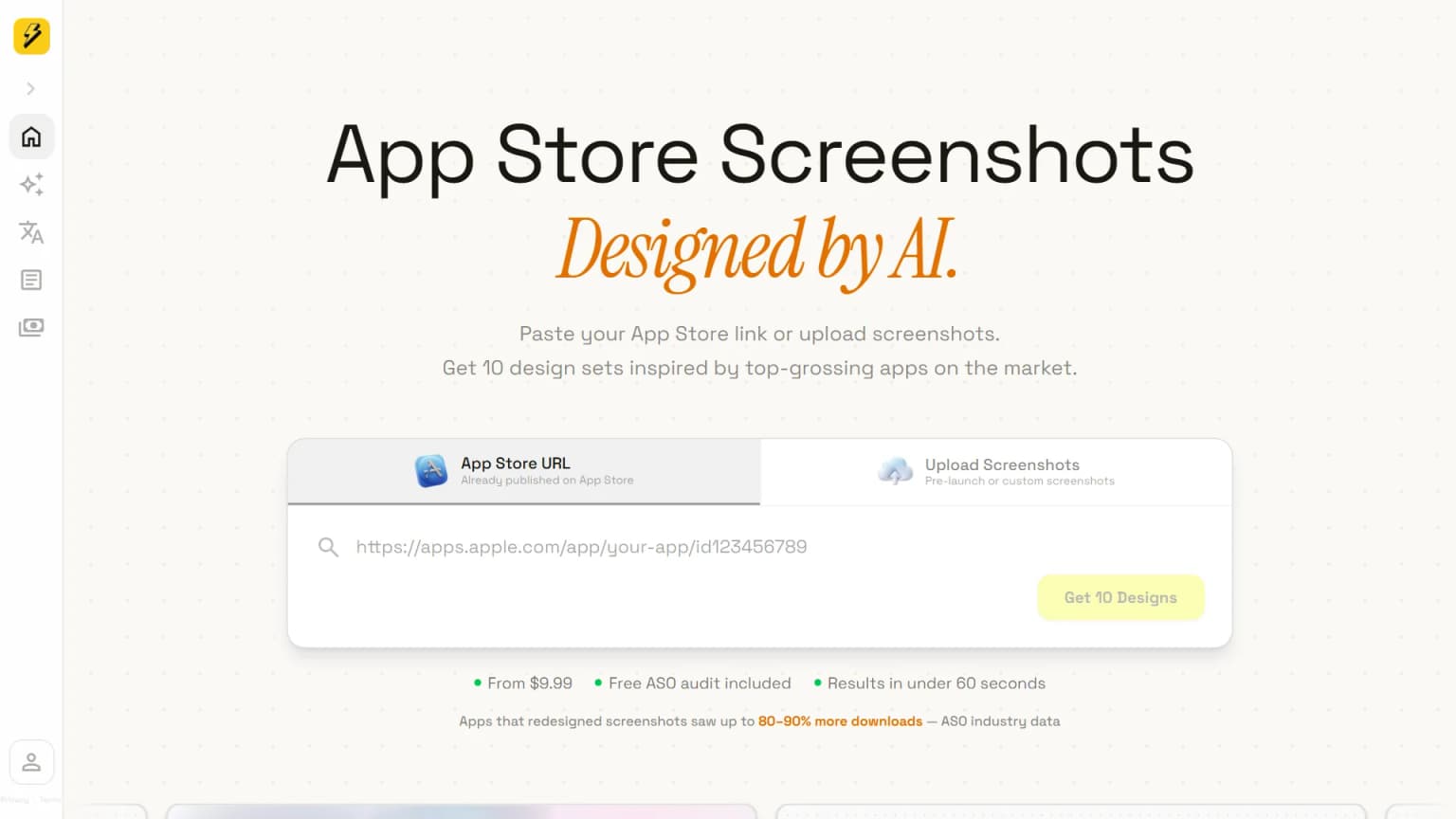
ScreenFast, our product, is for someone who has an app but no finished screenshot art direction. You can provide an App Store URL or prelaunch screens, review an audit, and generate multiple design directions without building every layout in a canvas. This is a different job from putting a completed design in a device frame.
Best fit: a small team that wants to compare messages and visual directions for one app. Limit: human review is essential. Check every generated caption and interface element against the actual app before submitting. Do not present a conceptual screen as a live feature. For current packages and output options, use ScreenFast's product page and pricing; we do not treat our own marketing claims as independent performance evidence.
The ScreenFast vs AppScreens comparison goes deeper on idea generation versus scaling an established design. If you need dozens of locales each release, AppScreens may be a better operational fit.
AppScreens: localization and store operations
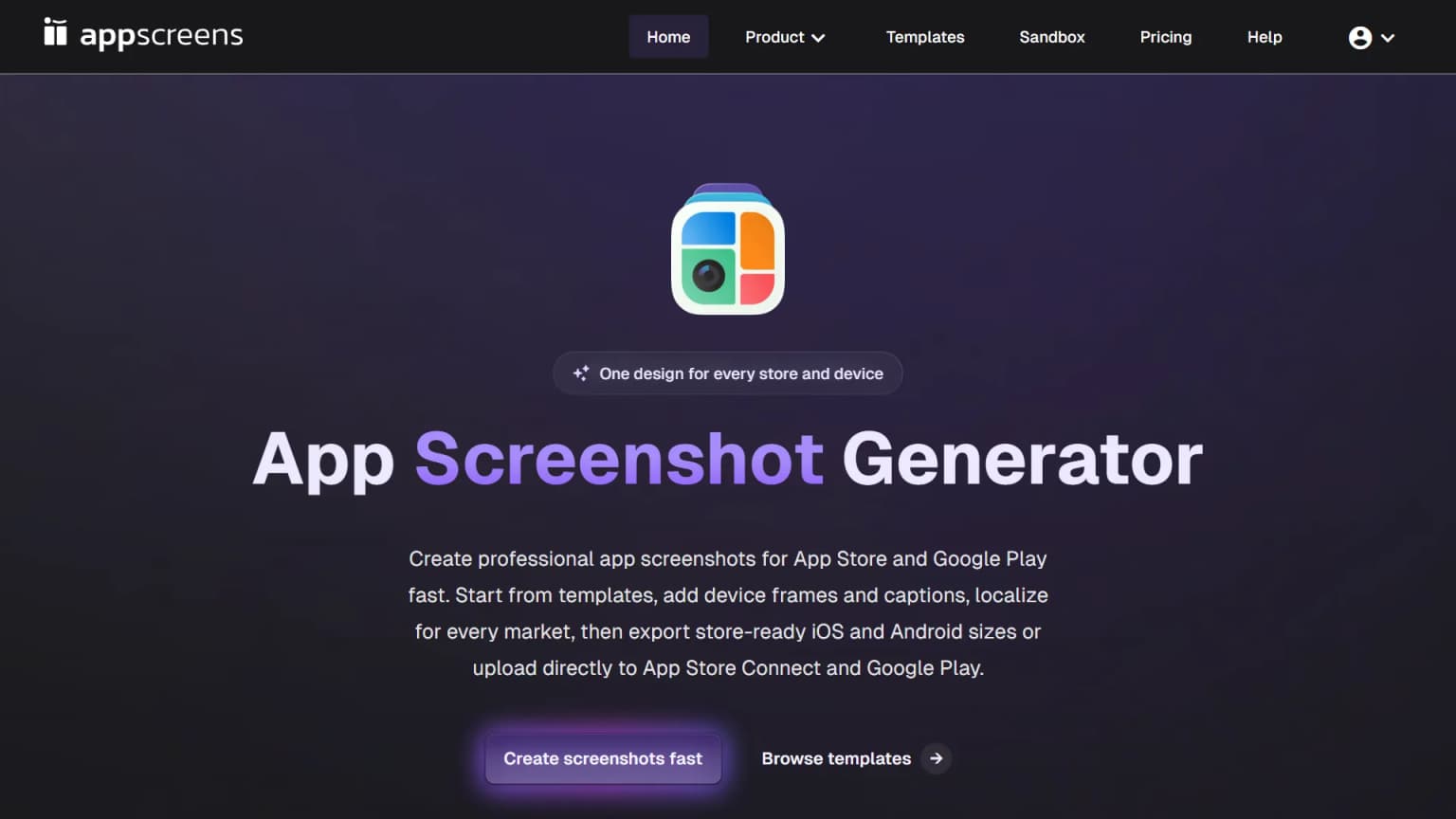
AppScreens offers responsive screenshot production, device-size exports, localization, and direct store upload on paid tiers. Its official pricing page currently shows Free with one saved project and up to five screens per project; Pro at $99 per year on annual USD billing with 50 saved projects, 10 apps, all 80+ locales and direct upload; and Scale at $180 per year with all 80+ locales, unlimited projects, and a client-work license. Tax and monthly billing differ.
This is a strong fit when a release changes text or screens across many locales. The workflow advantage is not that translation becomes automatic truth. AppScreens' localization help warns that machine translation can be inaccurate. Have a qualified reviewer check claims, text fit, directionality, and whether the in-app UI is localized too.
Watchout: The Free plan does not provide the same localization or direct-upload workflow as Pro. A template may also need substantial art direction to look distinct. See our Previewed vs AppScreens comparison if those are your finalists.
AppLaunchpad: editable templates
AppLaunchpad is a template-led editor for store screenshots. Its help center documents creating a design, cloning it to another device size, and localizing it. This suits a designer who wants to control the frame and caption but does not want to start from an empty canvas.
Best fit: repeatable layouts with manual visual control. Price check, October 17: the public AppLaunchpad pricing page shows $15 monthly or $10 per month on annual billing, an annual base of $120. We checked both browser billing views, not a completed checkout. Confirm tax and renewal terms before committing. Do not equate a template count with distinct, high-quality messages. Pilot a real five-frame set and time how long device cloning and edits take.
Previewed: browser 3D and video mockups
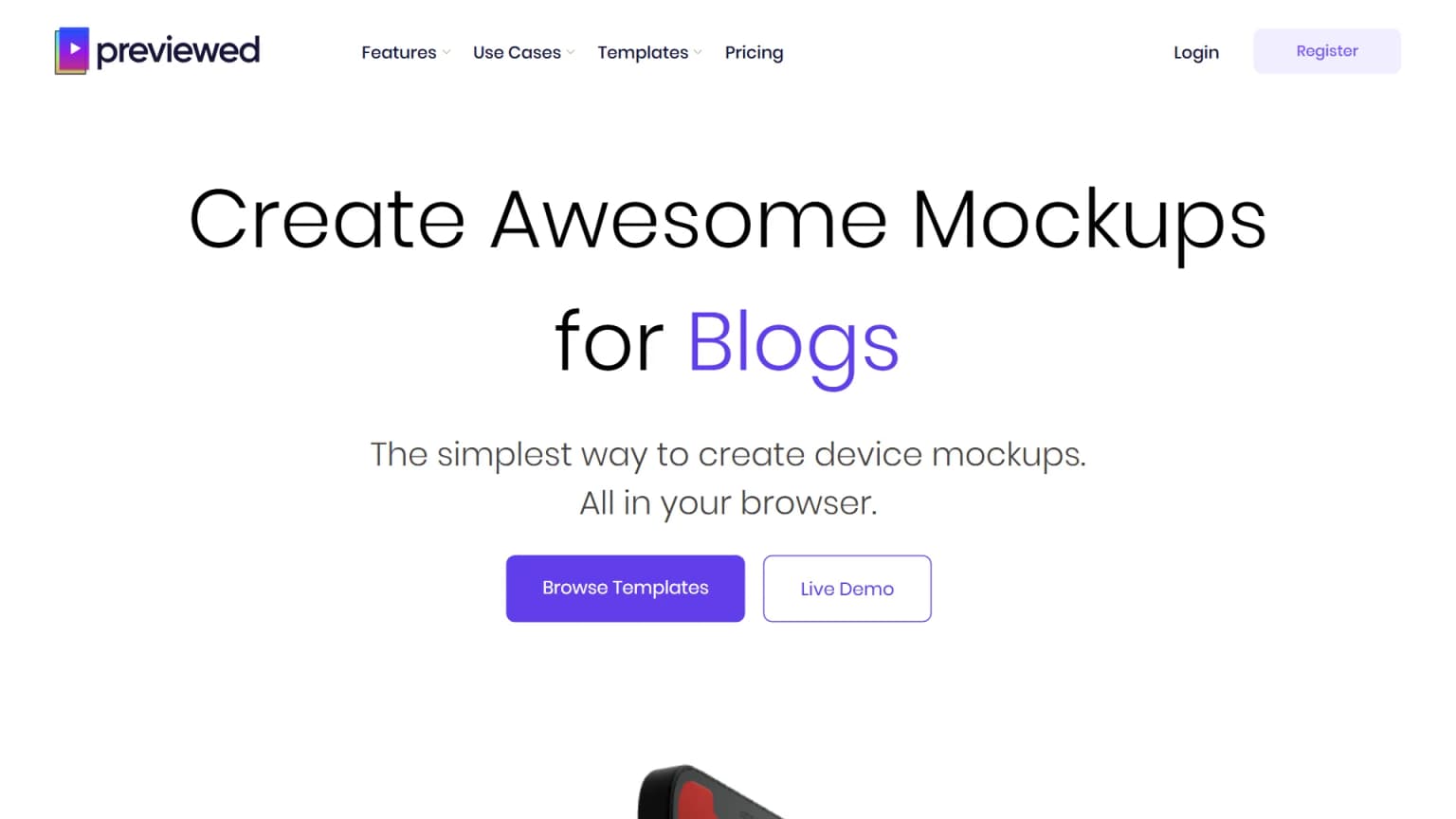
Previewed's official plans page lists a free Lite plan with 720p 2D exports and attribution, a $9.99 one-time Plus package with ten higher-resolution exports including 3D and video, and Pro at $19 per month billed $228 annually for unlimited exports. The page states that free output is for personal use with attribution, while paid plans have a commercial license. Verify the currently selected billing toggle before purchase.
Previewed is useful for product mockups and motion, not only static store tiles. Its Plus tier matters if you need a finite batch instead of a year-long subscription. Count the number of individual exports in your planned device/locale set before buying credits. A gorgeous 3D scene is not automatically a legible first App Store screenshot.
Rotato: Mac or Web device presentation
Rotato turns an existing screen or recording into a 3D device scene. Its Mac pricing uses one-time tiers, while Rotato Web is a separate subscription. Do not compare an old Mac price with a current Web plan as if they were the same product.
Best fit: a website hero, promo asset, or device-motion treatment. Limit: it does not write a caption sequence or make a tilted UI readable on a small phone. Check the exact export and video format for the destination. Our Rotato review explains the workflow and Apple checks.
AppMockUp Studio: free manual editor
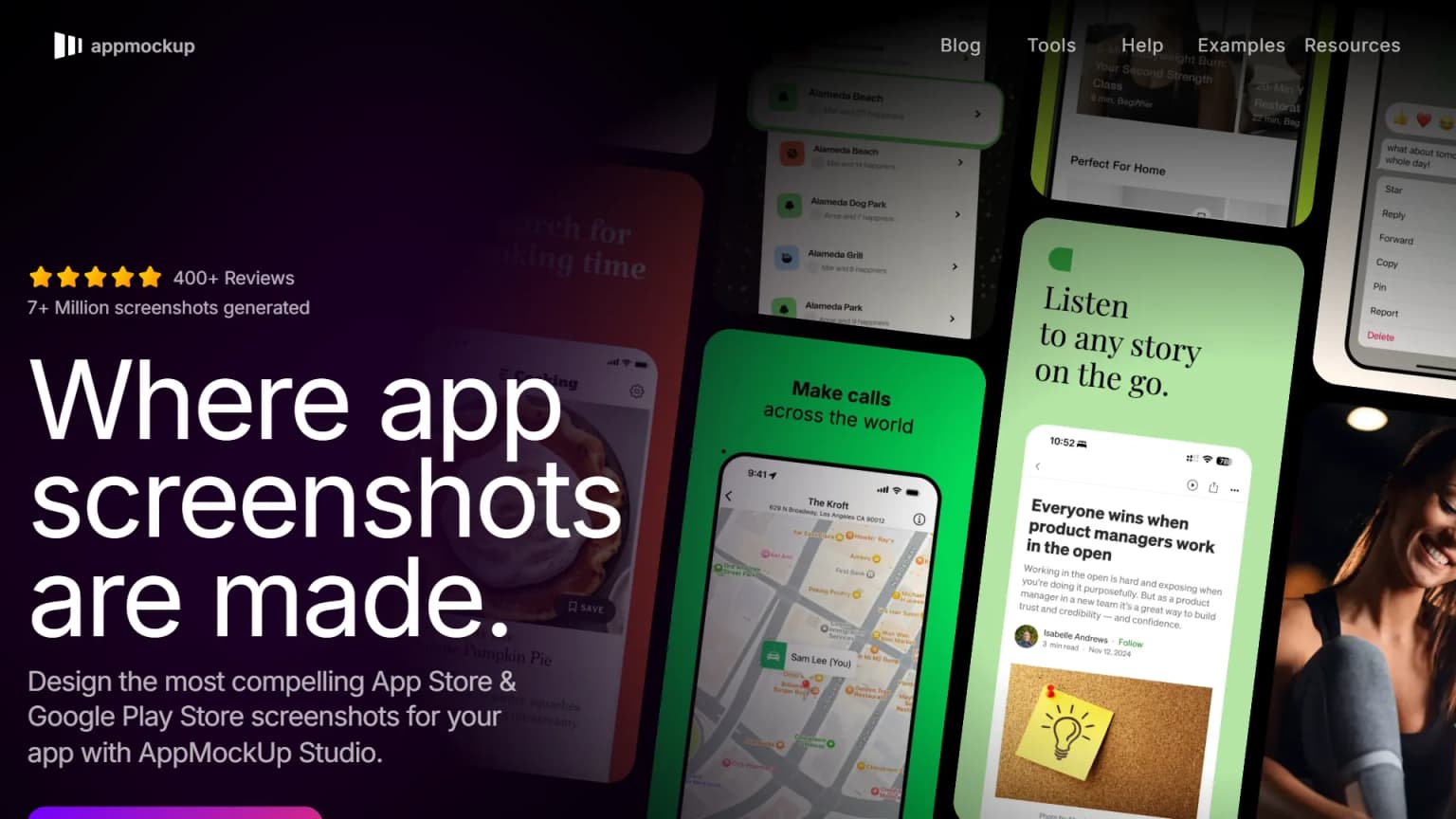
AppMockUp Studio's own site and terms describe a free screenshot editor; its published material says no account is required. That makes it a good first stop when the budget is zero and you are comfortable selecting layouts yourself.
The tradeoff is time, not necessarily quality. You still choose the message, validate current device presets, check export resolution, and review all localized text. Do not assume "free" means every future feature or template is unchanged; check the live product when you export.
Hotpot: graphics suite with screenshot layouts
Hotpot's screenshot-generator page describes a drag-and-drop tool and says designs are free or $1 per graphic. It also advertises other AI graphics tools. The public screenshot examples include older device names, so verify the current output dimensions rather than selecting a frame by device label alone.
Best fit: quick, low-cost experiments when you also need adjacent marketing graphics. Watchout: confirm export rights and cost for the particular output before building a full set. The broad suite does not remove the need to check Apple sizes or in-app accuracy.
Placeit: general marketing mockups
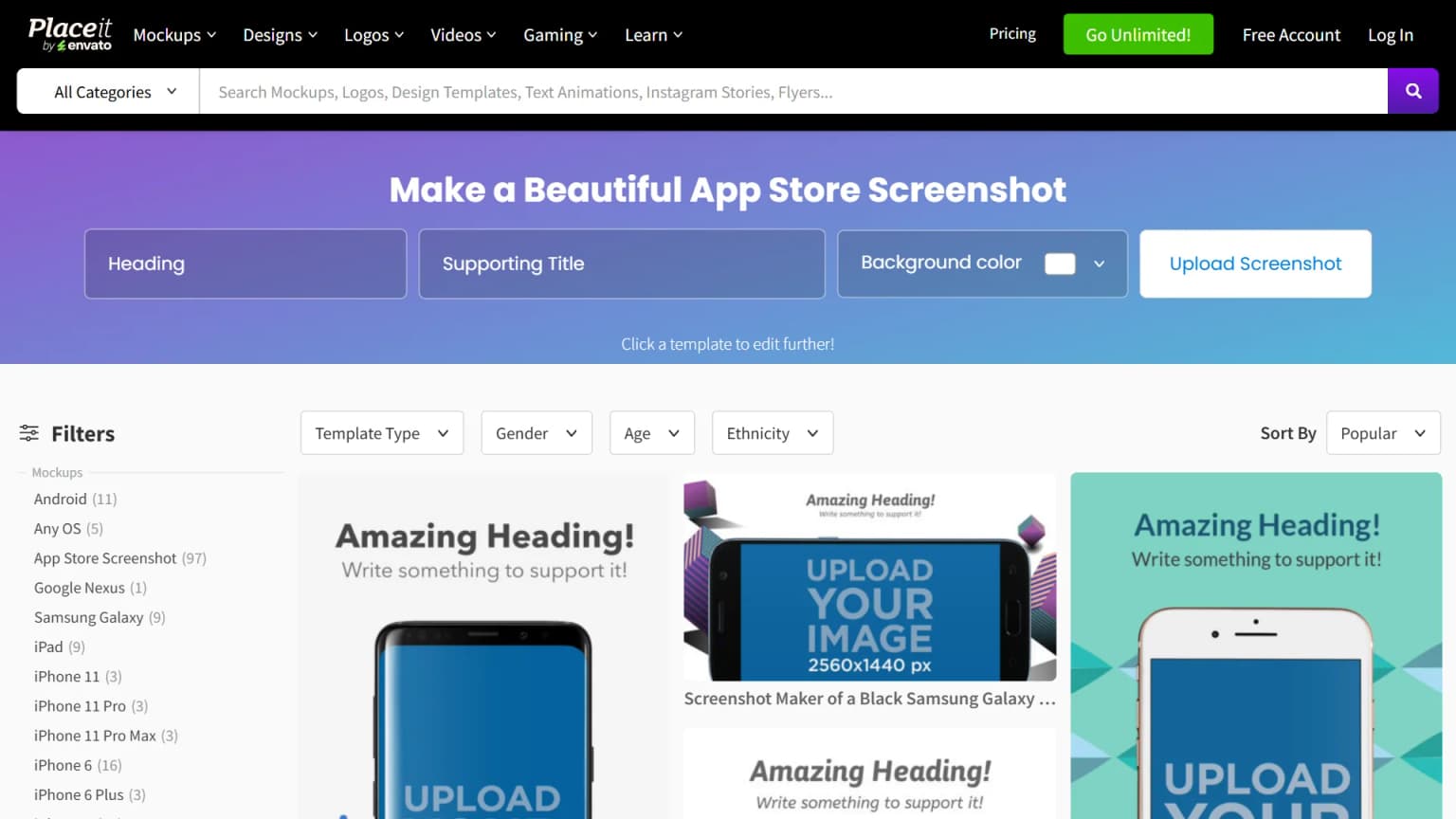
Placeit offers a broad mockup and design library. Its subscription help describes access to many asset types, beyond app screenshots. That can make one subscription useful to a team producing store tiles, website mockups, and social visuals.
We could not independently fetch a reliable live checkout price for this update, so we have removed a precise amount from the comparison. Check the vendor's current plan, usage terms, and export quality. A general marketing mockup is not necessarily sized or composed for App Store Connect.
Screenshots Pro: an API for release pipelines
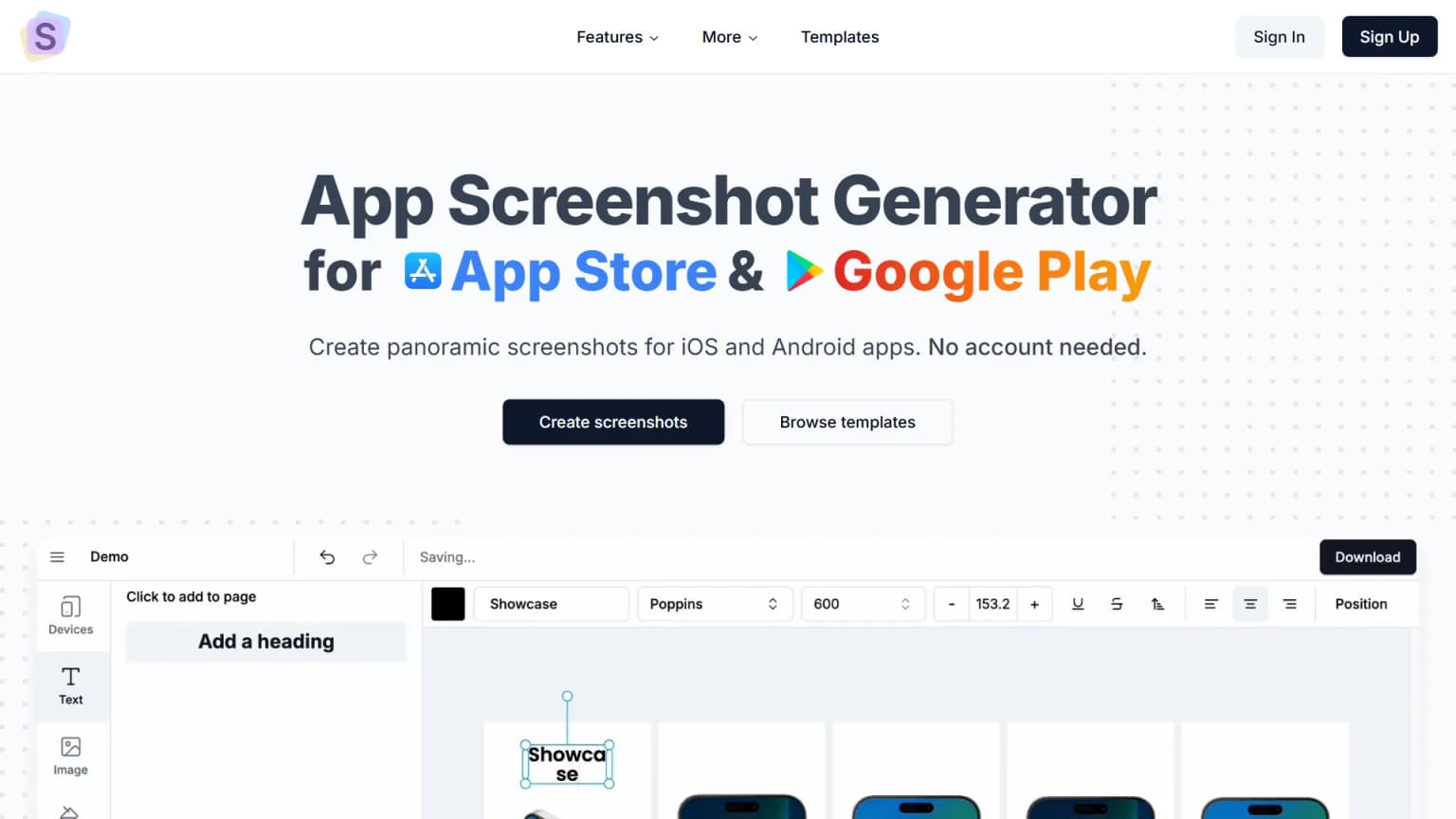
The Screenshots Pro pricing page lists Basic at $0, Standard at $19 per month, and Extended at $49 per month with API access and an extended license. Its developer API is labeled alpha on that page. This is the specialist option when screenshots should be generated from a controlled template during a release process.
Do not assume the API is production-ready for your pipeline without a pilot. Check authentication, template variables, localization, rate limits, export stability, retries, and the licensing terms. For a single app updated a few times per year, a manual editor may be cheaper and simpler.
Side-by-side comparison
| Tool | Primary job | Verified price or model | Key check before purchase |
|---|---|---|---|
| ScreenFast (ours) | App-specific AI design directions | See current pricing | Review generated UI and captions. |
| AppScreens | Localization, sizes, direct upload | Free; annual Pro $99, Scale $180 | Confirm locale count and license. |
| AppLaunchpad | Template editing | $15 monthly or $120 annual base | Pilot device cloning and exports. |
| Previewed | Browser mockups and video | Free Lite; Plus $9.99 one-time; annual Pro $228 | Count exports; check commercial license. |
| Rotato | 3D device scenes | Mac one-time; Web subscription | Pick Mac or Web and confirm format. |
| AppMockUp Studio | Free manual editor | Free per official terms | Confirm current device presets. |
| Hotpot | Broad graphics and store layouts | Free or $1/graphic on product page | Verify output dimensions and rights. |
| Placeit | Cross-channel mockup library | Check live checkout | Confirm asset license and store sizes. |
| Screenshots Pro | Template/API automation | Free; Standard $19/mo; Extended $49/mo | API is labeled alpha; pilot it. |
AppScreens, AppLaunchpad, Previewed, Rotato, Hotpot and Screenshots Pro facts were rechecked against official pages on October 17, 2026. Placeit retains its earlier September 23 documentation check; we still do not quote a live checkout price. These are public offers, not completed checkout quotes. Taxes, billing toggles, and promotions may differ. We have no affiliate relationship with these competitor tools.
Save a sample export before choosing a paid plan. Open it at real phone size. Check the image edges. Read every caption aloud. Compare the visible UI with the shipped app. Try one more locale if that is part of your launch. This small test will tell you more than a long list of claimed features.
A realistic five-frame pilot
Use the same raw screens in two shortlisted tools. Create five frames: the main outcome, one core task, a proof point visible in the app, an advanced feature, and a closing reason to try it. Export the same target device size from both tools. Record the work needed to revise a caption, swap a screen, and add one locale. Also note whether the plan permits commercial use and whether a watermark appears in the final file.
If you ship one app in one language, the fastest first export may matter most. If you ship ten locales every month, revision cost will dominate. If the app changes its UI often, a reusable template or API may matter more than a huge gallery of static designs. These are decision criteria, not claims that a named vendor wins every team. The pilot should expose the bottleneck before you pay for features you will not use.
Use a decision brief before comparing feature lists
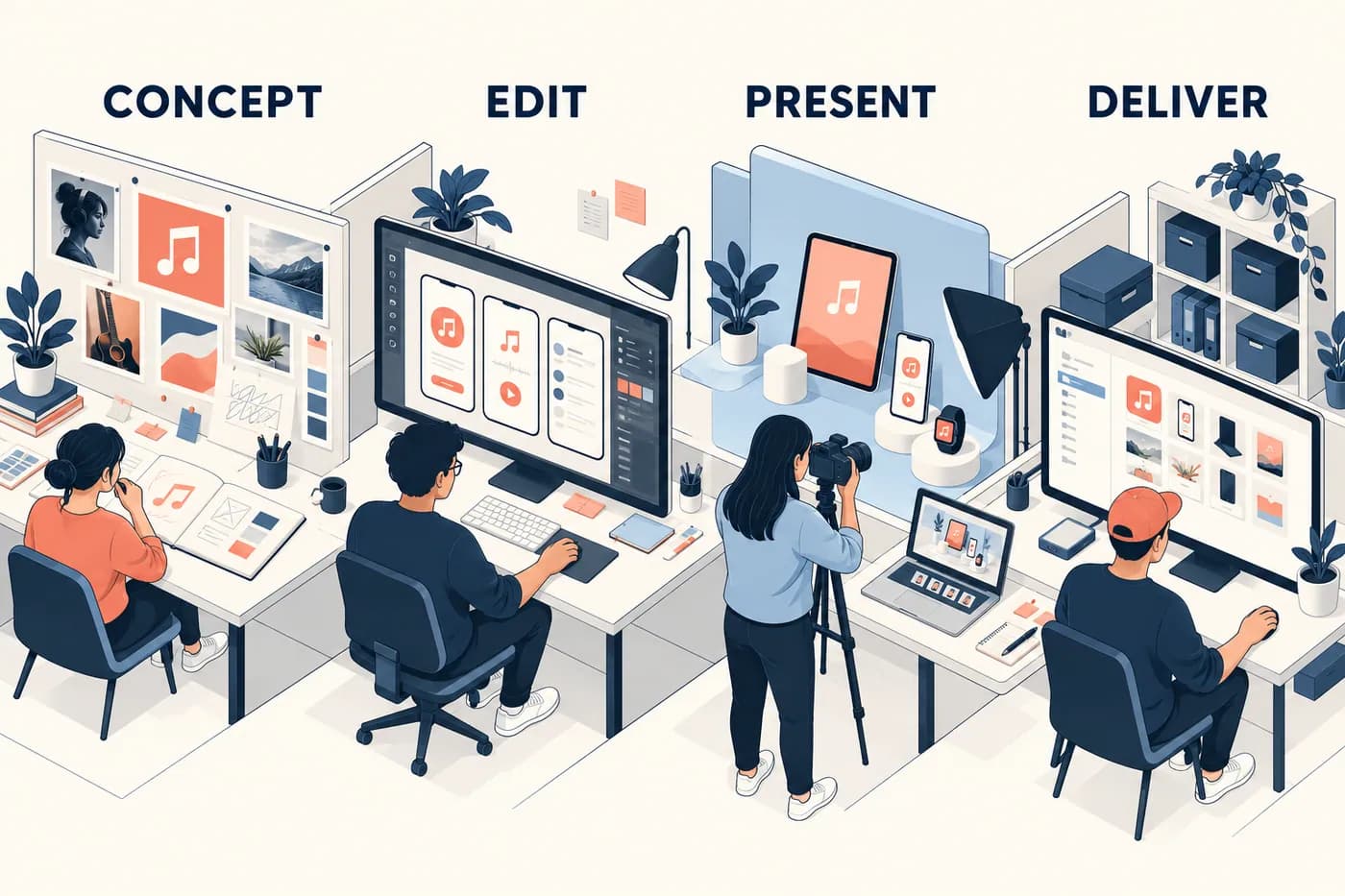
The four workstations are fictional. They separate production jobs; they do not rank vendors or represent measured output quality.
Write down the deliverable in one sentence. "Five captioned iPhone images with exact approved wording" is a different brief from "three visual directions to discuss with a founder." A rotating website mockup is different again. If two tools are solving different jobs, comparing only their first price produces a misleading shortlist.
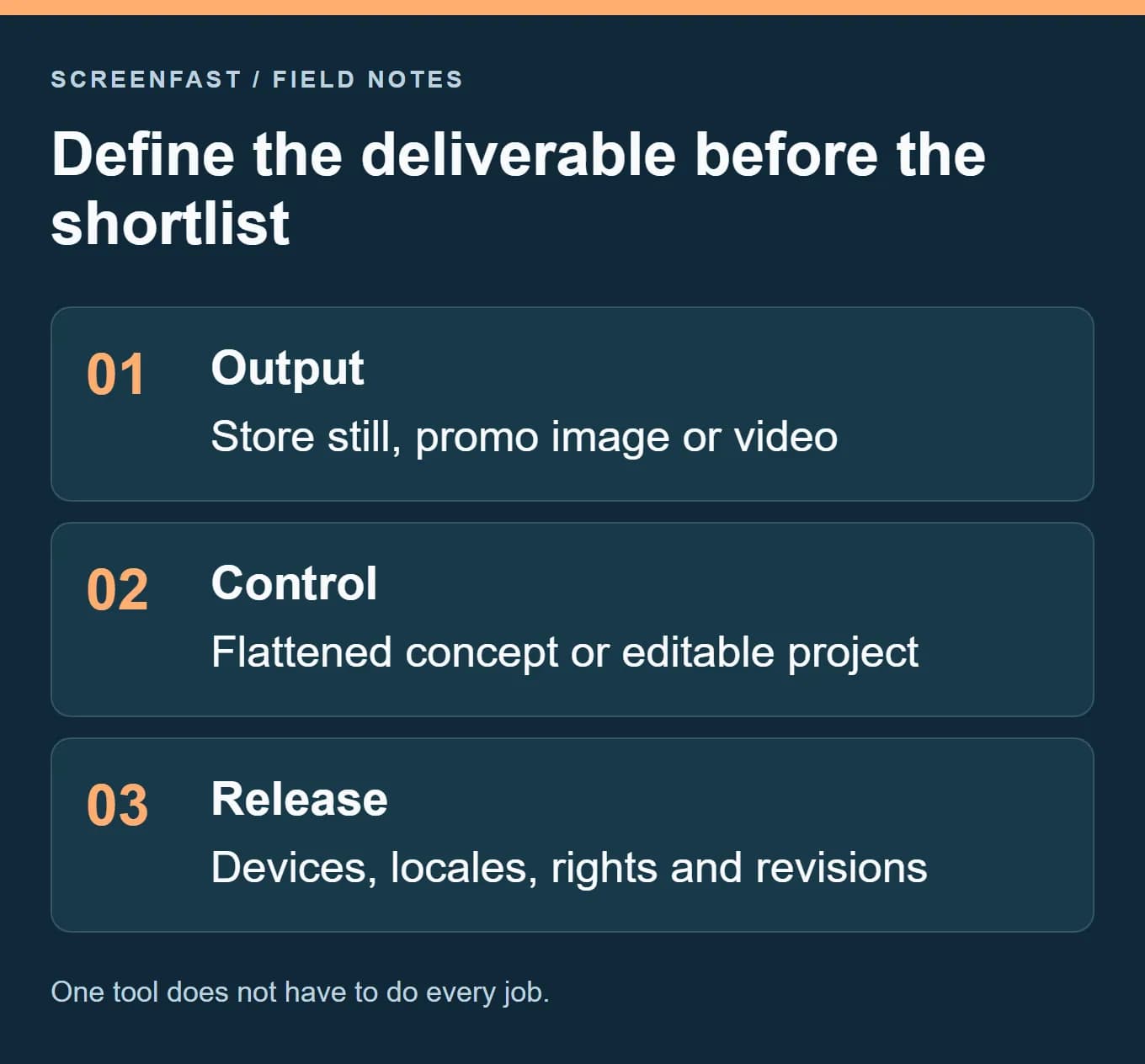
For a fictional music-practice app, the brief might require one English phone set, an editable source and a later tablet adaptation. The first gate is not the number of templates. It is whether the route preserves the real interface, supports the required output and leaves the team able to change a caption. A flattened concept can still be useful, but the manual finishing step belongs in the plan.
Set hard constraints before preferences. A required commercial license, exact text control or supported operating system can eliminate a route. A favorite gradient cannot compensate for a missing deliverable. Then compare the remaining tools with the same source captures and copy.
Measure the second release in the pilot
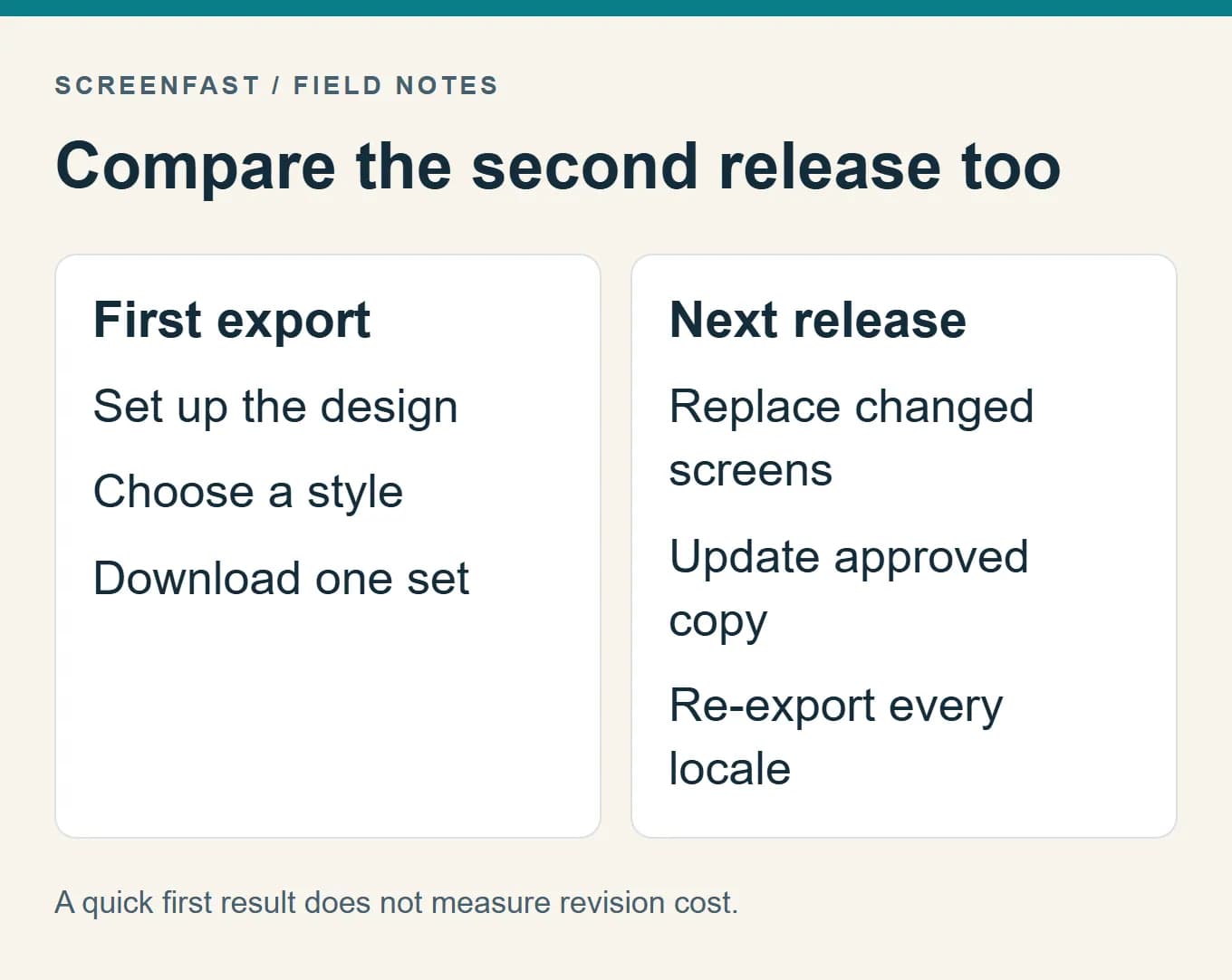
The first export rewards setup speed. The second release reveals maintenance cost. Replace one source capture, revise a shared product name and prepare the same outputs again. Record which steps are repeatable and which require individual correction. Do not call this a benchmark unless you actually perform it under comparable conditions.
Keep the result in a small decision record: required output, observed file, editing constraint, license, first-release work and revision work. A tool that is convenient for a single launch may not suit monthly changes across several apps. The opposite is also true: a broad production system may add setup that a one-off project never recovers.
Choose a shortlist of two or three plausible routes, not every tool on the page. The purpose of this comparison is to narrow a real decision. It is not to create a numerical winner from incompatible feature lists.
Before any generated screenshot goes to Apple
Apple's screenshot specifications permit one to ten JPEG or PNG files per set, without transparency. The large Dynamic Island iPhone class accepts 1260 x 2736, 1290 x 2796, or 1320 x 2868 portrait files. The current required-size summary names the medium Dynamic Island class; inspect required wells and inherited assets separately. If your app runs on iPad, Apple requires a 13-inch iPad set. Other sizes have their own rules. Export the actual file and inspect its dimensions and alpha channel; a device preset name is not proof of compliance.
Apple's App Review Guidelines say screenshots should show the app in use, not merely title art, login, or splash screens (section 2.3.3). A designed frame or AI-written caption must not imply a feature the shipped app lacks. Recheck every generated tile against the real UI. For localized sets, make sure the promise and visible app screen agree in that locale. Our screenshot mistake checklist covers the review pass.
Finally, test the message. If the first frame answers the wrong user question, a sharper render or more expensive tool will not fix it. Define one hypothesis and use Apple's Product Page Optimization where eligible. Our conversion benchmark guide explains why paid, organic, impression, and page-view rates should not be mixed.
Related buying decisions
For a narrower buying decision, our AppMockUp review documents its public editor and export panel. The non-subscription buying guide separates credits, templates and fixed-term access, while the agency tool guide covers client-use rights and source handoff.
Frequently asked questions
What is the best App Store screenshot generator in 2026?
There is no universal winner. For no-canvas app-specific directions, consider ScreenFast (ours). For localization and bulk store operations, AppScreens. For manual templates, AppLaunchpad or AppMockUp. For 3D and motion, Previewed or Rotato. Pilot your actual workflow before buying.
Is there a free App Store screenshot maker?
Yes. AppMockUp Studio says its editor is free and does not require an account. AppScreens, Previewed, and Screenshots Pro also list free tiers with different export or license limits. Check whether the free output is permitted for commercial use.
Can AI-generated screenshots cause an App Store rejection?
Yes, if the images misrepresent the app or fail Apple's asset rules. The risk is not unique to AI: a template can also show fake UI. Check the actual app screen, benefit claims, file dimensions, locale, and transparency before submission.
Do 3D mockups convert better than flat screenshots?
We found no robust universal evidence for that claim. 3D can be useful for a marketing hero or a feature that benefits from perspective. A flat, readable first store screenshot may work better for another app. Treat the choice as a test, not a rule.
Can I upload screenshots automatically?
AppScreens lists direct App Store upload on paid plans. Screenshots Pro offers an alpha API that may fit an automated pipeline. Check permissions, integration setup, and a test export before relying on either for a release.
Bottom line
Choose the tool that removes your bottleneck. The best screenshot design is accurate, readable, correctly sized, localizable where needed, and testable. Start with a real app screen and clear benefit. Then use a generator, template editor, 3D tool, or API to produce the set efficiently. The tool is the production method, not evidence of conversion gain.
Last updated: 2026-10-17.