Free App Store Screenshot Generators: 3 Practical Options
TL;DR: choose a free workflow you can finish
Three useful free App Store screenshot generators are AppScreens Free for a small template-led set, Canva for manual design with free assets, and YuzuHub's open-source appscreen for browser-based editing. Check the exported file, not just the free signup. Device sizes, premium elements, licenses and optional AI services can change what costs nothing.
Disclosure: ScreenFast is our product. Its audit is free, but design generation is paid. It is not one of the three free tools below.
The shortlist: what each free option is for
The right tool depends on the work you already have. A developer with clear app screens and short captions needs a different editor from someone still deciding what to say. This shortlist focuses on no-cost design routes, not paid feature rankings. For the wider market, see our App Store screenshot generator comparison.
| Option | Good starting point | Free boundary to check | What you still own |
|---|---|---|---|
| AppScreens Free | A small set in a store-focused editor | One saved project, up to five screens per project, essential device sizes | Caption accuracy and whether your chosen features require Pro |
| Canva Free | A custom layout using your own captures and Free content | Premium assets and paid workflow features are separate | Exact canvas sizes, variants, file order and upload checks |
| YuzuHub appscreen | An open-source browser editor with custom sizes | Optional AI translation needs a provider key; provider charges may apply | Project backups, source assets and final output checks |
These are different kinds of free. A limited hosted plan, a general design editor and an open-source project do not offer the same support or workflow. Pick the tradeoff you can live with for the next release, not just today's first image.
AppScreens Free: useful for a small own-app set
AppScreens Free is a reasonable starting point when you want store-specific structure. Its current pricing lists one saved project and up to five screens per project. It includes essential iOS and Android sizes. Paid features can appear in the editor as previews with watermarks.
That five-screen limit is not a claim that you receive only five downloads for the lifetime of your account. It limits the project's screenshot set. Check the current plan details when your required set becomes larger.
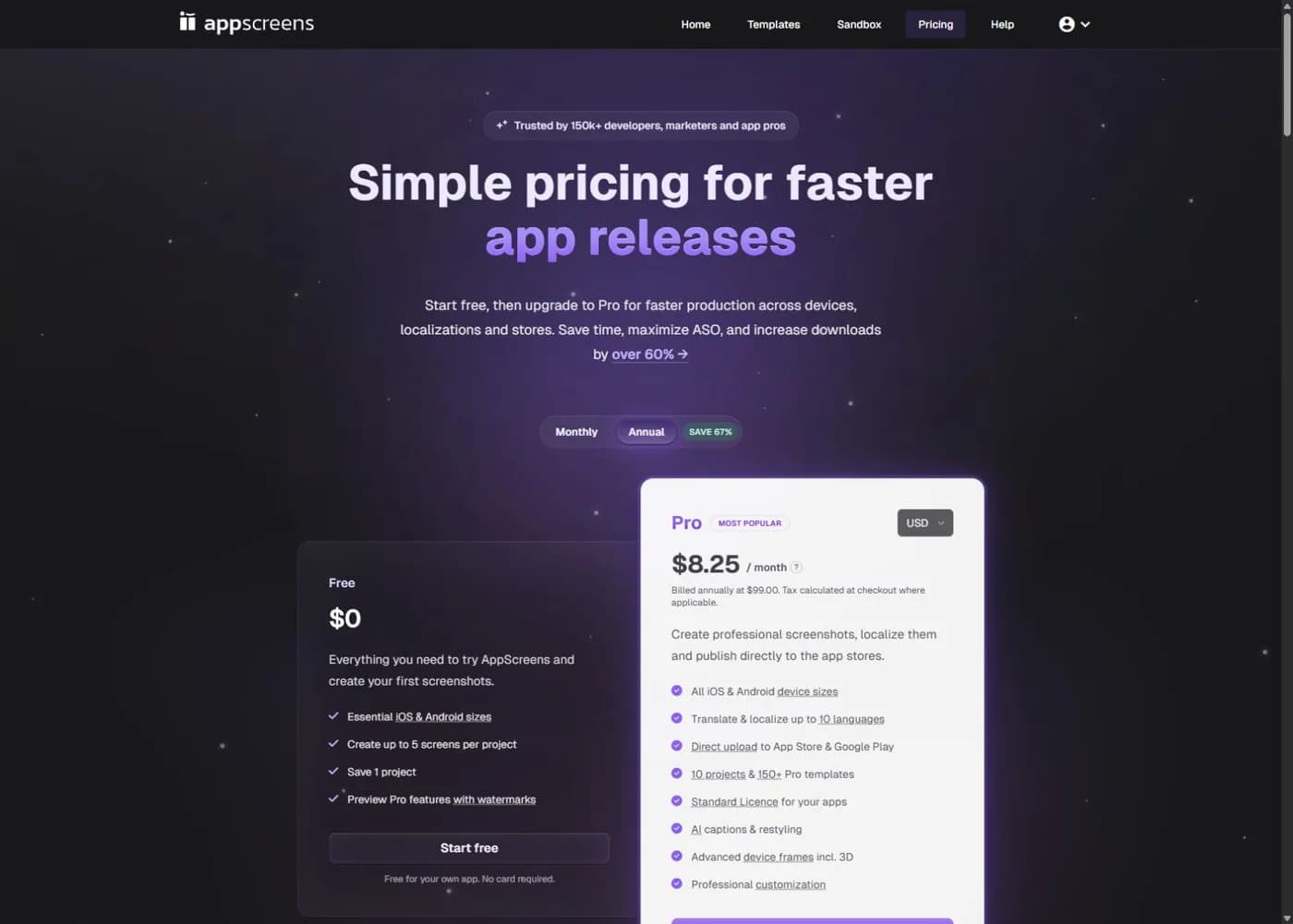
The free-plan help page explains the main upgrade triggers. More projects, all device sizes, custom sizes, localization and direct store upload need a paid plan. Premium styling can also be the reason a design carries a watermark. Do not build ten polished frames before checking which features your project uses.
Start with one plain design. Use a free layout and a real capture from the app. Set the target device, then inspect the available export. If a paid option crept into the design, remove it or decide whether that feature is worth buying. This is more useful than treating every visible control as part of Free.
AppScreens' license page distinguishes your own app work from paid client deliverables. Do not assume a free own-app workflow covers an agency handoff. If you are deciding whether to move a whole release process into AppScreens, our full review covers the paid boundary in more detail.
Canva Free: more control, more manual checks
Canva can be a no-cost route when you use your own app captures and Free design content. It suits someone who already knows the visual direction and wants to place every element. You can keep the benefit headline, background, app UI and optional frame as separate design parts.
The key distinction is the asset license, not whether a template looks basic. Canva's licensing explanation says Pro content has a watermark for free users unless they license it or subscribe. A premium photo, font or other element can change the cost of an otherwise free design. Review the content you actually used before the final download.
Start at the required pixel size. Do not assume a social-media story template has the right outer dimensions for App Store Connect. The phone frame inside the design is decoration; Apple checks the dimensions of the entire uploaded image. Our Canva App Store screenshot guide walks through the canvas and file checks.
Also separate creating a design at a size from automatically resizing an existing design. Canva's Magic Resize help lists eligible plans; Free is not on that list. Plan your free workflow around manual setup instead of assuming every resize shortcut is included.
Canva is not the wrong choice merely because some work is manual. For one language and a small set, manual control may be exactly what you want. The problem starts when a revised caption must be copied into many files and you lose track of which export is current. At that point, compare AppScreens vs Canva as release workflows, not as template galleries.
YuzuHub appscreen: an open-source browser route
YuzuHub's appscreen is a free, MIT-licensed project with a hosted editor on GitHub Pages. Its documentation lists custom sizes, backgrounds, caption controls, batch ZIP export and browser storage for projects. This makes it worth considering if you prefer an open-source tool and do not need a hosted team's full production service.
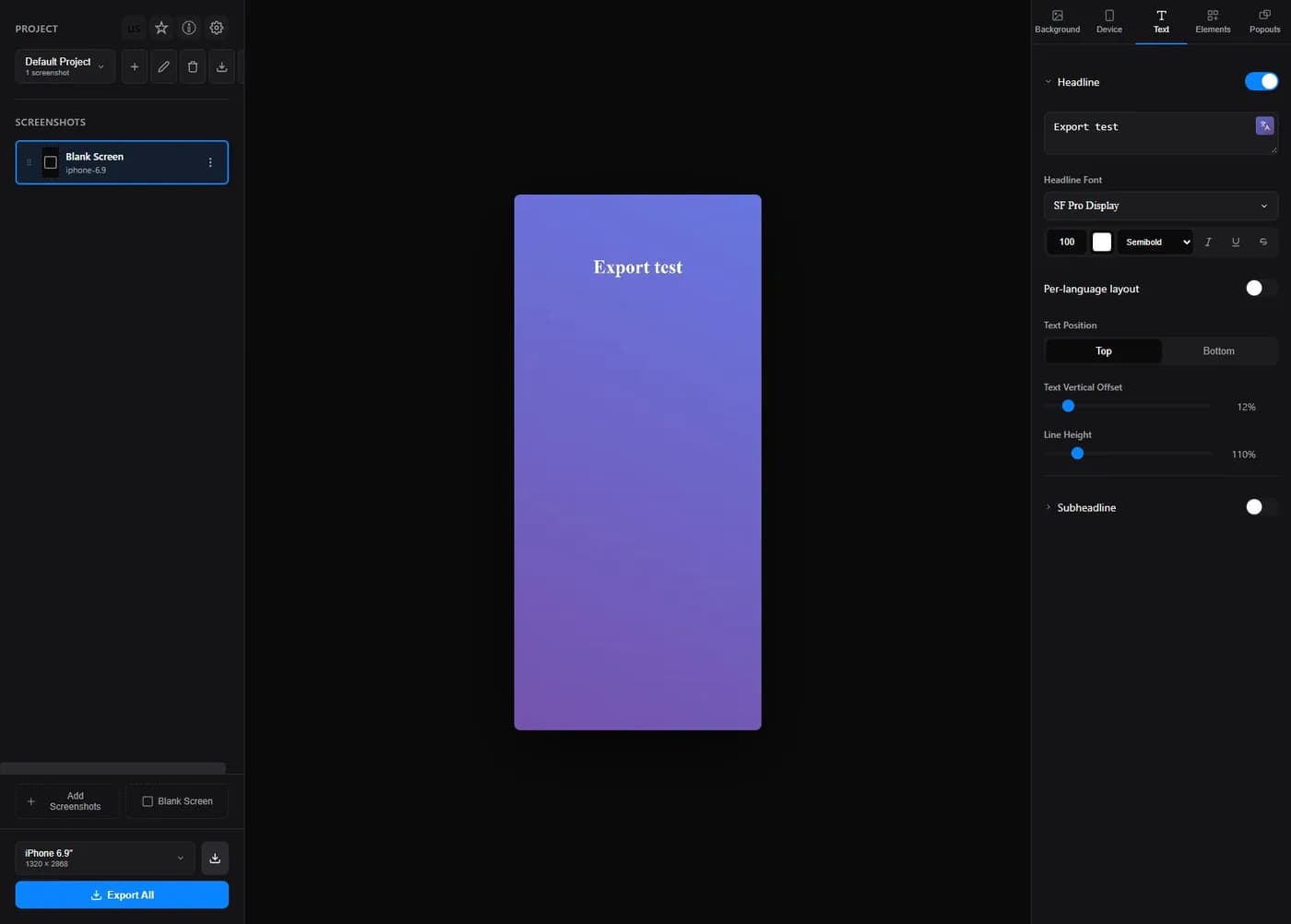
The screenshot above shows our limited browser inspection of a blank canvas. It is not evidence of a complete App Store export test. We inspected the size selector and text controls, but did not verify every output mode or submit a generated file to Apple.
Two boundaries matter. First, browser storage is not a backup strategy. Keep your original app captures and save a project backup before clearing site data or switching computers. Second, the optional AI translation feature asks for your own AI provider key. Free software does not make those provider requests free. You can choose a manual text workflow without enabling that feature.
Open-source licensing for the software also does not grant rights to every font, photo or screenshot you import. Use content you own or have permission to use. Avoid uploading private customer information as a sample app screen. A clean demo account is usually a better source for listing assets.
Treat device preset labels as a convenience. Check the numeric width and height against Apple's current table. A familiar device name does not prove that a preset covers every display class, orientation or app configuration you support. The same rule applies to hosted paid tools.
Free editor vs free usable export: a five-part check
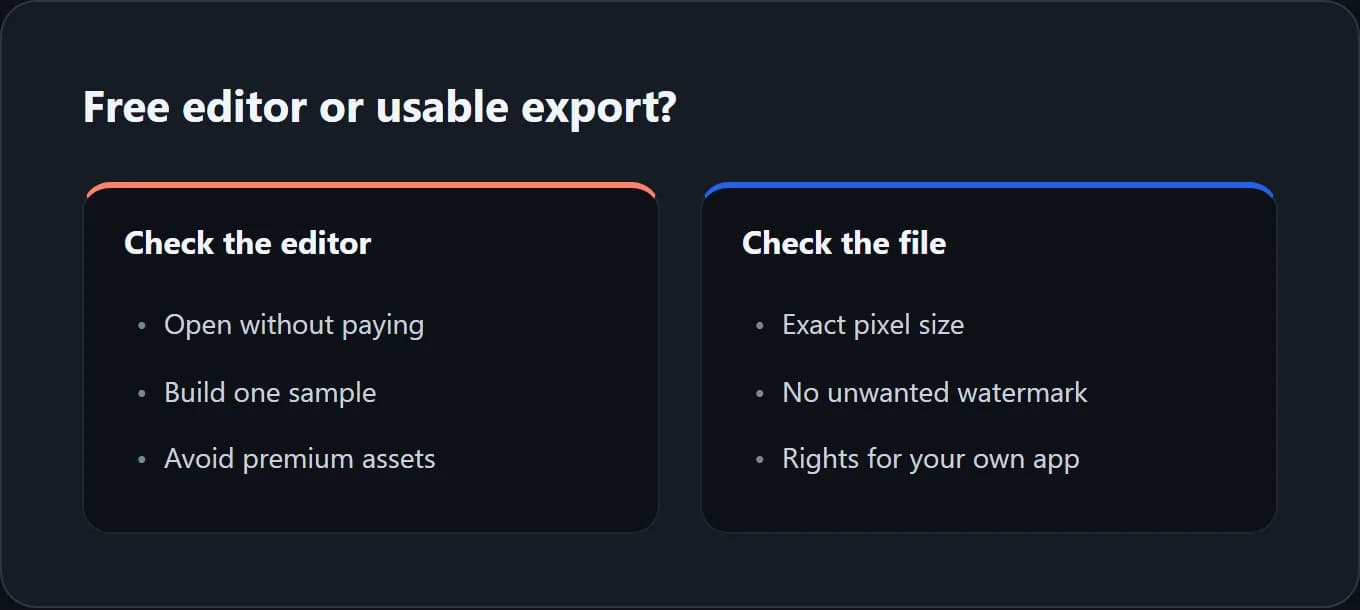
Before committing to any free plan, answer five concrete questions:
- Can I use this layout without premium parts? Test the actual template and font, not a blank document.
- Can I get the required pixels? Check the downloaded file's width and height, not the size shown in a marketing preview.
- Is there an unwanted watermark? Inspect the whole export, including corners and faint marks across a device frame.
- May I use the output for this job? Your own listing and a paid client's deliverable may fall under different terms.
- Can I revise the project later? Keep the source captures, caption text and a clear record of which files went live.
If the answer to one question is no, the tool is not automatically bad. It may simply be free for a narrower job than yours. For example, a single-language launch may fit a small plan while a client with several apps needs paid project capacity. Make that choice before spending a day on a layout.
Run a one-file preflight before designing ten
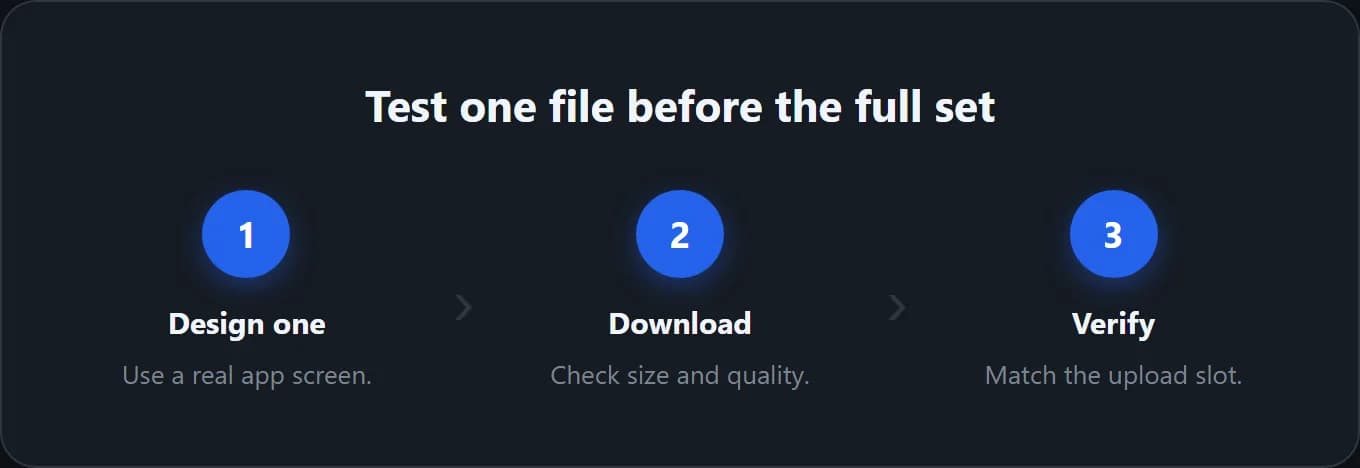
Use a representative screen, not a splash screen with almost no content. Add a normal-length headline and one detail that matters to a buyer. Export just that frame. Then open the file outside the editor and inspect it at full size and at phone-preview size.
Apple's screenshot specifications are the authority for dimensions and formats. They list accepted sizes by device and allow one to ten screenshots per applicable set. JPG, JPEG and PNG are supported; alpha channels and transparency are not. A WebP image that works on your blog is not the file to upload as an App Store screenshot.
Build a simple delivery record: device slot, width, height, locale, frame number and pass/fail. If you support iPad, check the tablet requirement separately. Do not stretch an iPhone capture to pretend it is the iPad experience. Our current screenshot size guide helps interpret the device table.
If the one-file test fails, fix the workflow now. It is much cheaper to change a single canvas than to rebuild a full multilingual set. For a stuck or rejected upload, use the App Store Connect upload-error checklist instead of randomly changing image settings.
When paying makes sense, and when it does not
A paid editor is not a requirement for a good listing. If your free route produces accurate, readable files at the right sizes, keep using it. The useful upgrade question is which repeated task costs you time: layout work, locale updates, file handling or coming up with a visual direction.
For a recurring release, list the steps you repeat. Replace app screens, update captions, check each size, proofread each locale and prepare files for upload. A paid workflow may reduce some of those steps. It does not remove the need to check product claims or translated text. Treat any vendor's conversion uplift as a separate claim, not a feature of its export button.
If the missing piece is creative direction, ScreenFast, our product, offers a free audit and creative brief. Generation begins after payment. The current one-time package is $9.99 for ten design directions; you choose and refine a direction. That is not ten finished, sequential listing screenshots or a promise of every platform size. Use this option only if it solves the part you are stuck on.
FAQ
Is there a completely free App Store screenshot generator?
Yes. There are free hosted plans and open-source editors. The three options above have different boundaries. Check the exact layout, device size, assets and usage rights you need. A free account alone does not prove that your final export is free.
Does AppScreens Free allow only five downloads?
Its current wording is up to five screens per project with one saved project. That is a project-size limit, not a stated lifetime allowance of five download clicks. Premium features and additional sizes have separate paid restrictions.
Can I use Canva for App Store screenshots without paying?
A manual workflow can use your own app captures and Free content. Avoid unlicensed premium elements and check the output dimensions. Paid features such as Magic Resize are separate from building the initial layout at the right size.
Is an open-source screenshot tool free to use commercially?
Check both the software license and the assets in your design. YuzuHub appscreen identifies its software as MIT-licensed. That does not transfer rights to photos, fonts, brand marks or app screens you do not own. Optional API services can also have their own charges.
Will a free tool make screenshots that Apple accepts?
It can, but acceptance depends on the files and the listing, not the tool's price. Match Apple's current size and format rules. The App Review Guidelines also require screenshots to show the app in use. A polished concept must not imply a feature the app lacks.
Is ScreenFast a free screenshot generator?
No. ScreenFast's audit and brief are free; its design generation is paid. If your budget is strictly zero, start with a free editor from this guide rather than expecting a free design pack from ScreenFast.
How we tested
We checked public product pages, help articles, license information and the appscreen repository on October 8, 2026. We inspected the public editor and captured a blank test canvas. We did not complete a logged-in, end-to-end export benchmark for every free plan, buy competing subscriptions or measure conversion lift. Export capabilities attributed to a vendor are documented claims, not our certification.
Google US results and public Reddit search snippets helped identify concerns about limits and manual design. They are audience signals, not proof of product performance. For example, this r/AppStoreOptimization discussion asks about design limitations. We do not present snippets as paid-user test results.
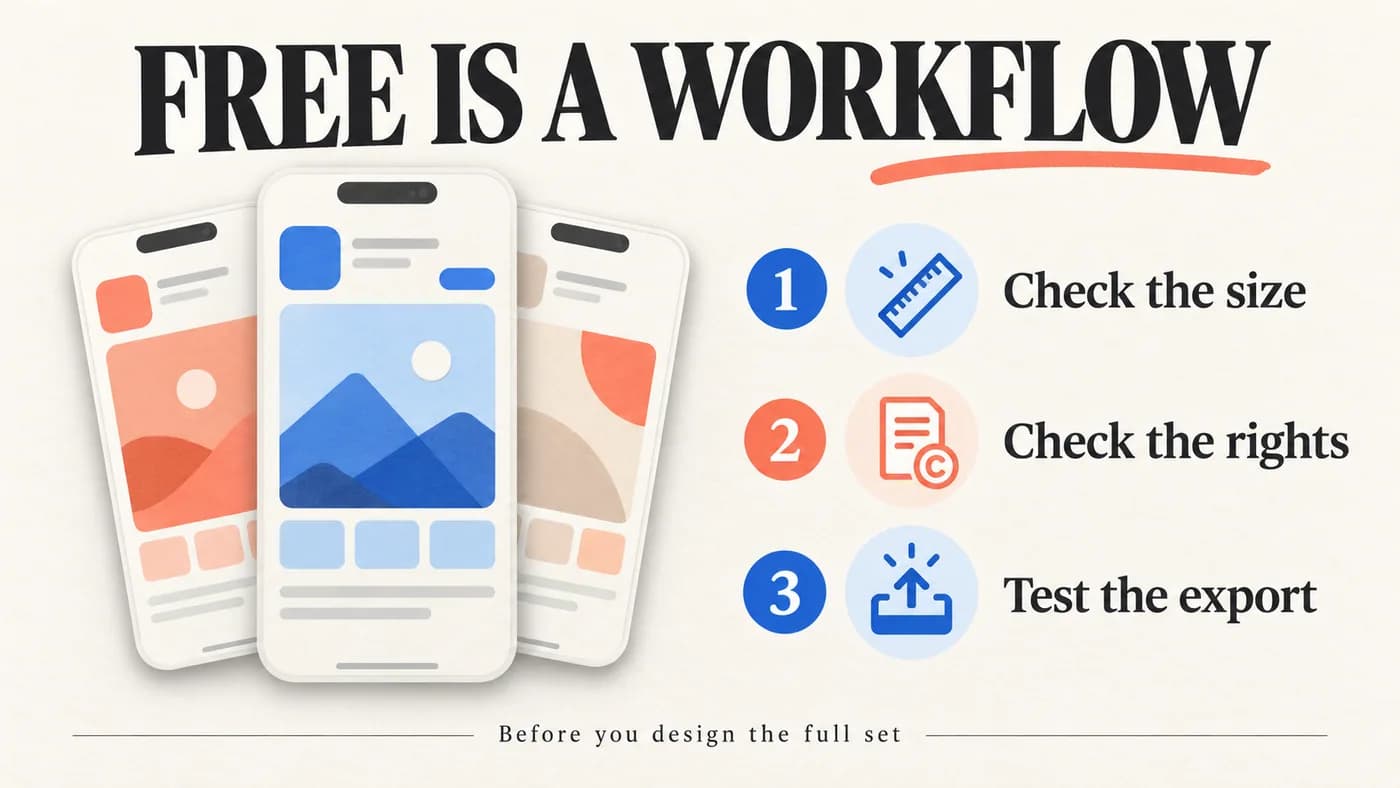
The hero and process cards are editorial illustrations. Product captures show the interfaces we inspected. ScreenFast ownership is disclosed at the start; this article does not rank our paid product as a free winner.
Last updated: 2026-10-08.