Screenhance Review: Launch Pass, Pro and Export Limits
TL;DR: Screenhance makes the most sense when a launch needs more than store screenshots. Its $6 Launch Pass buys ten clean image exports over seven days. Pro starts at $12 monthly. The free plan is useful for trying the workflow, but its exports are watermarked. Decide which assets you need before starting the pass clock.
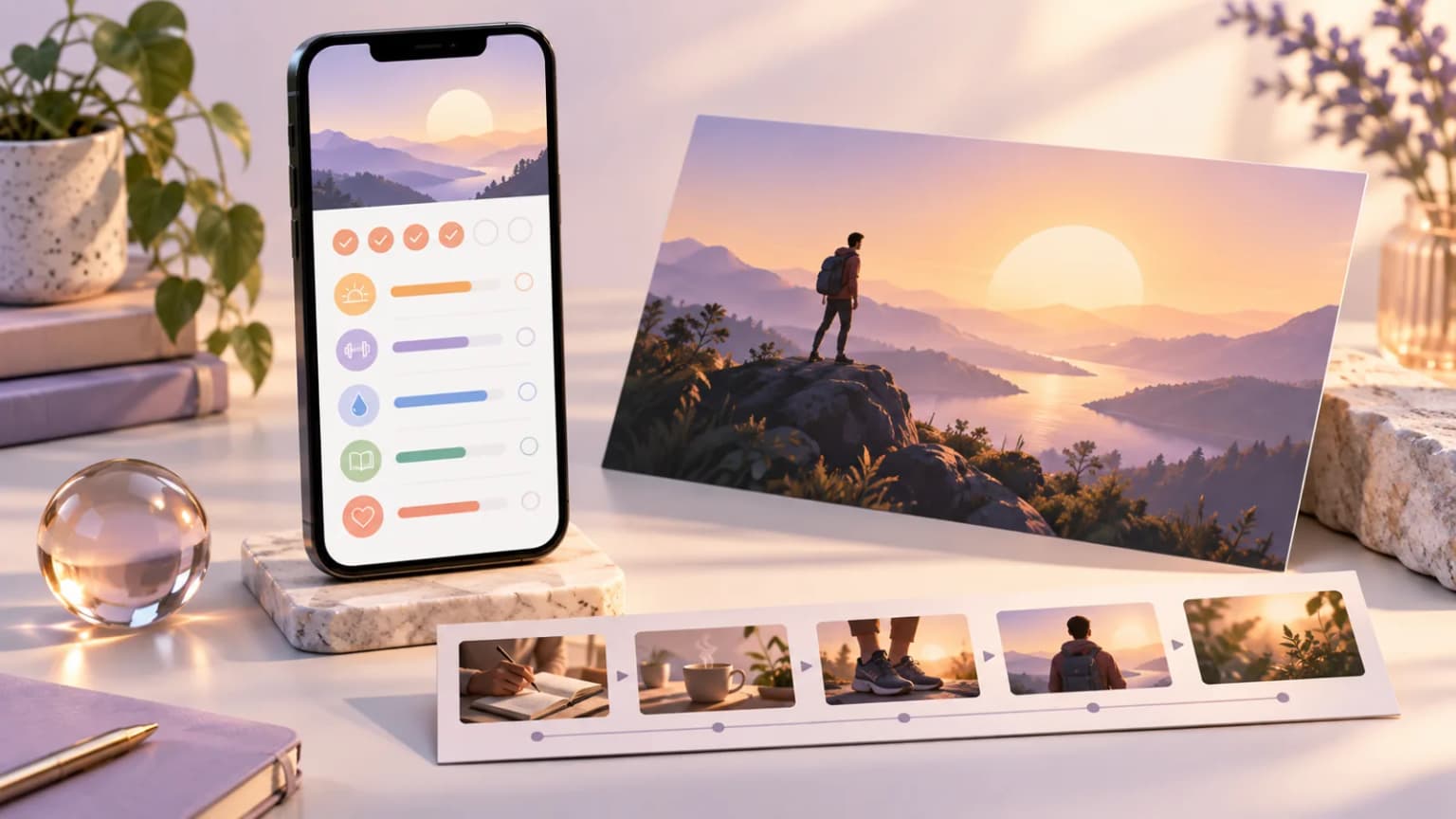
A store listing, a launch post and a short product demo can use the same app capture. They should not necessarily use the same layout. That is the key idea behind this Screenhance review: assess the tool as a launch-asset workspace, then decide whether that breadth helps your project.
ScreenFast publishes this review and offers an AI-led screenshot product. We disclose that relationship because our own tool appears below. We are not awarding a universal winner. The better purchase depends on whether your bottleneck is a store sequence, campaign graphics or deciding what the app should communicate.
What Screenhance is for
Screenhance presents a browser-based workflow for screenshots, device mockups and launch graphics. Its paid plans also include broader recording and export options. That puts it between a narrow store-screenshot tool and a general marketing design app.
The breadth can be useful for a solo developer. You may want a clean store panel, a landscape image for a launch post and a motion asset for a demo. Keeping the visual style consistent across those assets can reduce repeated setup.
Still, the output destination matters. A wide social graphic can rely on a short punchline and a large device mockup. A store screenshot needs to explain a product benefit at a small display size. A video has its own timing and format constraints. Sharing a workspace does not make those jobs interchangeable.
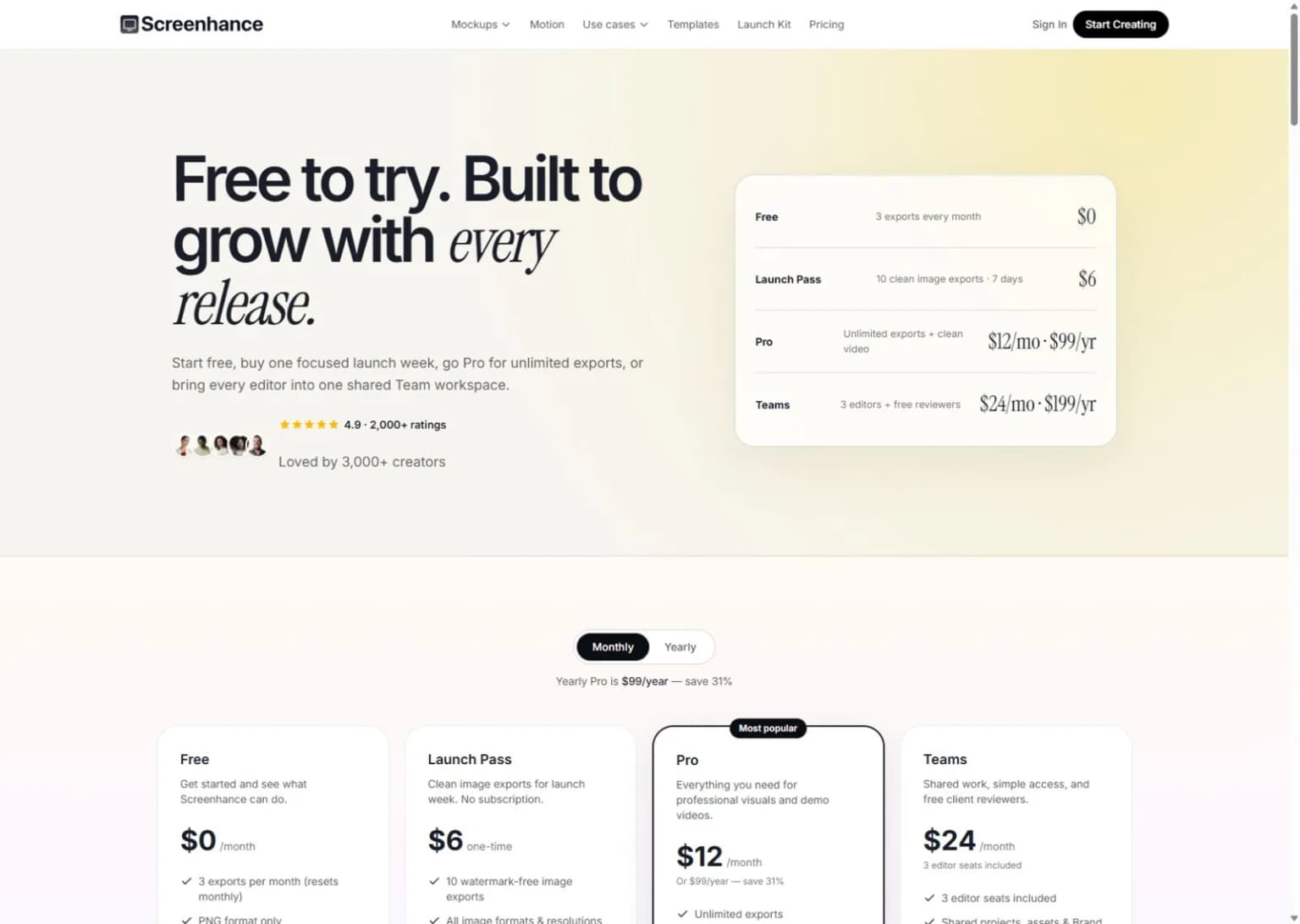
This is the public website, not a paid editor test. The hero above is a conceptual illustration rather than Screenhance output.
Screenhance pricing and the limits that matter
We rechecked Screenhance pricing on October 17, 2026. The important distinction is between a time-limited pass and a recurring plan.
| Plan | Listed price | Main boundary to check |
|---|---|---|
| Free | $0 | Three monthly image exports, PNG at 1x, watermark |
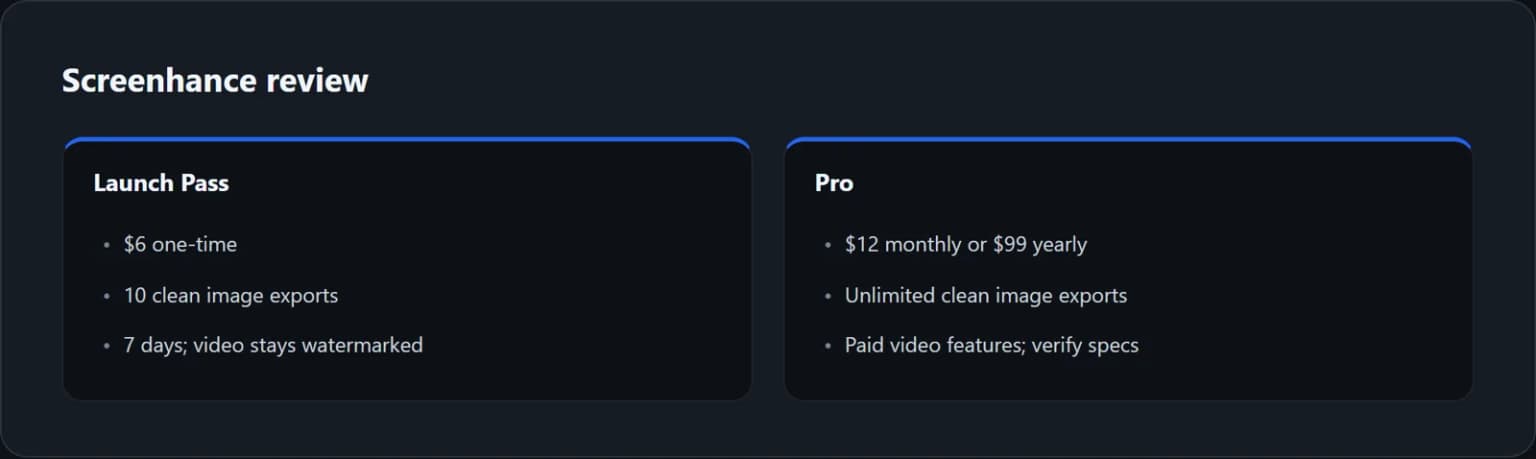
| Launch Pass | $6 one-time | Ten clean image exports, seven-day access; video remains watermarked |
| Pro | $12 monthly or $99 yearly | Unlimited clean image exports and broader paid media features |
| Teams | $24 monthly or $199 yearly | Three editors; extra editors have a separate charge |
These are the public base prices, not a checkout guarantee for every region or tax situation. Read the live plan terms before buying. In particular, do not treat the Launch Pass as a lifetime plan or as ten clean video exports.
Screenhance Pro includes more image formats and paid recording features. If video is the reason you are buying, check the exact duration, file-size and export requirements for your destination. A plan's general video support does not prove that a file will satisfy App Store preview rules.
The Screenhance free plan has a useful role: test how your real UI looks in a layout. It is not the same as a clean commercial export allowance. Check the output rather than inferring it from the editor preview.
The Launch Pass is a timing decision as well as a price
The pass can be a sensible small purchase if your copy and captures are ready. It is less attractive if you are still waiting for feedback, translations or a stable app build. Seven days can pass while the design work is blocked elsewhere.
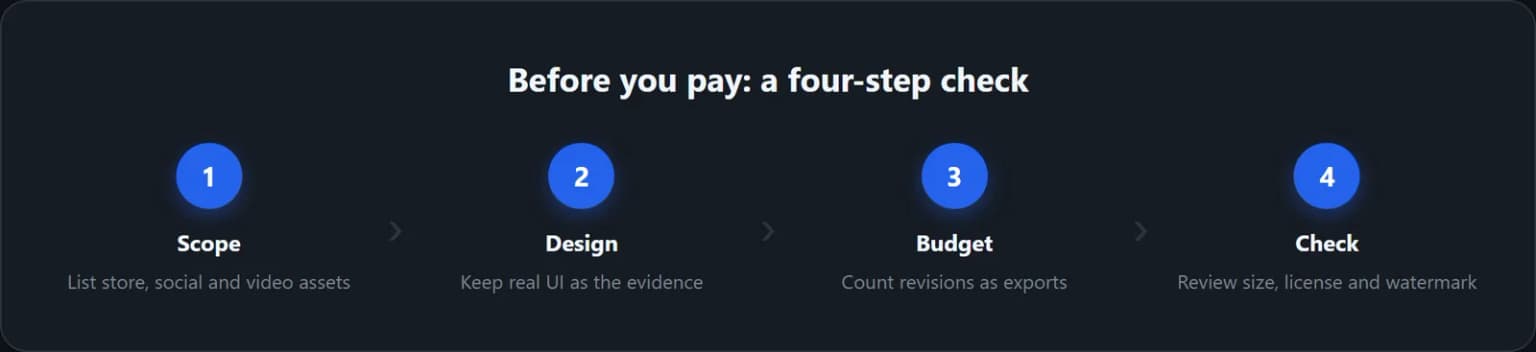
Before buying, list the final image exports you need. Then allow room for revisions. If you need eight finished images and expect two of them to change once, ten exports may be enough. If every image will go through several downloadable versions, the same allowance may feel tight.
That example is a planning exercise, not a claim about how Screenhance counts every action in every editor state. Confirm the live export rules in the product. The point is to count final downloads and likely rework, not just the number of canvases in the project.
Avoid starting the pass merely to motivate yourself to finish. Approve the key benefit, gather clean captures and settle the required sizes first. The paid window should cover production, not the whole process of deciding what your app does best.
Separate store screenshots from launch graphics
For App Store screenshots, start with a sequence. The first panel should make one useful promise. The next panels should show how the app delivers it. Use real UI as evidence rather than placing a phone on a decorative background and hoping the benefit is obvious.
For launch graphics, start with the channel. A landscape image in a newsletter has a different crop from a portrait store panel. Put the essential message where it survives that crop. A visual that works on a large desktop preview can lose its text in a small social feed.
For a short demo, start with the action. Show the moment that explains the product. Do not add motion simply because the tool offers it. A rotating device may look polished while hiding the interface that a buyer needs to understand.
This is where a broader workspace can earn its keep. You can reuse colors, app captures and visual motifs while changing the composition for each channel. The goal is a consistent message, not an identical exported image everywhere.
If you only need static store assets, compare a store-focused editor too. Our AppScreens review is a useful second reference. For a free starting point, the AppScreenStudio review explains its project and language caps. The best screenshot generators guide covers the wider set of workflows.
A useful acceptance test before upgrading
Pick one real capture with a clear main action. Add a short headline that explains why that action matters. Then make two versions: a portrait store panel and a landscape launch image. Use the same message, not two unrelated marketing claims.
Check both at realistic viewing sizes. Can you still read the headline? Is the UI large enough to prove the promise? Does a device frame consume space that the content needs? These checks are more useful than deciding which background looks most impressive at full size.
Next, replace the headline with a longer version. This tests how much manual work a revision creates. If you expect localization, use a reviewed longer translation as well. Do not use random foreign text just to fill the space; the line breaks should reflect a real phrase.
Finally, inspect an allowed export outside the tool. Record its pixel size, format and watermark. Keep that note with the project. It becomes a simple pass-or-fail criterion when you decide whether to pay for clean output or a larger workflow.
The hidden cost is often revision work
Tool prices are easy to compare. Time spent correcting the same headline in several layouts is harder to see. For a one-off launch, that work may be small. For a weekly content schedule, it can become the main expense.
Make a small asset register. Give every output a destination, owner and status. For example: App Store English panel one, launch email hero and social portrait. Keep the approved text in one source document so that a late product-name change does not leave conflicting versions behind.
Do the same for app captures. Use consistent demo data, avoid personal information and keep the original files. A screenshot with an old price or unfinished feature can undermine an otherwise clean launch kit.
Teams should also test the review loop. Who can edit, who only reviews, and which version is final? Screenhance has a team tier, but you should confirm the exact access model for your group. Do not buy extra seats before you know which people need to make changes rather than leave feedback.
Build a channel map before spending the pass
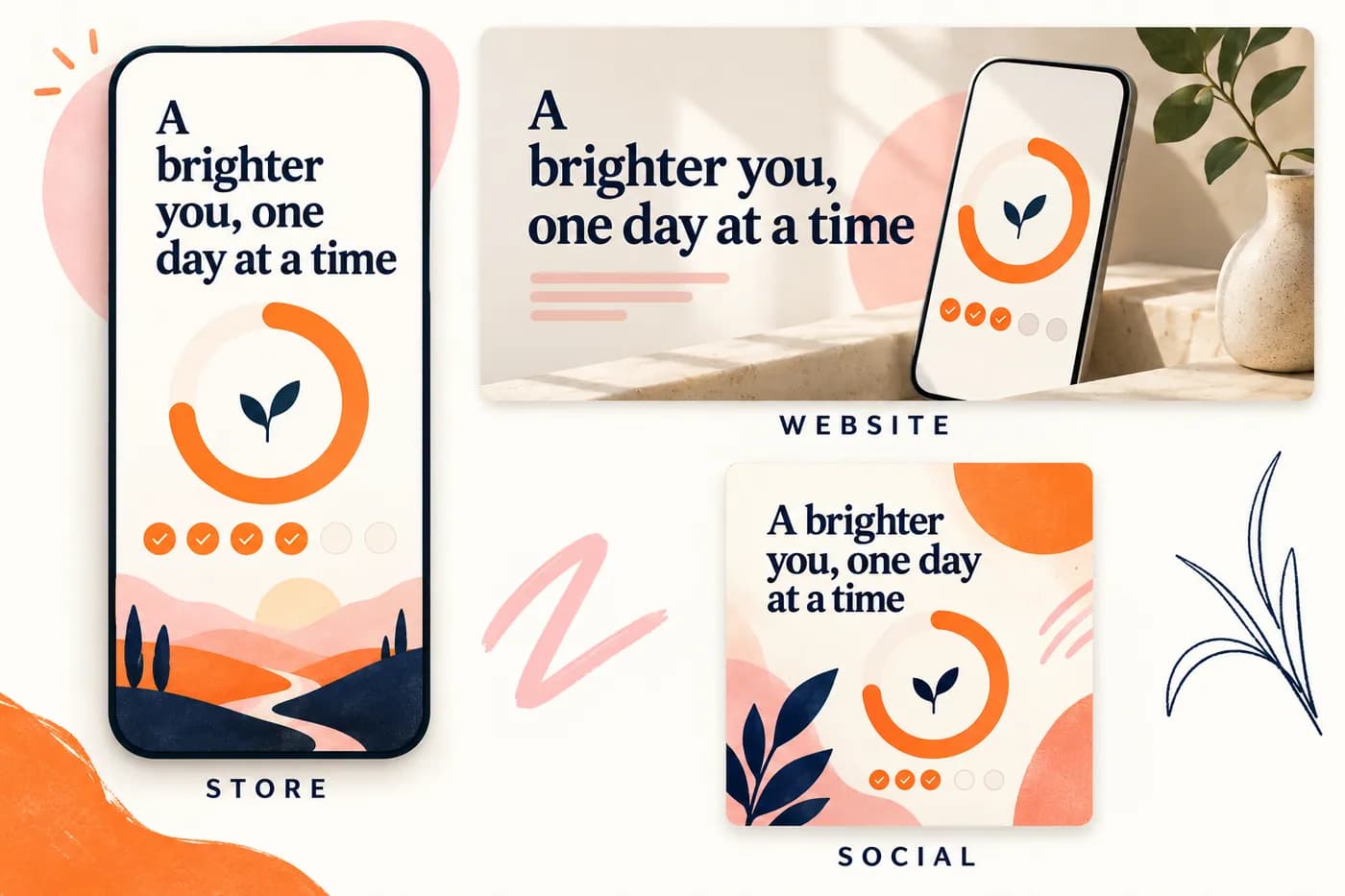
These are fictional habit-app compositions, not outputs from a paid Screenhance test.
Make a row for each destination: store panel, website hero, social card or demo video. Add its purpose, approved caption, source capture, required shape and final filename. The same UI can support several assets, but the composition should change with the destination. A store panel needs readable product evidence; a wide hero may need room for nearby page text.
For a small launch, separate the files you must deliver from the versions you will review. Three candidate backgrounds are not three final assets, but downloading each may still consume an allowance under a tool's rules. Confirm the live counter rather than assuming only the version you publish is charged.
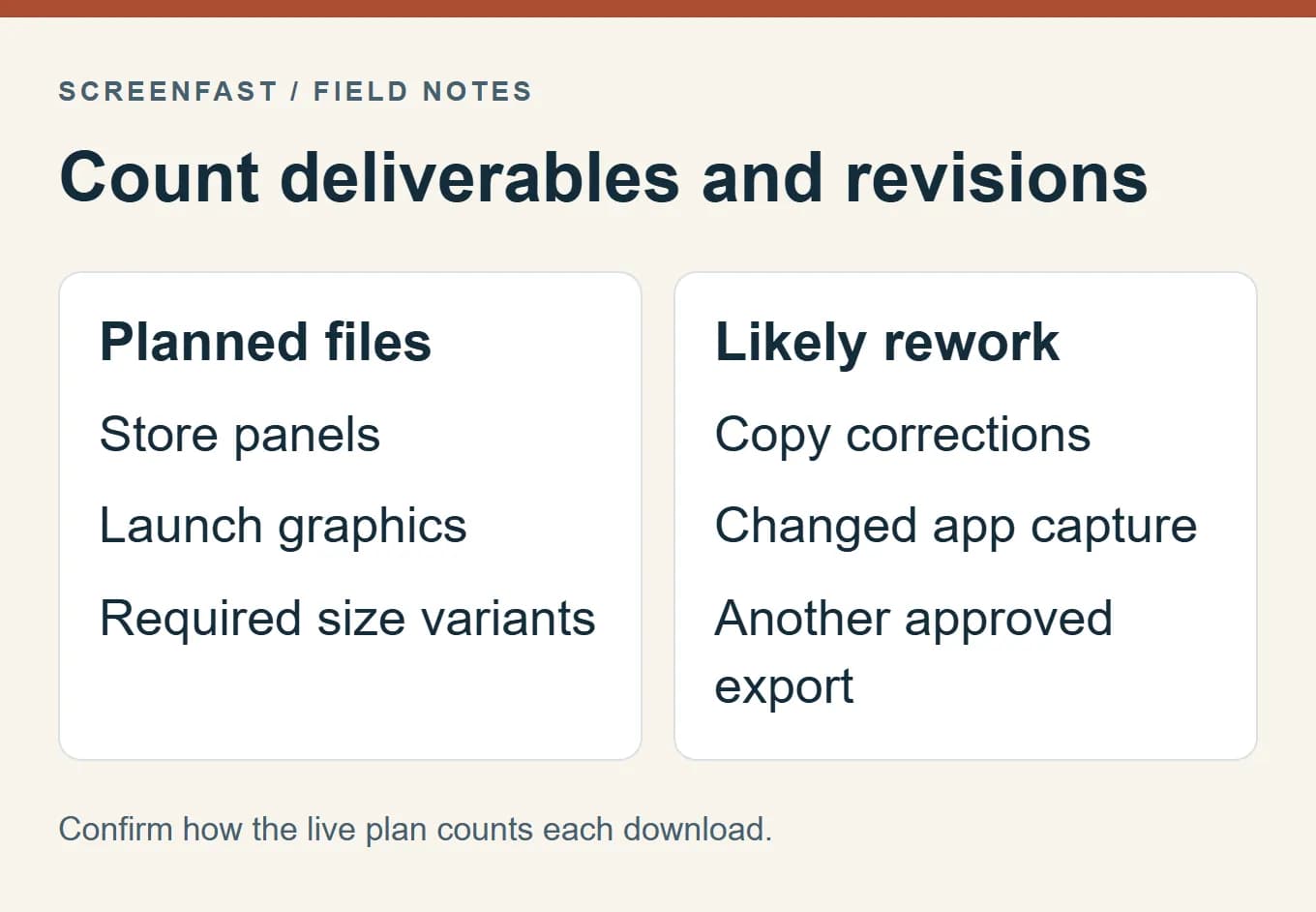
Suppose the brief needs four store panels, two social cards and a website hero. That is seven planned final files before revisions or extra sizes. This arithmetic helps define the scope; it does not establish how Screenhance will count a particular editor action. If a late copy correction affects every file, a small export allowance deserves closer attention.
Put approval work before the access window
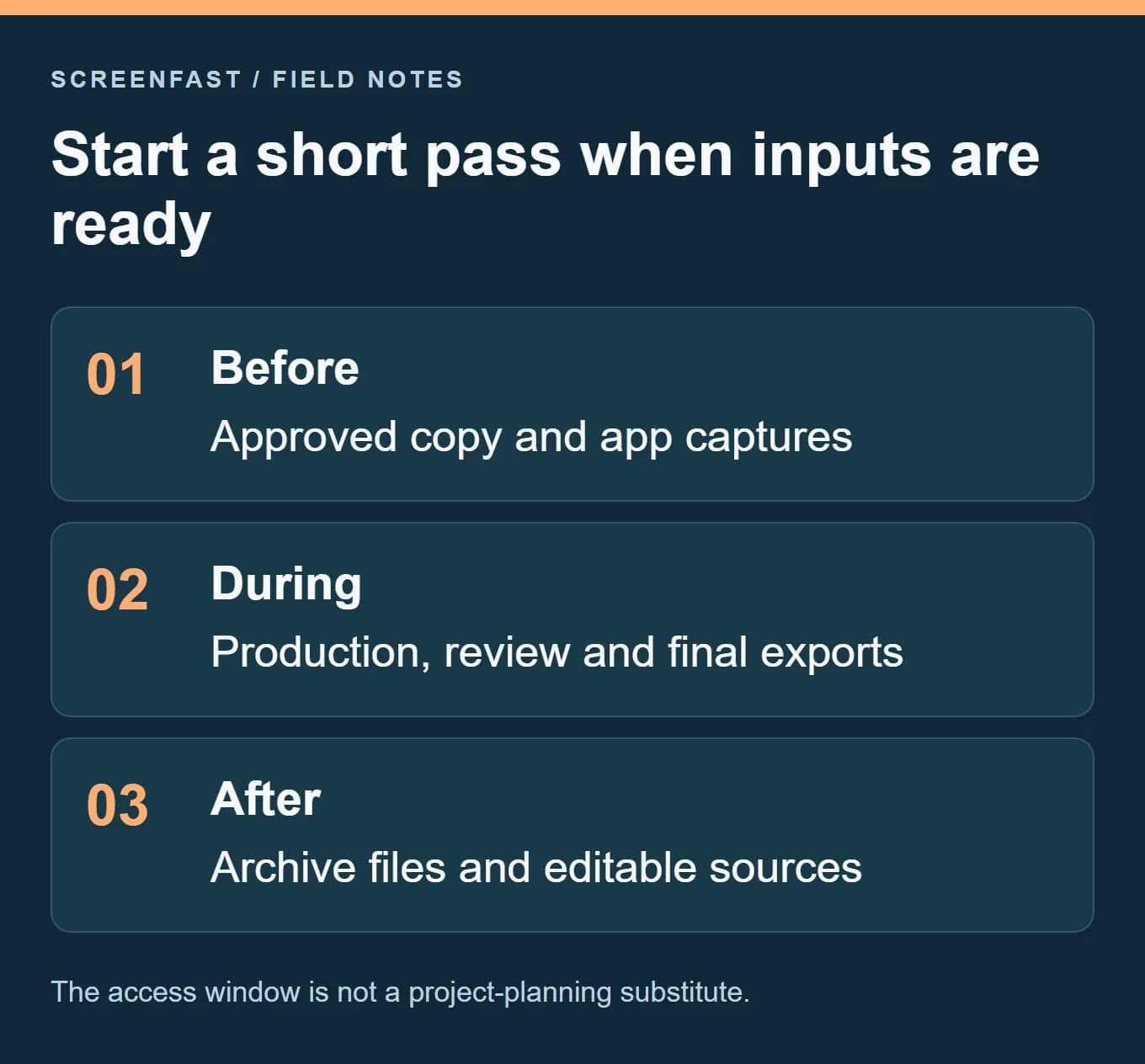
Before buying a short pass, get agreement on the actual product message and gather the correct app captures. During the paid window, focus on production and final review. Keep the project source and approved copy outside the exported-image folder so a future change has a clear starting point.
If a stakeholder is away or the app's interface is still changing, delaying the pass may be more useful than rushing through it. A cheap time-limited product can become expensive when the work spends most of that time waiting for a decision. This is project planning, not a criticism of the offer or a promise that another plan saves a fixed number of hours.
When Screenhance is a good fit, and when it is not
| Situation | Why it may fit | What could make another route better |
|---|---|---|
| One launch with approved copy | A short pass can cover a defined image batch | Delayed feedback may outlast the pass |
| Store plus social assets | One workspace can support several compositions | A store-only tool may offer a tighter release workflow |
| Repeated promotional work | A recurring plan avoids counting a small image pack | Check whether you actually need its broader media features |
| Detailed manual design system | Some reusable visual work is possible | A dedicated design tool may offer the control you prefer |
The weak buying case is simple: paying for breadth you will not use. If your only deliverable is five static screenshots, compare the work needed to create those five. Do not assign value to recording features just because they appear in the plan table.
The stronger case is a repeated launch process with several asset types. Even there, use a small pilot. One coherent batch tells you more than browsing the whole feature list.
Where ScreenFast differs
ScreenFast is not a replacement for every Screenhance output. It starts with a free audit, then payment unlocks ten AI design directions for your app. The one-time option is $9.99 per app, with optional subscriptions listed separately on our pricing page.
The native output is iPhone-focused at 1290x2796. ScreenFast does not natively produce iPad or Android sets, videos or direct store uploads. Its raster design workflow also differs from editing each object in a template. Review text and UI carefully before using any generated asset.
Consider the AI screenshot generator if choosing a visual direction is what holds up the launch. Consider Screenhance if you want to compose a broader set of promotional assets. If the need is exact store production across devices and languages, compare a store-focused editor on that basis.
You do not need to force one tool to do every job. A useful setup might use one route for the visual concept and another for final controlled production. Count the extra handoff work before deciding that this combination is cheaper.
How we tested
We rechecked Screenhance's public site and pricing on October 17, 2026. We retained the clearly dated September public-page capture as historical context. The current plan values above agree with the live pricing page. We compared those stated limits with practical launch scenarios.
We did not buy a plan, complete paid exports or measure app conversion. The acceptance test in this article is a checklist for your project, not a fabricated account of paid usage. Price arithmetic and workflow recommendations are our analysis. Feature and allowance claims come from the linked vendor pages.
FAQ
Is Screenhance free to use?
There is a free plan. At the review date it included three monthly image exports with a watermark and PNG output at 1x. Check a real export before assuming it meets your launch needs.
Is the Launch Pass a subscription?
The public page describes it as a one-time $6 purchase with seven-day access and ten clean image exports. It is not an ongoing subscription or a lifetime allowance.
Does the pass remove video watermarks?
No. The listed pass removes the watermark from its included image exports; video remains watermarked. Review the paid video plan if clean motion output is essential.
Is Screenhance Pro worth it for one app?
It can be if that app needs repeated store and promotional assets. For one small, ready-to-export image batch, compare the pass first. The right choice depends on output count and timing.
Can I use one design for every channel?
You can reuse its message and visual style, but each channel needs the right dimensions and crop. Check text at the actual viewing size. A store panel and a social hero usually need different compositions.
Will better graphics guarantee more installs?
No. Graphics can make the product easier to understand, but install rates also depend on traffic quality, demand and the app itself. Define a testable message change and measure it after release.
Last updated: 2026-10-17. Public pricing and limits rechecked; the September screenshot remains dated.