10 App Store Screenshot Design Patterns and When to Use Them
TL;DR
App Store screenshot design patterns are reusable ways to arrange a real screen, a clear caption and supporting artwork. Choose a pattern that makes your app's benefit easier to understand, not one that is said to "always convert." A minimal layout, a close-up detail and an illustrated scene can all be useful when they show the right evidence.
This guide offers ten practical layout options, their tradeoffs and a way to review them. The examples are editorial concepts, not a study of top-grossing apps or proof of conversion lift. Keep the underlying product claim accurate, then test a meaningful alternative if your traffic supports an experiment.
Choose the proof before the visual style
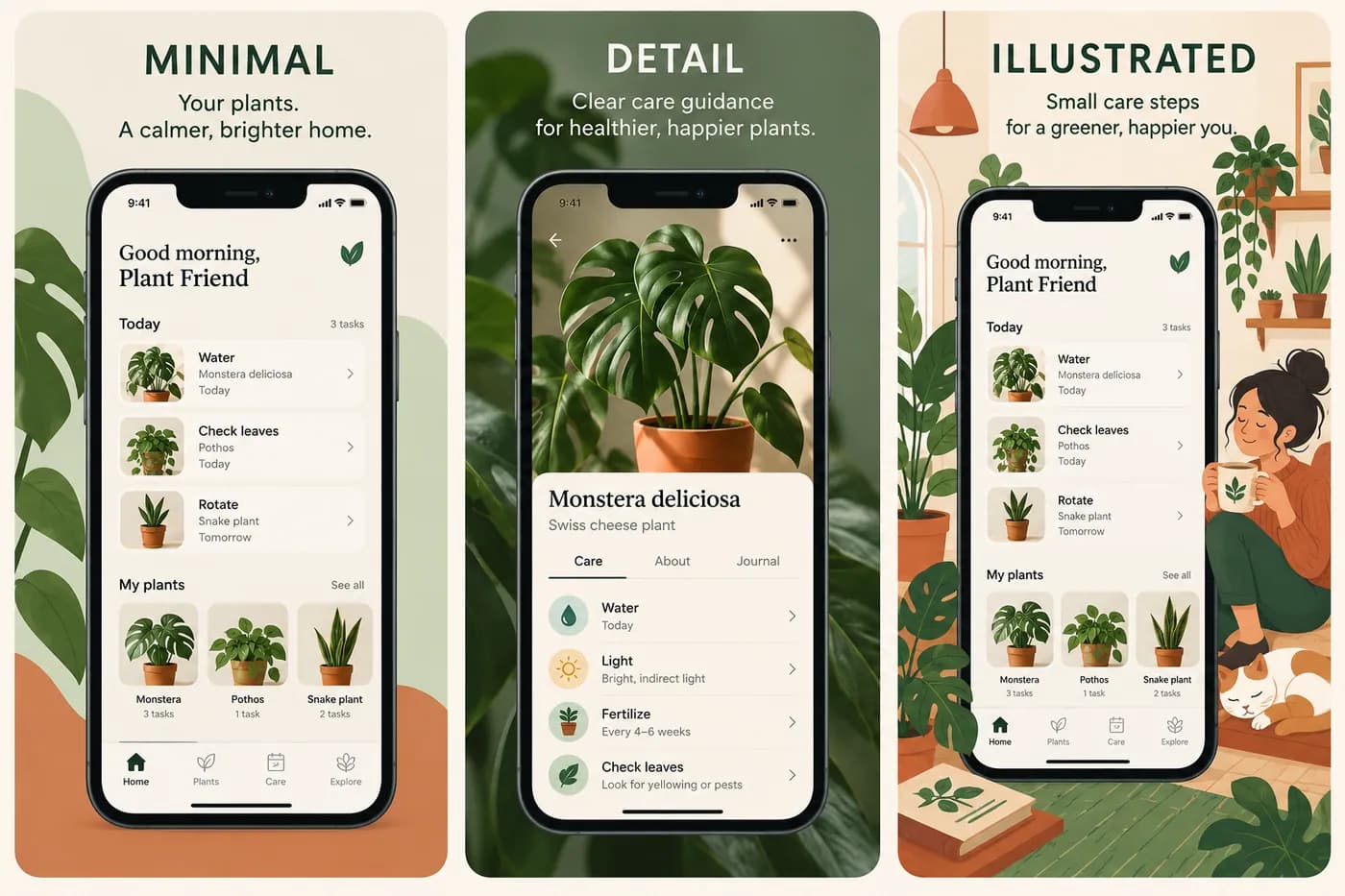
Start with a sentence about what the reader needs to understand. For a plant-care app, that could be "See which plants need attention today." The supporting proof is the real task list. A decorative leaf, an attractive room or a phone frame can support that message, but none replaces the task list.
Write down the caption, the source screen and the detail that proves the caption. If those three do not agree, changing the background is unlikely to solve the problem. A screenshot claiming automatic diagnosis should not show a manual note form unless the distinction is made clear.
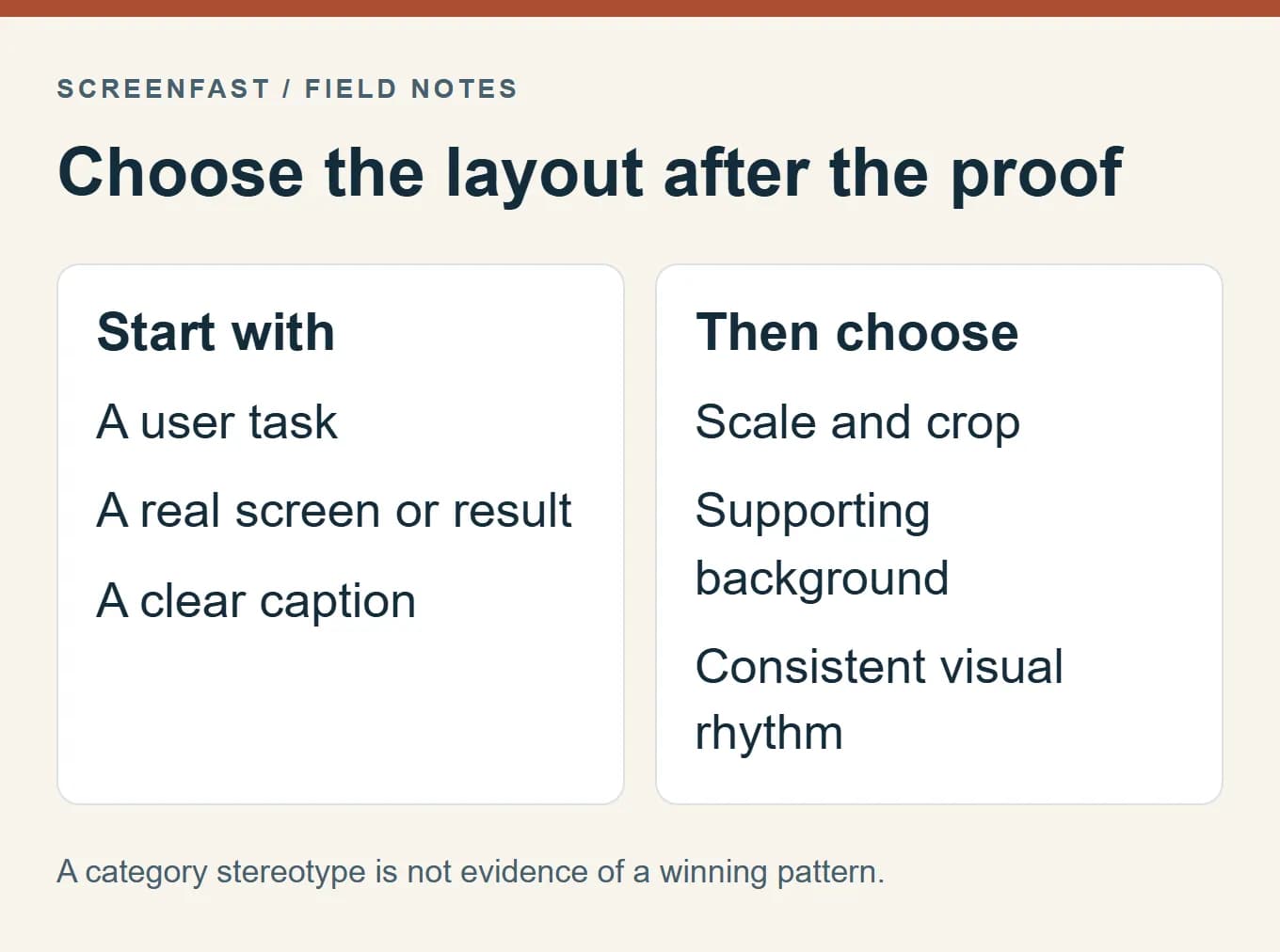
Apple's product-page guidance and App Review Guidelines are the primary references for accurate store assets. Screenshots should show the app in use. Marketing composition is not permission to invent controls, outputs or paid features.
Treat the following patterns as options in a design brief. The categories are descriptive names, not a scientific taxonomy or a ranking of what works best. You can combine them, provided the gallery remains coherent and each frame has a clear job.
1. Minimal frame with one clear outcome
Use one prominent app screen, a short headline and a quiet background. This pattern is useful when the interface itself provides enough evidence: a completed checklist, a saved recipe or a clear reading view. It gives the eye a small number of things to process.
The risk is becoming so sparse that the app looks generic. "Get more done" above a small phone does not tell a visitor why this tool matters. Replace the vague promise with a concrete action, then enlarge the relevant interface enough to support it.
For the fictional plant app, "See today's care tasks" above the task list is a more specific starting point than "A greener life." That is an editorial judgment about clarity, not a claim that the first caption has been tested against the second.
2. Detail crop with a visible source screen
Use a close-up when a small part of the interface carries the value. A crop can make a schedule conflict, an editing control or an export option readable without shrinking the whole screen. Keep enough context to show where the detail belongs.
Do not turn the crop into a different product. Preserve the actual wording, state and relationships between controls. If you enlarge a detail in a callout, make the visual connection clear rather than pretending the app natively displays that oversized panel.
This pattern is a poor fit when the selling point is the overall workspace. Cropping a rich dashboard to one number may hide the organization that makes the product useful. Decide whether the reader needs the whole task or one decisive detail.
3. Outcome beside the action that creates it
Show a real result alongside the screen that produces it. For a creative tool, that might be an edited image beside its editing view. For a utility, it might be a generated checklist beside the settings used to create it.
Keep the relationship honest. If the result was manually polished outside the app, do not imply it is the app's untouched output. Use only material you have rights to display and remove private data from example exports.
The layout should answer "what do I get?" and "how does this app help?" without requiring a paragraph. If both panels become too small to read, split the story into two screenshots rather than adding another tiny device.
4. A short workflow across the gallery
Give consecutive frames distinct actions: collect, organize, use. A recipe app could show saving a recipe, building a meal plan and creating a shopping list, assuming each feature exists. The gallery then explains a task instead of repeating a slogan.
Each frame still needs to work on its own. A person may encounter a partial gallery or stop before the final image. Avoid captions such as "Then do this" that are meaningless without the preceding frame.
Use consistent spacing and type so the series feels related. Consistency does not mean every frame needs the same phone angle. Vary the crop only when the change helps show the next action.
5. A panoramic background with independent panels
A shared background can connect a set visually. It is useful for a mood or a larger composition, but it should not carry essential information across a seam. The first image must not rely on a word or feature that appears only in the next tile.
Keep text inside each panel's safe composition area and inspect each exported file separately. A beautiful combined canvas can fail once it is sliced: a clipped letter, half a button or an incomplete phone may become the most visible element.
Treat the panorama as supporting art. If the app experience is hidden behind a large landscape image, the composition may function as an advertisement but not as a clear demonstration of the software.
6. Illustration around a real app screen
Illustration can establish tone and explain a setting. A plant-care app might show a room of plants around the actual task interface. An education app might use its own characters to introduce a learning activity.
The app screen must remain useful evidence. Do not let a mascot, decorative object or invented interface replace the product. A reader should be able to distinguish what happens inside the app from the surrounding editorial scene.
Check asset rights and consistency. A character that changes appearance across frames can make a set feel accidental. If the product has no mascot, adding one for the store listing is a brand decision that should be made deliberately, not as a default AI decoration.
7. A content-led composition
When the app's value is its content, show a representative item and enough interface to explain the experience. That may be an article, a lesson, a recipe collection or a media library. The chosen example should match what new users can actually access.
Avoid making one exceptional item look like the entire catalog. Be clear about paid access and regional availability where relevant. A screenshot of premium content should not imply that every new user receives it without payment.
Use a crop that preserves the content's meaning. A lesson title without its context can look impressive but tell the reader little about how the app works. The screenshot should demonstrate the experience, not merely borrow the appeal of the content.
8. A structured overview of related features
A structured layout can help when the reader needs to understand a connected set of capabilities. Use a small number of clearly related panels, each with a brief label. It should answer a specific comparison question rather than display every feature at once.
The main failure mode is tiny UI. If the panels are unreadable at the size people will see, a dense overview becomes decoration. Remove a panel, increase its scale or move it to another frame.
Do not call this an "expert" pattern or assume technical users prefer dense layouts. Technical readers also need a clear hierarchy. Show the feature relationships that matter to the task and leave secondary controls for the full product experience.
9. Dark or high-contrast presentation
A dark composition can make bright product content or a light interface stand out. It can also fit an app that genuinely supports a dark appearance. Keep the real UI state accurate rather than recoloring a screen into a mode the product does not offer.
Check contrast on the exported file, especially small captions and muted secondary text. A gradient that looks refined on a large monitor may wash out the headline at thumbnail size. Background contrast is not a substitute for sufficient type size.
Avoid universal psychological claims such as "dark means premium" or "neon builds financial trust." Color associations depend on context and audience. Use the palette to support legibility and the product's actual identity.
10. Distinctive editorial typography
A carefully chosen type system can give a gallery its own voice. A journal or reading app may suit a calm editorial treatment, while a utility may benefit from compact, direct labels. The point is recognizable hierarchy, not unusual type for its own sake.
Use fonts whose license covers the intended output. Test the longest real caption and the target language's glyphs. A display face that works for a short English headline may fail for a longer translation or for scripts it does not support.
Keep artwork and interface text separate in your review. A stylish headline cannot compensate for a distorted button label inside a generated phone screen. The typography guide covers this in more detail.
Match the pattern to the evidence you have
| What you need to show | Useful starting pattern | Main risk to check |
|---|---|---|
| One simple task | Minimal frame | Vague caption or undersized UI |
| A small but important control | Detail crop | Missing context or altered interface |
| A created result | Outcome plus action | Misrepresenting how the result was made |
| A multi-step use case | Workflow gallery | Frames that depend on unseen neighbors |
| Product personality | Illustration or editorial type | Decoration overwhelming the app |
| A content experience | Content-led composition | Rights, paid access and availability |
This table is a design starting point, not a category rule. A finance app can use illustration; a game can use a restrained layout. What matters is whether the choice helps the intended reader understand the actual product.
For games, begin with real gameplay and the player's action rather than a marketing scene that does not exist in the game. The game screenshot guide addresses that distinction.
Review at three levels before calling it finished
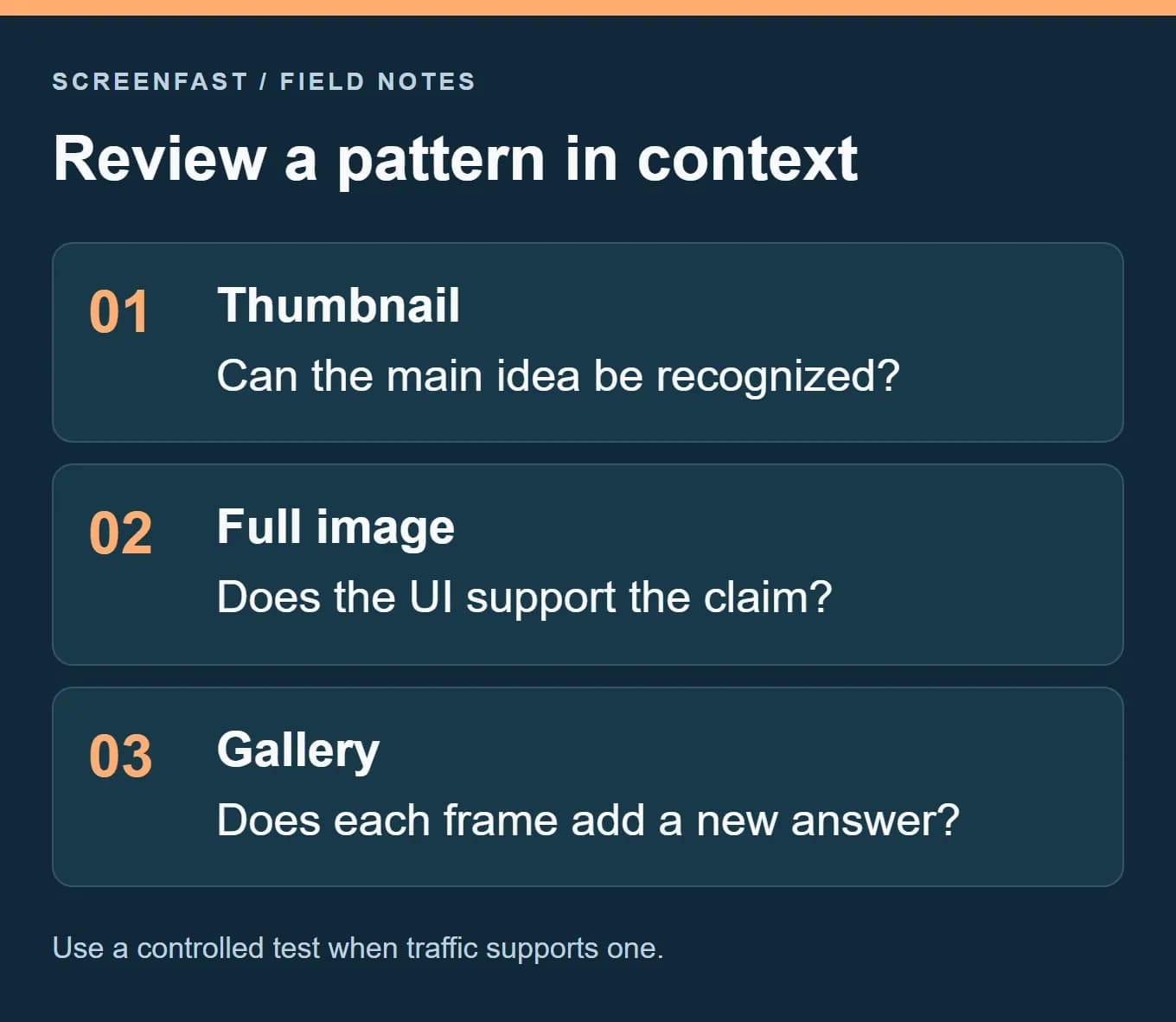
First, reduce the image to the size at which you expect people to encounter it. Can a new reader identify the main task without zooming? This is a comprehension check, not an official Apple timing rule. Do not assign a universal number of milliseconds to every viewer.
Second, inspect the full export. Check spelling, UI details, file dimensions, alpha channels and any signs of generated distortion. Third, inspect the whole gallery: does each screenshot add evidence, or does the set repeat the first promise with different decoration?
Write down the issue you find and the smallest change that addresses it. For example, "The task list is too small; enlarge the phone and remove one plant illustration." That is a more actionable revision than "make it more premium."
Test an alternative without inventing a winner
If the current gallery is accurate and readable, a different pattern is a hypothesis. You can compare a narrow change, such as a detail crop versus a full-screen view, or a complete design package. State which kind of comparison you are making.
Do not change the headline, screenshot order, icon and background, then claim the experiment proved the background color worked. The A/B testing guide explains controlled treatments and inconclusive outcomes.
ScreenFast, our own product, can generate alternative directions from a live app or prelaunch screens. Use the results as candidates for review, not as evidence that a pattern has already been validated. The workflow guide covers the human checks between generation and upload.
Methodology
These patterns are an editorial framework based on composition choices and Apple's product-page and review guidance, checked on October 17, 2026. We did not conduct a top-grossing-app study, measure attention times or rank patterns by conversion. The plant-care illustrations are fictional examples, not screenshots of a named commercial app.
We removed unsupported claims that particular styles always win or that a category implies one correct visual treatment. The recommendations should be judged by product truth, readability and a test appropriate to the available traffic.
Frequently asked questions
Which screenshot design pattern converts best?
There is no universal winner established here. Choose a clear, accurate starting point and test a meaningful alternative when you can collect useful evidence.
Must every screenshot use the same layout?
No. Keep a coherent type and color system, but vary the crop or composition when it helps demonstrate a different task.
Can I use a panoramic design?
Yes, but each exported panel should remain understandable on its own. Keep essential text and UI away from seams.
Can I show only illustrations and a logo?
Do not let decoration replace the app experience. Apple's review guidance expects screenshots to show the app in use.
Should I copy a leading competitor's style?
Use competitor listings to understand the audience's questions, not to copy protected assets or assume their visual style caused their success.
How do I know whether a redesign is an improvement?
Separate clear defect fixes from preference. You can verify corrected text and better legibility directly; conversion impact needs suitable measurement and may remain uncertain.
Bottom line
Choose the message and product proof first. Use the layout to make them visible, then review each file and the gallery as a whole. A distinctive style is useful only when it helps people understand what the app really does.
Last updated: 2026-10-17.