Free Audit · 10 Directions · $9.99 One-Time
The App Store Screenshot Generator that skips the design work
Paste your App Store URL or upload pre-launch screens. Review a personalized audit first, then unlock 10 distinct design directions for $9.99.
Free
personalized audit first
10
distinct design directions
$9.99
one-time per app
How it works
- STEP 01
Paste your App Store URL
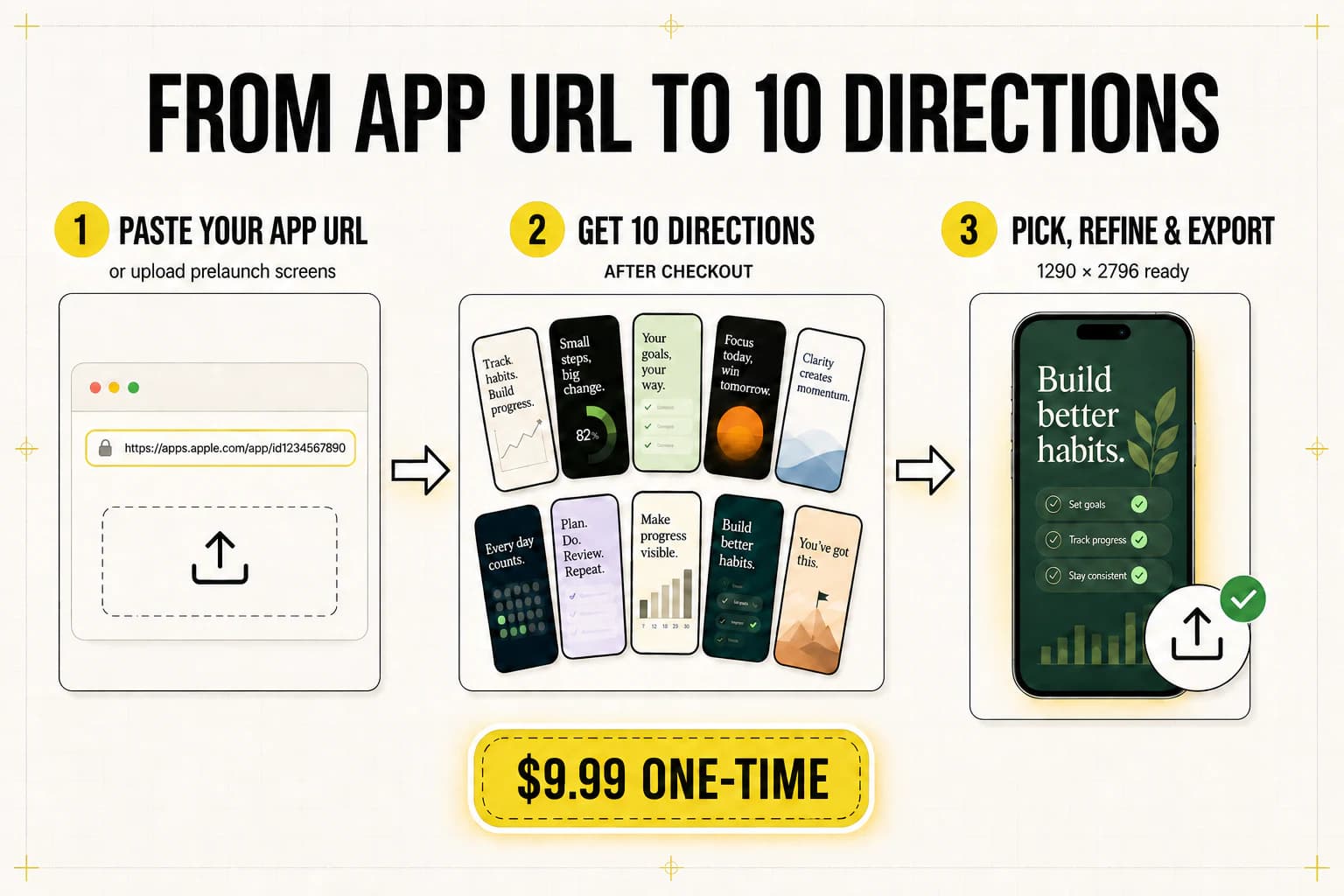
Drop the apps.apple.com link of your iOS app. ScreenFast reads your icon, screenshots, description, and category — all automatically.
- STEP 02
Review your free audit
See findings about hierarchy, readability, positioning, and the screenshot story before deciding whether to buy generation.
- STEP 03
Unlock 10 directions
Pay $9.99 once, or use a plan credit, to generate 10 app-specific creative directions. No subscription is required for the one-time option.
- STEP 04
Review, refine, export
Choose the strongest direction, use included refinement credits where needed, and export 1290×2796 iPhone master screenshots.
Check the fit before paying
From URL or upload, with honest boundaries
ScreenFast is an online App Store screenshot generator for the design step. This is what the base run covers and what still needs another tool.
Generate from an App Store URL
Yes
Paste an apps.apple.com link. ScreenFast reads the public icon, listing copy, category, and current screenshots before building the audit.
Create screenshots before launch
Yes
Upload raw iPhone screens and describe the app. A live App Store page is not required.
Use an online screenshot maker
Yes
The workflow runs in the browser. There is no Mac app, Figma file, or Photoshop setup to install.
Get editable templates or 3D mockups
Different job
ScreenFast generates finished visual directions. Choose a template editor for precise layer control or Rotato-style 3D animation.
Export iPhone App Store files
Yes
The base export is a high-resolution 1290×2796 PNG accepted in Apple's 6.9-inch iPhone slot.
Export native iPad or Android sets
Not in the base run
ScreenFast does not claim native iPad or Google Play output. Use a dedicated workflow for those canvases.
The free audit comes first. Generation is $9.99 one-time; a subscription is optional. See the exact current App Store screenshot sizes before upload.
Choose your next step
One generator, clear supporting workflows
Explore
App Store screenshot examples
Compare design patterns before you choose a direction.
Open page →Expand
Localize screenshots
Translate, review, and re-render the approved set for priority markets.
Open page →Compare
Screenshot generator alternatives
Choose honestly between AI generation, templates, 3D motion, and manual control.
Open page →What is a healthy App Store conversion rate?
iOS averages 25% page-view to install, Google Play 27.3%. See the full-funnel 2026 benchmarks by category, plus Apple Search Ads CVR.
Why developers use it
Template editors are useful when you already know the exact layout you want. The harder part is often choosing the story, headline hierarchy, and visual direction before you begin polishing individual tiles.
ScreenFast starts with that decision. It reads your live App Store listing, or raw uploaded screenshots in pre-launch mode, and shows a personalized audit before checkout. If the findings are useful, one payment unlocks a 10-direction generation run.
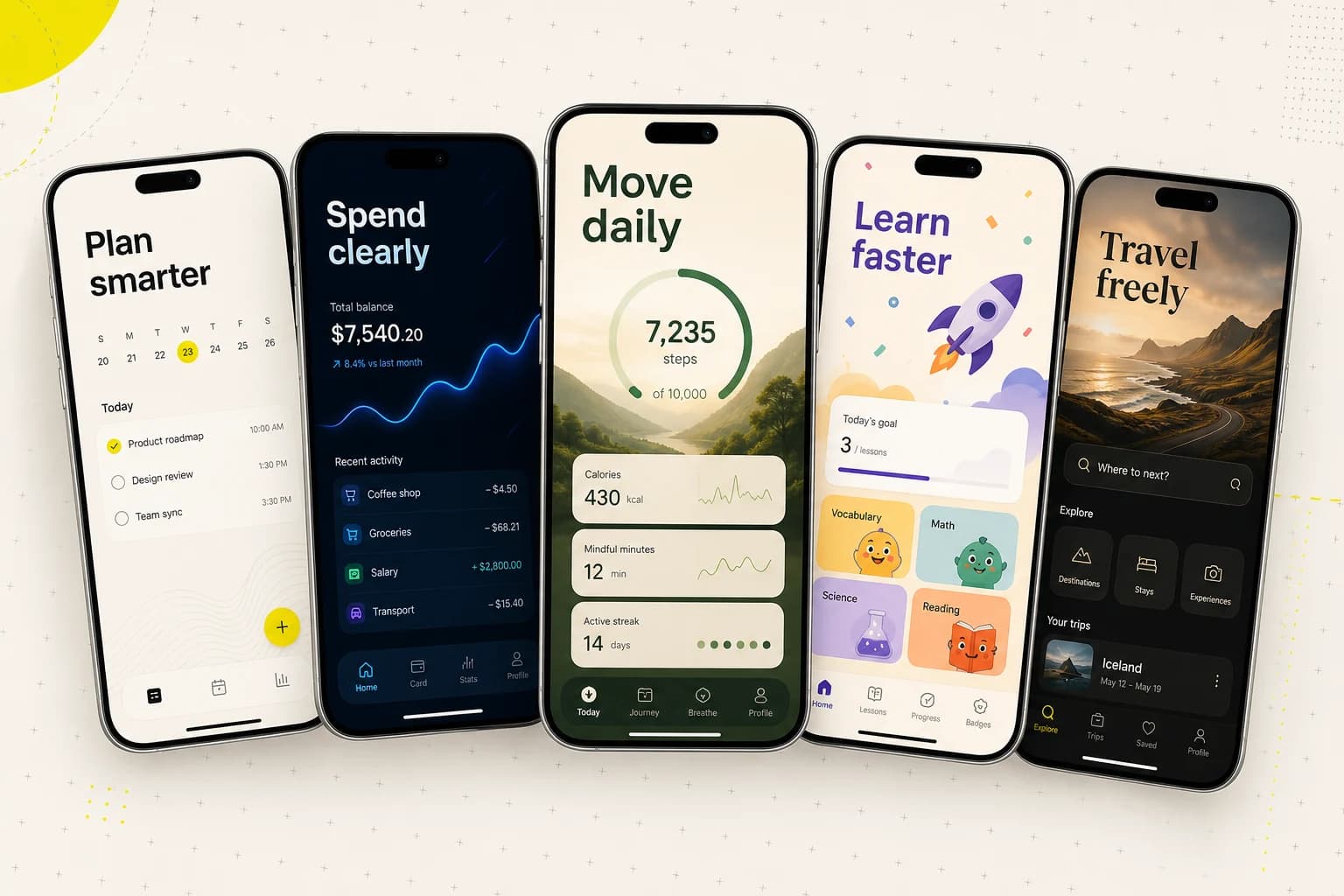
The direction set deliberately explores different creative approaches — including minimalist, structured, bold, cinematic, illustration-led, and mascot-led layouts. Pick the approach that fits your positioning, then use refinement credits for focused visual changes.
The master output is a high-resolution 1290×2796 PNG for the iPhone 6.9-inch App Store slot. Because the output is AI-generated, review the copy, UI details, and visuals before publishing.
Questions about the screenshot generator
What does the App Store screenshot generator do?
expand_more
It takes your existing app screenshots (or an App Store URL) and produces fully designed App Store tile graphics — with backgrounds, device frames, and marketing copy — ready to upload to App Store Connect. ScreenFast produces 10 distinct design variants per run so you can A/B test or pick the one that fits your brand.
How long does it take to generate App Store screenshots?
expand_more
Timing varies with the app input and generation demand. ScreenFast shows the personalized audit first; after checkout, the Studio displays live progress as the 10 directions become available.
What image sizes does ScreenFast produce?
expand_more
ScreenFast exports 1290×2796 PNG files, one of Apple's accepted portrait sizes for the iPhone 6.9-inch App Store slot. App Store Connect can scale a supplied 6.9-inch set for smaller iPhone classes. iPad apps still need a separate iPad set.
Do I need a live App Store listing to generate screenshots?
expand_more
No. Use prelaunch mode to upload your own raw screenshots directly. ScreenFast will run the same AI pipeline using your screens plus a short description of your app.
Can I edit the generated designs?
expand_more
Yes. After choosing a direction, you can use AI refinement credits for focused visual changes such as backgrounds, decorative elements, and layout cleanup. Text edits are not guaranteed, so review and finalize exact copy before publishing. Each attempt uses one credit.
How much does the App Store screenshot generator cost?
expand_more
$9.99 one-time for 10 designs per app. Subscriptions from $19.99 per month are available if you manage multiple apps or update screenshots frequently.
Does ScreenFast work for games as well as apps?
expand_more
Yes. The design pipeline adapts to productivity apps, social apps, utilities, and games. Game-friendly layouts like Mascot and Festive Illustration are part of the variant set.