Launch Shots vs AppScreens (2026): Pricing & Workflow
TL;DR
Choose Launch Shots when you want editable AI directions and a workspace that also handles store-listing copy and publishing. Choose AppScreens for responsive screenshot production with clear project, locale and client-license tiers. Both now offer AI-assisted design features, so "AI versus templates" is not a useful dividing line.
Disclosure: ScreenFast is our product. We compare public features and pricing, not paid hands-on performance. Its ten-direction iOS workflow is a third option, not the only way to generate concepts.
Last updated: 2026-10-08
Launch Shots vs AppScreens at a glance
These tools overlap, but they organize the work differently.
| Decision | Launch Shots | AppScreens |
|---|---|---|
| Free offer | One full set per month, no watermark, all editor features advertised | One saved project with up to five screens |
| Paid entry | Credits, a one-time Launch Kit or subscription | Pro $99/year in the checked annual USD view |
| Higher-volume plan | Launch Kit or Unlimited subscription | Scale $180/year |
| Project model | Unlimited apps and projects advertised across plans | Free 1, Pro 10, Scale unlimited |
| Localization | Plan-dependent screenshot and listing locales | Pro up to 10 languages; Scale 80+ localizations |
| Direct publishing | Screenshots and listing copy to both stores advertised | Paid Apple and Google upload; CPP/PPO listed in Pro too |
| Creative approach | Editable AI directions or manual editor | Responsive design with AI assistance |
| Best fit | Flexible one-off launches and listing operations | Repeatable portfolio or team production |
The short answer hides one important point. A free allowance, a saved project limit, and a localization limit affect different teams in different ways. Price the release process you actually run.
Current pricing compared
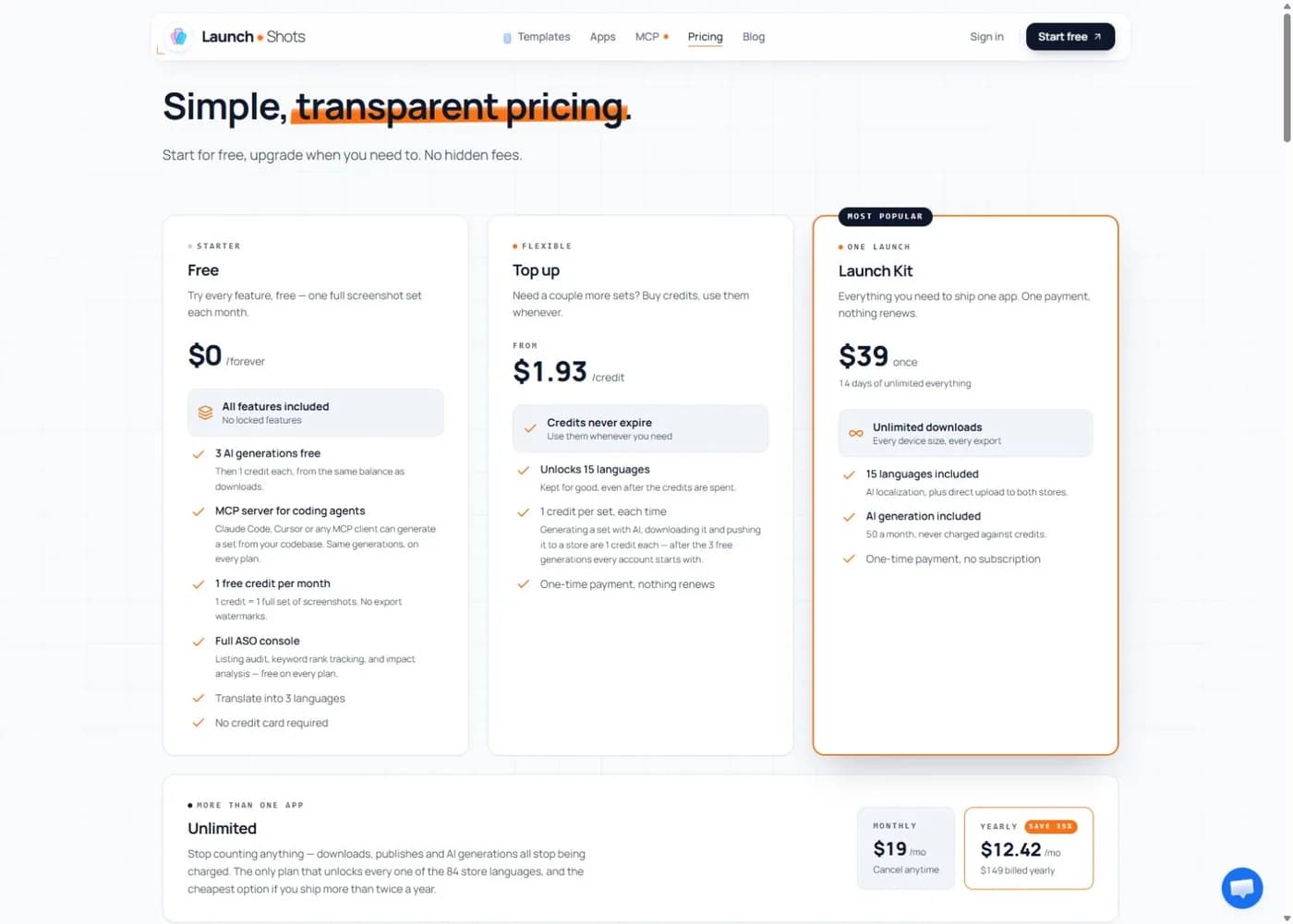
Pricing checked October 8, 2026. Launch Shots now lists a $39 one-time Launch Kit and an Unlimited subscription at $19/month or $149/year. Top-up credits start at $1.93. These replace the older $0.60 credit / daily-pass figures in this article. Check its current pricing for allowances and credit events.
AppScreens lists annual Pro at $99 and Scale at $180 before applicable tax. Those are annual bills, not $8.25 and $15 monthly checkouts. Free is limited to one saved project and five screens per project. Confirm the current AppScreens plan, required locales and own-app versus client-work rights before paying.
A one-time access window, recurring subscription and metered credit are not interchangeable units. Price the full release rather than comparing the smallest number on each homepage. Include the sizes, locales and delivery actions you need; then check renewal terms.
Which free plan is more useful?
Launch Shots describes a monthly download credit and an initial free AI-generation allowance. AppScreens Free offers a constrained screenshot project. Neither should be evaluated only by whether the editor opens without payment.
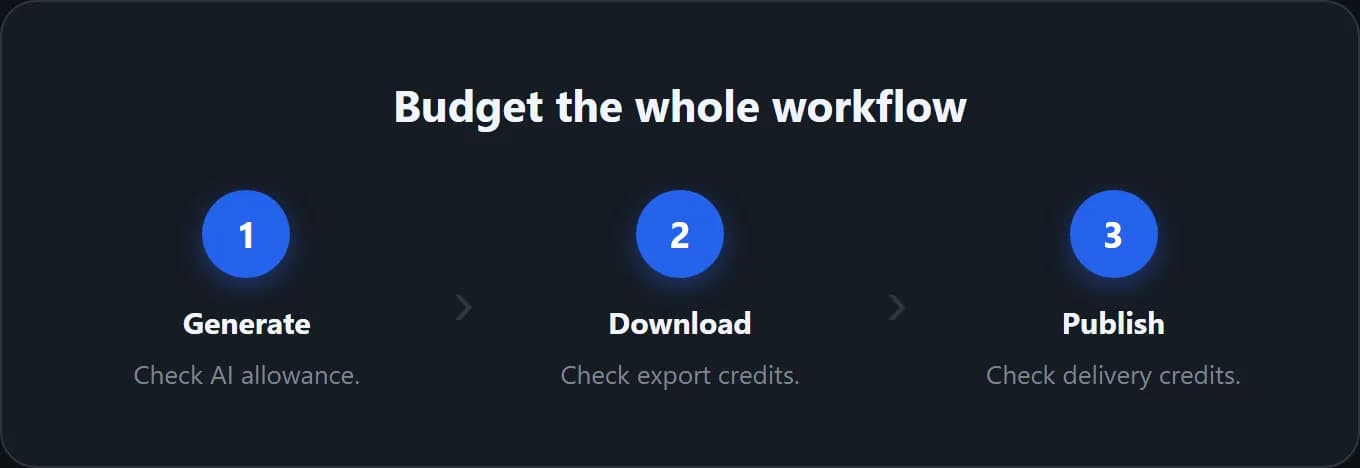
Create one representative frame with the exact features you need. Try the target size and inspect the export path before building the full set. Paid features can change the answer, and generation, download and store delivery can use different allowances.
For AppScreens, five screens per project is not a five-download lifetime limit. Its free-plan help explains the paid feature boundary. Our free screenshot generator guide compares additional routes without treating every free account as an unlimited production plan.
Editor and template workflow
Launch Shots favors a broad hands-on workspace
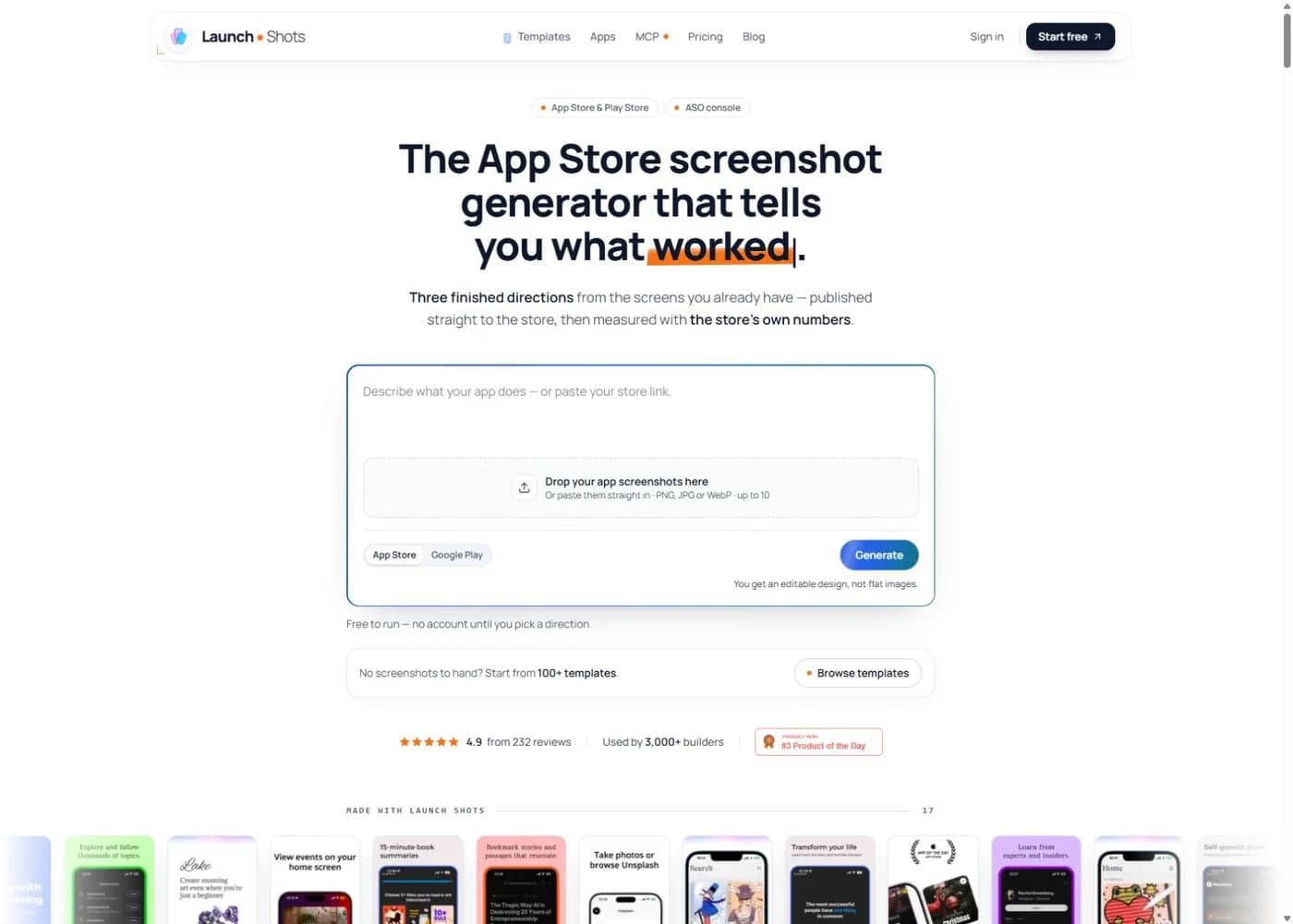
Launch Shots now lets a user start with AI-generated editable directions as well as a template or blank project. Its homepage describes three directions from existing app screens. Its public site advertises 100+ templates, 220+ device frames, 150+ 3D iPhone mockups, cross-frame elements, a magnifier, custom fonts, stock media, icons, and high-resolution exports.
It also extends the workspace into listing copy. A team can pull fields from the stores, edit them with character limits visible, translate them, review conflicts, and publish them back.
This is valuable when one person owns the launch from design through submission. It can feel broader than necessary when the team only needs repeatable screenshot templates.
AppScreens favors responsive repeat production
AppScreens starts with editable templates and applies the design across required iOS and Android sizes. Paid tiers keep more projects, unlock more templates and locales, and connect to store upload workflows.
The strength is repeatability. A product team can update copy, add a market, change a device, or prepare another release without rebuilding every canvas. Templates constrain the design, but that constraint also speeds production.
If your main problem is keeping many listings current, AppScreens has the cleaner mental model. If your main problem is handling screenshots and listing copy in one flexible workspace, Launch Shots has the broader pitch.
Localization compared
Both products advertise localization, but the allowances differ.
Launch Shots has plan-dependent language access. Check the current allowance before assuming a free account covers every store locale. Listing publication and screenshot export are separate operations, so review the credit implications of each.
AppScreens Pro supports up to 10 languages. Scale opens all 80+ localizations and includes right-to-left layout support in the current comparison table. This creates a clear upgrade point for a portfolio with many markets.
Do not count machine translation as completed localization. Review truncation, line breaks, cultural meaning, legal copy, and the first-frame value proposition with a qualified speaker. The screenshot localization guide explains why translation and visual adaptation belong in one QA loop.
Direct publishing and listing operations
Both vendors advertise direct publishing to App Store Connect and Google Play on eligible workflows.
Launch Shots goes further in its current public copy. It describes pulling live listing fields, editing every locale, flagging stale translations, reviewing store conflicts, and publishing screenshots and copy together.
AppScreens focuses on asset production and upload. Its current pricing FAQ lists Custom Product Page and Product Page Optimization uploads in Pro as well as Scale. Do not buy Scale solely on the assumption that these workflows require it; check the larger project, language and client-license needs instead.
Choose based on what changes most often:
- Choose Launch Shots if screenshot design and listing metadata move together.
- Choose AppScreens if a team needs repeatable asset projects and advanced Apple page-variant uploads.
- Keep manual review in either workflow before a production write.
Store credentials deserve special care. Check current privacy terms, requested scopes, team permissions, and rollback procedures before connecting either product.
Creative direction: the missing comparison row
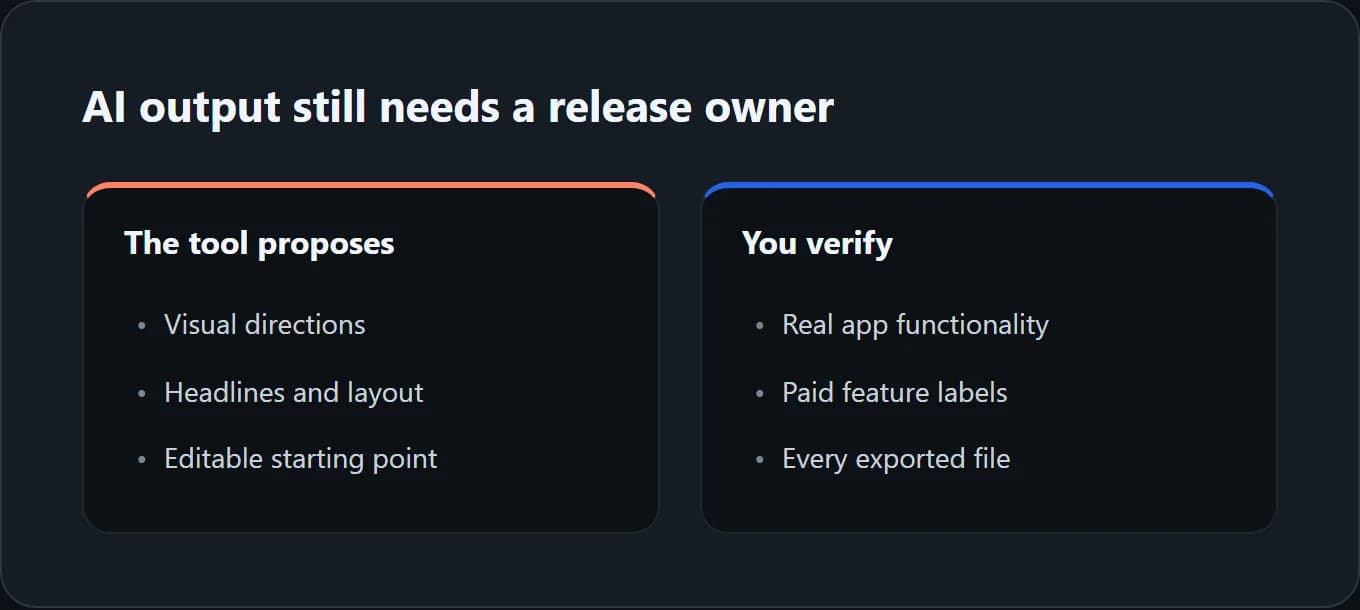
Launch Shots now generates editable creative directions, while AppScreens advertises AI captions and restyling alongside its responsive editor. It would be misleading to describe either product simply as a blank template canvas. Compare the depth of editing, the actual output and the steps that remain after generation.
Generated does not mean approved. Check whether each headline matches a real feature, whether the app UI stays accurate and whether the sequence answers a buyer's question. A polished design can still hide weak positioning.
ScreenFast is our product. Its free step returns an audit and brief; the $9.99 entry generation produces ten iOS-first directions after payment. That gives a different concept range, but does not prove better design or replace a multi-store production system. Base exports are iPhone masters, not native Android or iPad sets.
Use the first screenshot guide to judge the message rather than the tool's AI label. Compare one real app brief in the workflows you are considering before buying a large allowance.
Choose Launch Shots if
- You need one full watermark-free set per month.
- You want editor access without committing to an annual plan.
- You manage screenshot assets and store-listing copy together.
- Pay-as-you-go credits or the one-time Launch Kit match launch timing.
- A hands-on editor is a feature, not a burden.
The full Launch Shots review covers its pricing and tradeoffs in more detail.
Choose AppScreens if
- You maintain several apps or frequent releases.
- Reusable templates and responsive device sizes save repeated work.
- Pro's 10 projects and 10 languages fit the portfolio.
- Scale's unlimited projects, broader locale coverage, or client-work license justify $180 per year.
- The team values structured production more than a flexible all-in-one listing workspace.
Read the AppScreens review for a detailed plan breakdown or the AppScreens alternative comparison for the shorter decision.
Choose ScreenFast if
- You do not yet know which creative direction to produce.
- You want 10 app-specific concepts rather than one selected template.
- The launch is iOS-first.
- A $9.99 one-time concept sprint is more useful than a production subscription.
Check ScreenFast pricing for current allowances. The full alternatives hub also covers Previewed, Rotato, Screenhance, Hotpot, Figma, and AppLaunchpad.
Methodology
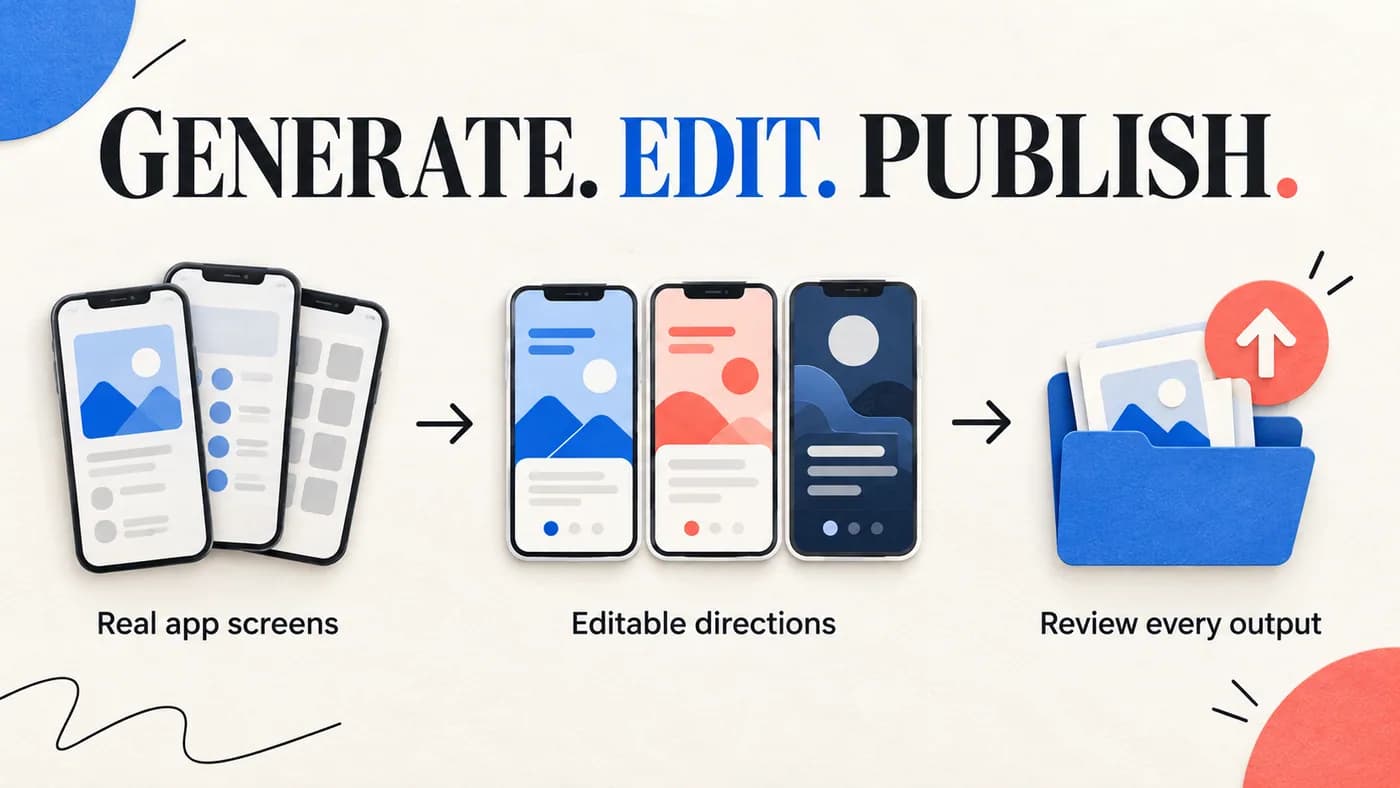
We reviewed the public Launch Shots homepage and pricing page plus the public AppScreens homepage and pricing page on October 8, 2026. We corrected the previous manual-only description of Launch Shots, its old prices, and the incorrect AppScreens CPP/PPO plan boundary. The new hero is an editorial illustration. We recorded visible prices, billing wording, free allowances, project limits, localization limits, editor features, and publishing claims.
We did not purchase either paid plan, connect a production store account, time exports, or run a conversion experiment. We therefore compare documented workflow fit, not hands-on reliability or revenue lift. Vendor testimonials and usage counters were not used as proof of performance.
Prices and features can change after publication. Confirm both official pricing pages before buying.
Frequently asked questions
Is Launch Shots cheaper than AppScreens?
Both offer a free entry with different limits. For paid work, compare the current credit usage or subscription cost for your actual release. We did not measure total labor savings, and the older below-one-dollar credit figure is no longer current.
Which tool is better for Android screenshots?
Both advertise iOS and Android support. AppScreens emphasizes responsive template production across device sizes. Launch Shots combines multi-store asset editing with listing management and direct publishing. Choose based on whether project scale or broader listing operations cause more work.
Which tool has better localization?
Launch Shots advertises AI localization across store languages within its editor and listing workflow. AppScreens gives clearer plan limits: up to 10 languages on Pro and all 80+ localizations on Scale. The best option depends on market count, review process, and whether listing copy must move with the screenshots.
Can either tool generate several original concepts automatically?
Launch Shots now advertises three AI-generated editable directions. AppScreens advertises AI-assisted design features. ScreenFast offers ten iOS-first directions after payment. These counts and labels do not establish output quality; inspect a representative workflow.
Which is best for an agency?
AppScreens Scale has the clearer portfolio offer because it advertises unlimited projects, broad localization, higher screenshot limits, and an extended client-work license. Launch Shots may still fit agencies that prefer credits, the Launch Kit, unlimited apps, and listing management. Verify collaboration and seat features before choosing.