AppScreenStudio vs AppScreens: Free Launch or Repeat Workflow?
October 17, 2026 update: Current official pricing and plan details were rechecked for this revision. Earlier public-page captures and historical methodology retain their original dates. New scenarios are editorial evaluation methods, not paid hands-on results.
TL;DR: Start with AppScreenStudio if a small free listing is your main goal. Shortlist AppScreens if you need a repeatable store workflow with more projects, locales and publishing features. The deciding factor is not the template count. It is the cost of your second release, including revisions, language review and the right license.
AppScreenStudio vs AppScreens is an easy comparison to get wrong. Both help create App Store screenshots from screenshot templates. That does not mean their free limits, paid gates or client-use terms are the same.
AppScreens plan update, 2026-10-17: Rechecked current project, app and locale limits against the official pricing page. This targeted correction does not re-date the other vendor checks below.
This guide starts with the actual shape of the work. One app in two languages needs a different buying test from ten client apps with repeated updates. We compare public plan details, then give you a small acceptance test you can run with the same captures in both tools.
ScreenFast owns this article and sells an AI-led screenshot product. We disclose our alternative below, but neither competitor needs to lose for this comparison to be useful. A free tool that finishes your job is a good result.
The main difference in one table
| Decision | AppScreenStudio | AppScreens |
|---|---|---|
| Small first listing | Free plan explicitly includes full-resolution output within its caps | Free project lets you explore a store-focused workflow; premium output has gates |
| Capacity model | Free limits, then credits or Pro for expansion and selected features | Recurring Pro and Scale plans with project and language allowances |
| Repeated store work | Test how revisions and expanded scope affect the project | Public plans emphasize reuse, localization and store-upload features |
| Client work | Verify the relevant license and handoff terms | Scale lists an extended license for client work |
| Best buying test | Can the real listing finish within the free allowance? | Does the next release become easier enough to justify the plan? |
These are documented positioning differences, not timed results from paid accounts. If you need a feature that determines the purchase, confirm it in a sample project or with the vendor before committing.
AppScreenStudio pricing: a useful free boundary
The AppScreenStudio pricing page states that the free plan includes two saved projects, unlimited screenshots and one full-resolution export per day. It lists full-resolution PNG and JPG exports, most templates and multi-size output.
Premium templates require Pro. Credits or Pro expand selected limits and features; the page lists AI translation at ten credits per language and says credits do not expire. We rechecked these claims on October 17, 2026; the former two-language and ten-screen limits are no longer listed.
We did not verify every paid package in checkout. For that reason, this comparison does not attach a single dollar price to all AppScreenStudio upgrades. Confirm the pack, included features and billing status when you know which limit you need to lift.
For a solo developer, the free boundary can be enough to make a real decision. You can work on a short sequence and inspect full-size files. That is more informative than evaluating only an editor preview.
For a larger project, list the gates you will hit before assuming credits are cheaper than a subscription. Project capacity, AI use and access to a premium template may be different entitlements. Ask a precise question about your scope rather than asking whether the product is simply free.
AppScreens pricing: read currency, billing and license together
We checked AppScreens pricing with USD selected on October 17, 2026, including its monthly browser view and annual public offer.
| Plan | Monthly billing | Annual billing shown as monthly equivalent |
|---|---|---|
| Pro | $25 per month | $8.25 per month, $99 billed yearly |
| Scale | $50 per month | $15 per month, $180 billed yearly |
The current Pro plan lists 50 saved projects, 10 apps and all 80+ locales. Scale adds higher capacity and an extended license for client work. Check the exact plan terms if you create assets for another business; a standard own-app license is not automatically the same thing.
The free plan lists one project, basic templates and essential sizes. A premium feature preview should not be confused with a clean free export. Test the exact template and output you intend to use.
AppScreens also promotes direct store uploads and release-oriented features. We have not tested those integrations in a paid account. If they are the main reason to buy, confirm the required account access, supported destinations and plan before connecting production credentials.
An annual monthly equivalent can hide the upfront decision. Pro at $99 yearly is not a one-time $8.25 purchase. Compare the full charge with the months of work you actually expect.
One app in two languages: begin with the free test
Imagine an indie app with five useful screens and approved English and Spanish copy. There is no client handoff, no large team and no weekly campaign. The first question is whether the free allowance covers the whole set at the right sizes.
Test the locale controls and export allowance before assuming the entire two-language release is free. AppScreens Free is a default-language workflow; its localization is paid. Build three representative panels before creating the whole set. Include the longest headline, not just the easiest one.
Run the same test in AppScreens if its templates or workflow appeal to you. Use identical source captures and copy. Otherwise, you may end up judging two different creative ideas instead of two tools.
Do not pay merely because one template looks nicer in the gallery. Ask whether it still reads well with your app's real UI. A template built around a sparse example screen may struggle with a dense dashboard.
If the free result is good, you can stop there. There is no business reason to buy more capacity before you need it. Keep source files and plan a second review when the app grows.
Ten projects and regular updates: test the second release
Now imagine several apps, each with a few active locales. The first export is only a small part of the workload. The harder job is changing a feature name, replacing a capture and making sure every affected version stays correct.
This is where a recurring store workflow may earn its price. AppScreens' public plan is more explicitly framed around repeat production. But the feature list is only the start of the test.
Create a small shared change. Replace a product term in all captions, swap one UI capture and export the same set again. Count the manual edits and check for stale versions. The tool that makes the second pass less error-prone may be worth more than the one with the cheapest first export.
Also test the handoff. Can the next person find the approved version? Is the file naming clear? Can you distinguish the old app build from the new one? No editor can fully solve an unclear release process, so keep a simple source register alongside it.
Localization is more than a language count
The word localization can cover several jobs: translating captions, replacing text inside the app UI, changing number formats and checking whether the message makes sense in the market. A plan's language allowance does not prove that every one of those jobs is automatic.
Start with approved source copy. Create a short glossary for product names and sensitive claims. Then test one language that changes the text length. Inspect the final exported image, not just the translation field.
If the app UI remains English while the headline is translated, decide whether that is acceptable for the launch. Do not present it as a fully localized experience by accident. The image should set an honest expectation of the product the user will install.
Our screenshot localization guide covers the review process. Use that workflow with either editor. A tool can reduce repetitive work; it cannot guarantee that the promise sounds natural to a local buyer.
Daily export limits change the release schedule
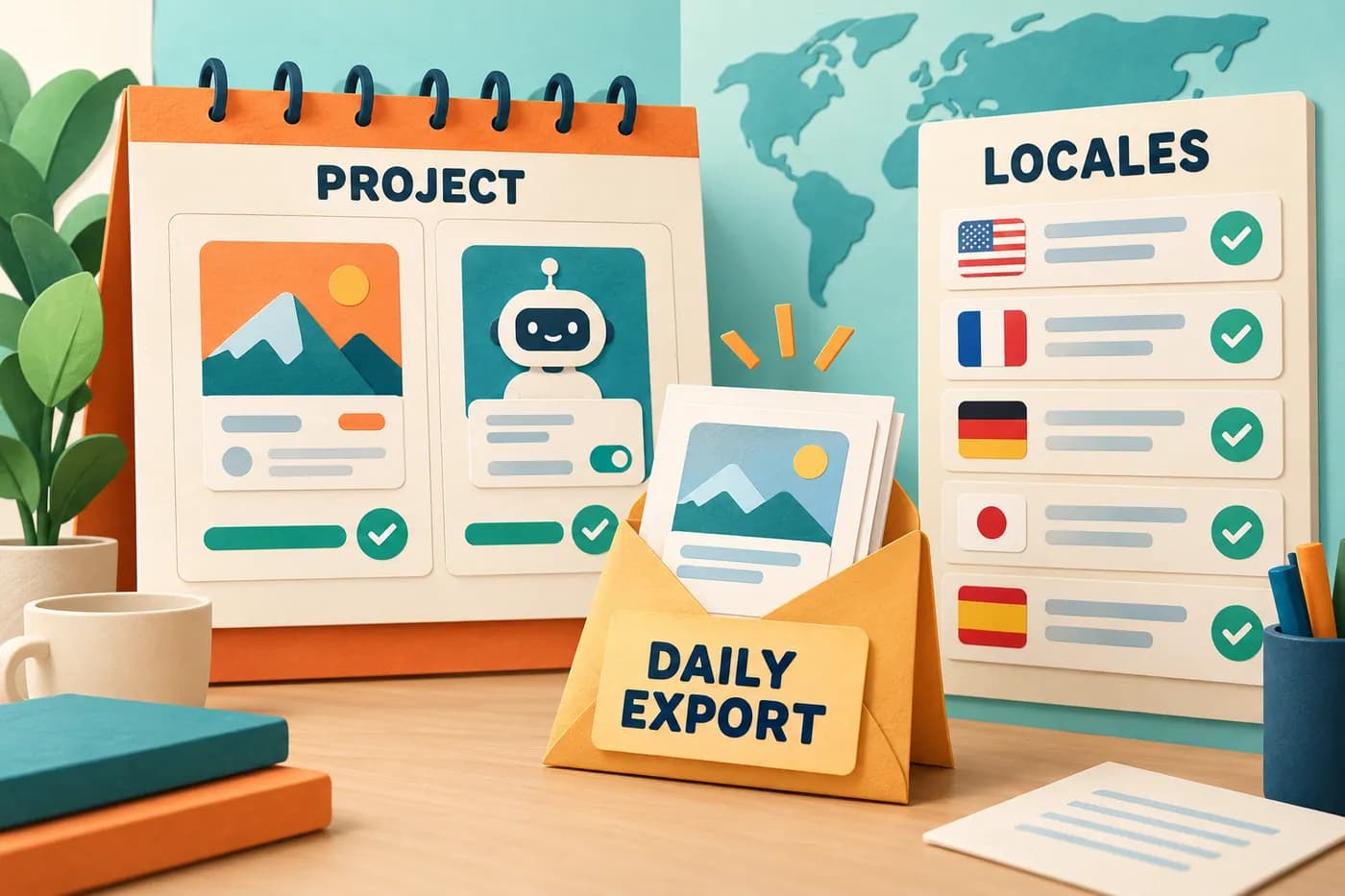
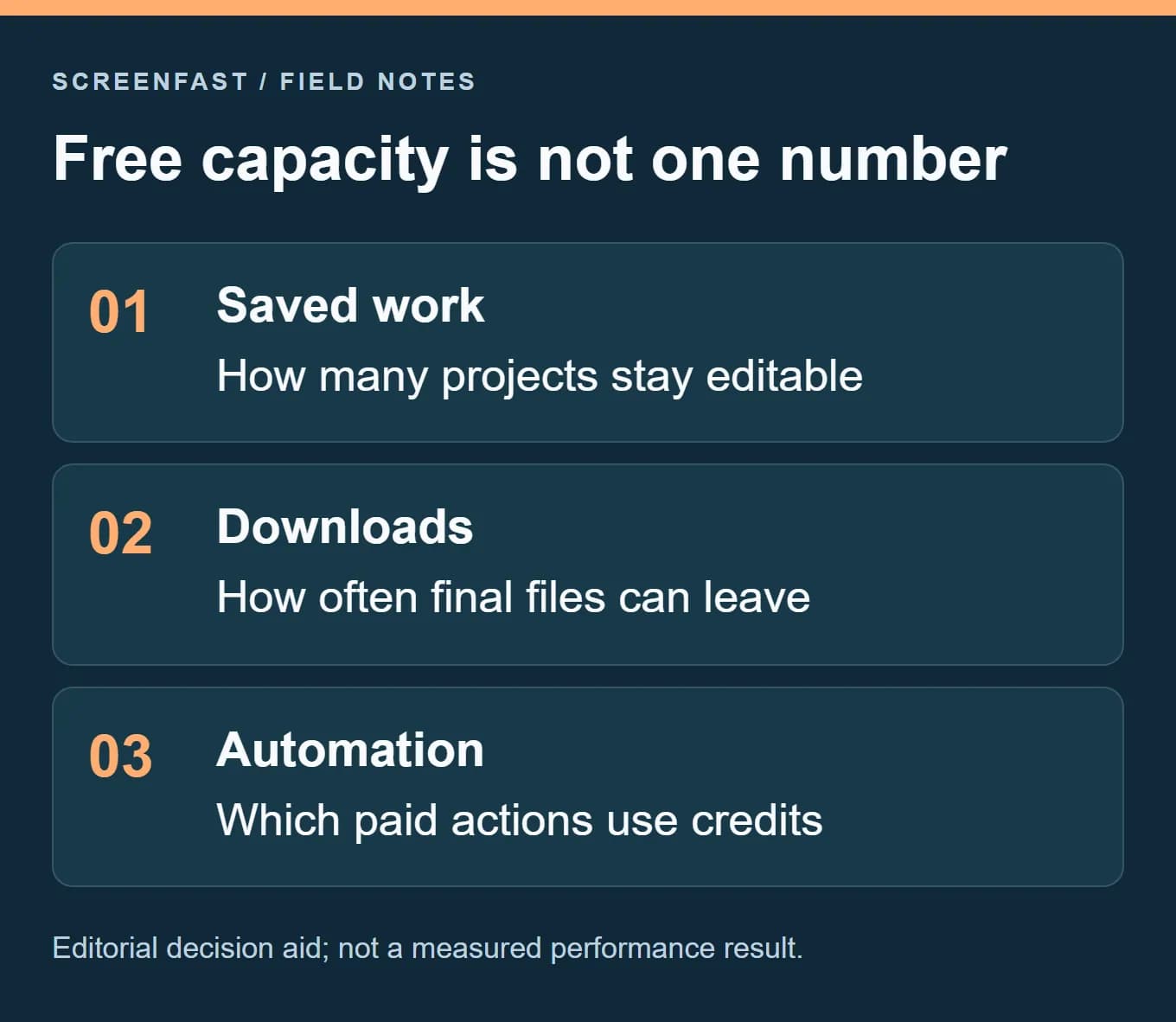
AppScreenStudio's current free offer separates saved projects from downloads: two projects, unlimited screenshots and one export per day. Those are different units. A project can hold more work than the download allowance lets you deliver repeatedly in one day.
The official pricing page also lists full-resolution PNG/JPG and multi-size export. That does not prove that every click or correction is counted the same way in the live account. Before planning a deadline, check what the product calls one export and when the daily allowance resets. We did not run a counter-reset test.
Consider a fictional Friday launch. The first export contains a typo in the third frame. The issue is not whether the editor allows a correction. It is whether the revised download is available when the release owner needs it. That is a practical reason to review the full sequence before spending an allowance.
Compare the cost of a correction
Use these questions in both products:
| Situation | Question to answer before the deadline |
|---|---|
| A caption needs a correction | Can I download the revised set today? |
| One target size is missing | Is another size a new export action? |
| A new locale is requested | Is editing, AI translation or export the paid action? |
| The release is postponed | Will the saved source remain accessible? |
| A teammate takes over | Can that person find the approved version and files? |
A recurring AppScreens plan may fit repeated edits, but that is not proof that it saves money for every small project. A free daily export may be enough when the work is ready and the schedule has room. Compare the actual correction path before deciding that either payment model is better.
Do not price AI translation as the whole locale job
AppScreenStudio lists AI translation at ten credits per language. A credit event is not the same as a completed locale. The translated caption still needs review, the UI capture may need replacement and the finished image may need a different line break.
AppScreens Pro and Scale list all 80+ locales, while Free remains a default-language workflow. This is a plan distinction, not evidence that its translations need no review. Count human review and final-file inspection in either route.
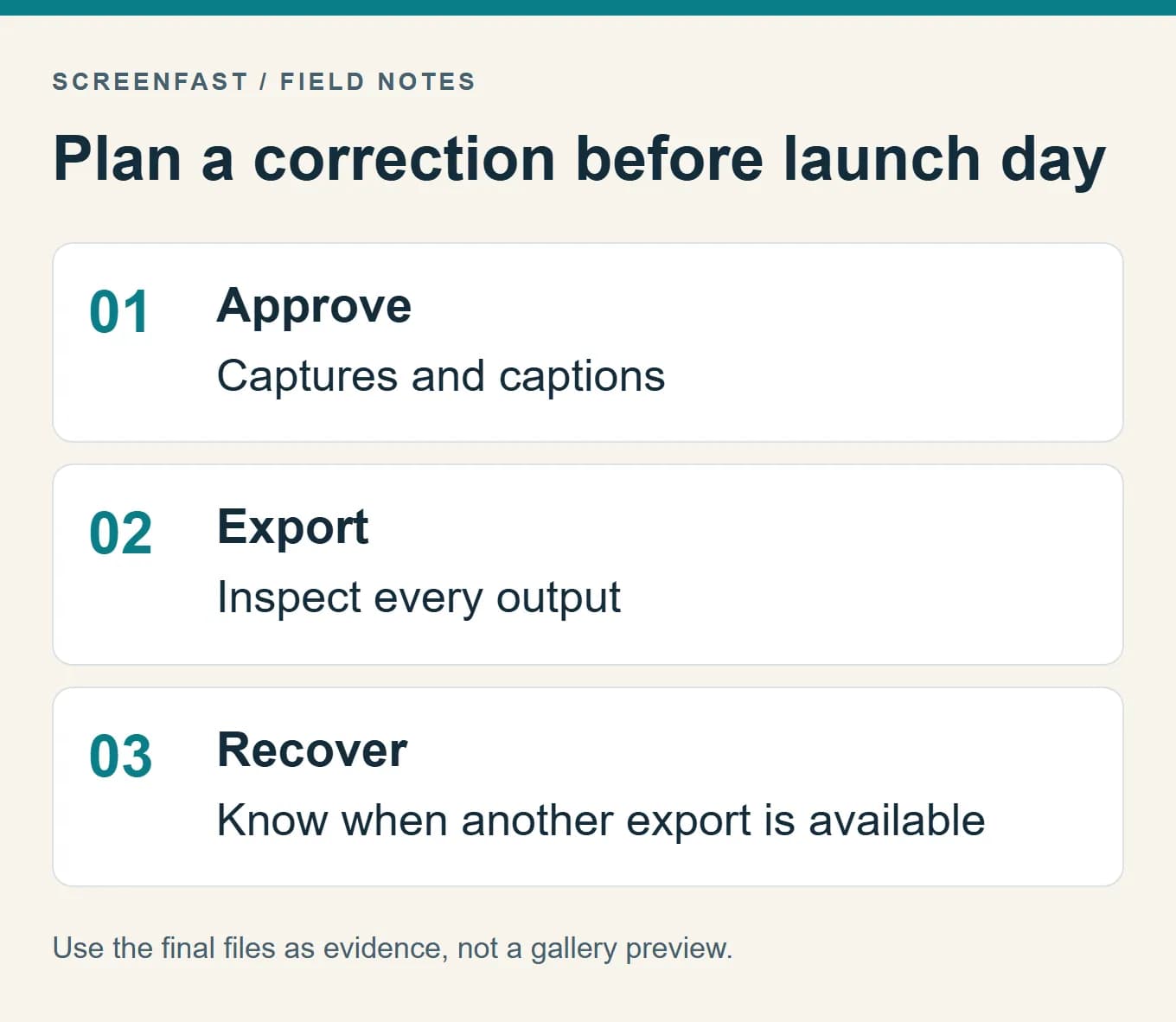
For a small first release, finish an approved source sequence before buying expansion. For repeated launches, record the corrections that actually cost time or block delivery. A purchase should address those observed constraints rather than a hypothetical future portfolio.
The illustration explains the units involved. It is not a screenshot of either vendor's account or proof of how a live export counter behaves.
Client work changes the purchase criteria
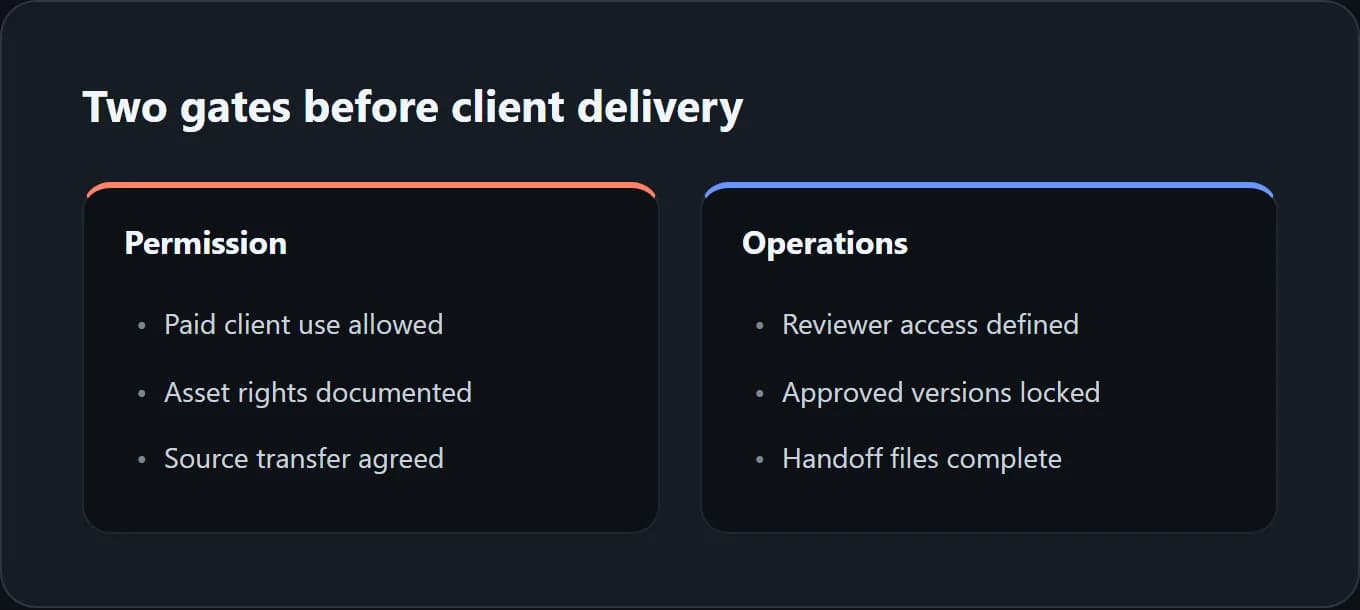
An agency needs more than enough saved projects. It needs the right rights, a clear approval process and a handoff that does not strand the client. Those concerns should come before a template-count comparison.
AppScreens explicitly places an extended client-work license in Scale. Treat that as a reason to inspect the plan carefully, not as a broad legal opinion about every possible use. For AppScreenStudio, verify the applicable terms for client production and the assets you choose.
Keep the source captures, approved copy and final exports in a client-owned folder. Record which template assets or fonts have separate restrictions. Do not assume that the right to export an image means the right to redistribute the underlying editable template.
This process adds a little work at the start but avoids a difficult handoff later. It also helps compare tools fairly: a cheaper plan that does not fit the job is not a saving.
Run this same acceptance test in both tools
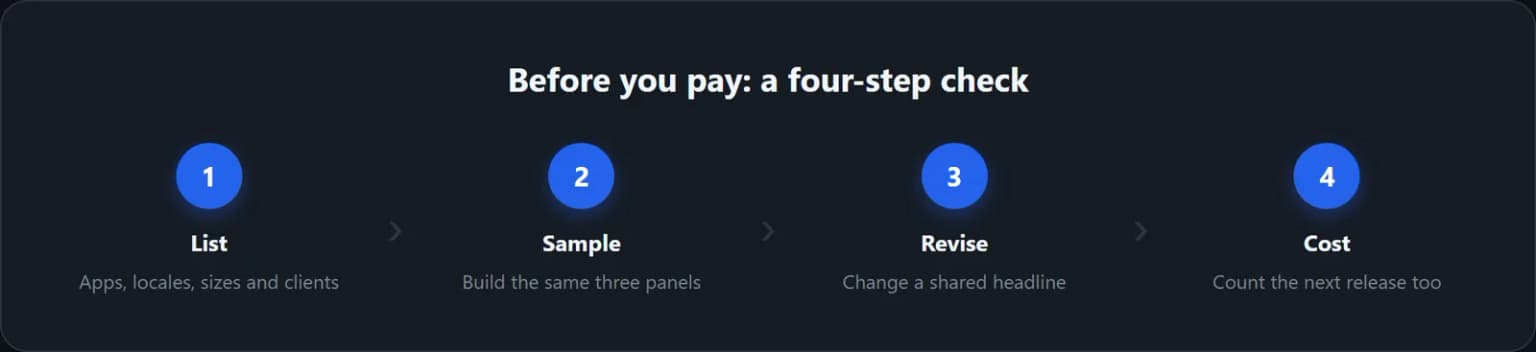
- List the number of apps, locales, device sizes and people who need to edit.
- Build three panels from the same real UI captures and approved copy.
- Replace the longest headline and update one shared term.
- Export the smallest and largest required canvas and inspect both outside the editor.
- Check the actual payment gate and the license for the finished work.
- Record which tool removes the most repeated work on the next release.
For Apple uploads, use the current screenshot specifications to validate dimensions. A device name in a template is helpful context, not the final requirement.
For a broader choice, see our best App Store screenshot generators guide. If AppScreens is already the leading candidate, the full AppScreens review gives more context without turning this page into another generic roundup.
Where an AI-led route fits
There is a third bottleneck: not knowing what visual direction to choose. A template editor gives you control, but you still need a concept and a message. That is where ScreenFast's AI screenshot generator differs.
ScreenFast begins with a free audit. Payment unlocks ten AI design directions, with a $9.99 one-time option per app and optional subscriptions on the pricing page. It is a concept-led raster workflow, not a promise of the same editable template controls.
The native output is iPhone-focused at 1290x2796. It does not natively create iPad or Android sets, video or direct store uploads. If those are required, choose a workflow that covers them and check the files before submission.
Use the AI route when exploring a direction is the hard part. Use either template editor when controlled production and repeated text edits are the main need. A fair comparison should not hide that distinction just to make our product look broader.
How we tested
We reviewed the vendors' public pages on September 8, 2026. We captured AppScreenStudio's free offer and checked AppScreens' USD monthly and annual modes. We also reviewed current search results to identify the buying questions this comparison should answer.
We did not buy either paid plan, measure export speed, test store integrations or run a conversion experiment. The acceptance test is a proposed method for your project. The hero and decision cards are editorial illustrations; the pricing image is a labeled public-page capture.
FAQ
Which tool is better for a free first listing?
AppScreenStudio is a strong first test because its public free plan lists full-resolution output and clear small-project caps. Verify a real export. AppScreens may still fit better if its workflow suits your next releases.
Is AppScreens Pro $8.25 for one month?
That was the annual monthly equivalent on the USD page we checked. The annual charge was $99. The separate monthly plan showed $25. Always check the billing mode before comparing prices.
Are credits always cheaper than a subscription?
No. It depends on the actions, capacity and features you need. Count expected revisions and language work, then compare the actual pack with the full subscription commitment.
Can both tools handle localization?
Both advertise language-related features. Confirm the exact limits and what gets translated. Review the final text and UI for each important locale rather than relying on the language count alone.
Which AppScreens plan is for client work?
The public page assigns the extended client-work license to Scale. Read the current terms for your specific use and check the handoff requirements before buying.
Will either tool improve conversion automatically?
No. A tool can improve the production process, but conversion depends on the message, the product and the traffic. Measure a clear screenshot hypothesis after release rather than assuming a template creates lift.
Last updated: 2026-09-08. Plan details checked on the same date.