How to Localize App Store Screenshots: Copy, Layout and QA
TL;DR
To localize App Store screenshots, translate the message for a specific audience. Fit the layout to the actual text. Then review the files in the correct App Store Connect locale. Store-listing localization is separate from adding languages to the app itself. Do not imply that the app supports a language it does not offer.
Start with a market you can support and a complete, reviewable set. There is no universal list of five languages that every indie app should prioritize, no fixed text-expansion percentage and no guaranteed download lift within thirty days. A useful localized gallery is accurate, readable and maintained with the product.
Separate the store promise from the app experience
Apple's localize-app-information guide separates store metadata from the app binary. Translating a store headline does not translate the app. Onboarding, settings, errors and help still need their own language work.
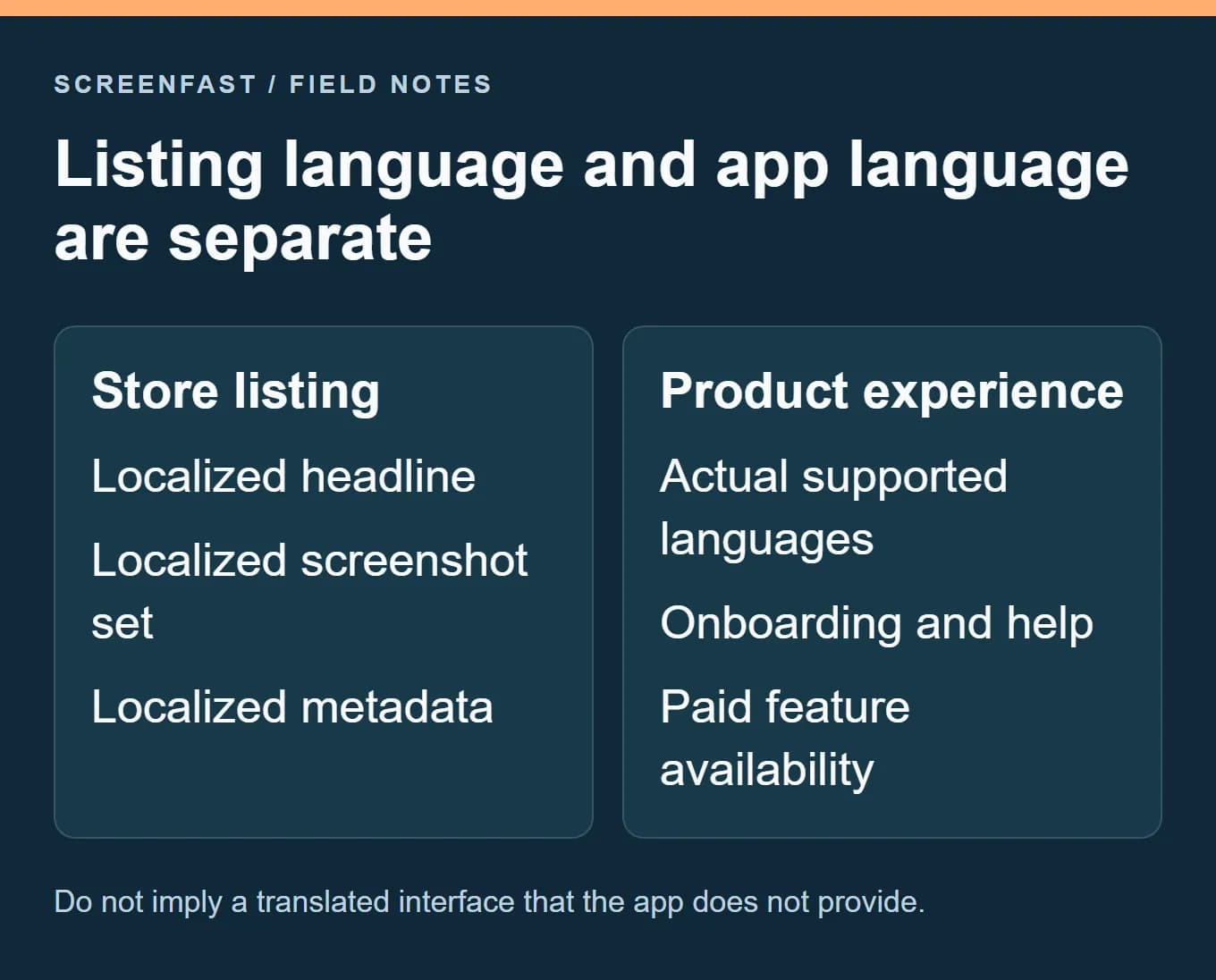
Before preparing a new locale, list what people will see after installing. Is the interface translated? Is the content available in that language? Do support, payments and required services work in that market? A local-looking store page cannot fix a missing product experience.
An English-only app can have localized explanatory copy, but the representation must remain honest. Do not paint translated labels over the interface and imply that those labels exist in the app. If the language limitation materially affects the promised task, explain it clearly and reconsider whether that market is ready for promotion.
Keep market and language separate. A language can be used across several territories, and a territory can contain several language groups. Do not assume a localized screenshot set maps neatly to one country or that territory-level analytics precisely measure everyone who saw one language.
Choose the first locale from evidence and support capacity
Look at where the app already receives relevant exposure and users, then ask whether a localized experience can serve them well. Existing support requests, user feedback and product availability can be more useful than a generic list of large markets.
Use a shortlist with a reason for each choice. For a fictional travel-planning app, one market might already have users saving trips but struggling with English onboarding. Another may have many visitors but no supported payment method or relevant local content. Those situations call for different priorities.
| Decision factor | Question to answer | Evidence to retain |
|---|---|---|
| Audience | Are people with this need finding the app? | Relevant territory/source data and feedback |
| Product | Can they complete the promised task? | Supported languages, content and services |
| Review | Can someone fluent check meaning and tone? | Named review responsibility, not a guessed translation score |
| Maintenance | Can the set stay current after releases? | Owner, source files and update process |
| Measurement | Can results be compared sensibly? | Date window, source mix and known changes |
Do not localize a large batch merely because the generator can produce it. Every additional locale creates copy, layout, product-truth and maintenance work. Start with the number your team can review properly, then expand when the process is reliable.
Build a copy brief before translating
For each frame, write its job, the original caption and the product evidence that supports it. Include the intended audience, tone, preferred terminology and words that must stay unchanged, such as a product name. State whether the feature is paid, region-limited or not yet available.
Give the translator the screenshot, not only a spreadsheet cell. "Save your place" could refer to a reading position, a geographic location or a seat reservation. The visual context changes the correct translation. A short caption may need a different construction to preserve the meaning naturally.
Distinguish translation from adaptation. You may choose a different example destination, date format or unit to make the scene understandable, but the app must support what you show. Do not alter a product limitation to make the copy sound smoother.
A useful brief for a fictional travel app could say: "Frame two shows a saved itinerary. The caption means that trips remain organized in one place, not that the app books transport. Preserve the app name. Do not claim offline maps or live flight alerts." That gives a reviewer concrete boundaries.
Test real text, not a universal expansion rule
Do not reserve an assumed 30% of extra space and call the layout solved. Text length varies by wording, font, script and line breaks. A short German caption may fit easily. An English brand phrase may be awkward in another language.
Place the actual translated copy into the composition as early as possible. Check the longest headline, the smallest supporting line and any text inside badges or callouts. If the copy does not fit, first consider a clearer translation or a different layout. Shrinking type until it fits can destroy readability.
Keep a hierarchy: one main message, supporting proof and only the detail necessary for that frame. When a translation needs another line, increase the text area or adjust the crop rather than clipping the final word. Do not distort the phone or stretch the interface to create space.
Inspect font coverage. Missing glyphs, fallback fonts and inconsistent weights can change the character of the set even when the translation is correct. Check punctuation and number formatting in the final image, not only in the editable text layer.
Handle right-to-left layouts element by element
Arabic and Hebrew need right-to-left text handling. That does not mean mirroring the whole screenshot. Photos, logos, numbers and media symbols do not all follow the same rules. Flipping the whole image can make the product UI inaccurate.
Use the app's real localized interface when it exists. Review directional controls, alignment, reading order and mixed-language text in context. If you are composing marketing text outside the phone, make its direction and spacing natural while preserving the actual interface inside the device.
For example, a back-navigation arrow may need a different direction in a localized interface, while a play symbol should not be blindly reversed. A photograph of a landmark should not change orientation merely because the caption is right-to-left. These are element-level review questions, not a one-click flip instruction.
Apple's right-to-left design guidance is a useful reference for the product team. Have a fluent reviewer inspect the composed screenshot as well as the app; correct source text can still be placed in an awkward visual order.
Use automation for drafts, then inspect the result
An automated workflow can help produce localized candidates quickly, but it does not remove review. Translation can change the strength of a claim, omit a limitation or choose the wrong sense of a word. Image-based rewriting can also distort the original interface or leave fragments of the old language behind.
ScreenFast, our own product, offers a localization workflow for uploaded or generated screenshot assets. Check the current language choices and quota in the project and on the pricing page. Do not assume every language or every future revision is included without limits.
Use the screenshot localization overview to understand the product option before starting. The interactive localization entry is separate from this explanatory page. If you need exact editable text and full manual control, a design-file workflow with a translator may be a better fit.
We do not claim that the automated output handles every right-to-left case correctly without adjustment. Review the translated render, compare it with the intended copy and reject any result that changes the product meaning. Keep the approved source text so you can verify later versions.
Approve a complete locale, not isolated images
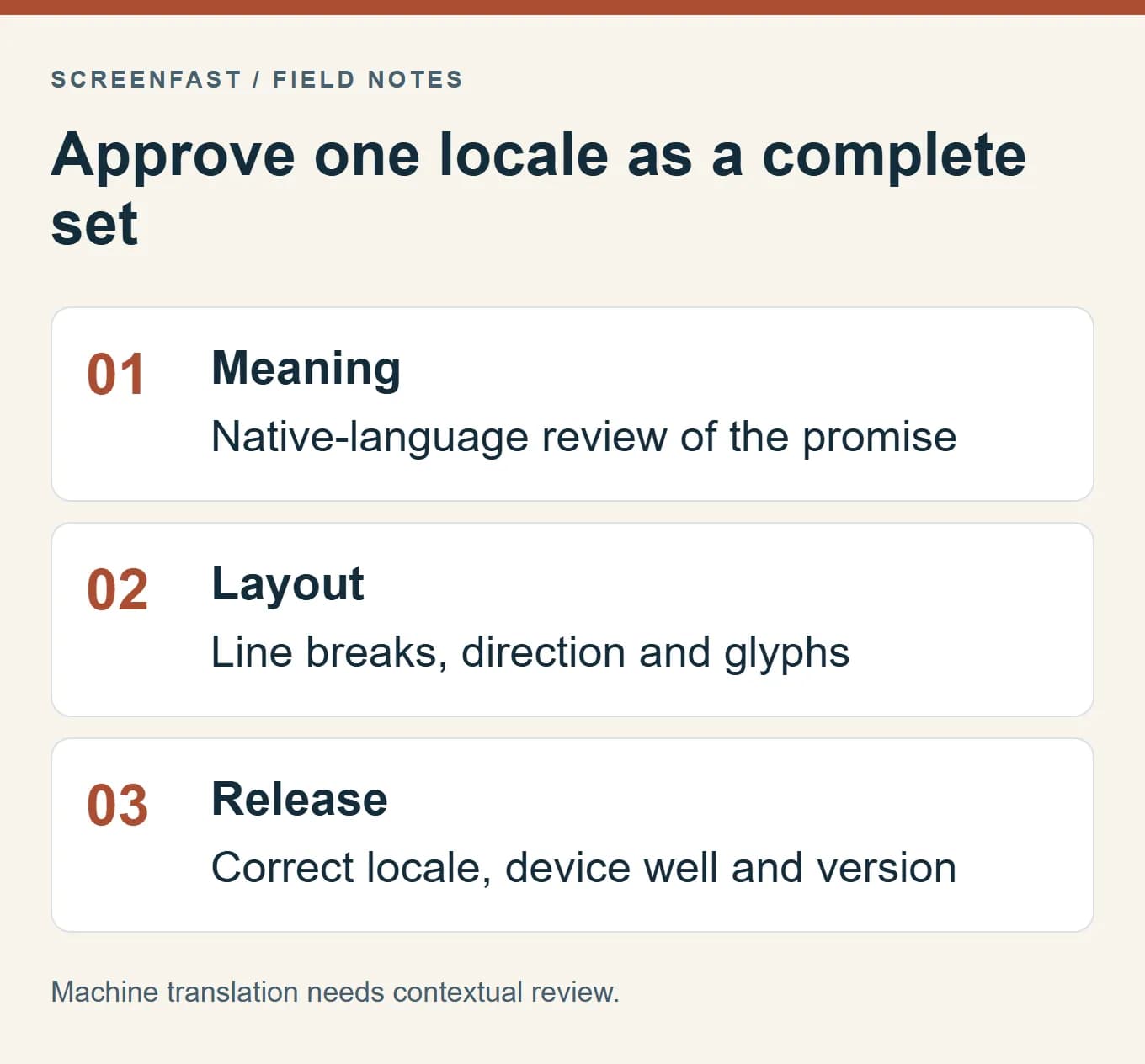
Review the gallery in its final order. A single translated screenshot may be correct while the set repeats the same message, switches terminology or implies a different paid/free boundary in another frame. Check the app name, feature names, button labels and voice consistently.
For each locale, keep a release sheet with the approved caption, source screen, output filename, device class, app version and reviewer/date. This is a production record, not a public proof of translation quality. It makes it possible to trace an error and update only the affected assets.
| Review pass | What to inspect | Example failure |
|---|---|---|
| Meaning | Promise, tone and limitations | "Organize trips" becomes "Book any trip" |
| Product truth | Real UI and supported features | A translated control does not exist in the app |
| Layout | Wrapping, glyphs, reading direction | A final line is clipped or a font falls back |
| Gallery | Consistent terminology and sequence | The same feature has three different names |
| File | Pixels, format, alpha and device class | The correct language is exported to the wrong canvas |
The examples above are fictional failure modes, not results from customer projects. Use them to make your own checklist specific to the app rather than adding a vague "translation checked" box.
Upload to the intended localization and verify inheritance
In App Store Connect, choose the app and an editable state, then add or select the intended language in the localization menu. Enter the corresponding metadata and upload the reviewed screenshot set to the appropriate device wells.
Apple documents that new localizations can inherit screenshots and some properties from the primary language. Adding a language alone does not prove a new image set is visible. Inspect the selected locale after saving and check which assets are inherited versus explicitly supplied.
Use the current screenshot sizes guide for dimensions and file requirements. A localized caption does not change the accepted pixel pair for a device class. If the app supports iPad, review the relevant iPad assets separately instead of assuming an iPhone set covers everything.
After upload, inspect the gallery order and processing status. Save a record of the approved files and the locale you changed. If a file fails, use the upload-error guide rather than repeatedly re-exporting every locale without identifying the failure.
Maintain translations when the product changes
Treat the source copy as a shared dependency. If a feature name, paid boundary or interface changes, identify all locales and frames that reference it. A small English edit can make an older translated image inaccurate even when the layout still looks polished.
Keep versions instead of overwriting the only approved set. A simple record such as trip-library / en / build-42 / approved-2026-10-17 is enough if the team uses it consistently. Track the corresponding localized versions and mark which need review after a source change.
Do not regenerate every image automatically after an unrelated release. Check what actually changed. Stable, accurate assets can remain; affected screenshots need a focused update. This reduces review work without pretending that old translations remain valid forever.
Measure the launch without promising a lift
Record the date, locales changed and other events at the same time. Compare exposure and downloads with a sensible prior period. Split by source and territory where the report allows. Include activation or retention if you can measure it reliably.
A localized page that attracts more installs but creates language-related support complaints may not be a successful market launch. Conversely, unchanged total downloads may hide an improvement in one segment and a decline in another. Look beyond the overall percentage before deciding what to do next.
Do not demand a positive result within thirty days regardless of sample size. If traffic is small or a campaign changes the audience, report the uncertainty. The conversion benchmark guide explains why metric definitions and traffic mix matter.
Methodology and review limits
We checked Apple's localization and asset documentation and ScreenFast's current public product/pricing information on October 17, 2026. The workflow examples are fictional. We did not run a paid localization job or claim native-language approval for a generated screenshot set in this update.
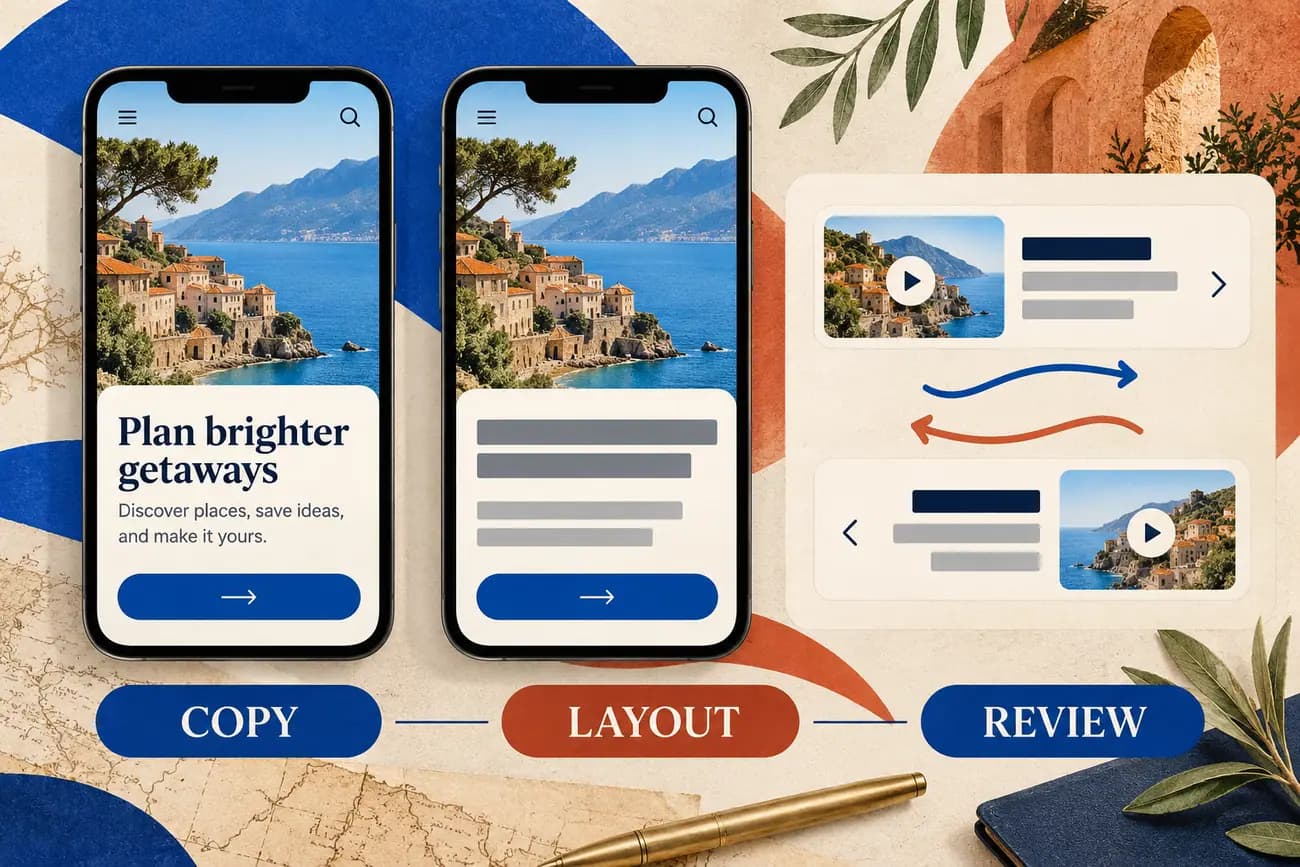
The illustration uses typographic bars for translated text so that it does not present invented foreign-language copy as correct. The process described here requires a suitable language reviewer for real publication. It does not promise a fixed translation time, cost per locale or conversion increase.
Frequently asked questions
Do localized screenshots translate my app?
No. Store assets and the app binary have separate localization work. Keep the listing consistent with the languages and features the app actually supports.
Which language should I add first?
Choose from relevant audience evidence, product availability and your ability to review and maintain the locale. A generic global ranking is not enough.
Should I mirror the whole image for Arabic or Hebrew?
No. Review text direction and individual interface elements. Blindly flipping the whole image can reverse photographs, logos and controls incorrectly.
Is machine translation enough for screenshot headlines?
It can provide a draft, but context, tone, claims and layout still need review. Short captions are often ambiguous without the screen they describe.
Does adding a locale automatically replace its screenshots?
Do not assume so. Apple documents inheritance from the primary language. Inspect the actual assets in the selected locale after saving.
Can I prove a localization improved conversion with a before/after chart?
The chart is an observation, not automatic proof of causation. Consider source mix, releases, campaigns, seasonality and sample size before attributing the change.
Bottom line
Localize the promise, the composition and the release process together. Start with a market you can support, review the real output and keep every locale tied to an accurate product version. More languages are useful only when the resulting experience earns the promise made by the listing.
Last updated: 2026-10-17.