AppLaunchpad vs Previewed: Store Screenshots or 3D Mockups?
TL;DR: AppLaunchpad is the more direct starting point for a template-based store screenshot sequence. Previewed deserves a look when 3D mockups or promotional scenes are the main deliverable. Previewed Plus is $9.99 for ten paid exports; AppLaunchpad Pro is $15 monthly. Count revisions and check the license before comparing those prices.
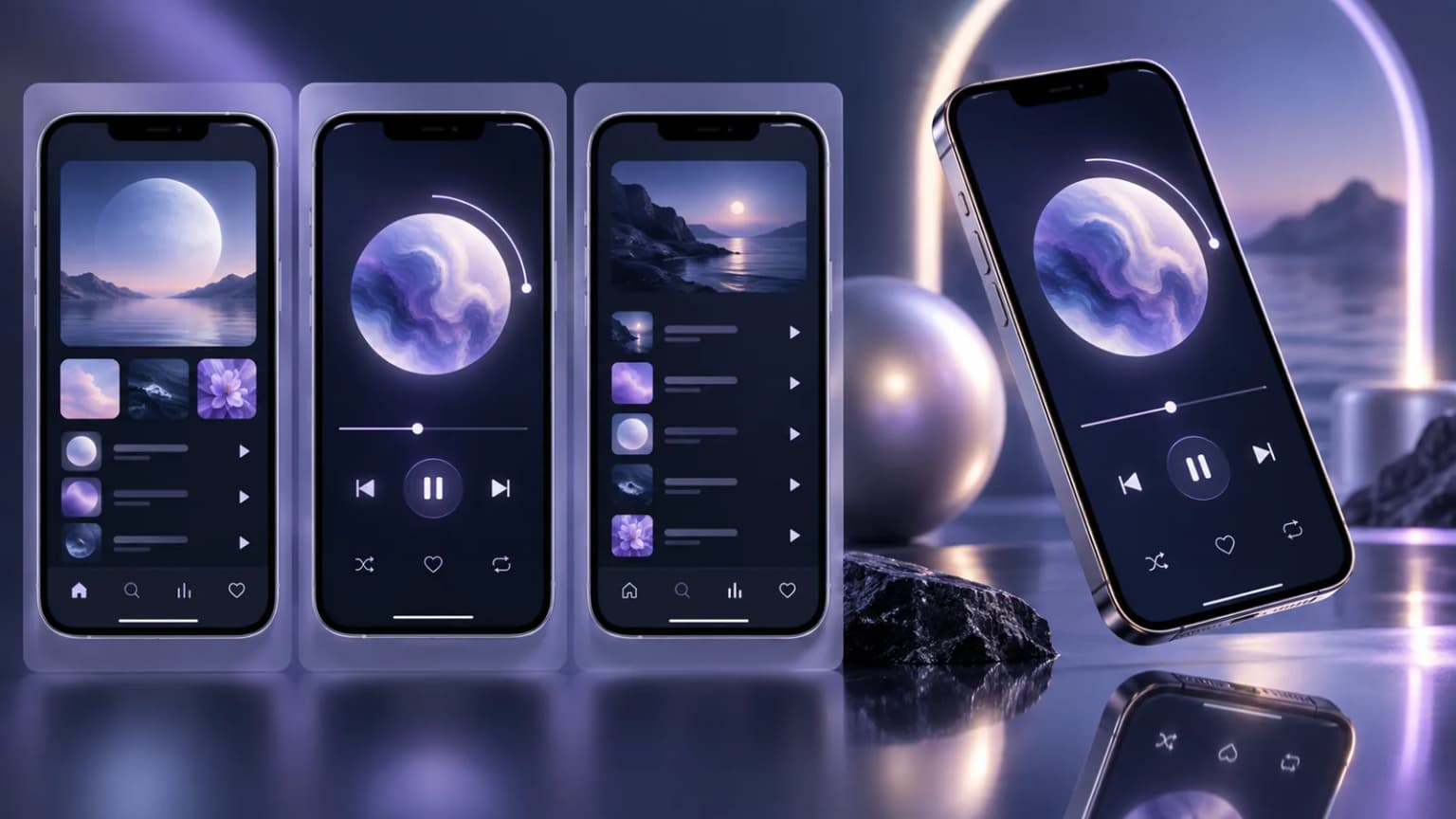
AppLaunchpad vs Previewed is a choice between two useful kinds of visual work. One starts from a store sequence. The other gives more emphasis to the mockup scene around the app. A good launch may need both kinds of asset, but it rarely needs them in the same place.
This comparison looks at what you are buying: an ongoing production workspace or a finite export allowance, readable panels or dramatic device scenes. It also separates a free mockup license from paid commercial use.
ScreenFast publishes this guide and offers its own AI-led screenshot workflow. We explain that alternative near the end, including what it does not do. We have not purchased the competitors' plans or measured an install lift from either tool.
Choose the destination before the editor
An App Store screenshot needs to communicate a benefit while the visitor is scanning. A tilted device can look attractive, but it can also reduce the space available for the actual interface. A flat panel with a clear headline may tell the story more quickly.
A landing-page hero or launch graphic has a different job. It can use depth, lighting and a device scene to make the product feel tangible. The surrounding page may already explain the benefit, so the image does not need to carry every detail alone.
AppLaunchpad emphasizes store screenshot templates, sizing and localization. Previewed offers 2D and 3D mockups, including motion outputs on paid plans. The distinction is about the most natural starting point, not a claim that either tool is limited to one format.
Write down where each asset will appear. If most rows say App Store or Google Play, give store production more weight. If they say product launch, website or promotional video, give scene-building and media output more weight.
Current pricing, without mixing unlike units
We rechecked the public plan pages on October 17, 2026. These are the listed base prices, excluding temporary coupons and any checkout-specific tax or regional details.
| Tool and plan | Price shown | Unit you are buying |
|---|---|---|
| AppLaunchpad Pro, monthly | $15 per month | Recurring access with unlimited exports listed |
| AppLaunchpad Pro, annual | $10 per month, billed annually | $120 annual commitment |
| Previewed Plus | $9.99 one-time | Ten exports at the paid quality tier |
| Previewed Pro, annual | $19 per month, billed annually | $228 annual commitment with unlimited exports listed |
Sources: AppLaunchpad pricing and Previewed plans. We verified AppLaunchpad's monthly toggle and Previewed's displayed annual plan. We do not infer an unverified monthly Previewed price from the annual discount label.
AppLaunchpad pricing is easy to misread if you treat its annual monthly equivalent as a small one-off fee. Previewed pricing is easy to misread if you treat a ten-export pack as unlimited ongoing output. Keep the commitment and the unit visible in your notes.
Previewed's free license is not the paid commercial license
Previewed's Lite plan lists unlimited 2D exports at 720p and an attribution-based license. Its FAQ describes free output as personal use with attribution. Plus and Pro list a commercial license.
That distinction matters for a real app launch. Do not assume that a file you can download for free is automatically cleared for all commercial uses. Read the current plan terms for your specific use before publishing it in an app campaign.
The Plus plan lists ten exports at 1080p or higher, 3D exports and 30fps video. Pro lists unlimited exports and broader paid features. These are vendor plan claims, not results of our own paid render test.
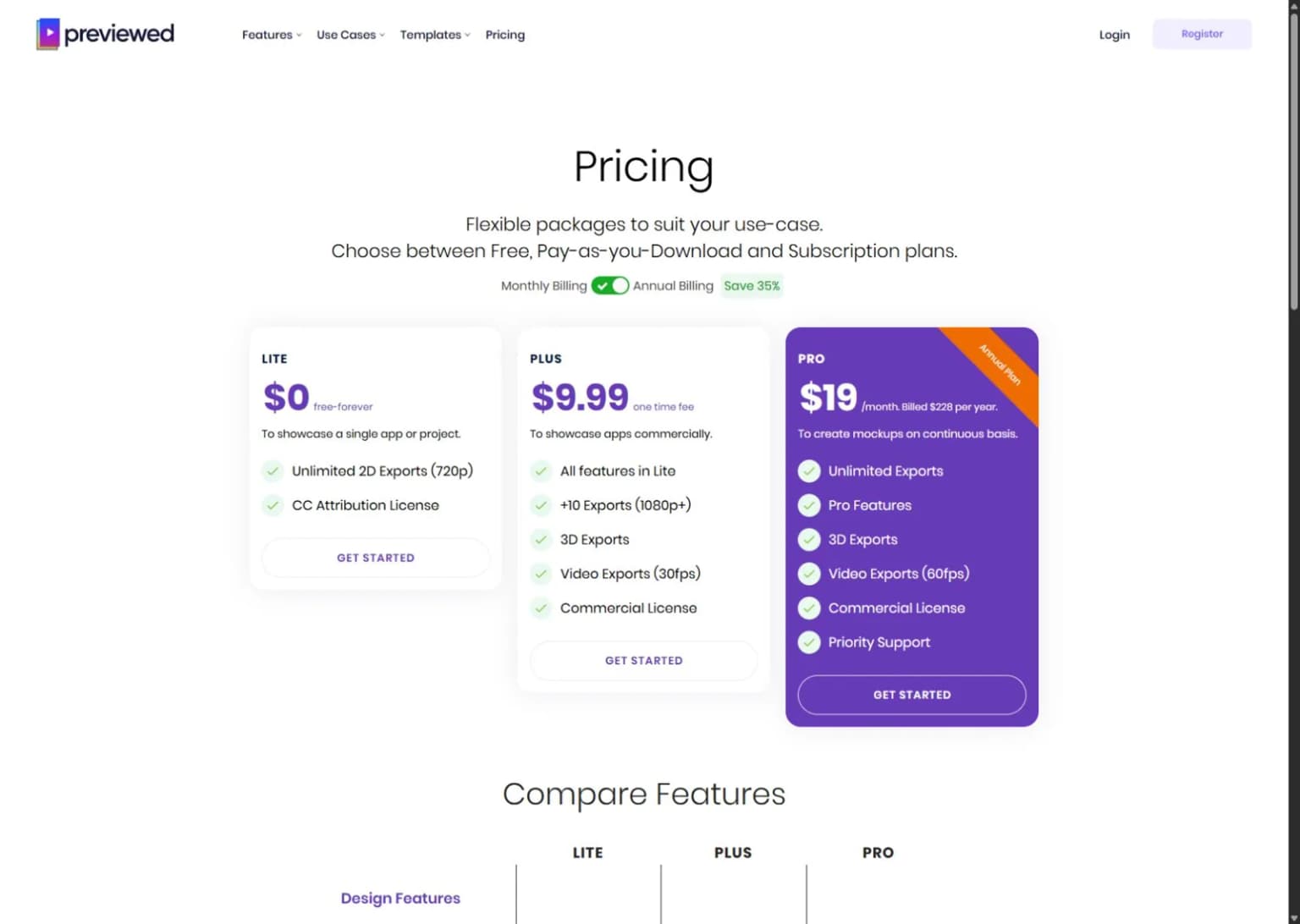
Captured September 8, 2026. The price and license labels come from the public page. This is not a screenshot of a purchased account.
Also keep export quality separate from store compliance. A label such as 1080p does not by itself prove that the exact pixel dimensions match the Apple slot you need. Inspect the final file and use the destination's current rules.
Count downloads, including the revisions
Previewed's FAQ explains an export as a download of a mockup and says purchased non-recurring exports decrease as you download. It also says a panorama mockup can count as one download even if it contains several parts. Check the current rules in the product before planning a large batch.
For a simple planning example, suppose you need six final images and expect four revised downloads. That is ten downloads in total. A ten-export pack may fit. If all six need two later versions, the count rises to eighteen.
The point is not that every project follows those numbers. It is that revisions can be the largest source of paid exports. Finalize the message and source captures before spending the allowance on high-quality drafts you know will change.
A recurring plan can make sense when repeated exports are normal. It can also be unnecessary for a short, settled batch. Compare the full cost over the period you will work, not an imagined cost per screenshot that ignores the revisions.
For AppLaunchpad, the subscription decision is different. The listed unlimited exports remove a small download count from the comparison, but you still pay for the billing period. Finishing the set does not cancel the plan.
Readability is the tradeoff to test in a 3D scene
A 3D mockup can give a product image depth and a clear visual focus. It can also distort or shrink the interface. If the screenshot's job is to prove how the app works, that loss of readable space matters.
Use the same app capture in a flat panel and a scene with perspective. Reduce both to a realistic display size. Ask whether the main action is still visible without zooming. If the device angle hides the proof, keep that scene for a larger promotional placement.
Do not put tiny text inside the phone and then add another dense paragraph above it. Choose one headline that describes the outcome. Let the UI show the evidence. If the evidence needs too much explanation, pick a different capture.
Motion adds another layer. A product demo should show a useful action, not just a rotating device. A beautiful animation can be a poor store preview if it distracts from the app or fails the required format.
These are design checks, not rules that forbid 3D. Use the treatment where it helps the viewer understand the product. Avoid choosing it solely because it looks more expensive to make.
Localization favors a repeatable source workflow
AppLaunchpad advertises AI translation and sizing for store assets. That is relevant when the same sequence must ship in several languages. It still needs a controlled source and final review.
Keep the approved caption text outside the editor. Record product names and terms that should remain stable. Test one longer translation before expanding the full set, since line breaks can change both the headline and the balance of the panel.
For a mockup-led workflow, confirm how you will manage those same language variants. Do not assume a scene's text elements will synchronize across every exported version. A beautiful English hero may become a manual production task when it needs ten localized copies.
Our screenshot localization guide covers the review process. Choose the editor after you know the locale scope. The human effort to check the meaning belongs in the budget alongside export credits and subscriptions.
Run one small comparison before committing
Use three source captures, three approved headlines and one long translation if relevant. Create a flat store sequence in AppLaunchpad. Create the closest useful mockup treatment in Previewed. Do not ask either tool to win a job you do not need.
Check an allowed sample export outside the browser. Note the dimensions, format, quality limit and license. Then revise one capture and one headline. Record the new work and any extra download cost.
Finally, place the files in rough previews of their intended destinations. A website hero should work inside the page, not only as a full-screen image. A store panel should be readable as part of a sequence, not only in isolation.
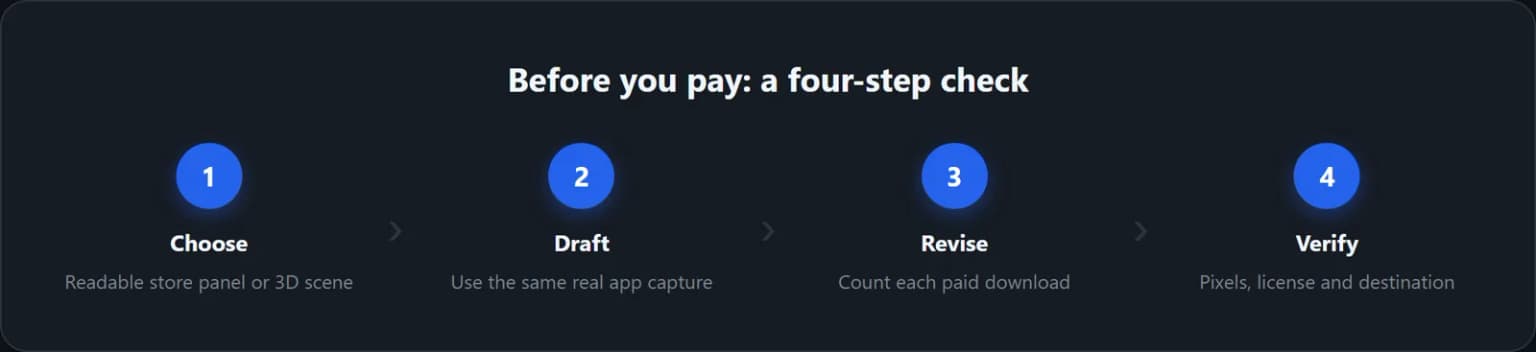
Use current Apple screenshot specifications for Apple dimensions. Device names and quality labels in a template are not a replacement for that check.
Put the download unit in the production brief
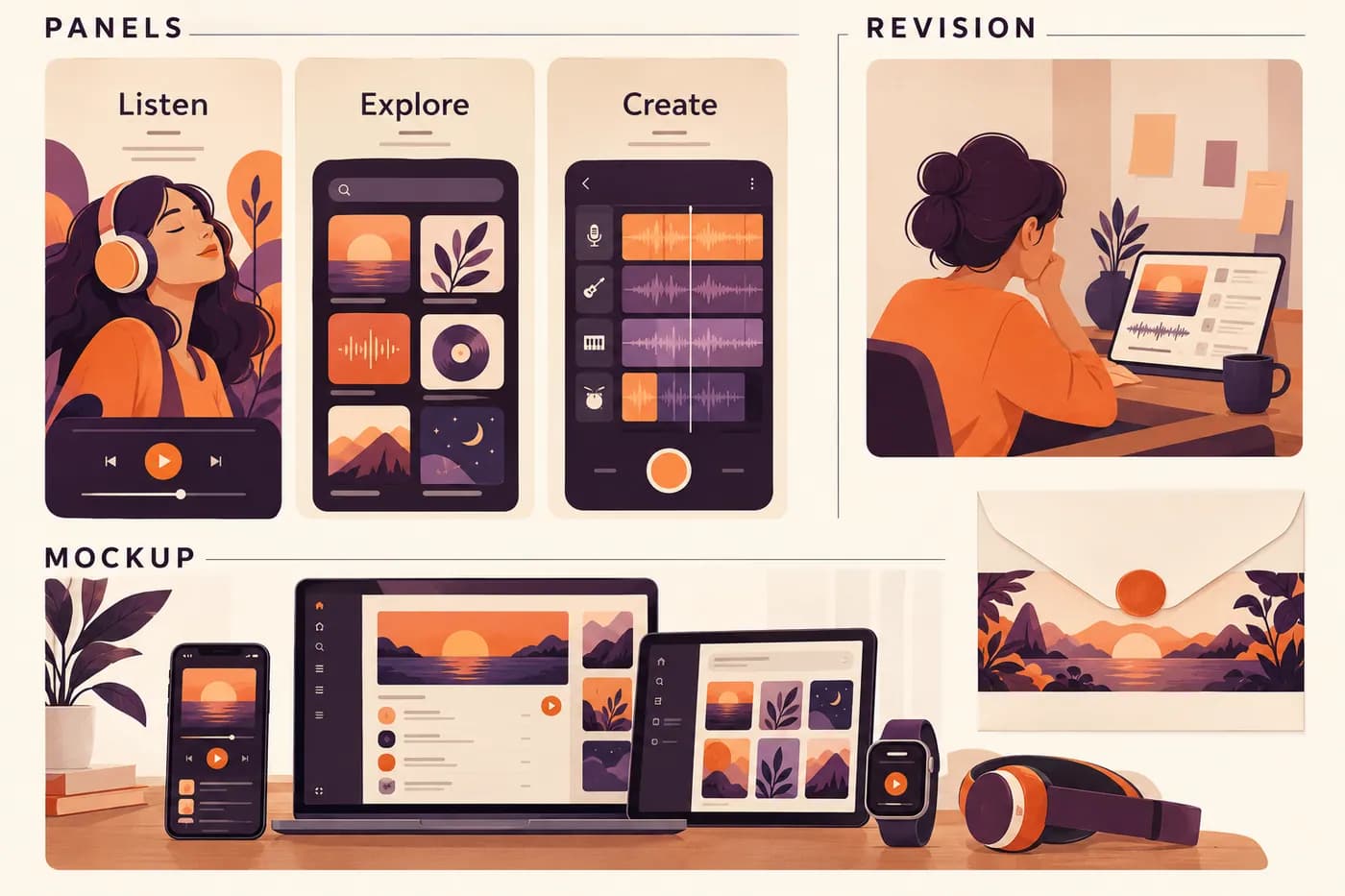
A brief that says "six screenshots" is not enough to estimate a metered mockup purchase. Six independently downloaded images, one multi-part panorama and six revised downloads are different production events. Previewed's FAQ defines the download of a mockup as the unit, including a panorama containing several images.
Write the intended package before counting credits. List each mockup or output that will be downloaded and identify which parts it contains. Then add the corrections you expect to make. Do not assume a panel count in the design is identical to a deduction from the allowance.
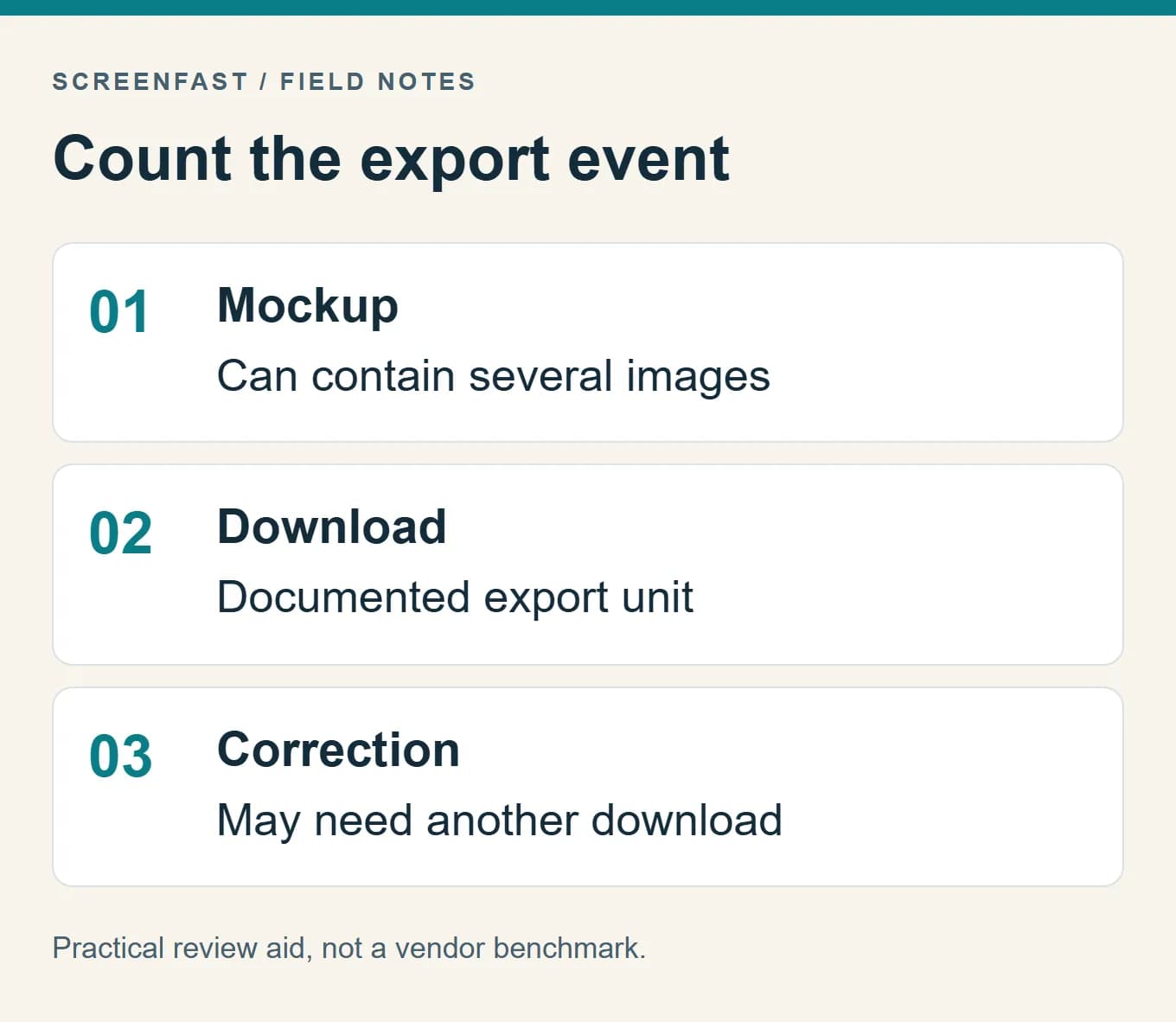
For example, a fictional music app needs three store panels and one website scene. If the store panels are delivered inside one downloadable panoramic mockup, that can be a different count from three separate mockup downloads. The example explains the rule; it is not a paid-account deduction test.
AppLaunchpad's subscription model changes that calculation. Its public Pro offer lists unlimited exports within paid access, so the billing period matters more than a small fixed download balance. You still need to know whether the project can be reopened and exported when the next app update arrives.
Freeze inputs before the expensive stage
Keep approved captures and captions in a source folder. Include the app build and any access conditions shown in the image. A last-minute pricing change can invalidate every polished export even when the layout is perfect.
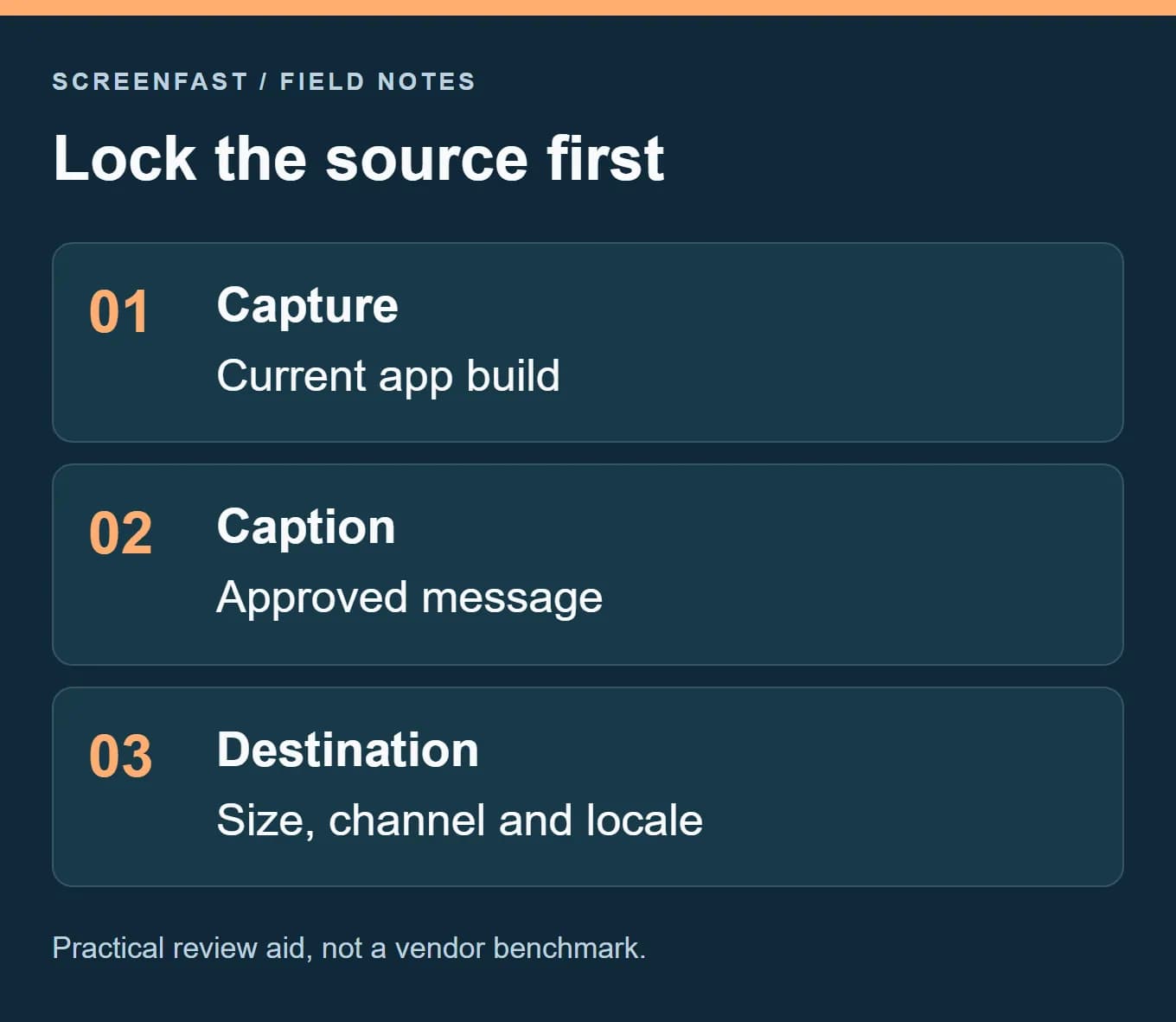
Then define which output belongs where. A device scene for a website can have more surrounding context than a store panel. Review each in its destination before approving it. A 3D angle that hides the app action may be acceptable for a decorative hero but poor evidence in a screenshot sequence.
Save the brief with the delivered files. The next editor should be able to see why a panorama, a standalone image or a particular size was chosen. That record is more useful than a claim that one tool is always cheaper per screenshot.
The new illustration is a fictional package diagram, not a preview of a paid export from either service.
Which route fits your launch?
| Your next deliverable | Start by testing | Why |
|---|---|---|
| A consistent store sequence | AppLaunchpad | Store templates and repeat production are the main focus |
| A small set of 3D promotional images | Previewed Plus | A defined export pack may match a settled batch |
| Ongoing mockups and motion | Previewed's paid recurring route | Repeated downloads can change the pack economics |
| Several localized store releases | AppLaunchpad's documented store workflow | Language and revision work become central |
| A visual concept you have not chosen yet | An AI-led direction workflow | The bottleneck is the idea, not the export format |
For other options, see the best App Store screenshot generators guide. Our Rotato review is also relevant if 3D device presentation is the main requirement.
Do not combine tools by default. A handoff between two workspaces can add file conversion, lost editability and duplicated revisions. Use two tools only when the different outputs justify that extra work.
How ScreenFast is different
ScreenFast starts with a free audit of your app context. After payment, it provides ten AI design directions. The one-time option is $9.99 per app, and optional subscriptions are listed separately on our pricing page.
The native image output is iPhone-focused at 1290x2796. It does not natively generate iPad or Android sets, 3D video or direct store uploads. Its raster output also differs from a fully editable scene or template project.
Consider the AI screenshot generator if you need a visual starting point. Choose AppLaunchpad for template-led store control or Previewed for the mockup scene when those are the real requirements. Review AI-generated text and UI before using any file publicly.
How we tested
We reviewed the vendors' live public pages on September 8, 2026, captured Previewed's plan table and checked AppLaunchpad's billing modes. We used current search results to identify the pricing and workflow questions worth addressing.
We did not purchase plans, produce paid renders, time exports or run a conversion experiment. The download examples are planning arithmetic. The acceptance test is a method for your own project, not a claim of paid hands-on use.
FAQ
Which is better for App Store screenshots?
AppLaunchpad is the more direct starting point for a template-based store sequence. Previewed can be useful for mockups, but check whether perspective and export dimensions suit the actual store placement.
Is Previewed Plus a subscription?
The public page lists it as a $9.99 one-time package with ten exports. Those exports are not a recurring monthly allowance. Verify the current package details before purchase.
Can I use Previewed Lite for a commercial app launch?
Do not assume so. The public FAQ describes free assets as personal use with attribution, while paid plans list a commercial license. Review the current terms for the intended use.
Do unused Previewed exports expire?
The FAQ says purchased exports stay in the account and decrease as you download. Confirm the rules for the particular package you buy, especially if the product changes its offers.
Does 3D make a store listing convert better?
Not automatically. It can improve presentation or reduce readability, depending on the layout. Test whether the benefit and UI remain clear at the size visitors actually see.
Should I buy annual billing for one release?
Only if the full-year commitment fits the expected work. A monthly plan or finite pack can have a lower initial cost. Compare the real total rather than the advertised monthly equivalent.
Last updated: 2026-10-17. Public prices and license descriptions rechecked; the earlier source capture remains dated.