Rotato vs AppScreens: Which Screenshot Workflow Fits Your App?
TL;DR
Choose Rotato's Mac app if the hard part of your job is making a polished device scene or motion asset. Choose AppScreens if the hard part is producing a coherent set of store screenshots across sizes and languages. Neither tool knows whether your first frame tells the right story. Compare the files you can actually export and the time to update them, not a vendor's claimed conversion lift. Rotato also offers a separate web product, so "Rotato is Mac-only" would be inaccurate.
This Rotato vs AppScreens guide is a workflow comparison, not a laboratory test or a claim that one vendor converts better. We checked the vendors' current Rotato feature and pricing page, Rotato App Store Images help, and AppScreens plans on 2026-09-24. Features, limits, and prices may change.
The choice in one table
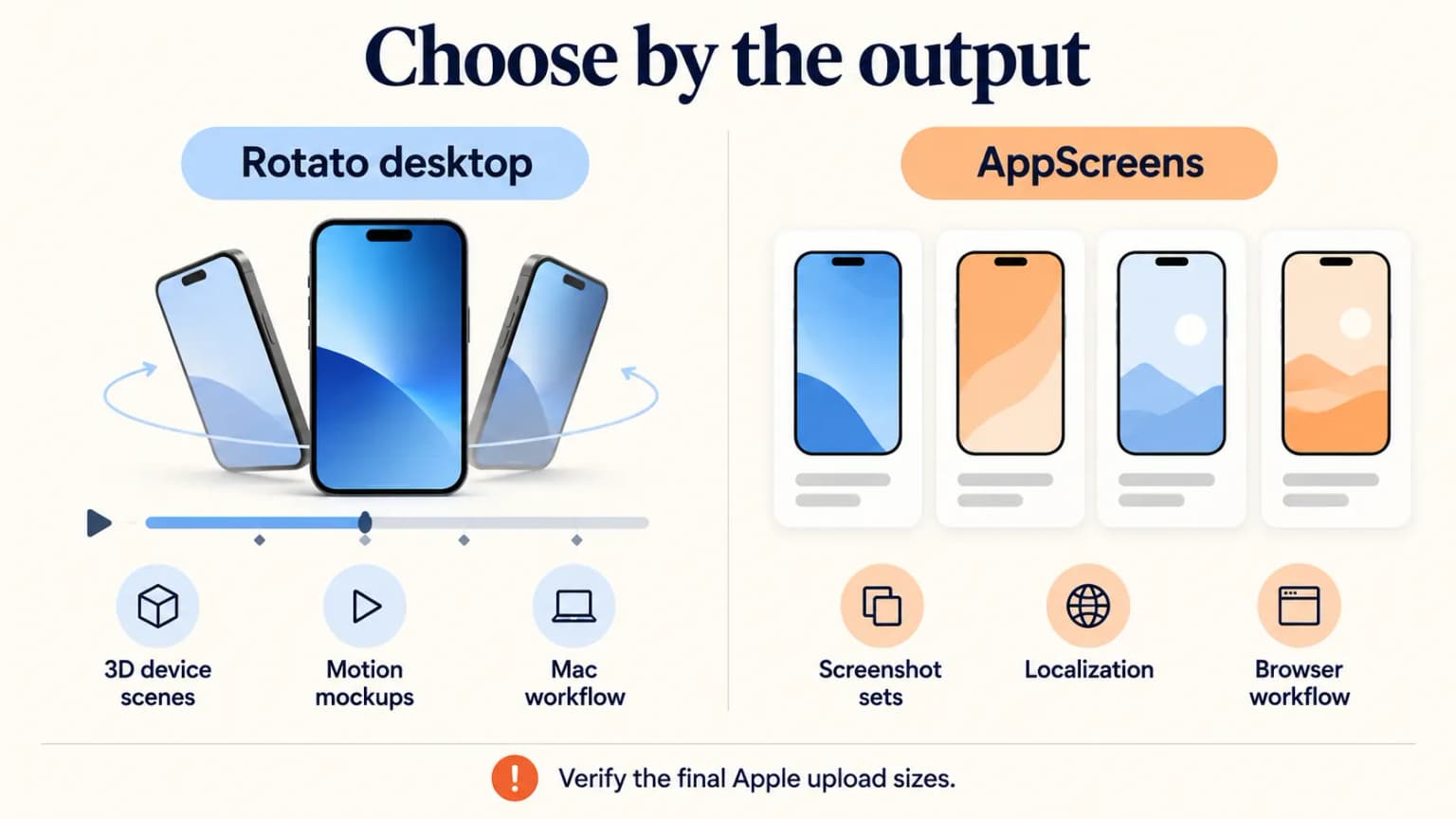
| Your bottleneck | Rotato Mac app | AppScreens |
|---|---|---|
| Visual centerpiece | 3D device mockups and motion-oriented scenes | Structured store screenshot compositions |
| Working environment | Installed desktop app on supported macOS | Browser-based editor |
| Store output | App Store Images workflow and PNG frame export | Store-ready screenshot sets and size handling |
| Many devices and languages | Verify how much manual work your exact setup needs | Multi-size and localization workflows are central; advanced features depend on plan |
| Payment model | One-time Mac license, according to its current site | Free and paid subscription tiers, according to its current site |
| Best initial test | One striking hero frame or motion asset | A repeatable five-to-ten-frame production set |
The distinction is not absolute. Rotato can create store images; AppScreens can create attractive visual designs. The question is where you need leverage every week, especially after your UI or localization changes.
Start with the deliverable, not the template gallery
Before opening either tool, list the files you owe App Store Connect: supported iPhone display classes, iPad if the app runs on it, and every localization you intend to publish. Apple's screenshot specifications allow one to ten JPG, JPEG, or PNG screenshots per applicable slot, without alpha channels. They define exact accepted pixel sizes; a beautiful canvas at the wrong dimensions is unfinished work.
Then write a five-frame outline in plain English:
- What outcome does the app make possible?
- What real UI proves the core action?
- What distinguishes the workflow?
- What objection does another screen answer?
- What supports trust or repeat use?
These are editorial questions, not mandatory App Store slots. Apple's asset guidance favors imagery that represents the actual app. A rendering that obscures the interface may win a design review yet fail to explain the product.
Compare the same screenshot at real viewing size
A 3D scene and a flat store frame can use the same source capture yet communicate different amounts of the interface. Tilted perspective, device hardware, and background scenery consume pixels. The result can be striking on a landing page and difficult to parse in a small App Store preview. A flat frame may be less dramatic but leave more room for the user's actual task.
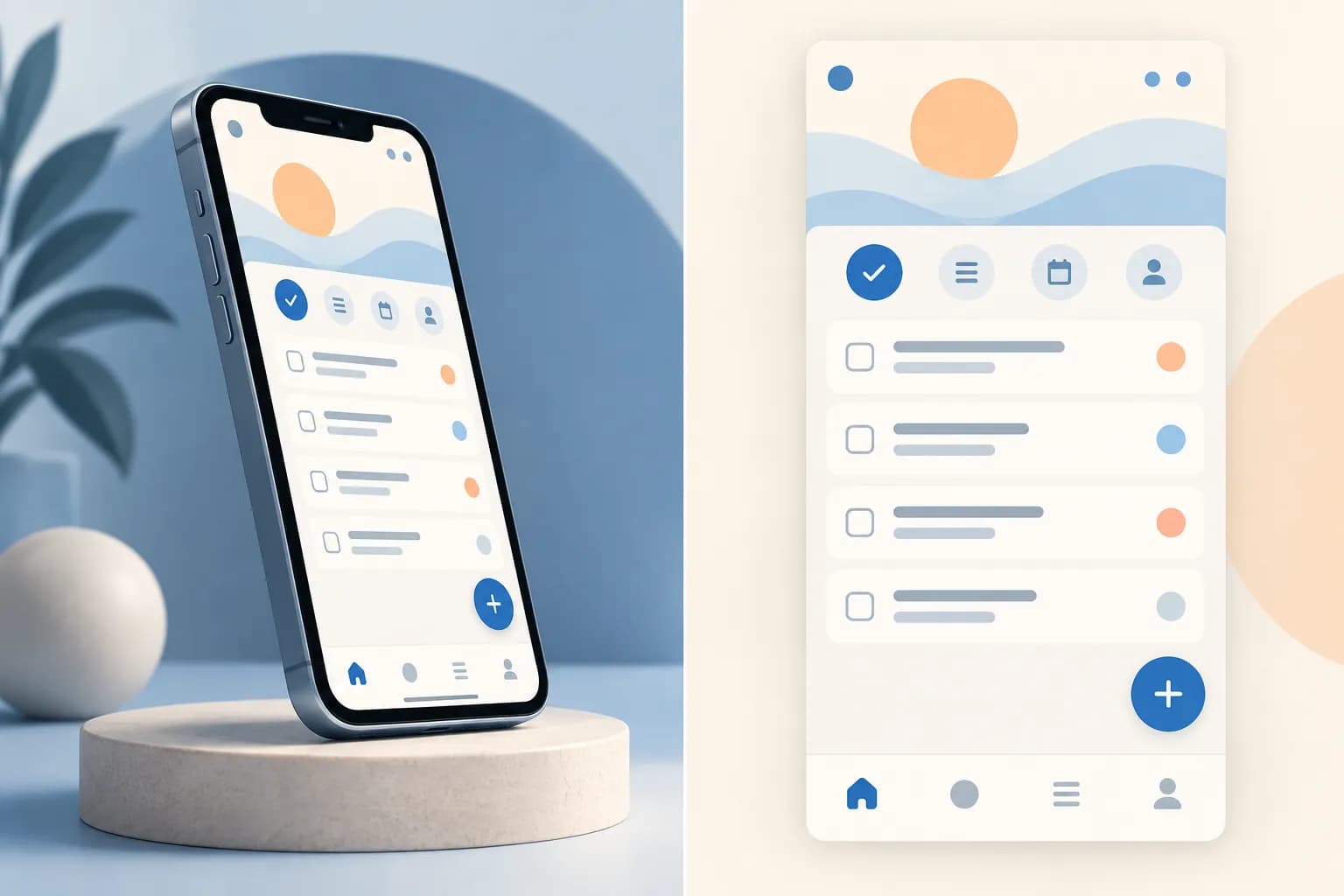
The image is a concept, not an export from either vendor. For your test, put the same real app capture into each tool. Export both at the same accepted outer size, then view them at phone size. Can a buyer name the action and find the control without zooming? If a beautiful mockup hides the app, it has not solved the store-listing job.
When Rotato is the better fit
Rotato's Mac product is built around device mockups, 3D movement, and exportable frames or video. Its App Store screenshot help describes an App Store Images workflow, so it is wrong to dismiss it as "just social media mockups." Its current pricing page describes a one-time Mac license and a macOS 11+ requirement. The same brand has a separate Rotato Web offering; this article compares the Mac workflow, not every product under the name.
Rotato makes sense when you already have a sharp screenshot and need a premium-looking device composition or motion asset for several channels. For example, an indie photo editor may want to show its real edit UI inside a device angled toward the viewer, then reuse that aesthetic on a landing page. You can build a hero still and assess whether the UI remains readable once rendered at App Store thumbnail size.
The caution: 3D perspective consumes area. If the smallest text and controls in the real capture become illegible, the frame is serving the mockup rather than the app. Keep a flat comparison frame available; test both approaches rather than assuming "more dimensional" means more convincing.
Our separate Rotato review goes deeper into its workflow. Use that if Rotato is already on your shortlist and you want a feature-by-feature walkthrough.
When AppScreens is the better fit
AppScreens is more directly organized around a store-image production pipeline: screenshot layouts, resizing across devices, language variants, and exports. Its plans page currently lists a free option and paid tiers with progressively broader production features. Its free-use documentation explains limits; check your expected number of frames, projects, and export needs before committing.
Suppose you have eight iPhone frames, an iPad set, and four languages. The job is not merely to make one excellent hero image. It is to keep the entire matrix consistent through product updates. A browser-based tool built for that matrix may save more effort than a flexible 3D renderer. But verify the exact localization, font, and export capabilities of the plan you would actually buy. Do not assume every advertised feature is included free.
Our AppScreens review covers the product on its own. This page exists for the choice between the two workflows, not as a replacement for either review.
Count revisions, not only the first export
The cost of a workflow changes when the app adds a new UI or language. List the frames, device classes, orientations, and locales you need. Then make one realistic revision: a longer translated headline and a changed source screen. Record which edits are manual and which reuse a source.
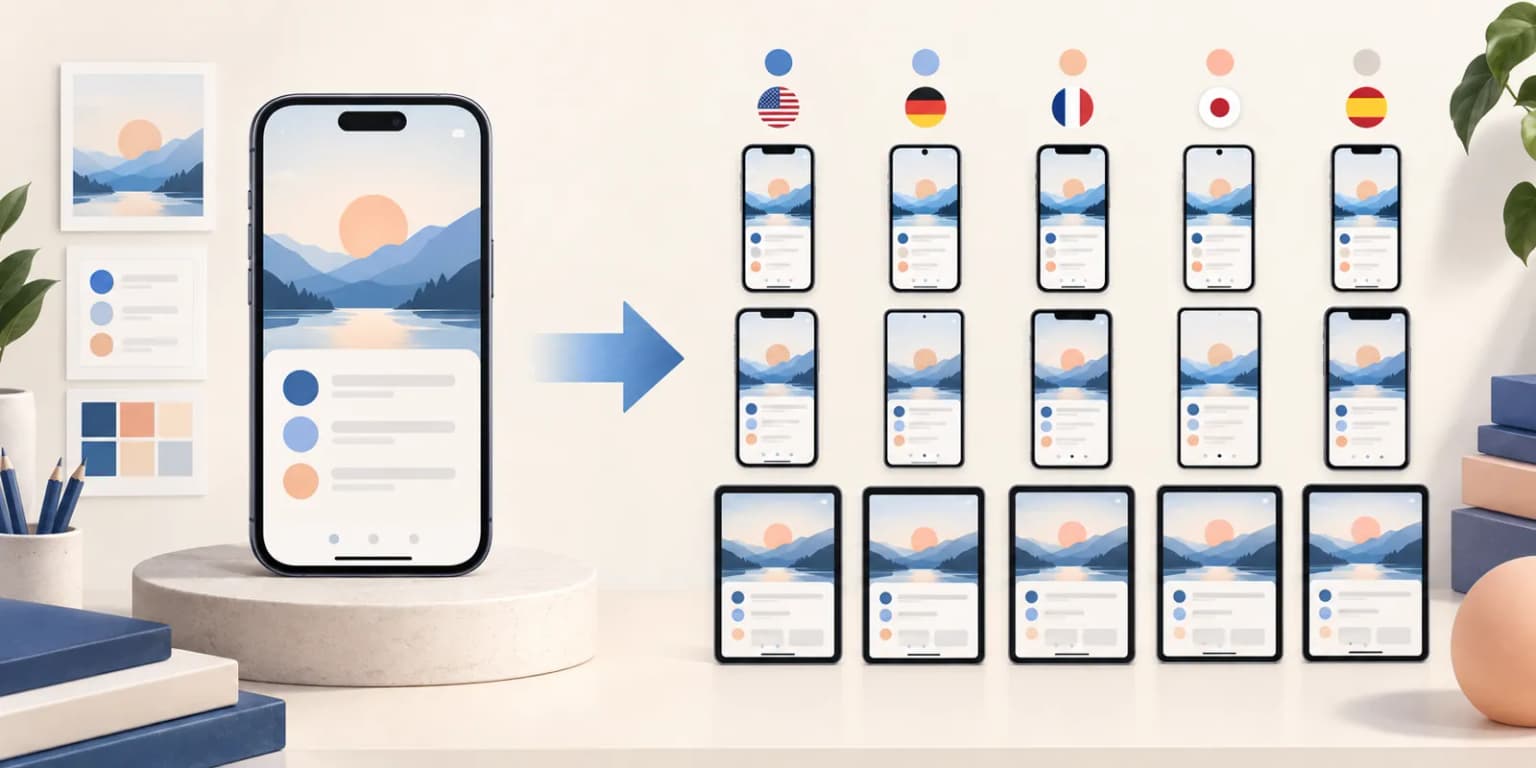
Do not multiply vendor feature-list claims into an imaginary time saving. The output matrix above is illustrative; your own number of devices and localizations determines whether a suite feature is valuable. Verify that the plan you can use actually includes the needed export and localization controls. A solo developer with one iPhone locale may reasonably prefer a flexible scene tool. A team maintaining several storefronts may put consistency and repeatable exports first.
A fair 30-minute trial for your own app
Use the same two raw UI captures and the same two captions in each editor. One capture should show the primary action; the other should demonstrate a distinctive secondary feature. Make an opening frame and one proof frame, then time the entire path from source capture to exported file.
Check five things on the export, not only in the editor:
- Is the real app UI legible on a phone-sized preview?
- Does the output use an Apple-accepted pixel size and opaque JPEG/PNG format?
- Can you change the headline without rebuilding the whole scene?
- What happens when the source UI changes next month?
- Can your chosen plan deliver every locale and device slot you need?
If both tools pass, choose by maintenance cost. A "fast" editor that takes an afternoon to update 40 language/device variants is not fast for your team. If neither gives you a convincing opening message, rewrite the story before buying another design tool. Our screenshot copywriting examples offer a caption framework.
Where ScreenFast fits
ScreenFast is our product, so treat this as a disclosed third option, not an independent endorsement. It helps generate multiple screenshot directions from an app URL or supplied prelaunch screens after a free audit. The paid result is design exploration, not direct control of your App Store Connect listing, a localization service, or proof of a conversion win. If visual direction is the bottleneck rather than 3D scene production or a multi-locale export matrix, try the ScreenFast screenshot generator, then inspect the resulting files and actual UI yourself.
Methodology
We read the vendors' linked feature, help, and pricing pages and Apple's live asset rules on 2026-09-24. We did not run a controlled head-to-head export test or buy either plan for this article. The "best fit" judgments above are inferences from documented workflows. We exclude vendor-reported conversion lifts because their methods and applicability to your app are not established. For dimensions, Apple, not either vendor, is the authority.
The two additional visuals are editorial illustrations. We did not produce the depicted files in Rotato or AppScreens, and they are not evidence of either tool's export quality.
FAQ
Is Rotato only for Mac?
The Rotato Mac app compared here is a desktop product. Rotato also has a distinct web product. Check which one a feature or price page describes before comparing it with AppScreens.
Can Rotato export App Store screenshots?
Yes. Rotato documents an App Store Images workflow. Check the resulting file dimensions, opacity, readability, and device coverage against Apple's current specs.
Can I use AppScreens for free?
It currently advertises a free tier, with limits described in its help center. Confirm the current allowance for projects, frames, exports, and any feature important to your workflow.
Which tool is better for localization?
AppScreens foregrounds multi-language production in its plans. For any specific locale set and plan, verify supported features and review the translated text in the actual exported frames. A tool can manage variants; it cannot guarantee good translation.
Which will increase my conversion rate?
Neither tool has a universal conversion guarantee. The message, real UI proof, traffic mix, and test setup matter. Build a specific hypothesis and, if eligible, test a default-page creative treatment with Apple's Product Page Optimization.
Last updated: 2026-09-24.