App Store Screenshot Localization Tools: What to Buy
TL;DR
Choose App Store screenshot localization tools by the work you need to repeat. Caption translation is one job. Swapping in actual localized app screens is another. Test both in two locales, then make one master edit and check that your local exceptions survive.
Split four tasks before you compare features
Take a habit app with the headline "Keep your streak." The app UI beneath it includes a date, a weekday label, and an achievement badge. If you translate only the headline, visitors may still see English in the phone. If you only swap the phone capture, the benefit above it may be wrong. If you do both but export to the wrong size or locale, the release is still blocked.
The useful comparison has four parts:
| Part of the job | Question to ask a vendor | Proof of success |
|---|---|---|
| Caption | Can a reviewer edit the translated phrase? | Approved text appears in the downloaded image |
| Actual app UI | Can this locale use its own source screenshot? | UI matches the current local build |
| Design reuse | Which changes flow from the master? | Base edits do not destroy local exceptions |
| Delivery | Can we map exports to Apple device sizes and locale? | Files pass inspection and match a manifest |
Match the tool to your starting point
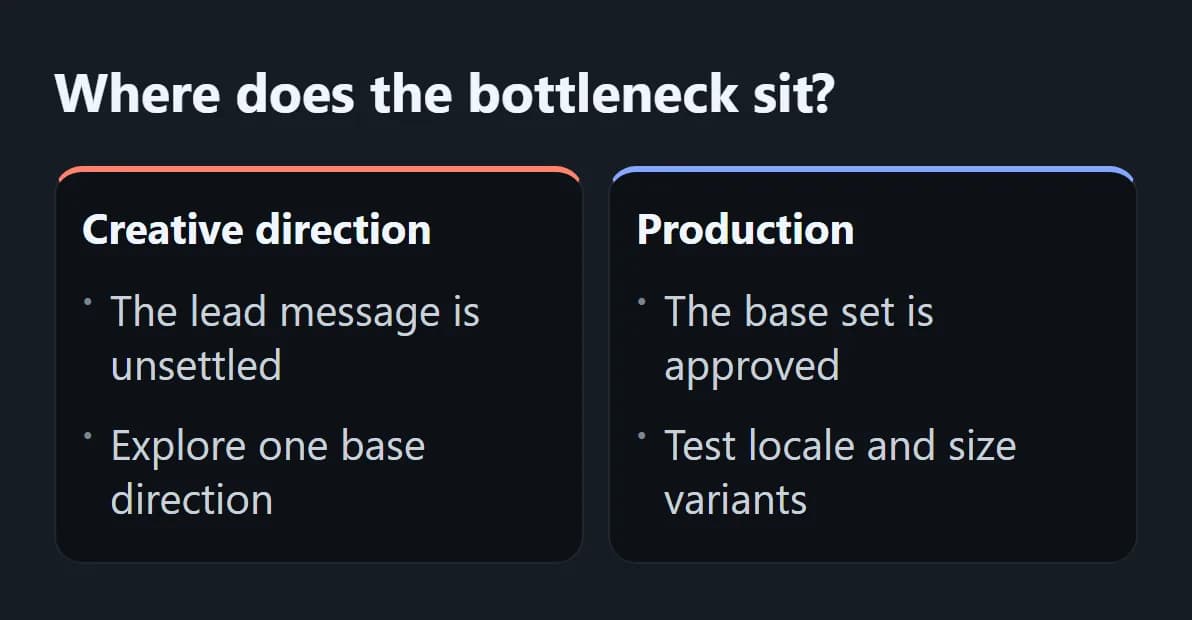
A localization-first editor. Appure presents translation, store sizing, and export together. It belongs in a trial when your base creative is already chosen. Try a changed source image and a longer caption before using it on the full library. Ask the locale reviewer to compare the file to the current app, not to a screenshot from the editor.
A store asset workspace. AppScreens describes a store design workflow with localization and multiple output sizes. Check its current plans, including whether the features you need are available together. A larger team may prefer tooling for maintaining variants over a simple caption translator.
An iPhone creative-first workflow. ScreenFast is our product. It starts from a live app or uploaded captures and explores a base design. It is relevant when you have not decided what the listing should show yet. Treat it as a step before language review, not a substitute for your native copy editor or local app screenshots.
An existing design system. Your current editor may be the right tool if you already maintain typography, source shots, and captions as components. The cost comes from manual tracking, not necessarily the editor. Make a manifest before migrating to another workspace.
Run a small but inconvenient test
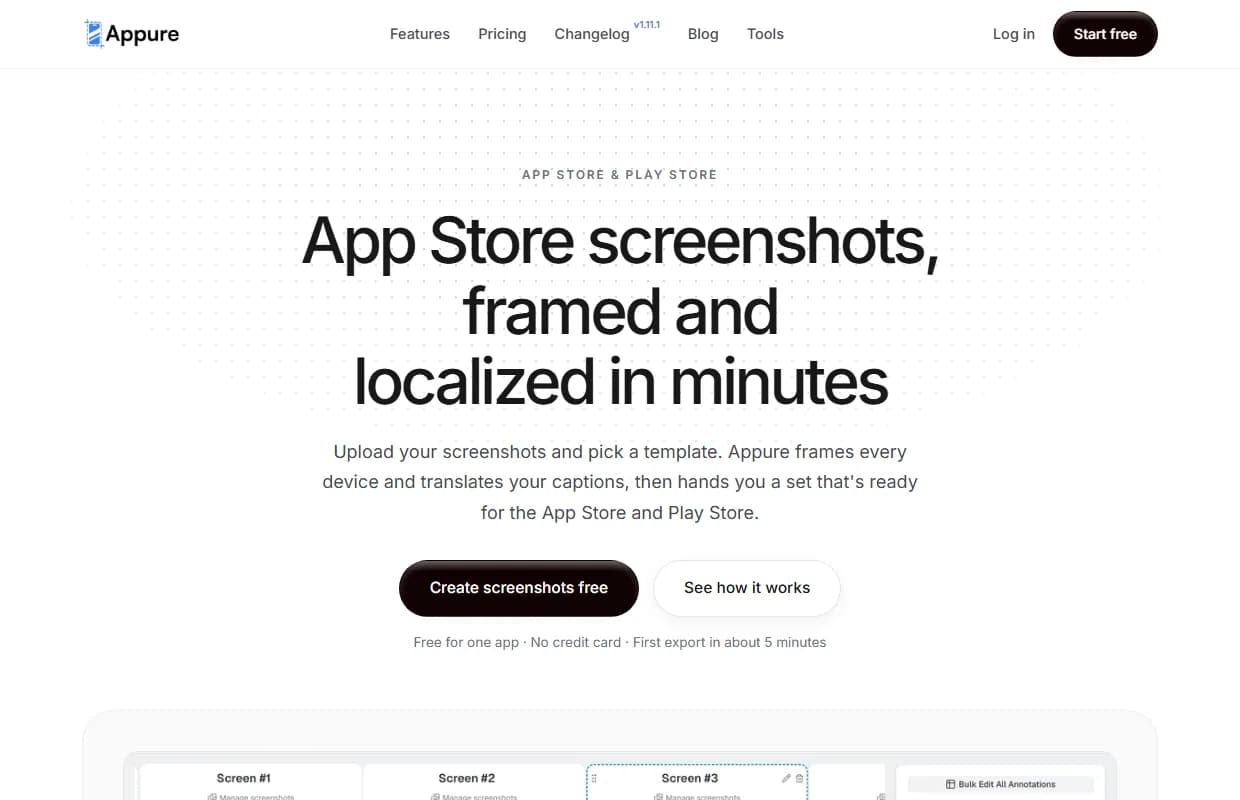
- Pick one complete English screenshot with a claim visible in the on-screen interface.
- Use a second language where the phrase changes length. Find a word that cannot be broken without losing meaning.
- Capture the same state in the target language. Keep the account data fictional and the feature state the same.
- Approve both designs. Change the common background color and verify that the correct text and screenshots stay in place.
- Export each locale and open the images outside the editor. Check the final order and size.
The point is to test the work likely to break. If your launch includes Arabic, use the RTL checks in our screenshot localization guide as a separate acceptance checklist. If the only planned change is US and UK spellings in captions, there is no need to pretend that every screenshot requires a full recapture.
Score the hardest localized feature first
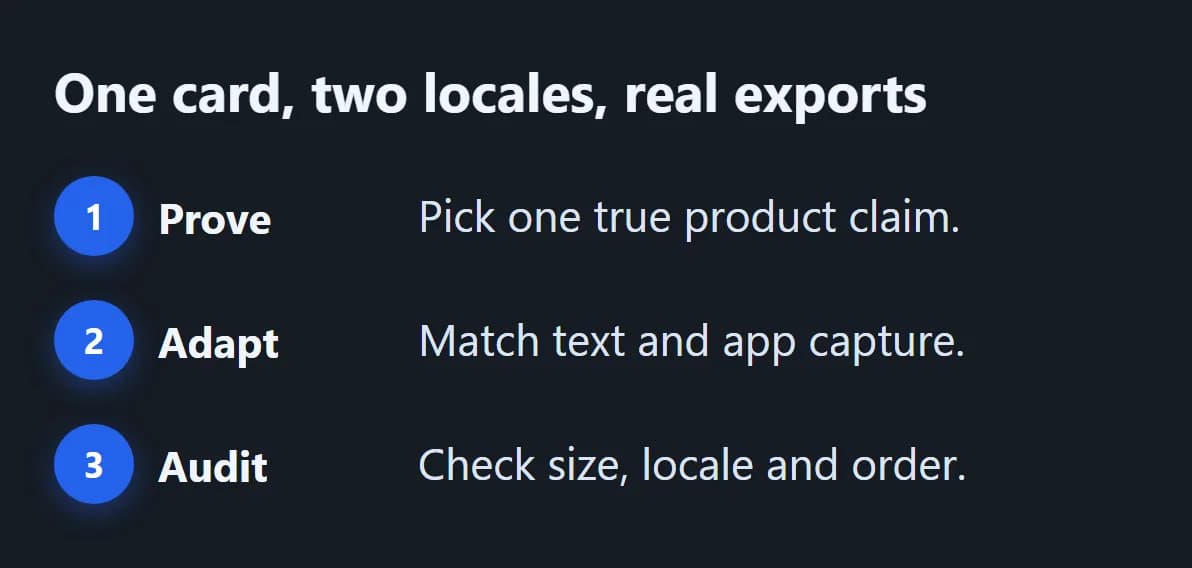
Imagine an app that helps users track household expenses. Its English poster shows a monthly budget, a date range, and an amount. The German version needs more space for its caption. An Arabic version adds a different reading direction and different conventions for displaying details. These are not three copies of one typed headline. The actual app capture, supported font, and visual hierarchy all matter.
Run each likely tool on one approved English card plus the harder target locale. Give it the real local capture rather than a copied English phone image. Ask a reviewer to decide whether the caption describes the exact benefit shown. When the target locale has a different product offer, test a separate claim rather than asking the tool to preserve a misleading original.
The checks are simple:
| Criterion | Pass | Fail |
|---|---|---|
| Correct source | Local UI and demo data are correct | Wrong currency, old feature, or English UI in the phone |
| Correct words | Reviewer can approve the exported line | Text wraps into the device or changes the claim |
| Safe reuse | Master edits do not undo approved exceptions | Local capture or custom line break silently resets |
| Clear export | Filename and folder match the locale and target | Duplicate names or confusing fallback assets |
A score of pass on caption editing and fail on local source replacement may be acceptable for a campaign that uses English UI deliberately. It is not acceptable when an important storefront needs real local product proof. Make that decision based on app behavior and audience, not a feature checklist.
Keep the language asset separate from the actual release
Folder names alone do not protect you from uploading the wrong file. Record the app version and the capture date alongside the locale. An older screenshot may have the right translation but show a screen from before a navigation update. Mark the seats where content differs from the base design: for example, a feature not available in one market or a different default unit.
Store the caption text in a file outside the tool as well. The translation reviewer should be able to compare approved text with the final file. Use one status per card: awaiting capture, awaiting copy, ready for design, or accepted. Keeping an entire locale marked "done" can conceal one missing source file. A row per slot makes it possible to make partial progress without accidentally exporting an unreviewed fallback.
Compare vendor offers with a change you actually expect
If you update screenshots at each major release, ask what happens when a common caption must change across every market next month. Will you have to approve the locales again? Can you preserve a localized title that was deliberately different? Will a second download use another unit? You can model these questions for your own project without assuming a current tariff or an exact number of seats.
For a one-off launch, the licensing and recovery questions are different. You may only need a usable editor for a short window. Check that you can keep the files and legally use any template assets after access ends. Export before the window closes and ask an authorized reviewer to inspect the output without signing in. A good plan for one launch is one you can recover when someone finds a typo later.
Decide which step should stay manual
You probably want automation for repeating image size and filename work. You should keep human review for benefit claims, natural copy, and unexpected local app states. A team with an engineer running captures may do better importing controlled files than asking a design tool to represent an app it has never opened. A team with no agreed base story may need a single creative brief before building a release matrix.
Use a scoped pilot rather than moving an entire asset library. If an editor cannot handle your hardest exception, preserve the approved master and solve that exception separately. Do not choose the tool that translates the most languages if it cannot export one fully approved locale with the correct UI.
Decide what will happen if approval for one language is late. A good handoff can produce the ready files without falsely marking the delayed locale complete. If your tool has no clear partial release path, export to a work folder and copy only the accepted assets into a separate release folder. Check that folder against the uploads one last time. This rule also protects teams that use several tools: a translator can send a correction without overwriting the final art, and an engineer can recapture the local UI without needing to edit every poster. Publish only after both pieces are approved.
Buy for the release matrix, not the translation button
Write down apps, approved cards per app, selected locales, required sizes, and expected update frequency. For two apps with four cards, three locales, and two custom sizes each, the simple output count is 48 files. That example is not a recommended default or a vendor allowance. Some sizes may inherit scaled assets where Apple allows it. Use Apple's screenshot specification and metadata localization instructions to decide what you need.
Check what happens when you stop paying: can you retain the approved exports, reopen the project, and produce a correction? Confirm the billable unit, access period, and limits before moving work. Pricing checked: November 21, 2026. See the official pricing pages for live quotes and region-specific terms; tier contents are not assumed.
How we tested
We reviewed public vendor descriptions, prices and Apple documentation. The buying test is a workflow you can run, not a paid feature benchmark. For a step-by-step release after tool selection use our localization guide. For the base creative, see the ScreenFast walkthrough.
Frequently asked questions
Do I need a dedicated localization tool?
Not always. A few caption variants may be easier in your current editor. A dedicated tool earns its place when changes repeat and your manual checks become hard to track.
Will the tool translate what is inside the app screenshot?
Do not assume it. For real UI, capture the app in the target language or correct the app before exporting.
Is a batch of PNG files an editable project backup?
No. Keep the captures, accepted caption text, and project source separately.
Should I translate all locales at once?
Start with your most useful second locale and a realistic exception. Expand after the review and export workflow is understood.
What is the fastest quality check?
Open one exported screenshot in each language on a phone and ask a native reader what the card promises. Then check the complete manifest before uploading.
Bottom line
Buy the tool that repeatedly handles your hardest local exception. If you still need to settle on the original design, explore ScreenFast's localization workflow.
Last updated: November 21, 2026.