Hotpot AI App Screenshot Review: Templates, Exports and Rights
TL;DR
This Hotpot AI app screenshot review finds a template-based route worth evaluating for a small, manually designed set. Hotpot's screenshot page advertises drag-and-drop layouts and designs that are free or $1 per graphic. That statement does not settle the rights, resolution or final cost of every output. Check the selected template and an actual export before building your release around it.
Disclosure: ScreenFast, a competing screenshot product, publishes this review. We did not complete a paid Hotpot export or benchmark its editor. The verdict is based on public product information and a proposed acceptance test, not a hands-on performance score.
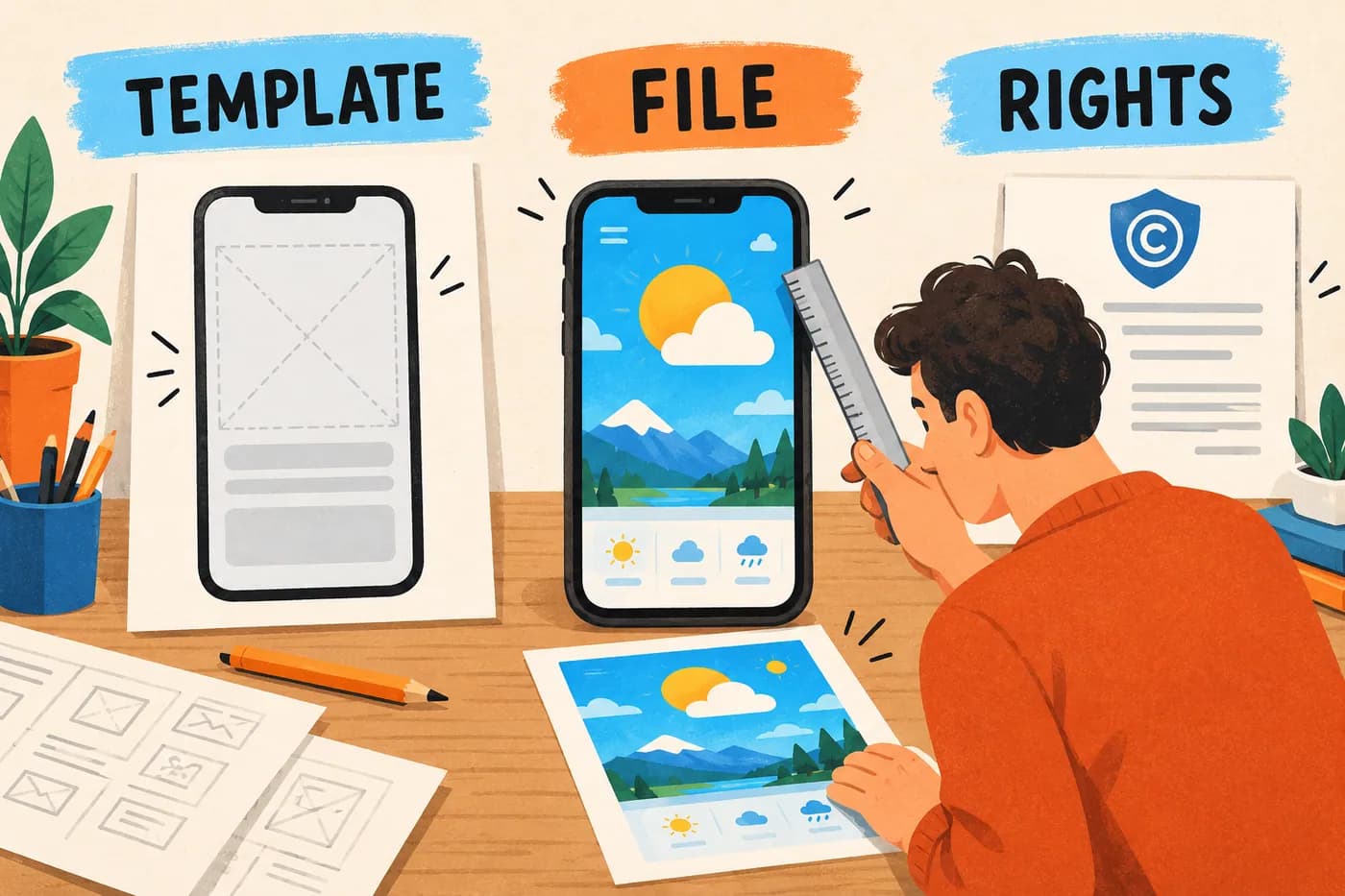
Conceptual illustration, not Hotpot's interface or output. The rights document represents a check to perform, not a guarantee of copyright protection.
What the screenshot tool actually offers
Hotpot has several image-related tools. Its App Store screenshot page describes a drag-and-drop design workflow, with galleries for phone, tablet and other store assets. The iPhone XS Max template page describes changing frame colors, adding text and editing templates.
That is a different production job from asking a model to invent a complete screenshot direction. You still need to bring an accurate app capture, choose the message and arrange the composition. The parent site's AI branding does not establish that every screenshot feature is generative.
A template can be the right solution when your brief is already clear. For example, a simple weather app may need a readable forecast capture, a short headline and a consistent background. If you know those elements, a manual layout may be enough. If you do not know whether to lead with hourly forecasts or saved locations, the design tool cannot make that product decision reliably on your behalf.
The useful comparison is therefore not "AI versus old software." It is the amount of control, preparation and repeated work your listing needs. A modest tool can produce a useful asset when the source material is strong. An elaborate tool can still produce a misleading or unreadable gallery.
Free design, paid output and commercial use are separate questions
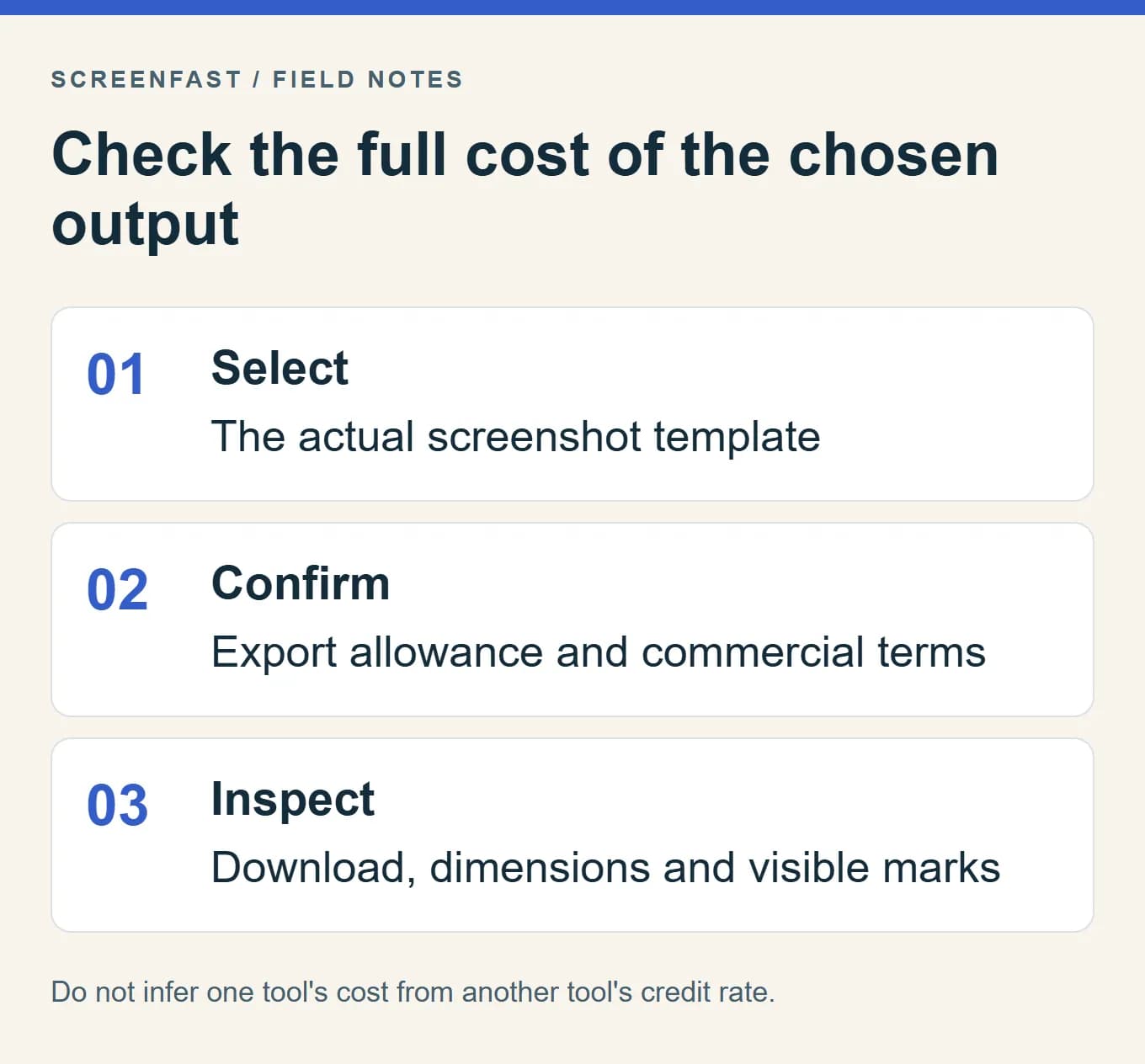
The public screenshot page uses a simple free-or-per-graphic description. Hotpot's broader pricing page also offers credits, with costs that vary by tool and settings. Do not convert a general credit pack into a screenshot price without checking the selected output.
Hotpot's commercial-use guidance says commercial use requires credits or a purchased license. It also distinguishes that permission from copyright or intellectual-property protection. Read the current terms for your intended use; a free editing session is not proof that the final graphic may be used commercially without conditions.
Before committing to a set, answer these questions in the actual workflow:
| Question | Why it matters |
|---|---|
| What does this template let me export? | The editor preview may not reflect the final file allowance |
| What permission covers my intended use? | A commercial app listing and a private experiment are different uses |
| What does the chosen download cost? | Credit prices elsewhere in the suite may not map to this action |
| Are there visible marks or attribution conditions? | Inspect the output and the applicable terms rather than guessing |
| Can I return to the editable work? | A later correction may require more than the flattened image |
If a term is unclear, ask the vendor before buying or publishing. This review does not certify a particular license or tell you that payment clears rights to material you upload. Use app captures, fonts, photos and other components you are entitled to use.
Older frame names are a reason to inspect, not a verdict
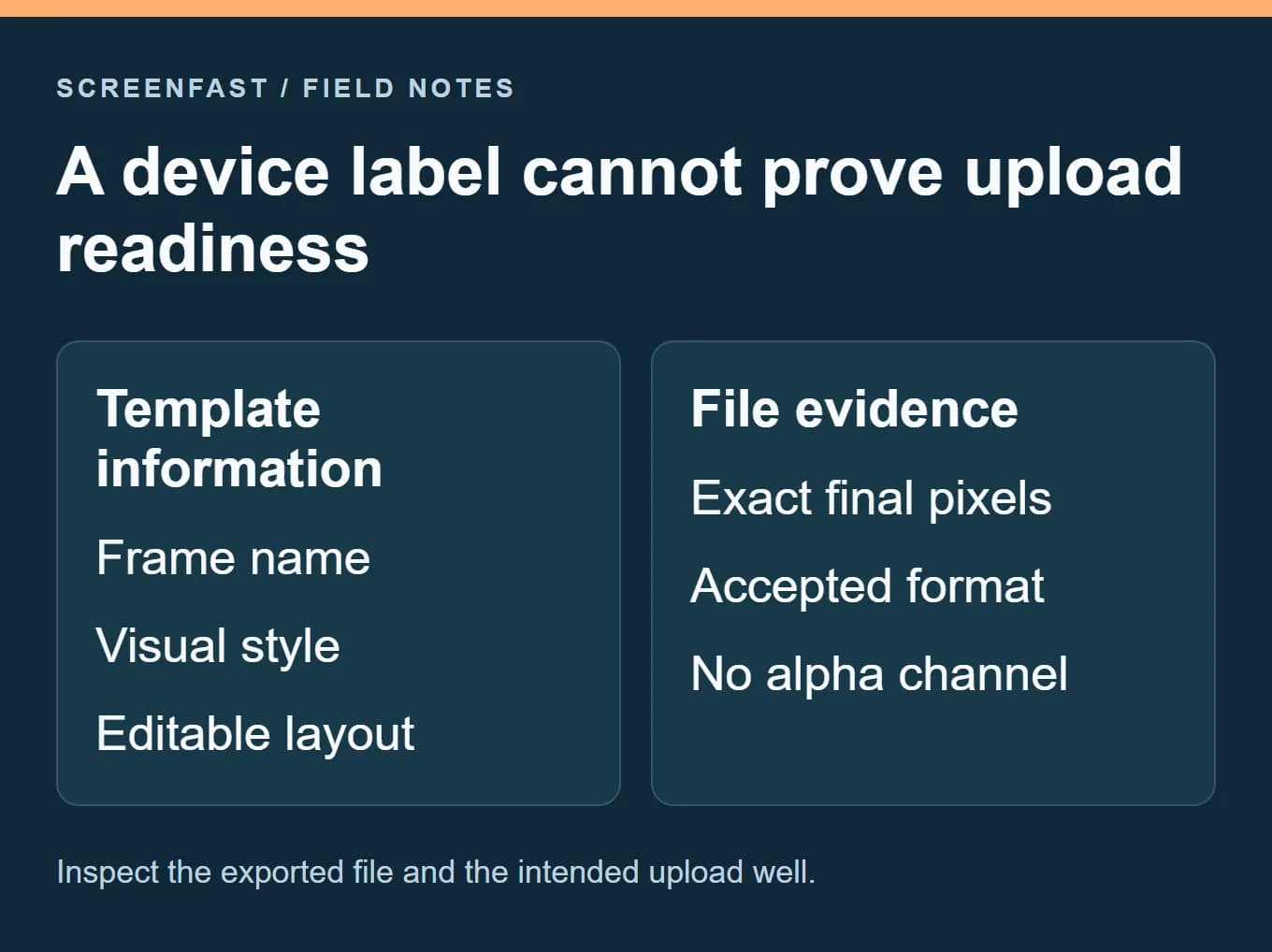
The public screenshot page still names devices such as the iPhone 12 Pro Max and Galaxy S21. That is an observation about the page, not evidence that every export is too small, that newer frames are absent from every editor view, or that users will reject the design.
Separate three things: the decorative device frame, the dimensions of the exported canvas and the app interface shown inside it. A frame can look old while the canvas has an accepted size. A modern-looking frame can surround a file with the wrong pixels. Neither appearance nor a preset name proves upload readiness.
Apple's current screenshot specification lists exact accepted sizes and required device classes. Check the intended well in App Store Connect. The ScreenFast size reference explains accepted, required and inherited assets separately.
Do not stretch a soft export to a larger canvas and call the issue solved. Resizing changes the file dimensions, not the detail captured in the original interface. Return to the source capture or layout when the image is too small. If the app supports a tablet, use the real tablet interface where it differs from the phone version.
What we could not establish from public pages
We did not verify a universal maximum screenshot-export resolution, an across-the-board PNG-only restriction or the behavior of every template's download step. We also did not verify a complete no-login production flow in this update. Those details need an actual selected-template test.
The earlier version of this review repeated a resolution ceiling from competitor comparisons and then inferred that files would still upload. That was not a sound basis for a purchase recommendation. This version removes that inference. A competitor's feature table can identify a question to investigate, but it should not replace the vendor's own documentation or a measured output.
Likewise, the absence of a localization feature on a short landing page is not proof that no related capability exists anywhere in the product. If repeated localization is central to your release, verify how captions, layouts and saved projects work before choosing this route. Do not plan a large multilingual release on an assumption.
An unknown should remain an unknown until checked. That is more useful than a confident but unsupported rating, especially when the consequence is redesigning a complete asset set just before submission.
A practical three-frame acceptance test
Use a small test that resembles your real release. This is a proposed workflow, not a claim that we completed it in a paid Hotpot account.
1. Prepare three genuine product states
For a fictional weather app, select the current forecast, a saved-location list and a detail view that explains a useful feature. Use demonstration data with no private location or account information. Write one accurate caption for each state before choosing the template.
The three frames should have different jobs. Recoloring the same home screen three times does not test whether the editor can support a coherent gallery. Choose at least one capture with small UI details so you can judge whether the layout preserves them.
2. Build a consistent first draft
Choose a layout that leaves enough room for the interface. Set a headline style and a margin rule, then apply them across the set. The template is a starting structure, not a requirement to retain every decorative element.
Inspect the first image without explaining it aloud. Can a new viewer tell what the app helps them do? If not, revise the capture or caption before adding shadows and device art. The screenshot copywriting examples show how to connect a claim to visible proof.
3. Make a realistic revision
Replace the second caption with a longer approved phrase and swap one app capture. Record which parts need manual adjustment. If a longer line forces the phone to shrink until the interface is unreadable, the composition needs another approach.
If localization matters, try one reviewed translation. Do not use random text as a stand-in for a language. Real words determine line breaks, direction and glyph coverage. Keep the source wording and translation together so the final review can compare them.
4. Inspect the allowed output outside the editor
Check the actual width, height, format and alpha channel. Open the file at a reduced viewing size and inspect its edges, headline and UI. Record any watermark or attribution condition. Compare those observations with the destination requirements and applicable license.
A preview that looks good on a large monitor is not the deliverable. The deliverable is the file you can legally use, upload and maintain. If the free path does not produce that file, calculate the exact paid step before expanding from three frames to a full set.
Estimate the cost of revisions, not only the first graphic
Imagine a release needs six frames in one language, followed by a second locale. The work includes source copy, layout adaptation, review and possible corrections. Do not assume that twelve planned images equal twelve charged events: the editor's actual export rules determine the billing unit.
Build a small delivery list with frame, locale, device target and approved filename. Then note the likely revisions. A changed plan name or product feature can affect every image. If the workflow requires fixing each version separately, the time cost can matter more than the per-graphic price.
This does not make a manual editor a bad choice. For a small stable listing, manual work may be straightforward. For frequent releases across many markets, reusable projects and bulk operations may deserve a higher priority. Measure the work your team repeats rather than assigning value to features it will never use.
Also distinguish one-time credits from a recurring plan. Hotpot's payment FAQ describes different subscription terms, including a minimum of two terms for monthly subscriptions at the review date. Check the specific purchase screen; do not assume a monthly option is the same commitment as a one-off graphic.
When to shortlist Hotpot, and when to compare another route
| Your situation | Sensible next step |
|---|---|
| Small set, clear copy, willingness to edit manually | Try one suitable template and inspect the output |
| Exact brand typography and many fine adjustments | Compare the editor's controls with a dedicated design tool |
| Repeated device and locale production | Pilot a store-focused reusable project workflow |
| Need help choosing a visual direction | Compare a concept-generation workflow, then plan final review |
| Need a promotional video | Evaluate a video-specific tool and the destination's requirements |
Our generator buying guide compares these production jobs. The free screenshot workflow guide focuses on usable exports and rights rather than a free signup button.
ScreenFast is our product. It starts with a free app audit and generates ten iOS-first design directions after payment. Its base output is 1290x2796, and precise text changes are not supported in the AI refinement flow. It does not replace a layered manual editor, native iPad or Android production, or a final file check. See the workflow and current pricing if that concept stage is your bottleneck.
Do not choose ScreenFast merely because this review is on our site. Choose the route that fits the deliverable. A well-checked manual template can be a reasonable answer, and a generated concept still needs human review.
Verdict
Hotpot belongs on a shortlist for a small template-led screenshot task, provided the selected export and usage terms fit the release. Its public page gives enough information to justify a focused trial, not enough to certify every output as store-ready or to declare the whole product obsolete.
The decisive artifact is a representative exported file with clear rights and a repeatable revision path. If that test works, proceed with the set. If it exposes a hard limit, compare another workflow before investing in the rest of the gallery.
Methodology
We reviewed Hotpot's screenshot page, template description, pricing, commercial-use guidance and payment FAQ on October 17, 2026, alongside Apple's current screenshot requirements. We did not buy credits, complete a commercial export, measure editor speed or run a conversion experiment. The test plan and fictional weather-app illustration are original editorial material. We removed unsupported output limits, stale competitor prices, speculative popularity claims and unverified assurances from the earlier review.
FAQ
Is Hotpot's screenshot generator free?
Its screenshot page advertises free designs or a per-graphic purchase. Check the selected output and usage terms; free editing is not a universal commercial-use permission.
Does an older device frame make the file invalid?
No. Frame appearance and exported dimensions are separate. Inspect the actual file and the intended App Store Connect well.
Is there a confirmed 1080p screenshot-export ceiling?
We did not establish a universal ceiling from the primary sources checked here. Test the actual template instead of relying on the earlier review's unsupported claim.
Does Hotpot generate the whole screenshot story with AI?
The screenshot pages describe template editing. Do not infer a complete generative workflow from the AI branding of the wider suite.
Can I use a paid graphic commercially?
Read the applicable Hotpot license and the rights to your uploaded material. Hotpot describes paid commercial permission separately from copyright protection; this review does not certify your use.
What should I compare if the export does not fit?
Compare a store-focused editor for repeatable size and locale production, a manual design tool for exact control, or a concept generator for creative exploration. Use the same brief and final-file checks in each trial.
Last updated: 2026-10-17.