App Preview Video for iOS: Plan, Record and Submit It
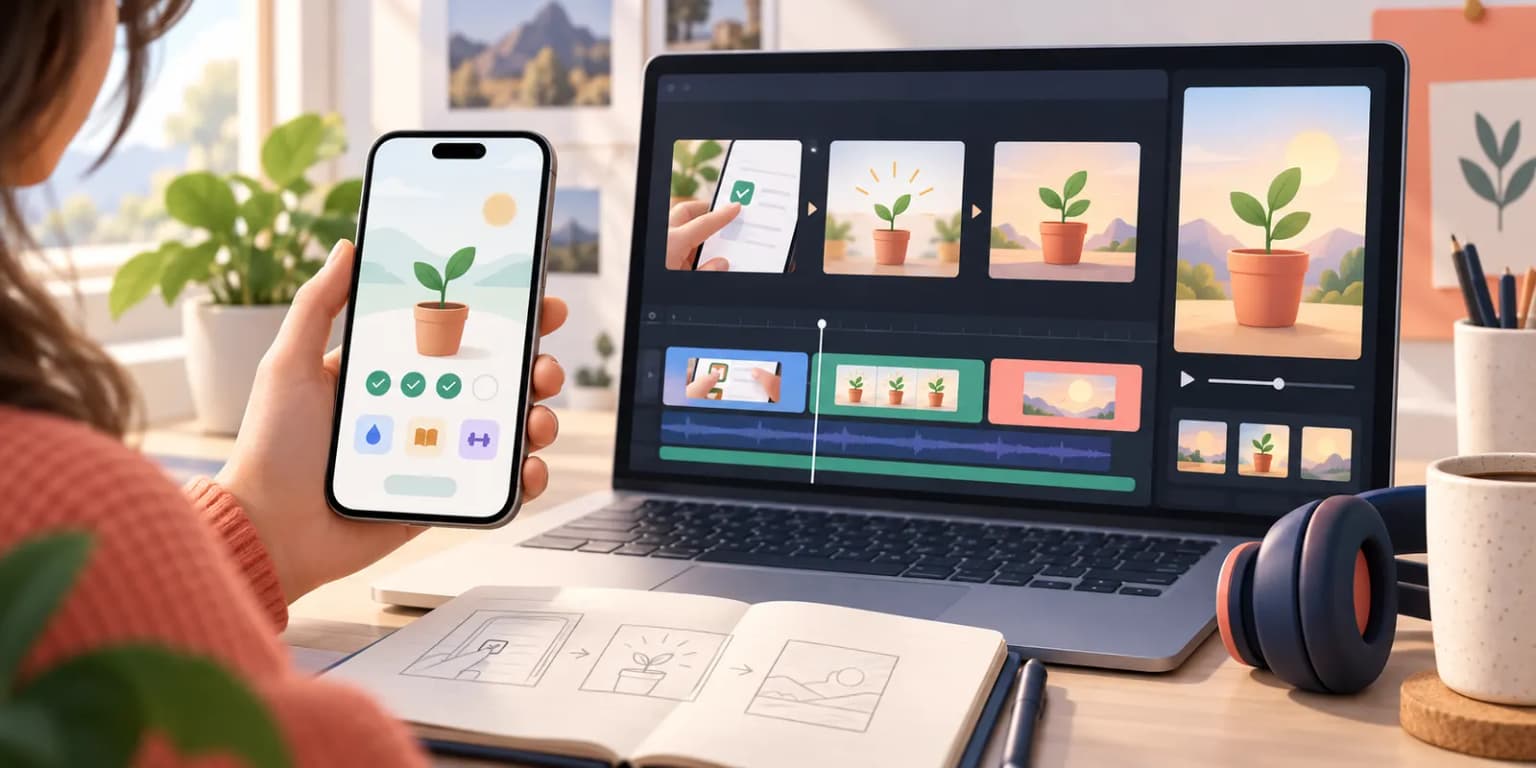
TL;DR. An iOS app preview is a 15 to 30 second video of your real app in use, not a brand commercial. Show the key action early, make the story work without sound, export to Apple's current device-specific specification, and inspect the poster frame. A video is optional. Compare it with a strong screenshot-only page before assuming it will improve conversion.
Last updated: 2026-09-24.
The cover illustrates a fictional production workflow. It is not footage from a shipped app. The diagrams below are editorial examples, not App Store upload assets. These app preview video best practices start with a real user task, not a claim about a guaranteed sales lift.
Decide what the video needs to explain
An app preview video is useful when motion or interaction is hard to understand from a still image. A drawing app may need to show a stroke becoming a finished illustration. A language app may need to show a spoken answer and feedback. If your app's value is clear in one or two screenshots, a video may add work without adding clarity. Read our video versus screenshots guide for that decision; this guide covers production once you choose video.
Start with one viewer question: "What happens when I use this app?" Write a short answer, then pick real in-app moments that prove it. Avoid claims the footage cannot support. Apple's App Store Review Guidelines say previews must use video screen captures of the app itself, with limited exceptions for apps such as games where an approved cinematic can be appropriate. Follow the current rule for your category and do not substitute a lifestyle ad for app use.
Build a short, silent-readable story
Apple's app preview guidance recommends showing the core experience and using a clear narrative. The platform allows previews between 15 and 30 seconds. You do not need to fill all 30 seconds. A simple storyboard keeps the footage useful:
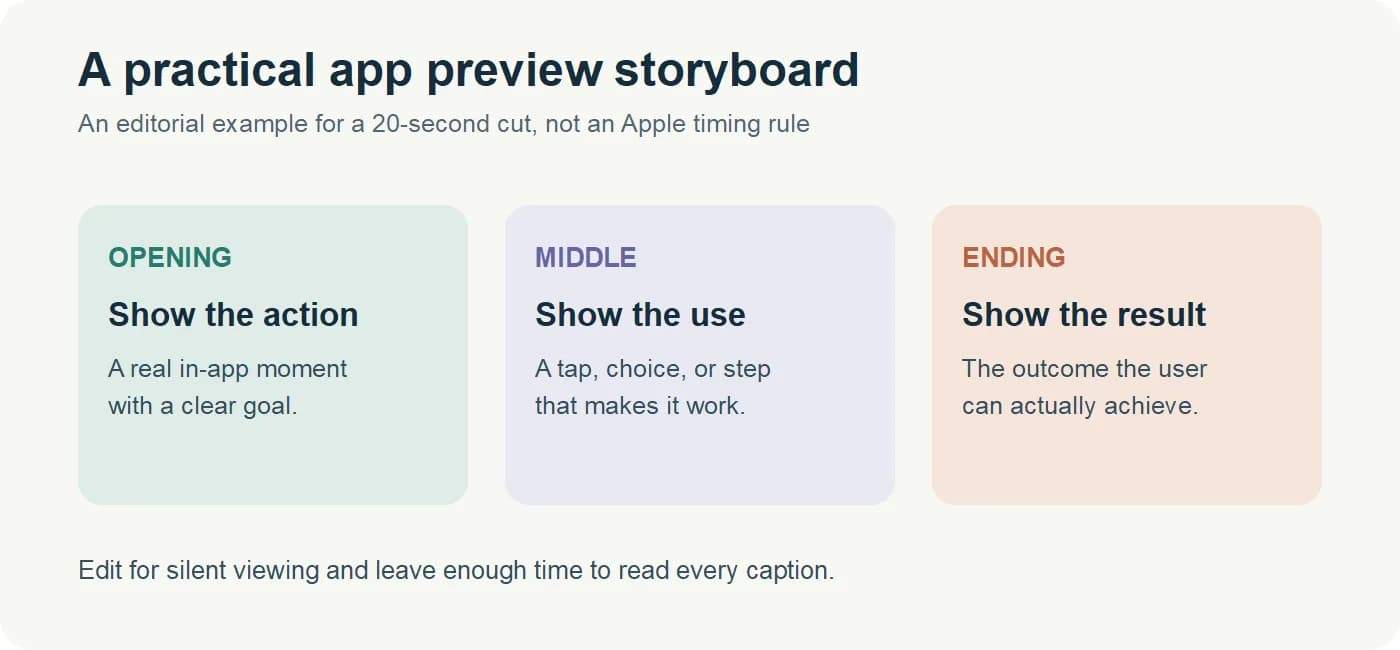
| Part | Show | Viewer learns |
|---|---|---|
| Opening | A real, recognizable app action | What the product does |
| Middle | The user's input or choice | How it works |
| Result | The app's genuine response | Why the action matters |
| Close | One further useful feature | What else is available |
This is a writing framework, not a required sequence or a promise about watch time. Lead with the useful action, not several seconds of a logo animation. Watch your rough cut with the sound off: App Store previews can autoplay muted, so narration alone should not carry the message. Short captions can help, but keep the interface visible and readable on a phone. If the workflow needs a setup step, edit for clarity without implying the app acts instantly when it does not.
Record the actual app
Capture a clean run of the current product. Prepare realistic sample data, enable the feature you want to show, and rehearse the taps or gestures. Hide personal information and notifications. Keep the status bar, keyboard, and touch targets from distracting the viewer. Record more than one take, then choose the version where the interaction is easiest to follow.
Apple's preview guide explains device recording with QuickTime Player and offers recording and editing advice. Apple also documents Simulator video capture. If you record app preview footage in a simulator, compare the result with a physical device before publishing. A build can differ in appearance, timing, permissions, camera behavior, or performance. Record the device and orientation you intend to represent, then check the resulting file against the App Store Connect device well.
Do not film someone holding a phone as a replacement for screen capture. Do not composite a screen that shows features users cannot reach. Text overlays and narration can explain genuine footage, but the app should remain the main subject. Apple's rules and review process, not an editor's taste, set the submission boundary.
Make a capture sheet before you edit
Do a rough four-shot plan while the app is open, not after you have recorded an hour of footage. For a fictional drawing app, the sheet could contain the blank canvas, the user's first brush stroke, a visible change of color or tool, and the finished illustration. Record which actual screen state supplies each shot and where a tap must occur. The viewer should be able to follow the action even if they have never opened the app.
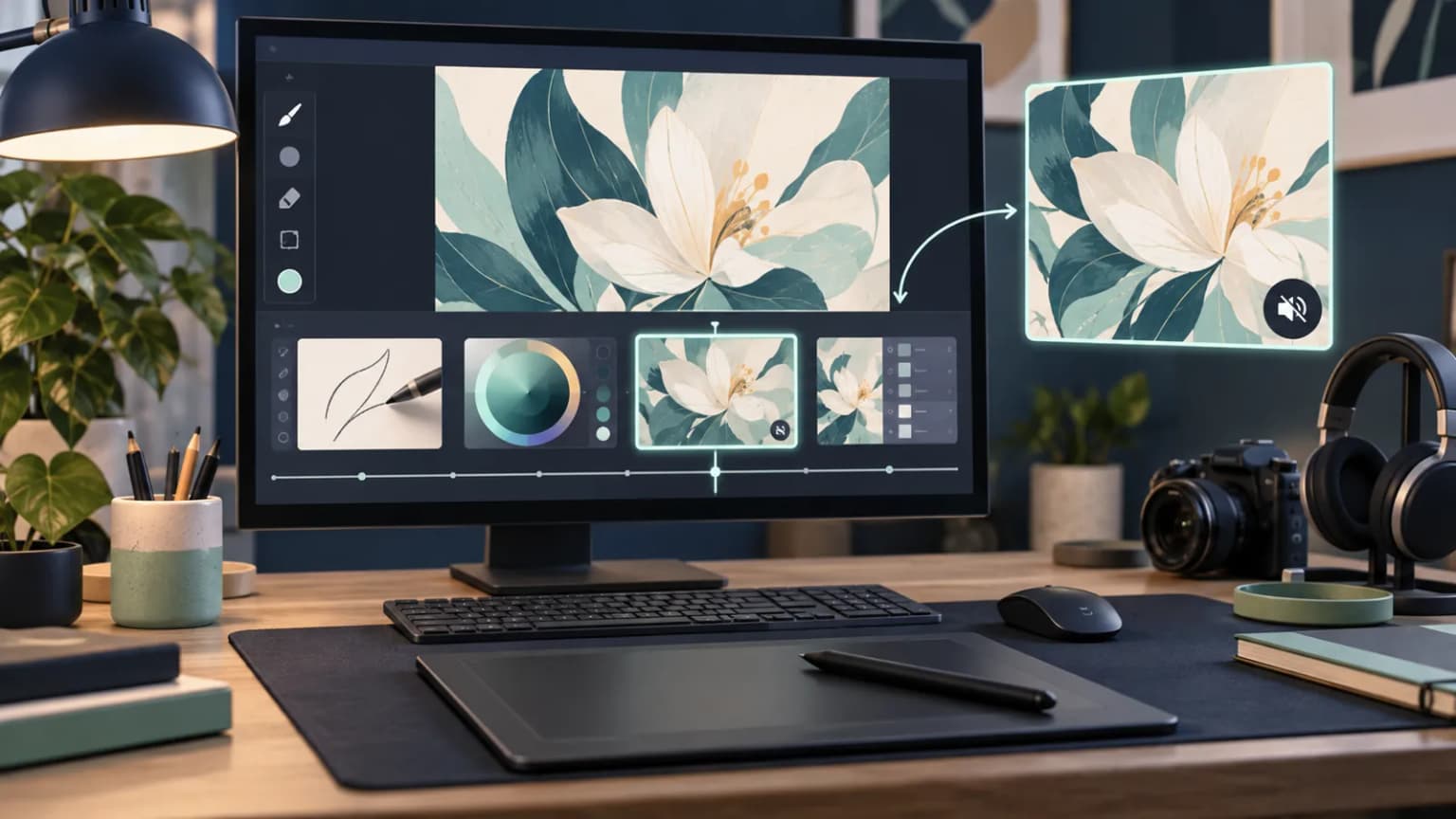
The visual is an editorial example, not footage from a shipped product or a tutorial for a particular editor. Review the first draft twice: once with sound and once muted. On the muted pass, pause at every cut. Can you still see what the user did and what the app returned? If a transition hides an account setup or a paid gate, restore enough context to keep the story honest.
Choose two or three candidate poster frames from the exported video, then look at each at phone size beside the first static screenshot. A frame that is beautiful in the editor can be unreadable in a store placement. Apple's poster-frame instructions require selecting a frame from the video. Do not design an unrelated poster image and assume it can replace that step.
Edit for clarity, then export to the right specification
Cut pauses, loading waits that are not important to the feature, and repeated actions. Keep enough context to make each transition believable. If an account, purchase, or permission is needed, avoid editing the sequence to imply otherwise. Add music or voice only when it improves understanding; the silent version still needs to work.
Check Apple's live app preview specifications before export. At the time of this update, each video must be 15 to 30 seconds and no more than 500 MB. Accepted codecs include H.264 and ProRes 422 HQ; the frame rate cannot exceed 30 fps. Exact resolutions depend on the device group and orientation. Do not trust a generic "one size fits every iPhone" preset. Select the matching App Store Connect well, export its listed size, and inspect the finished video on a phone-sized screen.
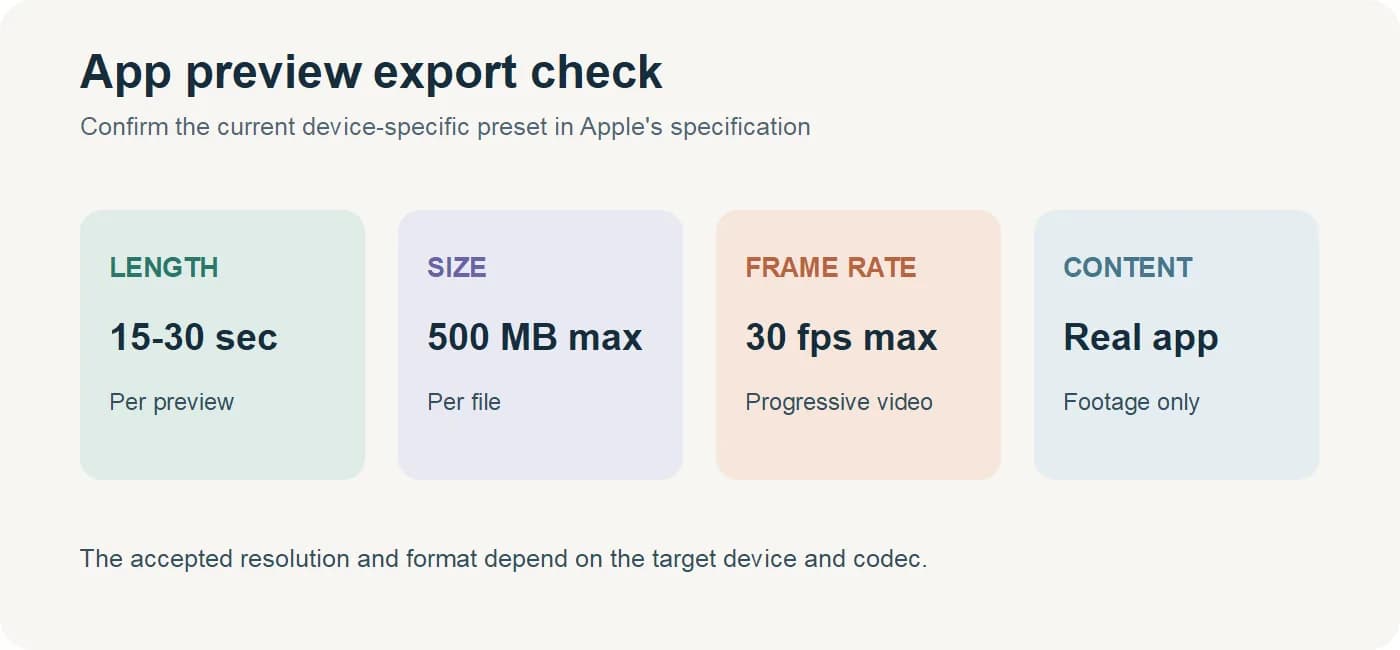
Apple permits up to three app previews per localization and supported device size. That is a ceiling, not a target. One clear video is usually easier to maintain than three that repeat the same feature. If you localize captions, check each language for legibility and claims that still match the local app experience.
Choose the poster frame deliberately
The app preview poster frame is the still image shown when the video does not play. Apple says it may be shown where autoplay is off and describes a default frame taken about five seconds into the video. In App Store Connect's poster-frame instructions, you can select another frame from the uploaded preview. It must come from the video; it is not an independent designed screenshot.
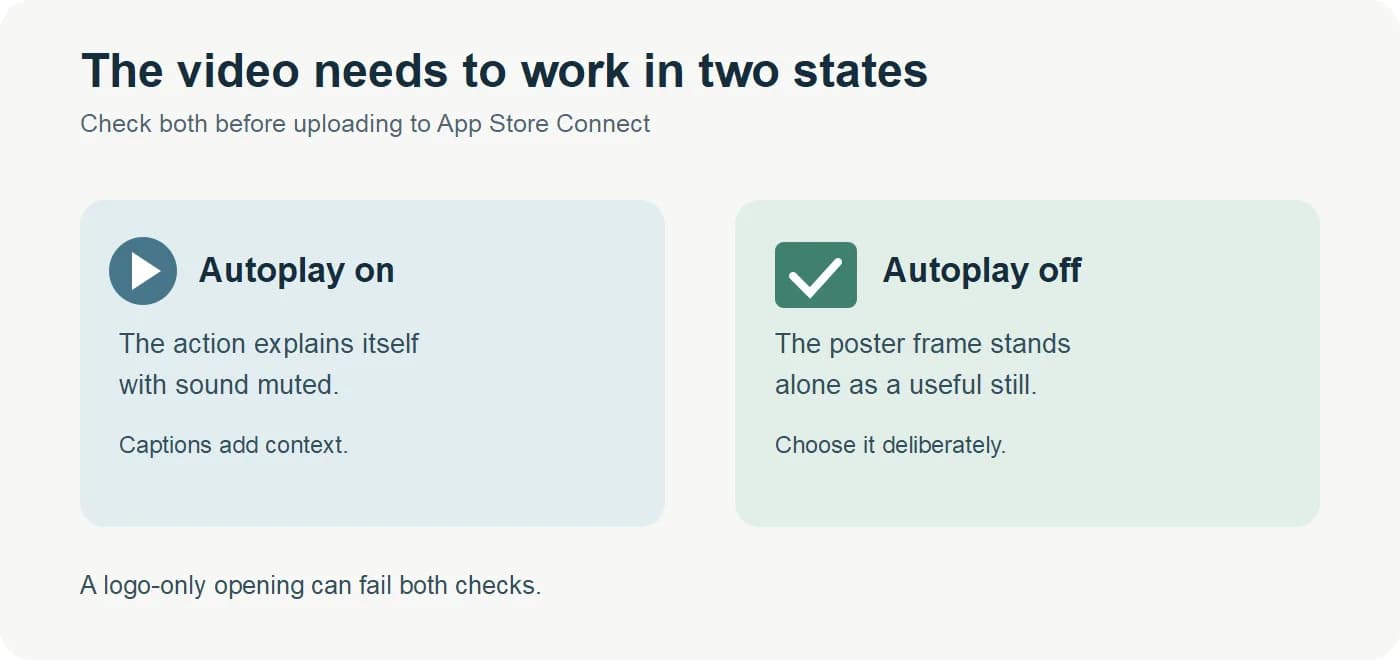
Scrub through the export and pick a frame that tells the story on its own. Avoid a transition, an empty loading screen, a tiny modal, or a frame whose caption is cut off. Preview it beside your static screenshot gallery. Apple's help notes that changing the poster frame of an approved preview requires submitting a new app version, so choose carefully before approval.
Submit and test against strong screenshots
Upload the preview in App Store Connect for each intended locale and device group, inspect the result in Media Manager, and check for cropping, silent comprehension, and poster quality. Review the full page, not only the video player. The first video may occupy the place where a strong screenshot would otherwise appear, so both options need a fair comparison.
For eligible iOS and iPadOS apps, Apple's Product Page Optimization supports up to three alternate treatments. You can compare app previews and screenshots, and use App Analytics to review the result. Keep a control with a strong static gallery. In the treatment, change the video while keeping the rest as stable as possible. Do not declare victory from a tiny sample or invent a universal lift percentage. If the product page optimization test remains inconclusive, improve the creative or gather more data.
Our App Store screenshot guide helps with the static control. If the app is a game, use our game screenshot guide to show real gameplay and match the playable orientation.
Where ScreenFast fits
ScreenFast generates static App Store screenshot designs from an app link or supplied source images. It can help you prepare the screenshot-only control and the rest of the gallery. The flow shows a free audit and locked design directions before checkout; generation begins after payment. ScreenFast does not record, edit, export, upload, or set the poster frame of an app preview video. Use a recording and editing tool for the video, then consider the screenshot generator for stills. Never treat a generated static design as evidence that an unavailable app feature exists.
Methodology
We reviewed Apple's app preview, technical specification, poster-frame, review, and Product Page Optimization documentation again on 2026-09-24. We compared the older draft with those sources and removed unsupported conversion and watch-time figures, as well as arbitrary testing thresholds. The storyboard, export diagram, and new capture-sheet illustration are editorial aids. We did not produce or test a customer app preview for this article, so no measured conversion effect is claimed.
FAQ
How long can an iOS app preview video be?
Apple's current specification says 15 to 30 seconds. Check the official specification again before export in case requirements change.
Can I use animation instead of real app footage?
The preview should primarily show the actual app in use. Apple's review rules describe limited exceptions, including some game footage. Use the current guideline for your app, and do not imply features the app lacks.
Will a preview video autoplay with sound?
It can autoplay muted. Plan the story so viewers understand it without narration, and choose a poster frame for placements where it does not play.
What file format should I export?
Use a codec, resolution, frame rate, size and orientation accepted for the target device group in Apple's current app preview specification. H.264 and ProRes 422 HQ are listed options; do not assume a social-video preset will pass.
Can I upload a separate image as the poster frame?
No. Select a frame from the uploaded video in App Store Connect. A separate ScreenFast design is a screenshot asset, not a video poster frame.
Do I need three videos for each locale?
No. Apple allows up to three, but a single clear preview can be enough. Only add another when it teaches something distinct.
How can I tell if the video helps sales?
Compare a strong screenshot-only control with a video treatment using Product Page Optimization when your app is eligible. Read conversion and confidence in App Analytics, and treat inconclusive tests as inconclusive.