AppMockUp vs AppLaunchpad: Which Fits Your Launch?
TL;DR
Start with AppMockUp Studio if you want a free, manual editor without an account. Try AppLaunchpad if you want a template library and expect to revisit the set across devices or languages. In an AppMockUp vs AppLaunchpad trial, download the files before deciding. An editable preview is not an export.
The difference shows up after the first poster
Imagine your recipe app needs three iPhone screenshots. You already have a picture of the weekly plan, the shopping list, and one recipe. Your headline copy is done. A manual editor such as AppMockUp Studio gives you a place to put the shots in frames and build a consistent set. You are not waiting for a system to decide which benefit belongs on each card.
Now add Android, a German listing, and a colleague who will refresh the art next month. The problem becomes less about finding a nice phone frame and more about handling variants. AppLaunchpad publishes a store-focused template workflow. Find out what its current plan lets you edit, save, localize, and download. A larger library is useful when it removes work you actually repeat.
| Decision | AppMockUp Studio | AppLaunchpad |
|---|---|---|
| Start with one iPhone set | Straightforward manual build | Start with a store template |
| Sign-in friction | Vendor describes the editor as account-free | Account and plan matter for premium access |
| When copy changes | Check your saved or exported working project | Check how a saved layout propagates edits |
| When a second locale ships | Budget for layout and app capture checks | Verify which locale features your plan includes |
| Final acceptance | Open a real downloaded file | Open a real downloaded file |
Run the same screenshot export test in both tools
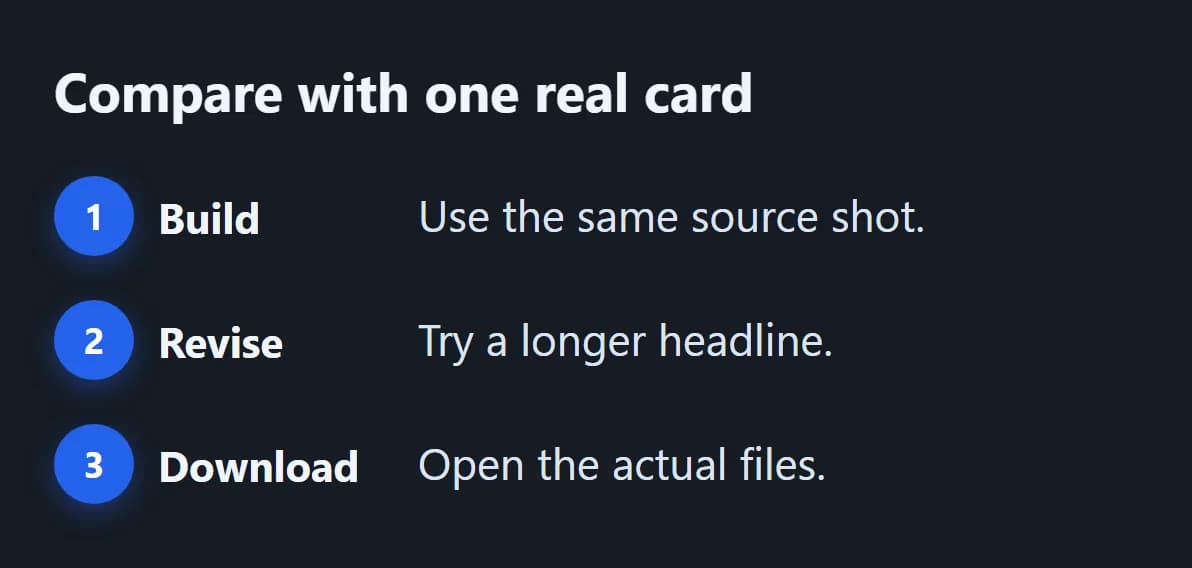
Use the same source image for the first attempt. Pick a view that contains small but meaningful text, such as the amount on a budget card. Keep the background and caption modest so you can see how the editor handles the screen. Change the caption to a longer phrase, add a second card, then export. Review the download at full size and at storefront thumbnail size.
The file check should separate three things. First, does the image meet the Apple screenshot specifications? Second, does it make the feature clear? Third, can the next person recreate the file after changing one word? A tool can pass the first two and fail the third if the editable project is stranded in a browser or tied to the wrong account.
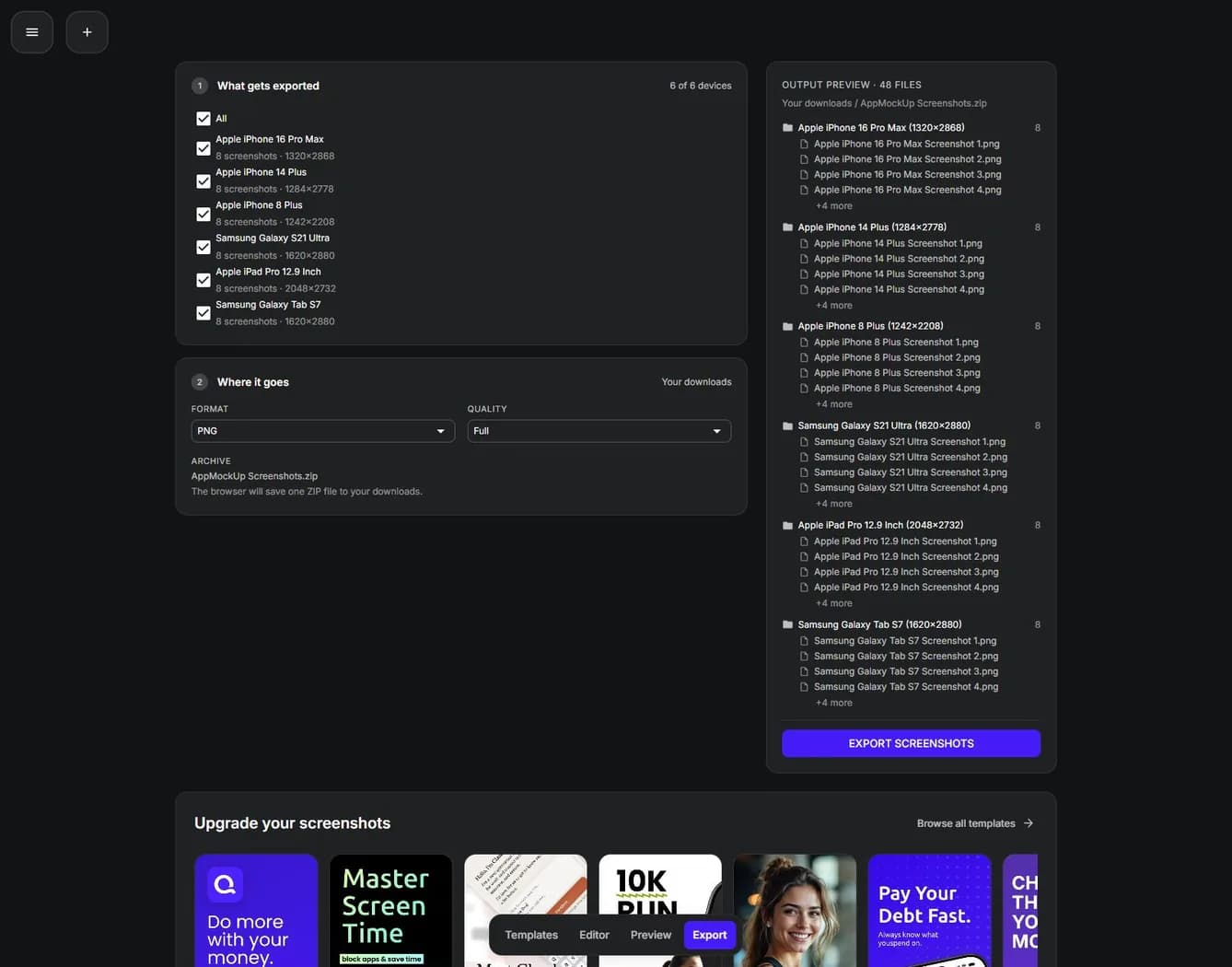
Record what each download contains. Use a simple row such as en-US | iPhone | 02 | shopping-list | size checked. If one editor puts several device sizes in a zip, verify the actual contents. Do not compare one output image with an entire archive and call both one export.
Account-free work still needs a backup
Before clearing browser data or handing the task over, check what can leave the editor. A PNG is a finished image, not a layered project. Keep the original screen captures, caption file, background references, and downloaded output in a project folder. If the tool offers a project file or share link, try opening it from a separate session before relying on it.
A founder working alone can tolerate more friction in a handoff that may never happen. A team with a release calendar cannot. Give the reviewer ownership of the final export folder, even if the editor remains under someone else's account.
Score a first launch and a repeat update separately
For a first launch, give each tool ninety minutes or the same smaller block of time. Build one real card, revise it, and get it into your delivery folder. The time cap is a way to avoid polishing the trial, not a promised build time. Record three numbers for yourself: minutes until the first usable preview, minutes until the file was accepted by your checklist, and minutes spent making the correction. Only the second number belongs in your launch estimate. The first is pleasant but does not get a listing ready.
For the repeat update, reopen the project the next day. Imagine the shopping list now supports sharing. Change slot two so the reader can see the share action while keeping slot one fixed. Keep the old export and compare the two files side by side. Notice which part of the change caused work. You might be faster in the manual editor because only one card changed. Or the template workspace might save enough time across both operating systems to justify paying.
Use a simple decision sheet:
| Check | Score it when | Why it matters |
|---|---|---|
| First useful file | You have a file you can actually submit | Keeps library size from dominating |
| Second revision | You can correct one card without touching others | Models real release maintenance |
| Reopen test | A clean session can recover the correct file or project | Makes a solo launch less fragile |
| Device variant | Your new screenshot has the real platform UI | Avoids publishing a generic frame as proof |
| Rights and payment | You know which asset and plan let you publish | Prevents a last-minute switch |
Mark each row pass, fail, or not needed. A failure on a required release target outranks a small speed win. A pass on an optional feature should not make you choose a more complex tool. Keep the sheet next to your final assets. It will also help if you revisit your choice later.
What to do with the template library
A template is a set of decisions someone else has already made. Keep the decisions that help you. A three-slot frame sequence can set a useful rhythm. A giant phone render can be the wrong choice if the best proof is a small amount or a selection on the app screen. Start two cards side by side. Check that a reviewer can see what changed from one to the next. If all the templates produce the same impression, narrow the content before changing the style.
One convenient plan is to make the first card about the end of a task, the second about the step that makes the result possible, and the third about a common follow-up. For the recipe example, that could be a complete shopping list, selecting meals, and sharing the list. Put test items in the screenshots so that the story carries across all three. That shared content makes a better trial than a different sample phone artwork on every card.
Preserve the ability to move later
Save a short manifest for each master: product version, locale, device, headline, image source, and design reference. Add the output path and whoever approved it. This takes little time on a three-card set. It pays off if the editor changes plans or the teammate with edit access leaves. Check whether the asset rights permit reuse before migrating a premium template's artwork. Even when you cannot move the exact template, the approved message and your own source captures are portable.
If you later go from one iPhone set to both stores, do not rewrite the gallery just to make the migration feel complete. Identify the cards that remain true and become reusable ideas. Rebuild only the ones with platform-specific features and UI. Check the App Store upload process first. A filename carried over from another editor is not proof that it belongs in that upload group.
Check the billing unit as well as the price
AppMockUp calls its editor free on its public site. Check AppLaunchpad pricing in your currency, then read its plan upgrade documentation. Look for the amount due today, renewal interval, the export limits that matter to you, and whether the specific template uses paid assets.
If translation is the main reason for upgrading, use our screenshot localization tool checklist to test one real locale. Test the contingency that matters most. If an approved screenshot needs a typo fix after the launch, can you reopen it and export again on the free plan? If you need a separate design for a tablet, can you use another source image for that canvas rather than stretch the phone screen? Do not pay for a big template count if your release depends on a single capability you have not checked.
Pricing checked: November 21, 2026. No local price is assumed for AppLaunchpad; confirm the amount and currency on the vendor's checkout screen.
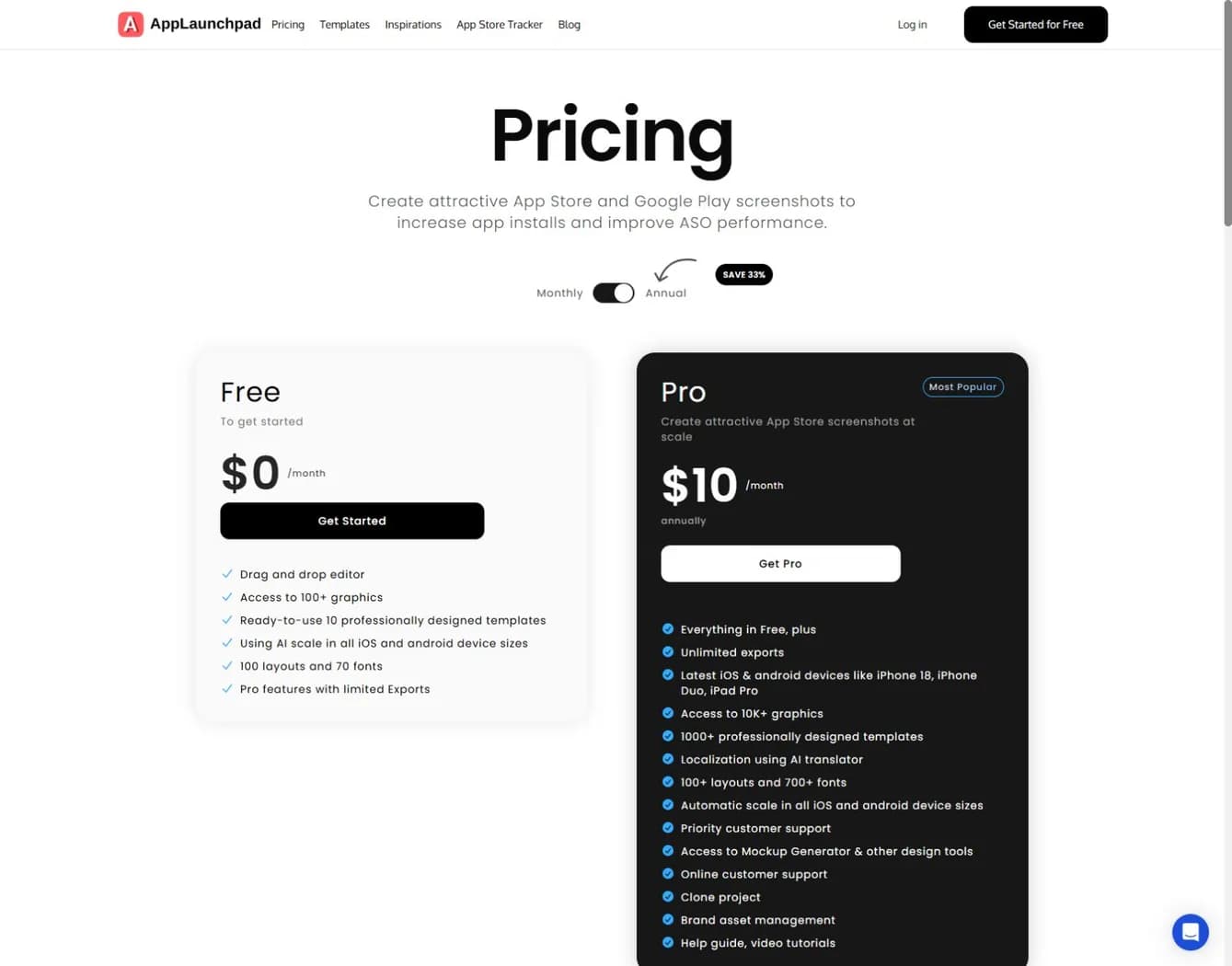
Pricing interface captured in October 2026. Refer to the live vendor page for current offers.
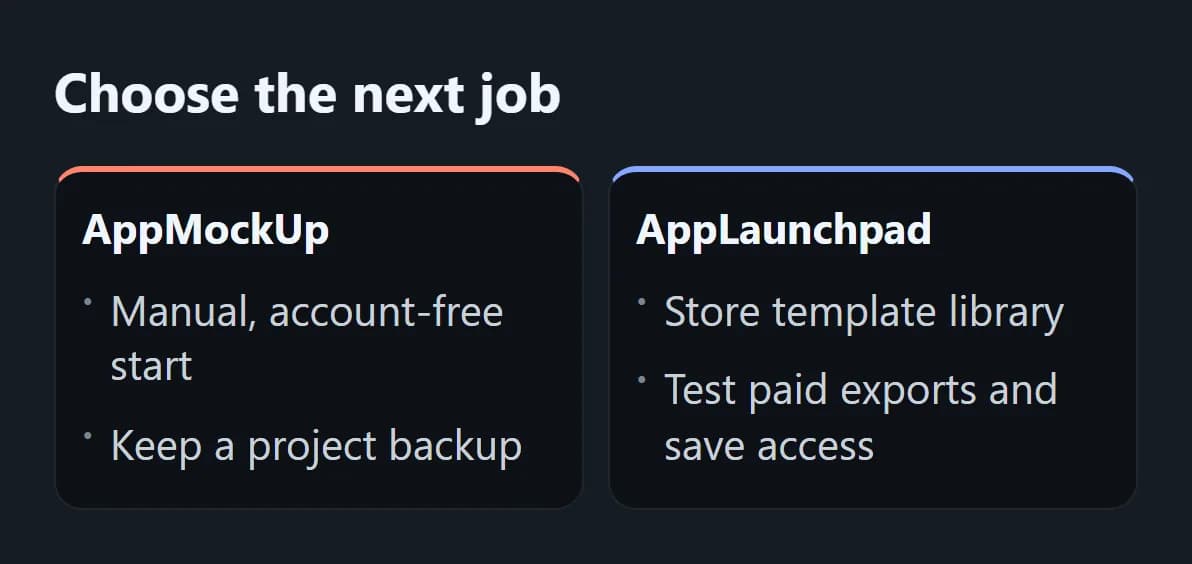
If the message is the hard part, try a different workflow
Both tools fit a job where you have an idea of what the cards should say. If the launch is stalled because nobody agrees which feature to show first, opening another template library may not help. Read the screenshot copy examples, choose one claim that the current app can prove, and collect screenshots for it.
ScreenFast is our own product. It takes a live listing or uploaded source screens and shows a free audit before paid design generation. It is useful when you want to explore several directions before committing to a layout. It is not a substitute for the manual control you get in an editor. See the ScreenFast walkthrough for the steps between an audit and an export.
How we tested
We compared the public vendor pages and available interface views with Apple's file rules. The test above is a repeatable evaluation recipe, not a benchmark of speed or a paid test of AppLaunchpad. Use our full AppLaunchpad review if you need a closer look at that tool alone.
Frequently asked questions
Is AppMockUp Studio free?
Its public site describes the editor as free and account-free. Verify a download in your target size before you produce the rest of the set.
Does AppLaunchpad charge before I can design?
Check the current free and paid limits. In a trial, separate opening an editor or template from downloading the final files you need.
Which tool is easier for a single launch?
Start with AppMockUp if you know the headline and layout. AppLaunchpad is worth trying if one of its templates gets you closer to the exact set.
Can I replace the same screenshot in both stores?
You can reuse an idea and sometimes a source capture, but treat Apple and Google Play artwork as separate outputs. Verify the live app and size for each.
Does a template guarantee App Review approval?
No. Apple also evaluates what the screenshots show. Use current, truthful app states and check the review guidance for screenshots.
Bottom line
Try AppMockUp for a lean manual release. Try AppLaunchpad when you need a managed set of repeatable templates. If you want creative directions before doing layout work, start a free ScreenFast audit.
Last updated: November 21, 2026.