Appure Review: Can It Simplify Screenshot Localization?

TL;DR
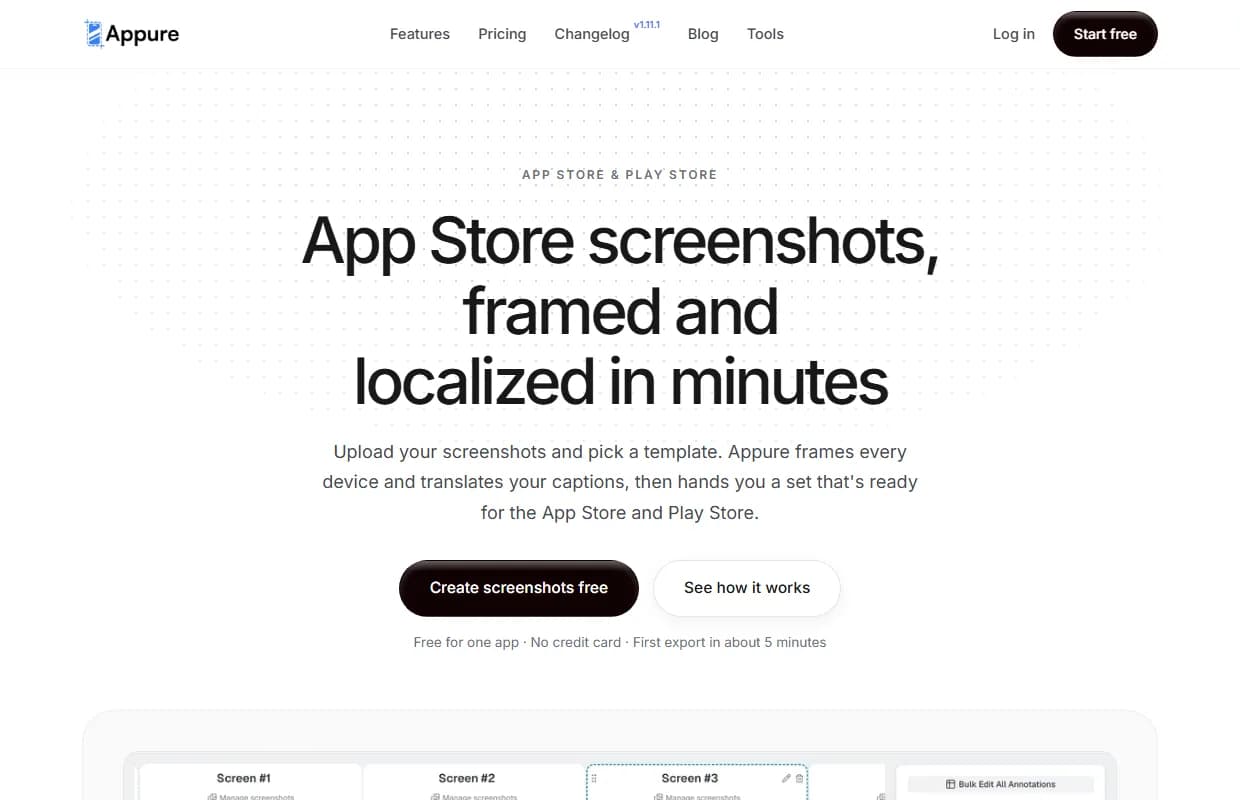
This Appure review is for teams that already know what their store screenshots should say and need to ship them in several languages. Appure combines caption translation, device sizes, and batch export. Before paying, find out whether a longer caption and a different app capture survive the same edit.
Use a localization problem, not a blank demo
Start with a screenshot set that is already approved in one language. Give it a German caption that needs more space, a Japanese caption that needs a different line break, and at least one source screen captured in the target language. The useful question is whether Appure preserves the shared design while letting those exceptions remain different.
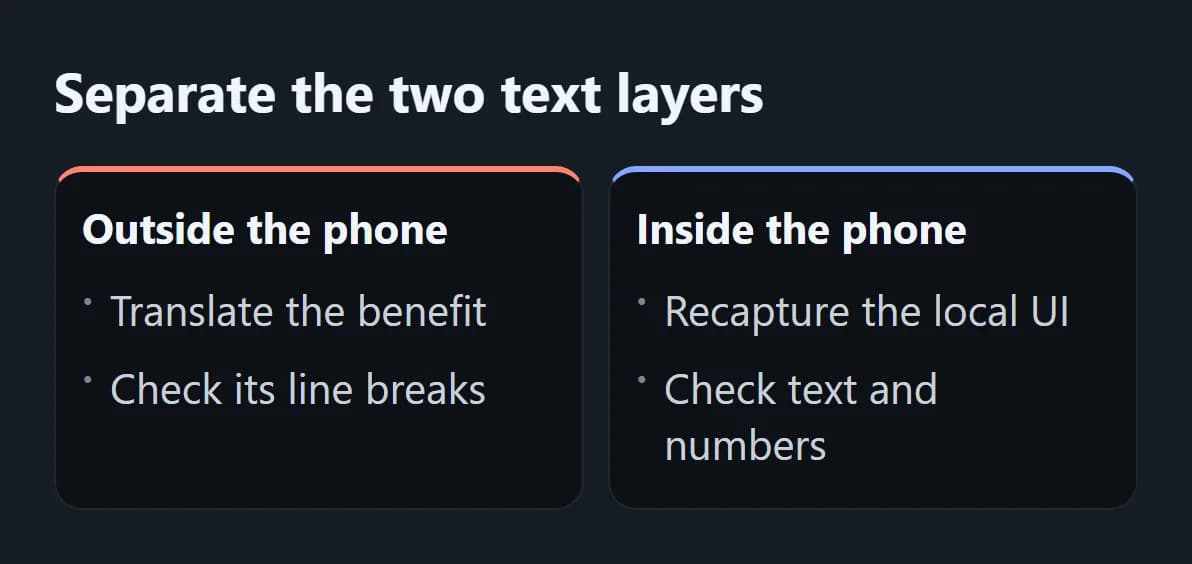
Appure offers an editor for App Store and Google Play screenshots, including caption translation and device sizing. Its public offer says you can start for one app. These claims describe its packaging, not a test of every locale. A store screenshot combines a headline laid over the image and text drawn inside the app itself. Translation of one is not proof of translation of the other.
Which jobs are actually in the editor?
| Job | Look for this in the trial | Keep outside the tool |
|---|---|---|
| Localize captions | Separate text per locale, preserved after master edits | Approved glossary and reviewer decisions |
| Localize app UI | Ability to replace the source per language | Real local captures from your own build |
| Produce sizes | Presets and a predictable mapping to each target | Apple's current device requirements |
| Ship the set | A batch with clearly labeled files | A copy of the approved files and manifest |
Take one headline where an exact translation is a poor fit. For a cycling app, "See climbs ahead" means a forecast of elevation, not advice about routes. Give the reviewer that context. If the translated sentence sounds fluent but sells a navigation feature the app lacks, shorten or rewrite it. The same test is useful on any screenshot localization tool.
Preserve the exceptions before batch export
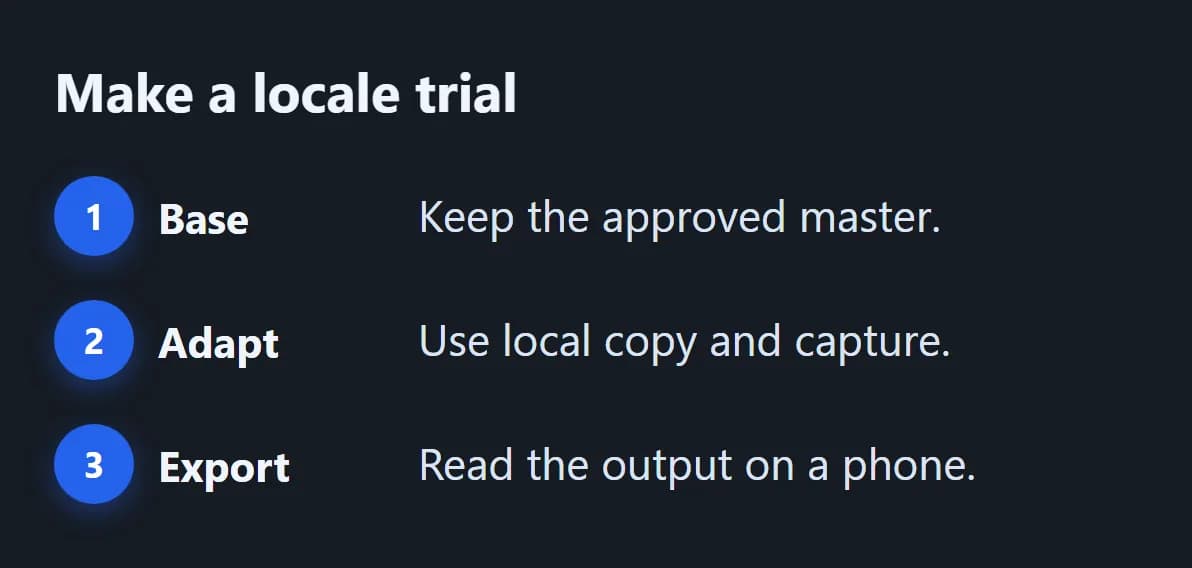
Build the first card in the base locale. Translate or enter the other captions. Add the correct app capture for each. Now make an innocuous edit to the master, such as moving a caption up. Reopen the localized versions. A good workflow should be predictable about which changes are shared and which are local. If it replaces an approved headline or swaps a screenshot back to the base language, record that behavior and decide who will own the repair.
Then export the small test set. Sort the files into locale folders. Open the first and last file of each set, then inspect the problematic line break at the target preview size. Read exported text, not just the text field in the editor. A font fallback can look fine in the input and fail in the actual image.
Walk through a specific release case
Suppose a route planning app has five approved English cards. The first shows the elevation profile, the second saves a route, and a later card explains that route data can be downloaded for offline use. If the offline feature is paid, the Spanish caption cannot turn it into something everyone receives. A fluent sentence can still be an inaccurate sale.
Make one short protected list for this project. Put the app name and subscription names on it. Add one explanation for words with multiple meanings, such as "route," "track," or "offline." Write down which detail belongs in a caption and which should be visible in the app. For example, the caption might say "Check elevation before you ride," while the local app image shows the unit used in that market. An editable label in the poster should not correct the unit displayed inside the app.
Ask the native reviewer to mark two types of corrections. A meaning error means the feature is misrepresented and the card cannot ship. A layout exception means the copy is correct but needs a different line break, crop, or type size. Keep that split in the review notes. It helps you choose the right owner and stops layout fixes from turning the copy back into an incorrect claim.
Once those cards are approved, change the base design border or base headline. Then check that a local copy change did not quietly become stale or inherit the wrong default. Ask whoever will make the next release to perform the change. A process that works only when the first editor is in the room is not easy to maintain.
Check what the editor exports when a language is incomplete
Leave one locale out of the first pilot on purpose. Your expected result is explicit: either the tool leaves that file out, uses a marked fallback, or stops you and asks for missing content. Any of those can work if the result is clear. The risky behavior is a named file in the new locale whose image is still in the original language. Verify whether that happens before you treat the archive as a release package.
Give each locale its own short manifest. Include the slot, the caption and its approver, the device group, and the exact exported filename. For an engineering project, a plain CSV or a Markdown table is sufficient. Keep the manifest with the files. An app's install screen and its store gallery can fall out of sync if the old archive is uploaded after a locale review.
A large output also needs a practical spot-check. Read the first card of every set, the longest caption, any card with a currency or a unit, and the screen you replaced in just one locale. Then open all other files to verify slot order and dimensions. Testing one representative problem is a tool selection task. Accepting a production set is a different task.
When the team should keep its current files
An editor can reduce the amount of work needed for the next list of languages. That does not make it the right place to store your only originals. If you already keep captions in a repository and app screenshots in a capture folder, leave those as the source of record. Import what you need to build the gallery. Export back to a release folder that can be inspected without logging in to the tool.
Before you move a mature set, prove that a reviewer can rebuild one language from those files. If a team member needs vendor access to extract the only approved translation, record the risk. Missing access can block a typo fix long after the original launch. The tool may be fine for creating output, and still not be a useful place to own the only copy of the inputs.
A simple way to decide after the pilot
One reliable signal is a correction made by someone other than the person who first built the card.
Keep Appure in the trial if it removes at least one repeated manual step without introducing a new risk to local copy or export. Stop if the most important locale requires a layout you cannot hold apart from the master. Give yourself a fair comparison by doing the exact same two cards in the current editor. Do not compare the new tool's best sample with your old process on its hardest project.
Compare the plan with the actual asset count
Count apps separately from locales, and count source designs separately from downloaded files. For example, six cards in four languages at two required sizes can mean 48 output files. That is a planning example, not an Appure limit. Do not buy a larger plan just because a matrix looks big. Ask which unit the vendor actually bills or caps and whether a re-export consumes it.
Check the edition you can buy in the app. Appure's product page advertises starting free for one app; do not infer that all languages, output sizes, or projects are included indefinitely. Also check the current release notes if an older review mentions different handling of translation or exports.
Pricing checked: November 21, 2026. Public entry offer verified; confirm the limits and price of the paid tier in the editor before buying.
When a localization editor is the wrong purchase
If the team cannot agree on what benefit to show in English, localizing the same weak headline six times increases the cost of changing it later. First pick a lead message and find a real app state that proves it. If the app already has a design system and translations are owned in code, a manual template or a capture pipeline may preserve better source control. If you need a translator to resolve legal claims or financial terms, buy that review separately.
ScreenFast is our product. It is a different starting point: explore a direction from a live listing or prelaunch captures, then plan localized variants. For a closer look at that sequence, see the ScreenFast product walkthrough. For a complete release checklist, use the guide to localizing App Store screenshots.
For tool selection, use the two-locale pilot for screenshot editors before moving a full asset library.
How we tested
We checked Appure's public feature descriptions and changelog and compared the workflow with Apple's localization instructions and screenshot specifications. The locale drill is a suggested evaluation, not a paid test or a claim about translation accuracy.
Frequently asked questions
Is Appure the same as an app translation service?
No. The product is for preparing listing graphics. Keep translated strings, app layout, and text rendered inside your app under your own release process.
Can I reuse one design for Google Play and the App Store?
Reuse the messaging plan and source art if they remain true for both apps. Check the platform, crop, and accepted files separately.
How should I test translated captions?
Try one short string, one that wraps, and one which includes a product name or a number. Have a native reader check the exported image.
Does batch export mean every localization is ready?
No. It produces files. Verify the list of locales, the order within each set, and the device targets.
Who should try Appure first?
A small team that already has approved creative and spends time adapting that creative for multiple locales is a good fit for a trial.
Bottom line
Run a small locale trial before migrating a library. If you need to choose the original creative direction first, see how ScreenFast handles screenshot localization after the main design is selected.
Last updated: November 21, 2026.